Fix DeepSeek Harness DSH plugin errors: load, ESM, Web UI
Plugin errors, Web UI issues, and session/cache problems in DeepSeek Harness almost always live in three areas: the plugin package itself (ESM, inject, package renames), the web interface and runtime environment (workspace, crypto context, remote access), and session data that is corrupted or mismatched (log gaps, cache invalidation). Match your error text below, fix it, and if it is not resolved, upgrade to rc.7/rc.8 first — recent official releases fixed many of these defects, and plenty of "UI glitches" are actually old-version bugs.
Plugin errors: not loading, ERR_REQUIRE_ESM, missing inject, and package renames
Plugin errors concentrate on package format and dependencies: missing manifests, ESM compatibility, inject declarations, package renames, and duplicate instances. These come from the community-run collection (source).
ERR_REQUIRE_ESM: CommonJS required an ESM-only package
ERR_REQUIRE_ESM means CommonJS code used require() on a package that only ships ESM exports. Usually a packaging mistake by the plugin author:
- Confirm Node is LTS (20+): run
node --version—v20.xor newer is recommended for full ESM support; - Restart dsh web so the plugin reloads: press
Ctrl+C, then rundsh web; - If it still fails, it is the package itself — report it to the author so they ship compatible exports (CJS and ESM), or switch to an alternative. Check the changelog on the DSH Plugin Hub plugin page.
cannot get property "systemPrompt" without inject
This error means plugin code read a service such as systemPrompt before its dependency (inject) was declared — the injection had not happened yet. A plugin bug:
- Confirm the plugin is on its latest version (old versions commonly hit this) — check Settings → Plugin Market for an update, install it if one exists, and restart dsh web;
- If it still errors after updating, report it to the author so they add the inject declaration;
- Temporary workaround: disable the plugin per how to disable a plugin without uninstalling, then restart dsh web — if the error goes away and everything else works, the plugin is confirmed as the cause.
@deepseek-ai/dsh-type-meta not found: the package was renamed
The official package @deepseek-ai/dsh-type-meta was renamed to @deepseek-ai/dsh-typert-protocol (official rename ledger, 2026-08-11 — the package owns the Typert Remote protocol, decorators, bindings, and codecs, now under packages/typert/protocol (source)). The real cause of the "not found" error is the rename, not an unpublished dependency:
- Update the plugin / profile dependency that uses it — replace
@deepseek-ai/dsh-type-metawith@deepseek-ai/dsh-typert-protocolin the profile's package.json, then reinstall:Expected: dependency resolution no longer reportsbashpnpm installCannot find module '@deepseek-ai/dsh-type-meta'; - Or update dsh and the affected plugins to a version that includes the rename (after rc.7):
npm update -g @deepseek-ai/dsh; - If you installed an older bundle, reinstall so dependencies resolve to the new name;
- Restart dsh web — the original error disappearing means it is fixed.
reading 'prepare' of undefined: duplicate instances of a tool package
reading 'prepare' of undefined usually comes from a tool package such as dsh-tools being installed twice, with peer dependencies not deduplicated. Reported by users running dsh in practice:
- Confirm
@deepseek-ai/dsh-toolsappears only once in the profile's package.json:An output ofbashgrep -c '"@deepseek-ai/dsh-tools"' <profile-dir>/package.json1is normal; more than 1 means it was installed twice; - If it appears twice, uninstall and reinstall the related plugin in Settings → Plugin Market so pnpm hoists the peer dependency to a single instance;
- Restart dsh web (
Ctrl+C, thendsh web) — no morereading 'prepare' of undefinedmeans it is fixed.
duplicate loader entry id: a bundle is hoisted twice
duplicate loader entry id means the same plugin layer is declared twice (the bundle was hoisted into two copies). Reported by users running dsh in practice:
- Open the profile's package.json (or the dsh config file), find
dsh.profile.bundles, and remove the duplicated entry so it is listed once; - Save, then run
pnpm installto sync dependencies with the declaration; - Restart dsh web (
Ctrl+C, thendsh web) — no more duplicate loader entry id means it is fixed.
Installed but not activated / Failed to load plugins / allowBuilds prompt
These overlap with dedicated articles — follow the links:
- Installed but not activated (missing
dsh.bundle) → the safe-install guide - Failed to load plugins fatal screen → DSH plugin not loading
- allowBuilds build-authorization prompt → local directory & source install
Web UI and runtime issues: greyed send button, crypto.randomUUID, remote access
Web UI errors fall into two buckets: interface state problems (no workspace, broken composer rendering) and runtime-environment problems (non-secure context, remote-access limits). These come from the community-run collection (source).
The send button stays greyed out
A greyed send button usually means no workspace is selected — without a workspace the agent has no directory to operate on, so sending is disabled. Fix:
- Pick or create a workspace directory at the top of the Web UI;
- The send button should become clickable and the input box should accept text afterwards;
- If it is still greyed out, refresh the page (F5);
- If that does not help, confirm the background dsh web process is fresh — a stale process holding the port can leave the UI talking to an old instance. Check with
lsof -i :3080(macOS/Linux), stop the old process, and restart; see the 127.0.0.1:3080 connection refused article.
Skills work in the CLI but not in the Web UI
Users have reported: skills work in the command line but cannot be found or invoked in the Web UI. The official dsh-base layer includes skill plugins such as skill-filesystem and tool-skill (source), but different agent presets expose different skill sets (official tests cover standard and minimal skill assemblies), so the skills available in the Web UI and the CLI may differ:
- Check in the Web UI's skill manager (Settings → Skills) whether the target skill is enabled; turn it on if not;
- Review the agent preset used by the current profile: run
dsh --dump-configto see the preset field, switch to a preset that exposes more skills, and restart dsh web; - If it still fails, use the CLI (
dshcommand line) as the fallback and report the Web UI / CLI skill mismatch to the plugin repository.
crypto.randomUUID is not a function
Browsers disable Web Crypto capabilities under plain http (a non-secure context), so crypto.randomUUID does not exist. Users who ran into this confirmed it is tied to the access protocol:
- Access the Web UI over
http://localhost:3080(localhost counts as a secure context) instead of plain-http addresses such ashttp://192.168.x.x; - After switching, refresh the page, open DevTools with F12, and run
crypto.randomUUID()in the Console — a UUID string means it is fixed; - For remote access, expose the page through a TLS reverse proxy (for example Caddy or Nginx with HTTPS) so the browser is in a secure context;
- Locally, localhost alone avoids the issue.
The Composer input box disappears
A missing Composer (input area) usually follows corrupted markdown image references in history — the render pipeline throws and the input component never mounts. Reported by users running dsh in practice:
- Refresh the page (F5) to reload first and see if the input box comes back;
- If it recurs, remove the message with the broken image reference in that session, or start a new session;
- If it happens often, check whether it is an old-version defect — update to rc.7+ and retry (
npm update -g @deepseek-ai/dsh).
/api/commands/list returns 404
A 404 from /api/commands/list after installing a new plugin usually means the plugin's registered routes have not taken effect. Fix:
- Restart dsh web: press
Ctrl+C, then rundsh web; - Confirm the plugin is actually activated (see "installed but not activated" above); resolve activation first if it is not;
- After the restart, visit
http://localhost:3080/api/commands/listin the browser — it should return 200 with JSON data instead of 404.
Skill menu prefix-matching limits
The skill menu matches skill names by prefix, so long prefixes or mixed Chinese/English input can miss. Reported by users running dsh in practice:
- Type just the core few characters of the skill name (the name itself, not the full name with a version);
- Avoid pasting full names with version numbers or long descriptions;
- When matching fails, select the skill in the skill dropdown before chatting, or call it from the CLI with the matching
dshcommand.
Remote access shows a blank "Settings → Plugins"
Through a remote browser, the plugin management panel is blank — plugin management is bound to the local filesystem and dsh web listens on 127.0.0.1 by default. Reported by users running dsh in practice:
- Go back to the machine running dsh and visit
127.0.0.1:3080there — Settings → Plugins should list plugins normally; - Remote access is fine for viewing and chatting; install / uninstall plugins on the local machine — a blank plugin panel remotely is by design, not a fault;
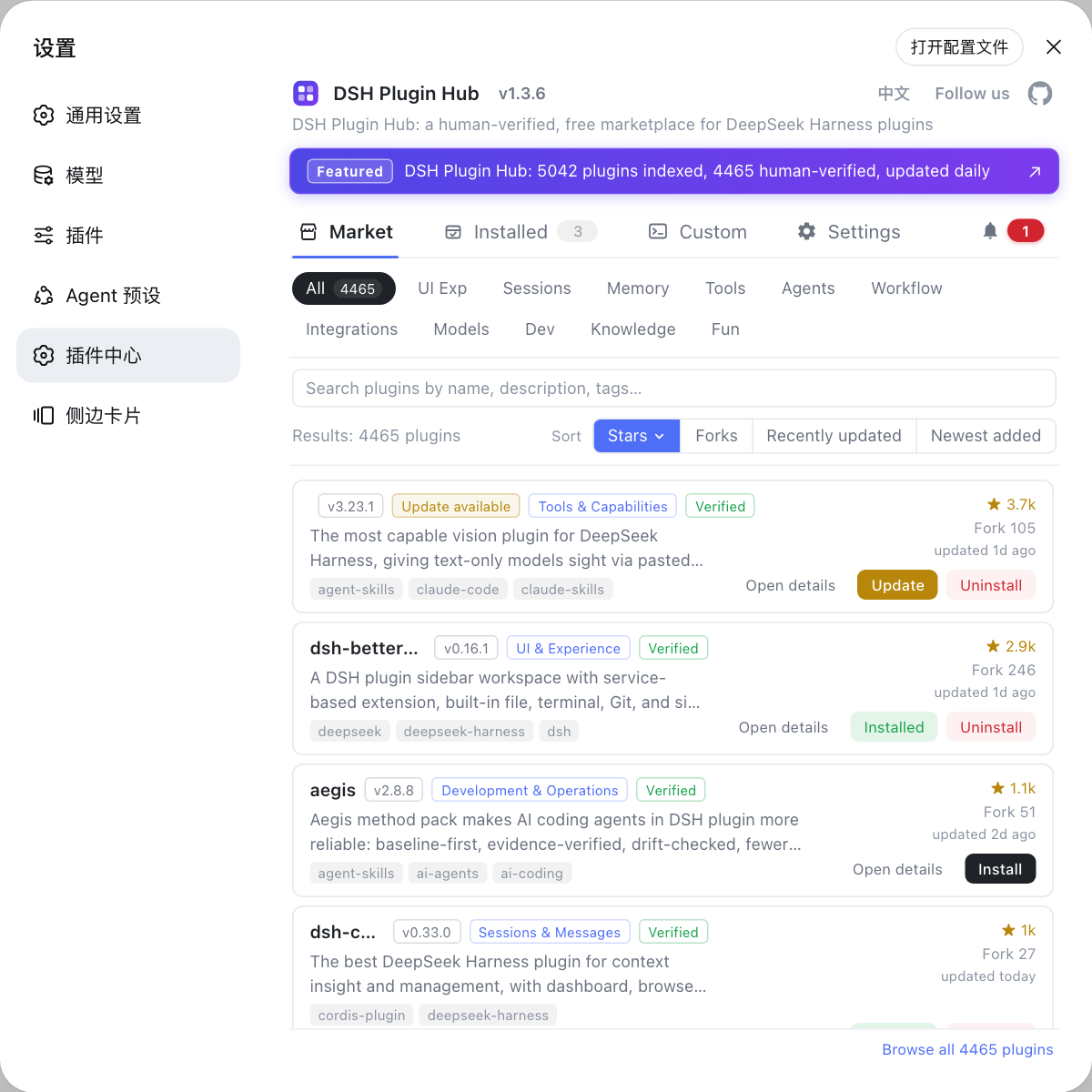
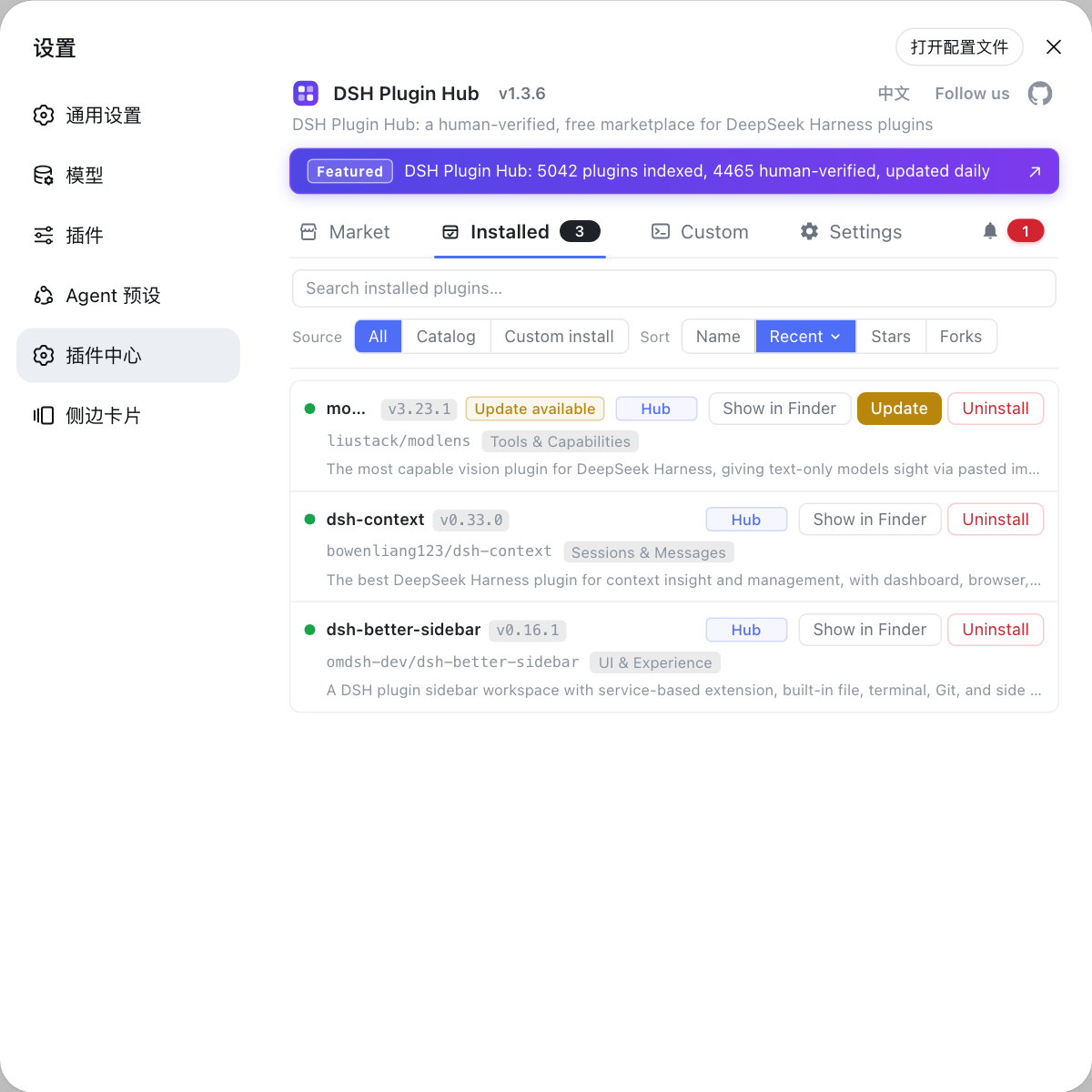
- The easiest local path is the plugin market in Settings — the community channel DSH Plugin Hub — for graphical plugin management.
Session and cache issues: log corruption, KV cache drop, Failed to fetch
Session-restore errors come from corrupted or mismatched data: log gaps, system-prompt order drift, and malformed deltas. These come from the community-run collection (source).
Session log corrupted on restore (sequence gaps)
A restore-time corruption notice shows sequence gaps — records missing in the middle. Reported by users running dsh in practice:
- Export the current session data first as a backup (use the Web UI export feature, or copy the session file elsewhere);
- Start a new session so the log stops shifting;
- Update to rc.7+ (
npm update -g @deepseek-ai/dsh) — that release fixed stack overflow on large history and other session issues; if new sessions no longer report corruption, it was an old-version write defect.
KV cache hit rate drops after restore
After a restore the KV cache hit rate drops noticeably — usually the system-prompt order drifted, so cache keys no longer match. Reported by users running dsh in practice:
- Let the session regenerate its system prompt once (for example switch the model away and back) to rebuild the cache — the hit rate should recover;
- Or just start a new session so the cache rebuilds from scratch and the hit rate returns to normal;
- If it happens often, check whether a plugin rewrites the system prompt mid-session — temporarily disable the suspicious plugin and test again.
History reports Failed to fetch (internal)
A Failed to fetch (internal) in the History panel usually comes from malformed streaming tool deltas breaking the frontend fetch. Fix:
- Refresh the page (F5) and retry first — one-off malformed data usually recovers on refresh;
- If it recurs, export the session data as a backup, then start a new session;
- If the version is old, update first:
npm update -g @deepseek-ai/dsh— rc.7 fixed persistent Bash lag, max-tokens truncation, and other defects that can produce malformed deltas; if new sessions stop recurring after the update, that was the cause.
Credential and model errors: quick reference
Credential and model errors (MISSING_CREDENTIAL, UNKNOWN_MODEL, 401 on fetching available models, maximum context length is 1048576 tokens) are not plugin problems — see the full guide fixing model errors and credentials. Fastest entry points:
| Error | Fastest action |
|---|---|
| MISSING_CREDENTIAL | Write DEEPSEEK_API_KEY into ~/.dsh/.credentials.yaml |
| UNKNOWN_MODEL | Check that the model name matches the provider declaration |
| 401 fetching available models | base URL, key, and model name must all match |
| maximum context length is 1048576 tokens | New session / shorter system prompt / lower max_tokens |
Old-version defect fixes (update solves them)
Many "plugin / Web UI errors" are old-version bugs — update first, then debug. Recent official fixes (source):
- v0.1.0-rc.7: fixed max-tokens truncation (long replies cut off), persistent Bash session lag, stack overflow on large-history pagination (page freezes with lots of history), and the Safari cursor misalignment (cursor jumping in the input box).
- v0.1.0-rc.8: fixed model requests failing on oversized images / accumulated image payload in history, request-format differences with custom OpenAI-compatible gateways, auto-opening the browser for dsh web, and slimmer dependency downloads.
- Update commands:
npm update -g @deepseek-ai/dsh(global),npx @deepseek-ai/dsh@latest web(one-off), orgit pullplus rebuild (source).
Notes
- Match your error text first; do not uninstall things blindly.
- For plugin errors, confirm the newest version and a single instance first.
- For Web UI errors, confirm you are on localhost, not plain http.
- For session errors, export data before touching the session to avoid secondary corruption.
- Check the version before debugging: most UI glitches on versions older than rc.7 are solved by updating.
Source: dshbase troubleshooting, v0.1.0-rc.7 / v0.1.0-rc.8 Release Notes, packages/typert/protocol, apps/cli/composition.md
FAQ
ERR_REQUIRE_ESM means CommonJS code required an ESM-only package. Move to a runtime with full ESM support (Node 20+), or ask the plugin author to ship a compatible build. Restart dsh web and confirm Node is LTS first — that resolves most cases.
The package never declared a dsh.bundle manifest, so it installs as a plain dependency without activating a config layer. The author needs to add the dsh.bundle declaration and republish. You can also review install sources and verification steps in the safe-install tutorial.
The most common cause is no workspace selected — pick or create a workspace directory at the top of the Web UI. If it persists, suspect an old-version bug: v0.1.0-rc.7 fixed a batch of issues including max-tokens truncation, so update the version first.
Browsers disable Web Crypto capabilities under plain http (a non-secure context). Access the UI over https or localhost, or expose it through a TLS reverse proxy. Users who ran into this confirmed it is tied to the access protocol.
It usually comes from a malformed streaming tool delta during restore. Refresh first; if it recurs, export the session data and start a new session. v0.1.0-rc.7 fixed persistent Bash lag and stack overflow on large history, so updating first is worth a try.
Sources
- dshbase troubleshooting (community-run error collection)· dshbase
- DeepSeek Harness Release Notes (v0.1.0-rc.7 / v0.1.0-rc.8 fixes)· deepseek-ai
- DeepSeek Harness packages/typert/protocol (@deepseek-ai/dsh-typert-protocol after rename)· deepseek-ai
- DeepSeek Harness apps/cli/composition.md (dsh-base skill plugins)· deepseek-ai