How to Disable a DSH Plugin Without Uninstalling It
dsh has no dedicated "disable plugin" command: the dsh plugin subcommand only forwards pnpm verbs (add / remove / update / why). To temporarily stop a plugin, override its line in the profile's cordis.patch.yml (later layers win - the official docs explicitly allow users to override bundle lines); only use dsh plugin remove when you want it gone for good, because it deletes the dependency and the config layer together.
Disable vs uninstall: two different things
"Disabling" and "uninstalling" are two different operations in dsh - do not mix them up. Every DSH profile is made of two parts: package.json (external plugin dependencies) plus dsh.profile (an ordered bundle list that decides which config layers apply) (source).
| Operation | Dependency (package.json) | Config layer (dsh.profile.bundles) | When to use |
|---|---|---|---|
| Disable | Kept | Not applied | Not needed right now, keep the plugin |
Uninstall (dsh plugin remove) | Deleted | Deleted | Sure you don't need it, free space, resolve conflicts |
The official definition of dsh plugin remove is: it removes the dependency and the config layer at the same time (source). So "stopping" and "deleting" have completely different consequences - disabling keeps your escape route, uninstalling does not.
Two real ways to disable a plugin
DSH composes configuration in layers: bundle layer → the profile's cordis.patch.yml → the global $DSH_HOME/cordis.patch.yml → --patch overrides, and later layers win. Based on this mechanism, there are two ways to disable a plugin (source):
- Recommended: override the plugin's line with cordis.patch.yml. The official docs state that users can override a bundle's line in their own cordis.patch.yml without modifying the plugin package itself. Write an override for the target plugin's line (empty its config or make it a no-op), and the plugin's actual behavior stops while the dependency stays.
- Alternative: remove the entry from dsh.profile.bundles. Drop the bundle's name from the bundles list and the config layer no longer applies, but the dependency stays in package.json. Note the official caveat that "dsh.profile is maintained by dsh plugin, not hand-written" - edit it sparingly and verify with
--dump-configafterwards.
Step-by-step (cordis.patch.yml override example):
- Open
cordis.patch.ymlunder the profile directory ($DSH_HOME/profiles/web/cordis.patch.yml). - Find the line of the plugin you want to disable and write the override (the exact shape depends on how the plugin defines its line; emptying its config usually works).
- Verify the merged result:
Confirm that this plugin's layer is no longer applied.bash
dsh --profile web --dump-config - Refresh the Web UI (or restart
dsh web) so the new configuration takes effect.
Restore, and when to uninstall instead
Restoring a disabled plugin is the reverse of what you did: undo the override or add the bundle back, then verify. Two practical suggestions:
- How to restore: delete the matching override line in cordis.patch.yml (option one), or add the bundle name back to dsh.profile.bundles (option two), then run
--dump-configto confirm the layer is active again and refresh the page. - When to uninstall directly: if you are sure you don't need it, want to free disk space, or suspect a conflict with another plugin, do not keep it around - uninstall:
bash
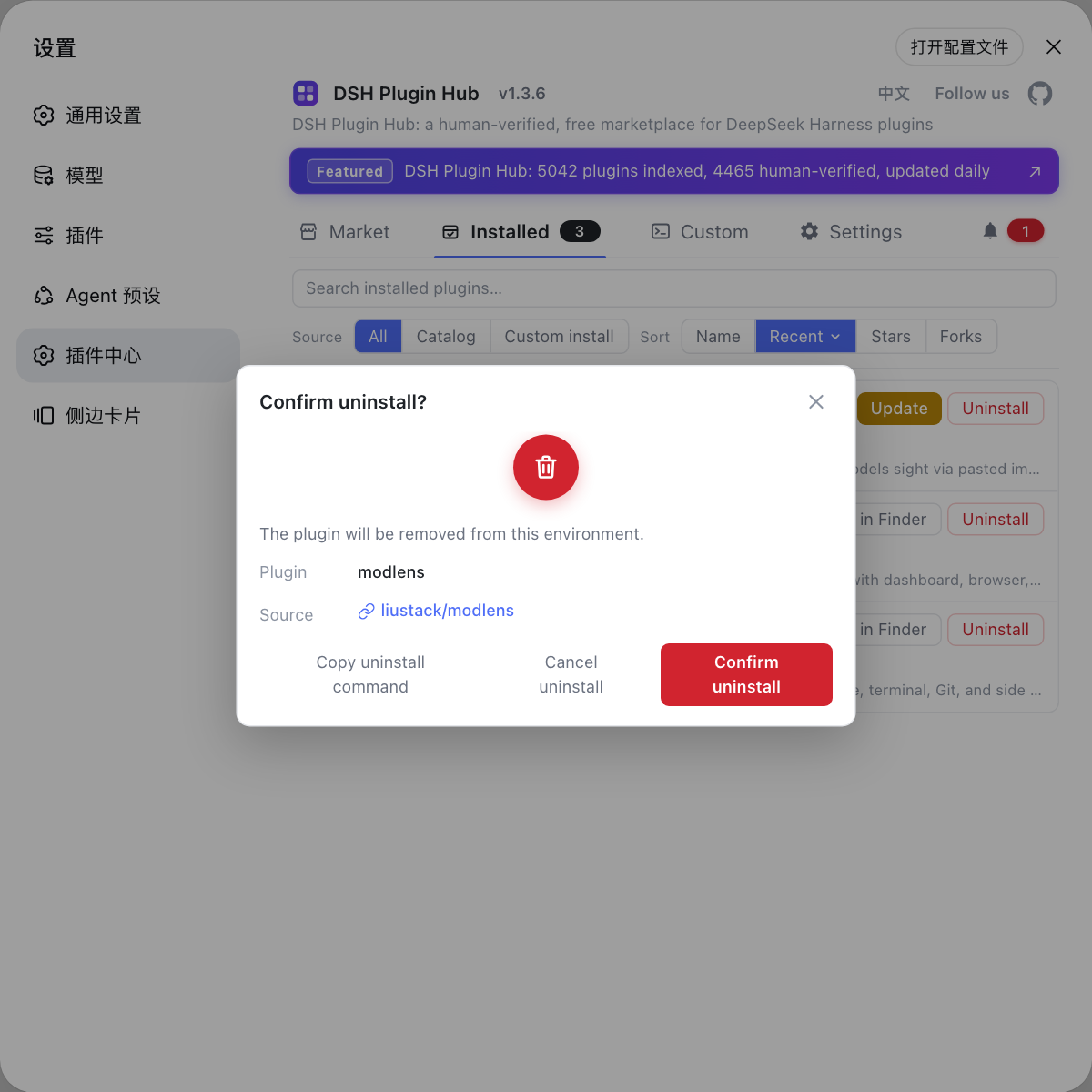
dsh plugin --profile web remove <package> - Prefer a graphical workflow: uninstall and leftover cleanup can go through the plugin market under Settings in the Web UI - the community plugin market DSH Plugin Hub is more visual than the command line.
Notes
- There is no disable command - disabling a plugin means stopping its config layer, not deleting its dependency (source).
dsh plugin removedeletes the dependency and the config layer together - think before you uninstall.- Overriding a plugin's line is the officially supported way to disable it, and is safer than hand-editing dsh.profile.bundles.
- After any change, verify the merged result with
dsh --profile <name> --dump-config. - A disabled plugin keeps its dependency, so disk space is not freed; uninstall to save space.
- When unsure, disable first and delete later - then uninstall through DSH Plugin Hub or the command line.
Sources: Packing and installing plugins (official docs), dsh CLI argument definition (source)
FAQ
No. There is no independent disable verb: the dsh plugin subcommand forwards its arguments to pnpm, whose verbs are add, remove, update, why and the like (confirmed in the CLI source). To stop a plugin temporarily, override its config or drop its bundle; to delete it for good, use dsh plugin remove.
Disabling means the plugin's config layer stops applying while its dependency stays in the profile, so you can restore it later; uninstalling deletes the dependency and the config layer together (dsh plugin remove does both). When in doubt, disable first, do not delete.
Recommended: override the plugin's line in the profile's cordis.patch.yml - the docs explicitly allow users to override a bundle's line without touching the plugin package, and later layers win. Alternative: remove that bundle's entry from dsh.profile.bundles (dependency stays, layer stops). Verify with dsh --profile web --dump-config.
Undo the override line in cordis.patch.yml, or add the bundle name back to dsh.profile.bundles, then refresh or restart the Web UI. Confirm the layer is active again with dsh --profile web --dump-config.
When you are sure you no longer need it, want to free disk space, or suspect it conflicts with another plugin, run dsh plugin --profile web remove <package>. For a graphical alternative, use the plugin market under Settings in DSH Plugin Hub.