Fix "settings are unavailable in this browser" in DeepSeek Harness
"settings are unavailable in this browser" is DeepSeek Harness's fallback message when the settings mirror fails to load — most often on the Settings → Models page, which needs both the provider directory and the settings mirror. Fix it by confirming the dsh web host is running, then refreshing the page; if that fails, restart the host and reconnect.
Where the DeepSeek Harness error happens: the Models-page load chain
This is not a standalone error but the fallback for "settings mirror has no initial response." In the DeepSeek Harness source, the Models page builds one snapshot from three pieces: the configurable-provider directory (llm.providers), the settings namespaces (the shared settings mirror), and the referenced credentials (source).
- Opening Settings → Models requests the provider directory and the settings mirror from the host.
- If the mirror returns an error, the page shows the mirror's own error first; when the mirror gives no initial response at all, the page falls back to
settings are unavailable in this browser(mirrored.error ?? 'settings are unavailable in this browser'in source, source). - The title often reads "failed to load provider directory" or appears while configuring models — it is the same thing: the Models page did not get its settings data.
So before suspecting your config, suspect the page↔host settings channel.
DeepSeek Harness settings unavailable: debugging flow
The settings mirror is served by the host process, so prioritize restoring the page↔host channel. Work through these 5 steps:
- Confirm dsh web is running: the host (dsh web process) holds the settings data. Check that the process is alive in the terminal — did you restart the host recently while the page stayed on its old state?
- Refresh the browser page: the simplest step. Mirror loading is one request; a refresh re-fetches it:
- Press F5 / the refresh button;
- If that is not enough, force-refresh:
Cmd+Shift+Ron macOS,Ctrl+Shift+Ron Windows, to bypass the cache.
- Restart the host, then reconnect: when the mirror channel is stuck, a refresh is useless and restarting the host works best:
Wait forbash
# 1. Press Ctrl+C in the terminal that started dsh web # 2. Start it again (use npx when not globally installed) npx @deepseek-ai/dsh webdsh web: http://127.0.0.1:3080, then refresh the page in the browser. - Remote/SSH browsers: rebuild the connection: a remote browser's settings scope is memory-mode — it only lives in the current process, never writes durably to the host, and does not recover after reconnection (source). Check the connection to the host (SSH forwarding, remote port), reconnect, then refresh.
- Find the real error: the fallback copy hides the underlying cause. Open the browser dev tools (F12) → Network panel, refresh, and look at what the settings request actually returned (500 / 404 / timeout). Report the concrete error to the official repo or debug by it.
Common misconceptions while debugging DeepSeek Harness settings
A settings error does not mean the config was wiped — everything on disk is still there. Three points:
- Saved config is unaffected: API keys live in
$DSH_HOME/.credentials.yamland model config in$DSH_HOME/settings.yaml— both on disk. The page simply failed to read them, not delete them. - Do not edit settings.yaml first: restore the service channel first; the config is very likely fine.
- Restarting does not lose settings:
$DSH_HOMEdata is independent of the program itself; restarting the host, or even reinstalling DSH, does not touch saved model config (source).
DeepSeek Harness settings mirror and scope: official mechanics
Knowing two official mechanics makes debugging more targeted — settings data comes from the host, and loading has an explicit state machine. In the source, the settings scope has five states: loading / unavailable / ready / saving / error. When it is unavailable, the Models page is not the only victim — the welcome banner shows "welcome acknowledgement settings are unavailable" too (source). So "settings unavailable" is a channel-wide problem, not just a Models-page one.
- Model changes take effect immediately: the official docs state that model config applies on the next request, no server restart needed (source) — once the page recovers, refresh to see the new config instead of restarting.
- Keys are write-only: after saving, the page receives only a redacted descriptor and never the literal secret; keys live in
$DSH_HOME/.credentials.yaml, while settings keep only a credential reference (source). This is also why you should not hunt for the secret inside settings.yaml when debugging — it is not stored there. - Credentials resolve in a fixed order: inherited environment →
$DSH_HOME/.credentials.yaml→ the invoking directory's.env→$DSH_HOME/.env. When MISSING_CREDENTIAL shows up, fill the gap in that order (source).
Notes: DeepSeek Harness — find the real error first
- "settings are unavailable in this browser" is a fallback — look for the real error in the Network panel first.
- Refresh the page before restarting the host; the other order just adds a startup wait.
- Remote browsers (SSH forwarding, etc.) do not persist settings; refresh the page after every reconnect.
- If you suspect the port, confirm the host is listening with
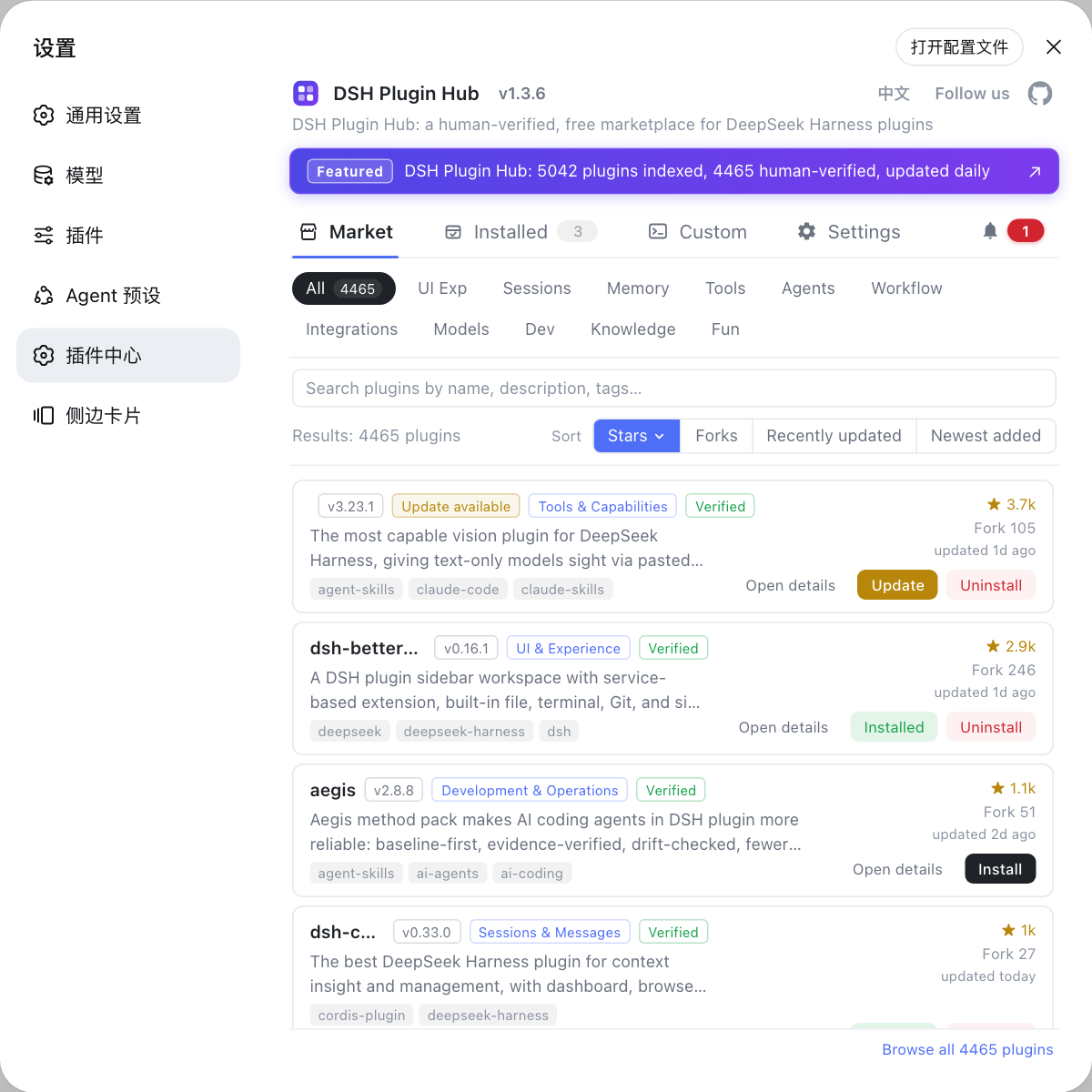
lsof -i :3080(macOS/Linux) ornetstat -ano | findstr :3080(Windows). - Once the page recovers and models load normally, model-related DSH plugins (token usage, etc.) can help — pick them from the model category in DSH Plugin Hub.
- See install error troubleshooting for other DeepSeek Harness install errors.
Source: ui-settings-models store.ts (source), welcome-store.ts (source), Web UI guide (official docs)
FAQ
It is the fallback message shown when DeepSeek Harness's settings mirror fails to load: the Models page needs both the provider directory (llm.providers) and the settings mirror, and when the mirror returns no initial data the page shows this copy (confirmed in source; the mirror's own error is shown first when available).
To fix DeepSeek Harness config errors, first confirm the dsh web host is running, then refresh the browser page and retry. If it still fails, restart the host (Ctrl+C, then npx @deepseek-ai/dsh web again) and refresh. In most cases the settings channel between the page and the host is broken.
Not necessarily. A remote DeepSeek Harness browser's settings scope is memory-mode: it never writes durably to the host and does not recover automatically after reconnection. Check the connection to the host, reconnect, and refresh the page — no settings.yaml change is needed.
If the DeepSeek Harness error persists, do three things in order: 1) confirm the dsh web process is running (lsof -i :3080 shows the listener), 2) force-refresh or clear the browser cache, 3) restart the host and open the page again. If it still fails, inspect the Network panel in the browser dev tools for the real failure.
No. It is only a read failure while DeepSeek Harness loads settings. Saved config stays on disk (keys in $DSH_HOME/.credentials.yaml, model config in settings.yaml); once the service recovers, refreshing the page shows it normally.