What is modlens? A vision DSH plugin for DeepSeek Harness
modlens is a vision add-on DSH plugin for DeepSeek Harness: it gives text-only models the ability to read images—paste a picture and get structured JSON evidence covering OCR text, layout, and semantics (source). This article examines that one plugin across three directions: what it does, how to install and use it, and whether it is worth the token and privacy cost.
Overview: the modlens DSH plugin in one line
It solves the case where "the model is text-only, but you need it to read a screenshot." Paste an image into the conversation, and modlens calls a vision model to turn that image into field-based evidence before handing it to the main model, instead of letting the main model guess at the picture. It sits in the tool/vision category of the plugin marketplace and already carries a verified mark.
| Dimension | Description |
|---|---|
| Problem solved | A text-only model cannot read images directly |
| Output form | Structured JSON evidence (OCR / layout / semantics) |
| Install | Search and install in the marketplace, or dsh plugin --profile web add @liustack/modlens |
| Configuration | Works out of the box; supports rotating multiple model keys and failover |
What it does: adding sight to a text-only DeepSeek Harness model
The core mechanism is conversion, not replacement—modlens turns an image into text evidence and lets the main model reason over that evidence. Three points:
- Paste an image and get structured evidence — You paste a screenshot or photo into the conversation, and it returns field-based JSON with recognized text, layout blocks, and semantic labels. Expected: the model can cite specific text and structure inside the image rather than describing it vaguely.
- It discovers and wraps vision routes automatically — The plugin automatically discovers available vision model channels and wraps them into routes, dispatching images to the matching model. Expected: you do not have to configure each vision model by hand.
- Zero config, rotatable keys — It works out of the box and supports rotating multiple model keys and failover. Expected: when one key stops working it switches to a backup channel automatically.
One line to separate it from built-in model vision: modlens is a translator that renders an image into text evidence, while built-in vision means the model itself can see. On the DeepSeek Harness side, only a model that declares it accepts images receives them directly (source), which is why a text-only model needs an add-on like modlens.
How to use this DSH plugin: install, input, and the relation to built-in image understanding
Installation goes through the standard plugin channel, two options:
- Graphical — Open the plugin marketplace, search
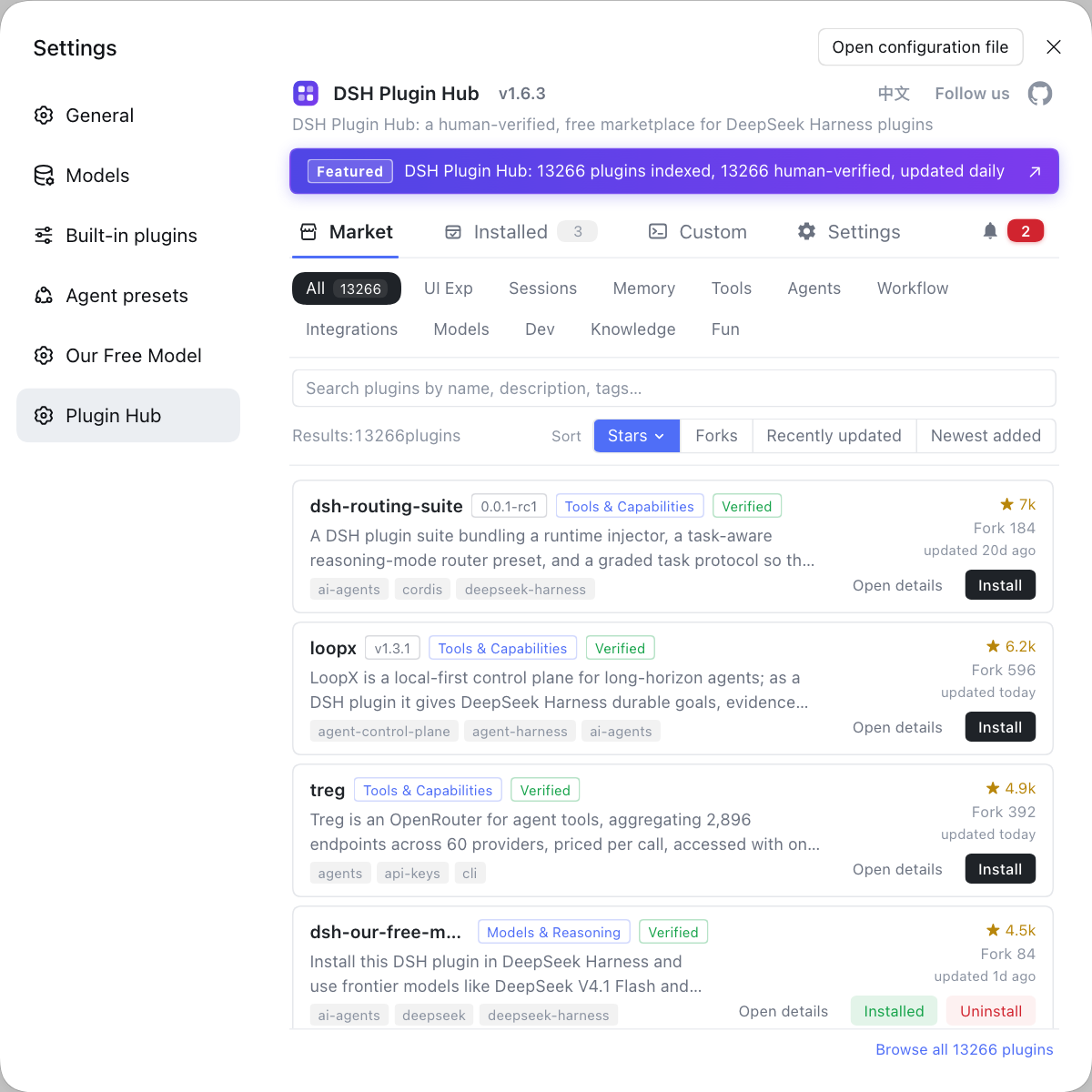
modlens, and click install. Vision/multimodal plugins are browsable by category here, with the entry point at DSH Plugin Hub. Expected: modlens appears in your installed list. - Command line — One command installs it:
dsh plugin --profile web add @liustack/modlens
To install from source, the project also documents a GitHub install: dsh plugin --profile web add github:liustack/modlens. Expected: it takes effect after you restart dsh web.
The input is mainly images (screenshots, photos). Once installed, read it together with your model's capability: if the model you use cannot take images at all, modlens matters more—it handles converting the image into text evidence; if your model already has vision, what modlens adds is the structured and layout dimensions. For the boundary between the two and the configuration details, see Image understanding in DeepSeek Harness.
Fit and cost: when this DeepSeek Harness plugin is worth it, tokens and privacy
The test is simple: is reading images a frequent, hard requirement in your tasks?
- Scenarios worth installing — You often need the model to read screenshots, table images, error images, or receipt images and reason about them. Expected: you no longer retype the text inside the image by hand.
- Scenarios not worth it — You paste an image occasionally, or the image is only decorative; the extra call and injected text then become dead weight. Expected: skipping it is lighter.
- Token and latency cost — The seeing step itself calls a vision model, and the image is turned into JSON evidence before being injected into the context, so it is an extra call plus a block of text. The more images and the higher the resolution, the more visible the cost and latency. Expected: estimate before bulk, high-frequency use.
- Privacy caution — Vision inference is often performed by an external model, so image content goes to that service. For screenshots with sensitive information, confirm the provider and data policy of the vision model first. Expected: keep sensitive images local, or switch to a compliant provider.
Notes on using the modlens DSH plugin
- It is not a modality switch: installing modlens does not make a text-only model declare it accepts images; it only adds the step of turning an image into text.
- Check the source: prefer the marketplace or the official npm package name
@liustack/modlens; a direct GitHub install may hit build artifact problems. - Do not treat it as a standalone OCR tool: its value is feeding evidence back to the main model for further reasoning; running it outside a conversation is worse than a dedicated OCR tool.
- Manage your keys: rotating multiple model keys is convenient, but the keys themselves must be handled as sensitive credentials.
- Try a small sample first: validate recognition quality and cost with a few real images before folding it into daily workflows.
Sources: liustack/modlens, DeepSeek Harness Docs - Configure models, dshplugin/dsh-plugin-hub
FAQ
modlens is a vision DSH plugin for DeepSeek Harness: it gives text-only models the ability to read images—paste a picture into the conversation and it returns structured JSON evidence covering OCR text, layout structure, and semantics. It does not change the model's own modality declaration; it turns an image into text evidence the model can read.
Install it through the standard plugin channel: search modlens in the marketplace and click install, or run dsh plugin --profile web add @liustack/modlens on the command line. The main input is images (screenshots, photos), and it works with zero configuration; the project also documents a GitHub install as dsh plugin --profile web add github:liustack/modlens.
No. modlens and the model's built-in image understanding are two different things: only a model that declares it accepts images receives images directly, while modlens converts pictures into structured evidence for text-only models. Model capability and plugin capability must work together—installing the plugin does not rewrite the model's modality.
Yes, because the seeing step itself calls a vision model: the image is first turned into JSON evidence and that evidence is then injected into the context, which amounts to an extra call plus a block of text. More images and higher resolution make the cost more visible; it is usually acceptable for reading a few images at a time, but estimate first for high-frequency bulk use.
It depends on whether the image leaves your machine: vision inference is often done by an external model, so image content is sent to that service. For screenshots with sensitive information, confirm the provider and data policy of the vision model you use; modlens supports rotating multiple model keys, which also means you can designate a compliant provider.
Related Terms
- modlens
- modlens is a vision add-on plugin for DeepSeek Harness (npm package @liustack/modlens) that provides seeing capability to text-only models, turning pasted images into structured JSON evidence with OCR, layout, and semantics.— https://github.com/liustack/modlens
- structured evidence
- Structured evidence is the output format modlens produces: rather than a single sentence describing a picture, it is field-based JSON containing recognized text, layout block positions, and semantic labels, which the model can cite directly in later reasoning.— https://github.com/liustack/modlens
- vision routing
- Vision routing is the mechanism by which modlens automatically discovers and wraps the available vision model channels; the plugin dispatches images to the matching model through it, with no per-model manual setup.— https://github.com/liustack/modlens
- OCR
- OCR (Optical Character Recognition) is the technique of converting text inside an image into editable text, and it is the most basic layer of modlens's structured evidence.— https://github.com/liustack/modlens
Sources
- liustack/modlens GitHub repository· liustack
- DeepSeek Harness Docs - Configure models· deepseek-ai
- dshplugin/dsh-plugin-hub GitHub repository· dshplugin