DSH plugin browser control: dsh-browser setup and safety
dsh-browser is the browser-control DSH plugin that makes DeepSeek Harness drive a real browser to perform actions: open pages, scrape content, simulate clicks and typing, and take screenshots (source). It is not the same thing as web search — search only fetches content, whereas browser control genuinely operates a page. This guide covers what it can do, how to install and configure it, and its permission and safety boundaries.
What the browser control DSH plugin does: open, scrape, interact, screenshot
A browser control plugin gives DeepSeek Harness the ability to actually open a page and operate it, rather than just fetching its content back. In the official tools subsystem, tools are registered into a registry by plugins and dispatched by the tool pipeline inside the loop (source), and a browser control plugin registers browser actions as tools. Its core abilities split into four kinds:
- Open a page — load a given URL and wait for it to finish loading. Expected: you get an interactive page context.
- Scrape content — extract body text, links, or structured data. Expected: the page becomes usable material.
- Simulate interaction — click, type, select, paginate, submit forms. Expected: tasks that need multiple steps get completed.
- Screenshot — save a visual snapshot of the page or a region. Expected: you have evidence or a visual reference.
The most intuitive difference from web search: a search plugin answers "what does this page say", while browser control answers "click it for me".
Install and configure a DSH plugin for browser control: deps and profile
Install a browser control plugin with the standard dsh plugin --profile web add, but it has one extra step over most plugins: preparing the browser runtime dependency. If the dependency is missing, the usual outcome is "plugin present, page will not open". Follow these steps:
- Install the plugin — run in your terminal:
Expected: the terminal echoes that the plugin joined thebash
dsh plugin --profile web add @caob23/dsh-browser-controlwebprofile. - Prepare the browser dependency — install or point to the browser engine it needs, per the plugin's docs. Expected: the plugin can find a usable browser instance.
- Restart and verify — restart DeepSeek Harness and have it open a simple page. Expected: it returns page content, proving the chain works.
- Switch to a real task — have it complete a multi-step operation, such as filling in a test form. Expected: clicks and typing happen in order.
- Reclaim permissions — switch back to a restricted profile when the task ends. Expected: the hands-on capability is withdrawn, lowering risk.
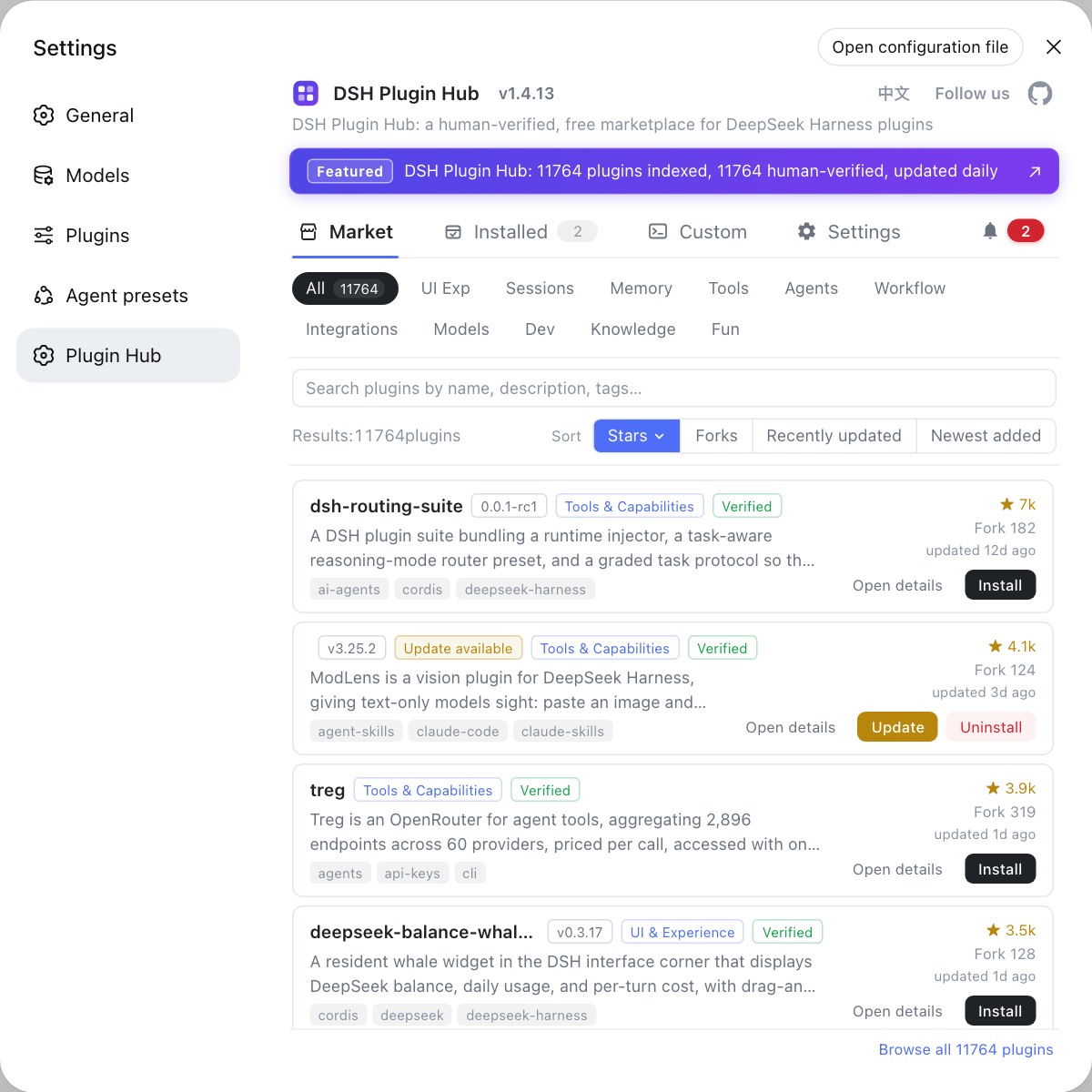
To find similar implementations, search the browser keyword on DSH Plugin Hub; entries such as dsh-browser-control and dsh-browser-playwright appear together, and you pick by compatibility status.
Permission and safety boundaries of browser control DSH plugins
The risk of browser control is that it can visit sites carrying your login state, so credential stripping and a site allowlist are mandatory preconditions. The DeepSeek Harness sandbox constrains a subprocess's file effects (source), but session state, cookies, and local storage inside the browser are a different layer that you must manage yourself. Three boundaries:
- Which sites it may reach — narrow the scope with an allowlist of only the sites the task truly needs. Expected: login state for unrelated sites is not exposed.
- Whether to give it credentials — use an incognito session or strip credentials before operating on sensitive sites. Expected: account credentials stay out of model context.
- Disable first when it misbehaves — turn browser control off immediately on abnormal behaviour, stop the bleeding, then triage. Expected: abnormal actions do not keep happening.
DSH plugin usage notes
- Dependency before plugin: if the plugin is installed but a page will not open, check whether the browser dependency is complete.
- The profile must be right: install into the profile you are using, or it will not take effect.
- Page structure changes: broken selectors are a common failure; re-verify the flow after a site redesign.
- Do not stack permissions with computer use: for web-only automation, do not enable desktop-level capability.
- Login state is the biggest risk: keep credentials out where you can, and restrict sites where you can.
- Search is not operation: use a web search plugin to fetch data, and do not spin up a whole browser to grab a paragraph.
Sources: dsh-browser-control (DSH Plugin Hub), tools subsystem (DeepSeek Harness docs), process sandbox (DeepSeek Harness docs).
FAQ
dsh-browser is the DSH plugin that makes DeepSeek Harness drive a real browser to perform actions: open pages, scrape content, simulate clicks and typing, and take screenshots. The difference from a web search plugin is the word "action": a search plugin only fetches page content to use as material, while browser control can genuinely click buttons, fill forms, and run multi-step flows. Use a search-class plugin to look things up, and reach for browser control to accomplish an operation.
Install the browser control plugin with dsh plugin --profile web add, and usually prepare the browser runtime dependency separately. Example command: dsh plugin --profile web add @caob23/dsh-browser-control; then install or point the plugin at the browser engine it needs. This step is often skipped, and the result is a plugin that is installed but cannot open a page — so check dependency completeness first when triaging.
In principle the browser control plugin can reach any site your machine can open, so credential stripping and a site allowlist are the real security keys. Login state, cookies, and local storage can all be exposed to the agent through the browser context, so sensitive sites should not be visited while the capability is on. The safer pattern is to restrict actions to the necessary sites, use an incognito session, and shut the capability down when the task ends.
When behaviour is abnormal, first turn the browser control capability off and reclaim the agent's hands-on permission, then start triaging. Common causes are selectors breaking after a page structure change, mismatched dependency versions, or the plugin acting unexpectedly on a particular site. Stop the bleeding first (disable the capability or tighten permissions), then use logs to find which step deviated, which is safer than letting it keep running.
Choose by three tiers — fetch data / act on the web / act on the desktop: web search to fetch data, browser control to operate web pages, and computer use only to operate the whole desktop. The permission surface grows in that order, and least privilege always wins. For web-only automation, do not jump to computer use just because it is "stronger": the wider the permission, the higher the cost of a mistake or a prompt injection.
Related Terms
- dsh-browser
- The browser-control class of DSH plugin in the DeepSeek Harness ecosystem, able to drive a real browser to open pages, scrape content, simulate interaction, and screenshot. It targets page operations, unlike a search plugin that only fetches content.— DSH Plugin Hub - dsh-browser-control
- browser runtime
- The browser engine or runtime a browser-control plugin needs, which must be installed separately or pointed to by path. A missing dependency shows up as a plugin that is installed but cannot open a page.— DSH Plugin Hub - dsh-browser-control
- credential stripping
- Removing login state, cookies, keys, and other sensitive data from the browser context before handing it to the agent, so they do not enter model input. It is the most important security precondition for browser automation.— DeepSeek Harness docs - process sandbox
- profile
- A full configuration set in DeepSeek Harness that determines which plugins load and which tools and permission policies are exposed. A DSH plugin installed into a profile only takes effect in that profile.— DeepSeek Harness docs - tools subsystem
Sources
- dsh-browser-control (DSH Plugin Hub entry)· dsh-plugin.org
- DeepSeek Harness docs - tools subsystem· deepseek-harness
- DeepSeek Harness docs - process sandbox· deepseek-harness