Fix DSH plugin tree failed to load (port 3080 in use)
When a DSH plugin reports plugin tree failed to load, do not guess from the outermost line — this error chain is nested, and the innermost line is the real cause. The two most common root causes are port 3080 already being taken (printed as listen eaddrinuse: address already in use 127.0.0.1:3080) and a broken include entry in the profile's cordis.yml. Read the chain outside-in first, then fix the matching cause, and restart to confirm the DeepSeek Harness plugin tree loads completely.
How to read this DSH plugin error: three layers, outside-in
failed to apply loader entry can appear several times in one error, one colon-separated layer deeper each time — the final segment is the root cause. Take the most common full error:
error: dsh: plugin tree failed to load:
  failed to apply loader entry include (cordis:include):
  failed to apply loader entry webserver (@deepseek-ai/dsh-host-webserver):
  listen eaddrinuse: address already in use 127.0.0.1:3080
Read it segment by segment; each of the four layers does one job:
plugin tree failed to load: at startup the DeepSeek Harness loader composes every loader entry from the profile'scordis.ymlinto a plugin tree. If any single entry fails to apply, the whole tree counts as failed, the process exits during startup, and the agent never gets to run.failed to apply loader entry include (cordis:include): the entry that failed first is namedinclude, provided by the packagecordis:include. include provides no capability of its own — it only merges other config entries into the tree, so "include failed" usually means what it pulled in is broken.failed to apply loader entry webserver (@deepseek-ai/dsh-host-webserver): one layer deeper, the failing entry is the DeepSeek Harness web service loader, which binds the Web UI to a local port.listen eaddrinuse: address already in use 127.0.0.1:3080: the actual root cause — binding 3080 was refused because another program is already listening on it (source).
In one sentence: the chain narrows from outside in, and later layers sit closer to the root cause. Read the last line first, then decide whether you need to look further up.
Two real causes behind a DSH plugin tree failure: port and include
Where the innermost line points decides how you fix it.
1. Port 3080 is already in use (most common)
As soon as any program on the machine listens on 3080, a new dsh web or desktop instance throws EADDRINUSE at the webserver step. Two common sources:
- A previous dsh web is still alive: the terminal was closed but the process never exited, or a tray-resident desktop app already holds 3080.
- Another program happens to use 3080: local services, proxy tools and dev servers can collide on the same port.
Find the owner with lsof -i :3080 on macOS / Linux, or netstat -ano | findstr :3080 on Windows. If it is a leftover dsh instance, stop it; if it is a program you want to keep, start with dsh web --port 8080 instead — note that --port is a web app argument and must come after dsh web. For the full port workflow see 127.0.0.1:3080 unreachable.
2. The include entry in cordis.yml is invalid
If the innermost line is failed to validate config file .../cordis.yml, the problem is the profile config, not the port. A profile keeps its config under $DSH_HOME/profiles/<profile>/, where cordis.yml is the root config and cordis.patch.yml is the override layer. Two typical cases:
- The file really is broken: hand-editing
cordis.ymlorcordis.patch.ymlwith unbalanced brackets or invalid YAML makes include fail validation. - Two starts collided with a write window: when two instances of the same profile start at once, startup rewrites
cordis.ymlin place, and within a sub-millisecond window the other process reads an empty document and fails validation — yet the file looks intact when you inspect it afterwards. The mechanism and workaround are covered in cordis.yml rewrite race.
Three-step DSH plugin recovery: free 3080, fix include, restart
Work in the order "rule out the common case, fix the config, verify last" — most cases recover within three steps.
- Step one: free the occupied 3080. Locate the owner first:
lsof -i :3080                  # macOS / Linux
netstat -ano | findstr :3080   # Windows
Once you confirm it is not a service you need, stop it; if you would rather leave that process alone, use dsh web --port 8080 and open http://127.0.0.1:8080.
-
Step two: check what include points at inside the profile. Open
$DSH_HOME/profiles/<profile>/cordis.ymlandcordis.patch.ymland focus on the lines you edited most recently — the usual suspects are unbalanced brackets, a deleted entry, or a new plugin entry placed in the wrong spot. Fix the YAML and save. -
Step three: restart and confirm the plugin tree loads. Run
dsh webagain (equivalent todsh --profile web) and wait for the terminal to print the access URL. To shut down, press Ctrl+C once: DeepSeek Harness gives the plugin tree up to 5 seconds to clean up, and a second press exits immediately with code 130 (source).
DSH plugin troubleshooting notes
Remember "the innermost layer is the cause" first, then follow the port and config tracks separately — that alone saves most pointless reinstalls.
- Read the innermost line first:
plugin tree failed to loadis only the shell; the real cause always sits after the last colon. - In
failed to apply loader entry X (Y), Y is the package name: X is the entry name (such asincludeorwebserver) and Y is the package providing it (such as@deepseek-ai/dsh-host-webserver). - Do not rush to reinstall plugins: a busy port and a config race have nothing to do with plugin files, and reinstalling will not fix them.
- Back up before editing
cordis.yml: it is the profile root config, and breaking it stops the whole profile from starting. - Start only one instance at a time: confirm the previous dsh web really exited before starting the next one.
- The right fix for a busy 3080 is another port, not deleting files:
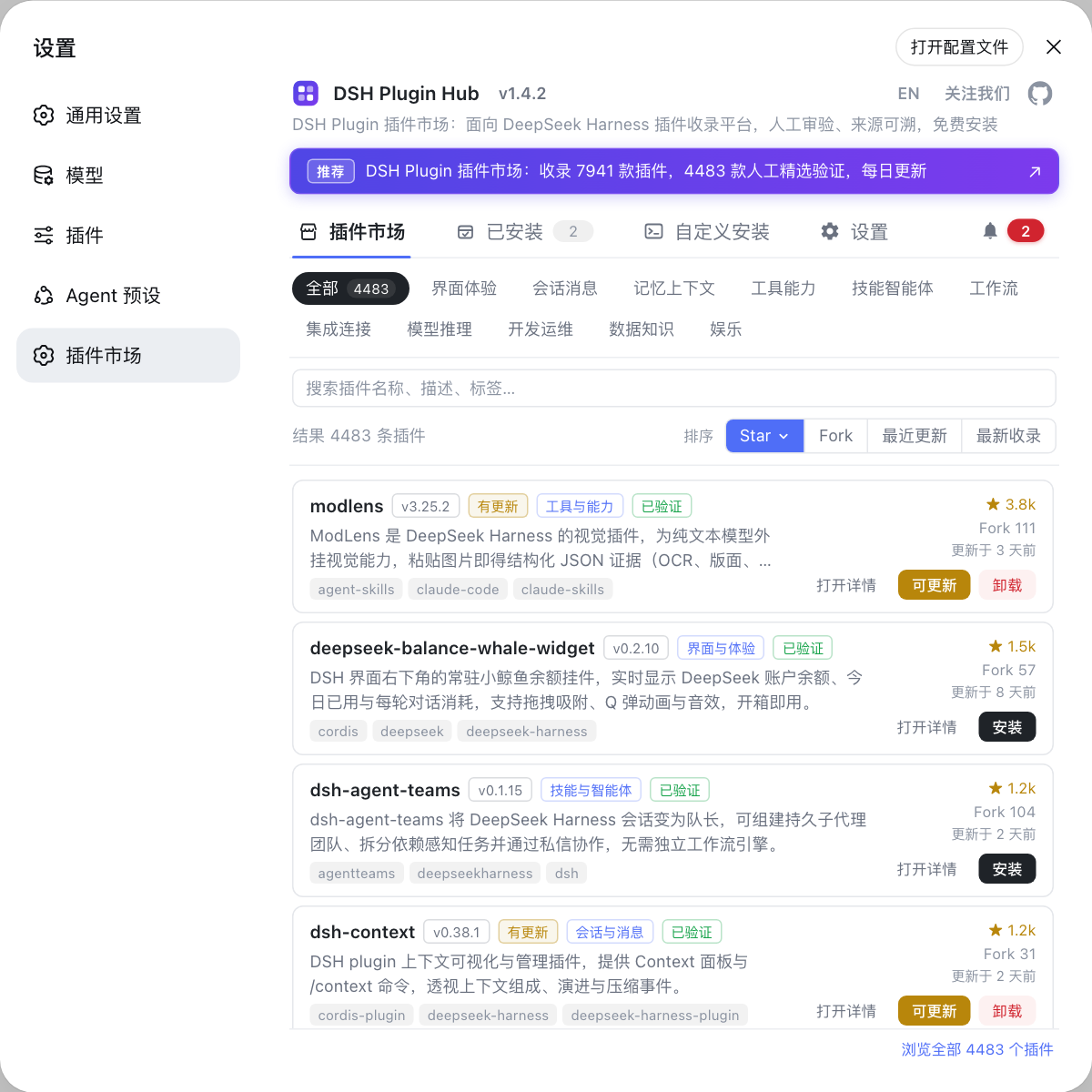
dsh web --port 8080. - To audit installed plugins, the market beats reading YAML: open Settings → Plugin Market, which is DSH Plugin Hub, and review the installed list and versions item by item.
- For other plugin-related errors, see plugins not loading.
Source: DeepSeek Harness CLI README, dsh CLI reference, Discussion #441.
FAQ
A DSH plugin tree failed to load error means the plugin tree could not be fully assembled during startup, and the innermost line of the chain holds the real cause. There are two common root causes: port 3080 is already taken, or an include entry in the profile's cordis.yml is invalid.
In a DSH plugin failure, that line means another process is already listening on port 3080, so the DeepSeek Harness webserver entry cannot bind it. Find the owner with lsof -i :3080 (macOS / Linux) or netstat -ano | findstr :3080 (Windows), stop it, or start with dsh web --port 8080 instead.
Reinstalling DSH plugins is usually unnecessary for this error. A plugin tree failed to load is most often a port conflict or a config file race, and the plugin files themselves are fine — free the port or restart once so startup can finish, then decide whether the plugins need attention.
Confirm a clean DSH plugin tree by checking that startup logs no longer print plugin tree failed to load, that dsh plugin list still shows every installed plugin, and that the plugin capabilities work in the UI. All three together mean the DeepSeek Harness plugin tree loaded completely.
Related Terms
- plugin tree
- In DeepSeek Harness, the loader reads the profile's cordis.yml and composes every loader entry into a plugin tree, applying them one by one at startup. If any entry fails to apply, the whole tree is reported as failed to load, with an error starting with plugin tree failed to load.— DeepSeek Harness CLI README
- cordis:include
- A loader entry in cordis.yml that merges other config files or entries into the plugin tree. It provides no business capability itself, so a failure reported against it usually means the file or entry it pulls in is broken, not include itself.— deepseek-harness Discussion #441
- @deepseek-ai/dsh-host-webserver
- The DeepSeek Harness web service loader entry that binds the Web UI to a local address. When the port is taken it throws EADDRINUSE at the listen stage, which appears in the chain as failed to apply loader entry webserver.— DeepSeek Harness CLI reference
- EADDRINUSE
- The operating system error returned when binding a port that is already in use, printed as address already in use. In DeepSeek Harness the usual trigger is another dsh web instance or program already listening on port 3080.— DeepSeek Harness CLI README
Sources
- DeepSeek Harness CLI README (profiles and plugin loading)· deepseek-ai
- DeepSeek Harness CLI reference (web args, graceful shutdown, exit codes)· deepseek-ai
- deepseek-harness Discussion #441: non-atomic cordis.yml rewrite· deepseek-ai (GitHub Discussions)