dsh-our-free-model vs official: switch and roll back
Switching models is not just moving a dropdown: free and official models run on two provider configurations, where switching changes only who is active and disabling is what touches the plugin. Mix the two and you get "I switched back to official, so why is it still throwing free-channel errors?" — because the plugin and its configuration layer remain, merely unselected (official provider docs). This article compares the entries, switching, disabling and verification; plugin management starts at DSH Plugin Hub.
Two entries compared: dsh-our-free-model versus DeepSeek Harness official models
An official model is "configure a provider plus supply a key", while a free model is "install a plugin that registers a local channel"; authentication and ownership differ completely. See the difference before choosing.
| Dimension | Official model | dsh-our-free-model |
|---|---|---|
| Entry | Settings → Model | Channel registered after install |
| Authentication | Official key in a credentials file | No official key needed |
| Provider | DeepSeek / third party / custom API | Local OpenAI-compatible forwarding port |
| When it applies | Next request | Next request |
| Billing and ownership | Managed by the official key system | Decided by the upstream behind the plugin |
- Confirm which provider is currently active before changing anything.
- Choose the official model when you need stability, traceability and clear billing.
- Choose the free channel for zero-configuration access to frontier models, accepting its uncertainty.
- Having both installed is not a conflict, provided you know which one receives the current request.
They are not replacements. The official mechanism answers where to connect and how to authenticate; the free plugin answers where the free channel comes from. Understand that and later switches stay predictable.
Switching to the free model: three DeepSeek Harness steps
Switching to the free model takes three steps: confirm the plugin loaded, select it in model settings, send a test message. The switch itself needs no restart, but plugin loading does.
- Confirm dsh-our-free-model is in the current profile in the installed list and has no pending-restart reminder.
- Open Settings → Model and switch the current model to the one the free channel provides.
- Send a short message and confirm a real return rather than an error fallback.
- Open the plugin usage dashboard and confirm the call was recorded.
- If the model is not selectable, check channel health in the plugin panel instead of switching back and forth.
Switching is a small action; verification is not optional. The settings page showing a selection only proves the configuration was written. A request that returns proves the channel works.
Two reasons a model is not selectable
- The plugin was just installed or updated and the host has not restarted to load it.
- The channel is registered but the model list has not refreshed.
Restart first, then check the list; if it is still missing, inspect channel state in the plugin panel instead of flipping providers repeatedly.
Switching back: disabling the DSH plugin channel and restoring defaults
Switching back has two layers: change only the model, or disable the plugin as well; do the first, confirm work resumes, then decide about the second. Most people only need the first.
- Open Settings → Model and switch the current model back to the official provider.
- Confirm the official key is still valid and send a short message to verify a normal return.
- If you want to keep the free channel without using it, stop here and leave the plugin installed.
- If you really want to disable the plugin, make its configuration inactive through a profile overlay or remove its entry from the load manifest.
- Restart after disabling and confirm the free channel no longer appears in the model list.
Disabling is not uninstalling: the dependency stays and can be restored. DeepSeek Harness has no standalone disable command, so disabling is handled at the configuration layer; see how to disable a plugin. If you are sure it is not coming back, move on to uninstall and residue cleanup.
Verifying which model your requests use: three DeepSeek Harness proofs
Verify the request, not the settings display: the model identifier, request record and usage dashboard must agree. Trusting the dropdown alone makes it easy for another configuration layer to override you.
- Send a short message with a distinctive marker in the current session so it is easy to find in logs.
- Read the model identifier in the request record and confirm it belongs to the provider you selected.
- Check the free channel's usage dashboard and confirm this call was recorded; for official, check usage on the official side.
- If the two disagree, return to Settings → Model and check whether another configuration is overriding.
- Keep one fixed test message and reuse it on future switches for before-and-after comparison.
Change one variable at a time: switch the model and verify, then disable the plugin and verify again. Do both at once and a failure tells you nothing about which layer broke.
| Evidence | Where to look | What it proves |
|---|---|---|
| Model identifier | Request record or session log | Which model the request actually carried |
| Usage record | Plugin dashboard or official side | Which side the call was billed to |
| Configuration | Settings → Model | Which provider is currently selected |
Side effects of switching and DSH Plugin Hub management
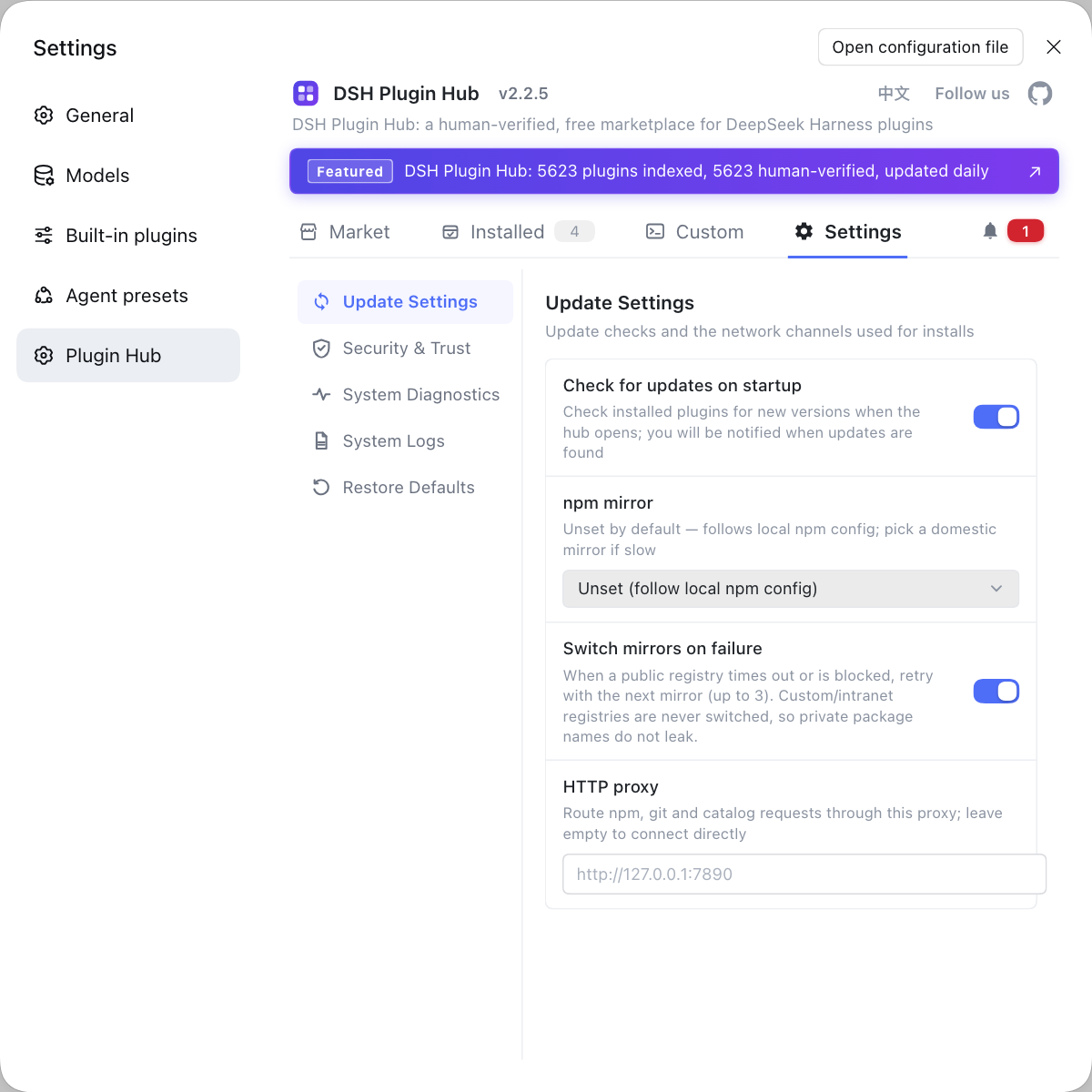
Switching is not free: billing, quota and stability all shift with the provider, and plugin updates can affect the channel. Writing those side effects down beats guessing later.
- Billing and quota: official models follow official rules, while free-channel quota depends on upstream and can change at any time.
- Stability: the free channel suits trials, not long-term production dependency; official models fit stable workflows better.
- Data flow: free-channel data passes through the plugin's forwarding, so judge for yourself whether that suits your data.
- Plugin updates: updating dsh-our-free-model may require a restart, so record the working version before updating.
- Configuration hygiene: write the active provider into your environment notes so next time you know which set is in effect.
The boundary between switching and rolling back comes down to whether you need stability or a trial. For triage when the free model fails, see dsh-our-free-model not working; for what the plugin is, see what dsh-our-free-model is.
FAQ
DeepSeek Harness configures official models under Settings → Model with a provider and key stored in a credentials file, while dsh-our-free-model registers a local OpenAI-compatible channel after installation and needs no official key. They are not replacements; they are two selectable provider entries.
DeepSeek Harness applies a provider switch on the next request, so the switch itself needs no restart. If you just installed or updated dsh-our-free-model, however, plugin loading still needs a restart. Keeping configuration switching separate from plugin loading prevents a false conclusion that the switch did nothing.
DeepSeek Harness treats those as different actions: switching back only changes which provider is current and leaves the plugin in place, while disabling stops its configuration layer from applying but keeps dependencies. Switch back if you just need to keep working; uninstall only when you are sure you will not use it and need space or conflict isolation.
DeepSeek Harness offers three proofs: the provider of the currently selected model, the model identifier in request records, and whether the plugin usage dashboard recorded the call. A name on the settings page is not enough, because the identifier attached to the request is what counts. If they disagree, check whether another configuration layer is overriding.
DeepSeek Harness does not delete the dsh-our-free-model plugin or its configuration when you switch back; it simply is not selected. Full removal requires uninstalling and handling residue. If you want the option to return, switch without uninstalling and select it again when needed.
Related Terms
- model provider switch
- A model provider switch is the DeepSeek Harness operation that hands current requests to another provider, usually completed under Settings → Model. It changes only which provider is active and does not delete the other provider's configuration.— https://deepseek-harness.github.io/deepseek-harness/guide/providers
- dsh-our-free-model
- dsh-our-free-model is a class of DSH plugin that connects to free frontier models without login or an API key, providing a local usage dashboard and an OpenAI-compatible forwarding port. It adds a channel on top of the official provider mechanism rather than replacing it.— https://github.com/zouyuxuan122/dsh-our-free-model
- disabling a plugin
- Disabling a plugin means stopping a DSH plugin's configuration layer from applying while keeping its dependency in the profile. DeepSeek Harness has no standalone disable command, so this is usually done through a profile overlay or by removing the load-manifest entry.— https://github.com/deepseek-ai/deepseek-harness
- restoring the default model
- Restoring the default model means returning the model selection of a session or environment to the official default provider. It is not the same as cleaning up a free-model plugin's data, and the plugin plus its configuration can remain.— https://deepseek-harness.github.io/deepseek-harness/guide/providers
Sources
- DeepSeek Harness official docs - configuring models (provider mechanism)· deepseek-harness
- Community plugin repository - dsh-our-free-model· community
- DSH Plugin Hub plugin page· dsh-plugin.org