Delete a dsh session in DeepSeek Harness: archive vs delete
DeepSeek Harness has no delete-session button — a session row menu offers rename, fork and Archive; Archive removes the row from view but leaves the log on disk, and the current UI has no unarchive entry. To really delete a session, stop dsh and remove the session folder under $DSH_HOME/sessions. Sessions belong to the host while plugins belong to a profile, so none of the DSH plugins or DeepSeek Harness plugin files live in that directory and cleaning up sessions never touches them.
DSH plugin session cleanup overview: archive or delete files
One line to remember: Archive is the only in-UI way to make a session disappear, and deleting files is the only way to actually delete it. The outcomes differ a lot: archiving takes a second and keeps the log; deleting files is irreversible and requires you to locate the directory yourself. Common goals and what to do:
| What you want | How to do it | Is the session log still there? |
|---|---|---|
| Just a clean sidebar | Session row menu → Archive | Yes, and it is no longer visible in the UI |
| Actually reclaim disk space | Stop dsh → delete $DSH_HOME/sessions/--<project>--/<session dir> | No |
| Only drop a group | Delete on a workspace row | Yes, the sessions fall into Ungrouped |
Get one thing straight first: the UI can only stop showing a session, and only the filesystem can truly delete it. Both paths are covered below.
Why the DeepSeek Harness UI has no delete-session button
Because the host exposes no session-deletion capability: the session persistence seam documents that there is no deletion or retention interface and that pruning stored sessions is out-of-band backend maintenance, and the JSONL backend states it does not delete session files — logs accumulate under the root until something outside removes them. The UI can only archive. Point by point:
- The session row menu has three entries: rename, fork and Archive. A blank "new session" placeholder row does not render a menu at all — rename, fork and archive become available only after the first prompt lands.
- Archive is non-destructive: it writes the session id into a registry-level global archived set, and the row immediately disappears from every grouped view (workspace groups, Ungrouped, content search, the flat list) while the session log and its accounting slot stay exactly as they were.
- That is why Archive asks for no confirmation: failures only surface as console diagnostics; the tree is left unchanged.
- There is currently no view or unarchive entry: once archived, the session is unreachable from the UI.
- Deleting a group is not deleting sessions: Delete on a workspace row removes only the registration record, the persisted order entry and the session ownership records; directories, user files, live sessions and persisted session logs are never touched.
The conclusion is plain: real deletion can only go through the filesystem, as out-of-band maintenance.
Archiving: DSH plugin's only in-UI way to drop a row
If the goal is just a tidy list, this is the fastest and the only in-UI way — but accept up front that the log is not deleted. Steps:
- Open the DeepSeek Harness Web UI and find the target session row in the sidebar;
- Hover the row, open its menu and choose Archive;
- Expected: the row disappears at once from its workspace group, Ungrouped, the flat list and content search results, the order of other rows is unchanged, and no error message appears;
- To confirm the log is still there, count the directories in the session root (
ls "$DSH_HOME/sessions", orls ~/.dsh/sessionswhen that variable is unset). Expected: the number of session directories has not dropped — archiving does not touch files; - If the row is the blank "new session" placeholder, no menu appears — send one prompt first and the archive entry shows up.
Archive suits "history is cluttered", not "the disk is full and something must go". For the latter, keep reading.
Really deleting a session: the DeepSeek Harness sessions layout
Deleting files is out-of-band maintenance: the host will not do it for you, and you have to find that session's directory yourself. The default session log layout (source: the README bundled with @deepseek-ai/dsh-session-persistence-jsonl in the dsh install):
$DSH_HOME/sessions/
  --<normalized cwd>--/    # per-project directory, named from the session working directory
    <encoded session id>/  # one directory per session
      session.jsonl.zstd   # default: checksummed zstd frame concatenation
      session.jsonl        # only with compression: 'none'
  _no-cwd/                 # sessions that have no working directory
Three things to note: the project directory name is not the raw path but a readable name transcribed from the normalized cwd (separators replaced, over-long names truncated); the session directory name is not the session id itself but that id injectively escaped into a safe path segment; and compressed logs cannot be read line by line — loading them requires the persistence backend, or an export.
Steps to delete:
- Stop dsh first: close the running Web UI process and confirm nothing listens with
lsof -i :3080(on Windows,netstat -ano | findstr 3080). Expected: the command prints nothing; - Find the project directory: run
ls "$DSH_HOME/sessions"(orls ~/.dsh/sessionswhen$DSH_HOMEis unset). Expected: a list of--...--style project directories you can match by project name; - Narrow down to one session:
ls -lt "$DSH_HOME/sessions/--<project>--"and use modification times to tell which session directory is the one. Expected: the most recently touched entry is on top; - Delete that session:
rm -rf "$DSH_HOME/sessions/--<project>--/<session dir>"(Windows:rd /s /q "%USERPROFILE%\.dsh\sessions\--<project>--\<session dir>"). Expected: no output, and the directory is gone; - Verify: restart dsh web and the session no longer appears in the sidebar. Expected: it is neither archived nor listed under Ungrouped — it is gone from disk.
Not seeing a sessions directory is normal: it is created on demand, does not exist until a session is written, and materializes with the first append.
Bulk deletion: clearing DeepSeek Harness session logs per project
The most convenient bulk granularity is the project directory — one project, one directory, so deleting it clears every session in that project. Four common moves:
- Clear one project's history:
rm -rf "$DSH_HOME/sessions/--<project>--". Expected: all sessions of that project are gone in one shot, other project directories untouched; - Clear everything:
rm -rf "$DSH_HOME/sessions". Expected: the whole directory disappears and is recreated on demand at the next message; - Back up before acting:
cp -r "$DSH_HOME/sessions" "$DSH_HOME/sessions.bak", then delete the backup yourself once you are satisfied. Expected: a full copy you can restore at any time; - Also clear the UI groups: that is a different matter — Delete on a workspace row only removes the registration record and the grouping, and the sessions fall into Ungrouped. Real cleanup still comes from step 1 or step 2 above.
Do not confuse "clear sessions" with "reset dsh": to clear chat history only, touch sessions/ only; if plugins and settings should also go back to defaults, follow the layered approach in How to reset dsh in DeepSeek Harness.
Six reminders apply throughout:
- Irreversible, with no recycle bin: after
rm -rfthe log is gone. When the store holds work you care about,cp -ra backup first. - Stop the process before deleting files: deleting while dsh runs runs into logs being appended (the append-only backend still holds a writer for that session); stopping cleanly is safest.
- Do not delete the whole
$DSH_HOMEby reflex: that takessettings.yaml,.credentials.yaml,profiles/and installed plugins with it. To clear sessions only, touchsessions/only; to remove the program see How to uninstall DeepSeek Harness. - Never hand-edit compressed logs:
session.jsonl.zstdis a checksummed frame concatenation, and a single edited byte can make the whole log fail validation and refuse to load; use an export when you need readable content. - Think before archiving: an archived session is invisible and there is no unarchive entry, so it is effectively gone from the UI. If you want a way back, copy the log file rather than archiving.
- A growing sessions root slows the host down: session logs keep accumulating under the root, and very large sessions slow session search and startup — see DeepSeek Harness slow startup.
Use DSH Plugin Hub to keep plugin and session cleanup apart
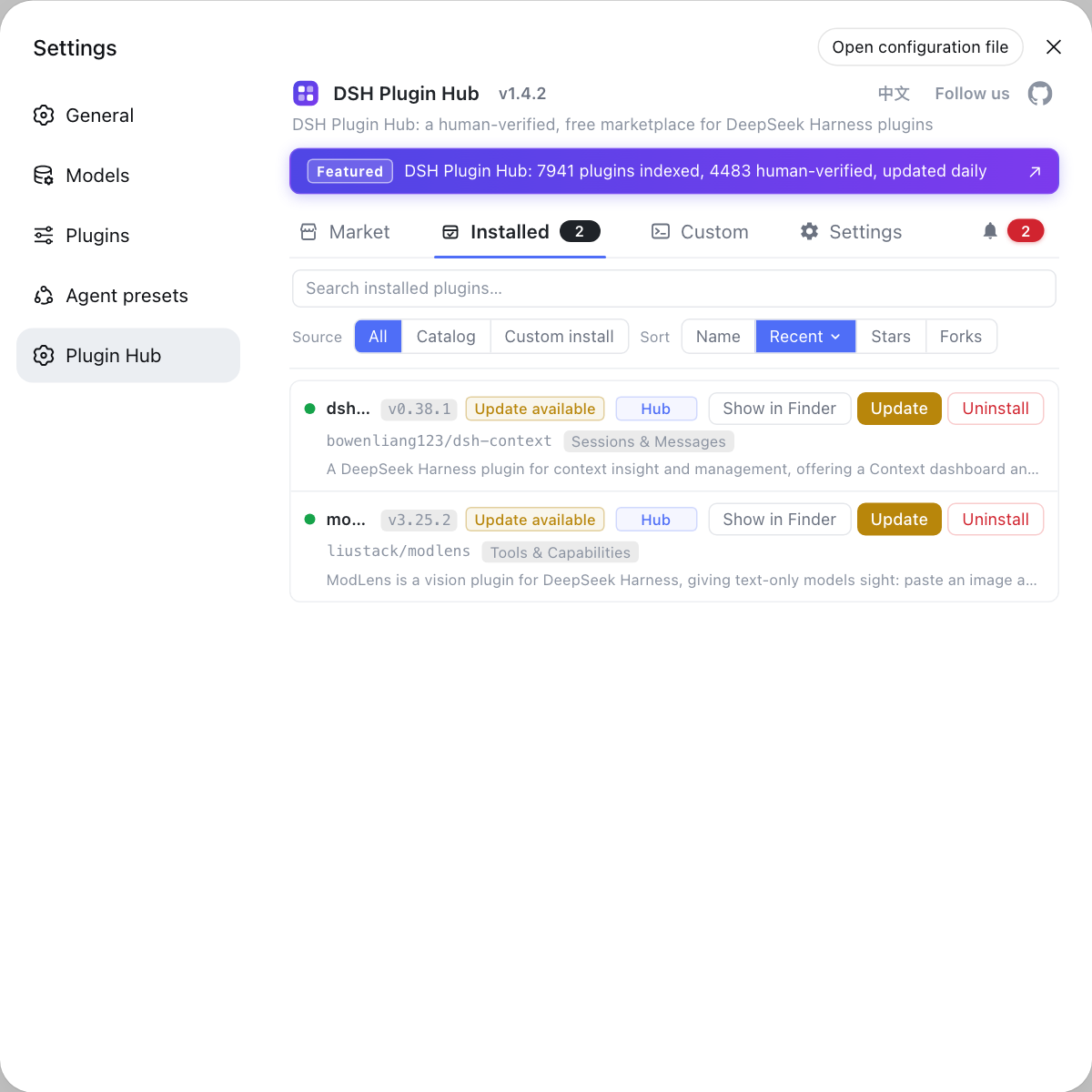
Session files belong to the host, plugins belong to a profile — knowing where each lives keeps you from deleting the wrong thing. Plugins always install into $DSH_HOME/profiles/<name>/node_modules (see Where DSH plugins are installed), and installing, removing or checking sources is fastest through DSH Plugin Hub: what is installed, where it came from and whether an update exists all sit in one list, with no need to read package.json. To drop a plugin, follow dsh plugin remove; the session side only has the two paths described here.
Sources: deepseek-ai/deepseek-harness, official Quickstart, plus the READMEs bundled with @deepseek-ai/dsh-session-persistence-jsonl and @deepseek-ai/dsh-workspace in the dsh install (0.1.1-rc.2).
FAQ
The DeepSeek Harness UI has no delete button because the host exposes no session-deletion capability: the session persistence seam documents that there is no deletion or retention interface and that pruning stored sessions is out-of-band backend maintenance, and the JSONL backend states plainly that it does not delete session files — logs accumulate under the root until something outside removes them. The UI can only archive: the session row menu → Archive, which hides the session from the views while leaving its log and accounting slot untouched.
The log stays — archiving in DeepSeek Harness acts on a registry-level global archived set: the session disappears from workspace groups, Ungrouped, content search and the flat list, but its session log file and workspace accounting slot are unchanged, so the data is intact. The current UI, however, has no view or unarchive entry, so an archived session becomes unreachable — that is exactly why archive is not deletion: to reclaim disk you must delete files in the sessions directory.
DeepSeek Harness stores session files by default under $DSH_HOME/sessions (~/.dsh/sessions when that variable is unset), set by the bundled session-persistence-jsonl plugin with root: dshHomePath('sessions'). The layout is project directory / session directory / log file: project directory names are transcribed from the session working directory and look like --some-path--; each session gets its own directory whose default log is session.jsonl.zstd (checksummed zstd frames), or session.jsonl with compression: 'none'. Sessions with no working directory land under _no-cwd/.
Yes — deleting DeepSeek Harness session records means going in order: stop the running dsh first (confirm nothing listens with lsof -i :3080), then rm -rf "$DSH_HOME/sessions/--<project>--" for one project or rm -rf "$DSH_HOME/sessions" for all of them, and restart to take effect. This is irreversible with no recycle bin, so back up with cp -r "$DSH_HOME/sessions" "$DSH_HOME/sessions.bak" first — and never delete the whole $DSH_HOME, which would take settings, credentials and installed plugins with it.
No — deleting a workspace row in DeepSeek Harness removes only the workspace registration record, its persisted order entry and the session ownership records; directories, user files, live sessions and persisted session logs are never affected, so sessions that belonged to that group surface under Ungrouped instead of disappearing. Deleting a workspace and deleting sessions are two separate features, and the former can never stand in for the latter.
Related Terms
- $DSH_HOME/sessions
- The session log root of DeepSeek Harness, set by the bundled session-persistence-jsonl plugin to dshHomePath('sessions') — so ~/.dsh/sessions when $DSH_HOME is unset. The directory is created on demand: it does not exist until the first session append materializes a file.— dsh bundled dsh-base composition config
- Archive
- Archive is the UI action backed by a registry-level global archived set: an archived session vanishes from every grouped view, from content search and from the flat list, while its session log and sessionIds slot stay in place. It is non-destructive, which is why it submits without a confirmation dialog.— dsh bundled @deepseek-ai/dsh-workspace package README
- session.jsonl.zstd
- The append-only log of one session, written by default as concatenated zstd frames (an immutable header frame first, then one checksummed frame per flushed batch). Compressed logs cannot be read line by line; loading them requires the persistence backend, and only compression: 'none' keeps newline-delimited raw JSONL.— dsh bundled @deepseek-ai/dsh-session-persistence-jsonl package README
- Ungrouped
- Ungrouped is where sessions without a workspace membership land: deleting a workspace registration record, or a session whose cwd no longer resolves to a registered workspace, puts the row here rather than deleting it.— dsh bundled @deepseek-ai/dsh-workspace package README