Does uninstalling DeepSeek Harness remove Node or pnpm?
Uninstalling dsh does not remove shared dependencies: npm uninstall -g @deepseek-ai/dsh removes only that global package and leaves Node, npm, pnpm and other global packages alone; the pnpm global store is content-addressed and shared across projects, so pnpm remove -g keeps content others reference (source).
This guide covers three steps: what an uninstall touches, why the shared store is safe, and what operations actually cause damage. Removing the three install methods is covered in Ways to uninstall dsh; this article focuses on the blast radius.
Uninstalling dsh removes one global package, not the runtime or package manager
npm uninstall -g @deepseek-ai/dsh removes the named global package and its exclusive dependencies; Node, npm and pnpm are the runtime and tools outside the delete scope, and unrelated global packages are unaffected (source).
Record, uninstall, then verify in four steps:
- Record the global package list first — Run
npm ls -g --depth=0(orpnpm ls -g). Expected: a baseline list to compare against. - Confirm the runtime versions remain — Run
node -v,npm -v,pnpm -v. Expected: versions are unchanged before and after, so the runtime was not dragged in. - Run the targeted uninstall — Run
npm uninstall -g @deepseek-ai/dsh(or the matching package manager's uninstall). Expected: it reports removing only that package and the entry is gone. - Compare the global package list — Run
npm ls -g --depth=0again. Expected: only the target package is gone and other global packages remain.
Step 4 is the most direct verification: a targeted uninstall should differ by exactly one line. If other packages are also missing, it is usually not the uninstall but those packages depending on the one removed — only then do you assess reinstalling.
Why the shared pnpm store is safe: content-addressed and cross-project
The pnpm global store is content-addressed and shared across projects: identical content is stored once and multiple projects reference it; pnpm remove -g only drops the current project's reference and does not delete content others reference (source).
Use commands to understand and confirm the safety:
- Locate the store — Run
pnpm store path. Expected: the shared store directory. - See who references it — Run
pnpm lsin each project / profile. Expected: multiple environments may point to the same content in the store. - Remove the current reference — Run
pnpm remove -g <package>or uninstall per project. Expected: the current environment stops referencing it while the content stays because others still reference it. - Prune only when needed — Run
pnpm store prune. Expected: only content with no references is cleared; referenced content stays.
Steps 3 and 4 are where the safety comes from: remove handles references, prune handles unreferenced leftovers. Neither deletes what other projects still use just because one project stopped, which is exactly the benefit of content-addressed storage.
What operations actually damage shared dependencies
The real risk is manual deletion bypassing the package manager: deleting global directories directly, recursively force deleting the store, or wiping a shared directory mistaken for a private one; a normal package manager uninstall has reference accounting and does no such damage (source).
Compare these operations and avoid the damaging ones:
- Deleting the global directory by hand — Deleting directories under
npm root -gcan take other global packages with it. Expected: dangerous; use a targeted package manager uninstall instead. - Recursively force deleting the store — Emptying
pnpm store pathleaves every project referencing it short of content. Expected: dangerous; usepnpm store prunewhen you need to reclaim. - Wiping a shared directory as a private one — Mistaking a directory as belonging only to dsh and deleting it whole. Expected: dangerous; confirm references first.
- The right verification habit — Compare
npm ls -g --depth=0andpnpm lsbefore and after. Expected: only the right things are missing, a safe uninstall.
Category 2 is the most overlooked: the store is shared, so "it is just a cache directory" and emptying it leaves other projects missing dependencies at once. Remember the remove-versus-prune division of labor and you never take that risk.
Notes on uninstalling dsh and shared dependencies
- Use the package manager: a targeted uninstall removes only the named package, far safer than deleting directories by hand.
- The runtime is out of scope: Node, npm and pnpm are tools and do not disappear with a package uninstall.
- The store is shared: use
pnpm store prunefor unreferenced content, never wipe it whole. - Profiles are per environment: uninstalling plugins in one environment does not affect others.
- Compare lists before and after: use the global package list and dependency lists to confirm only the right things are gone.
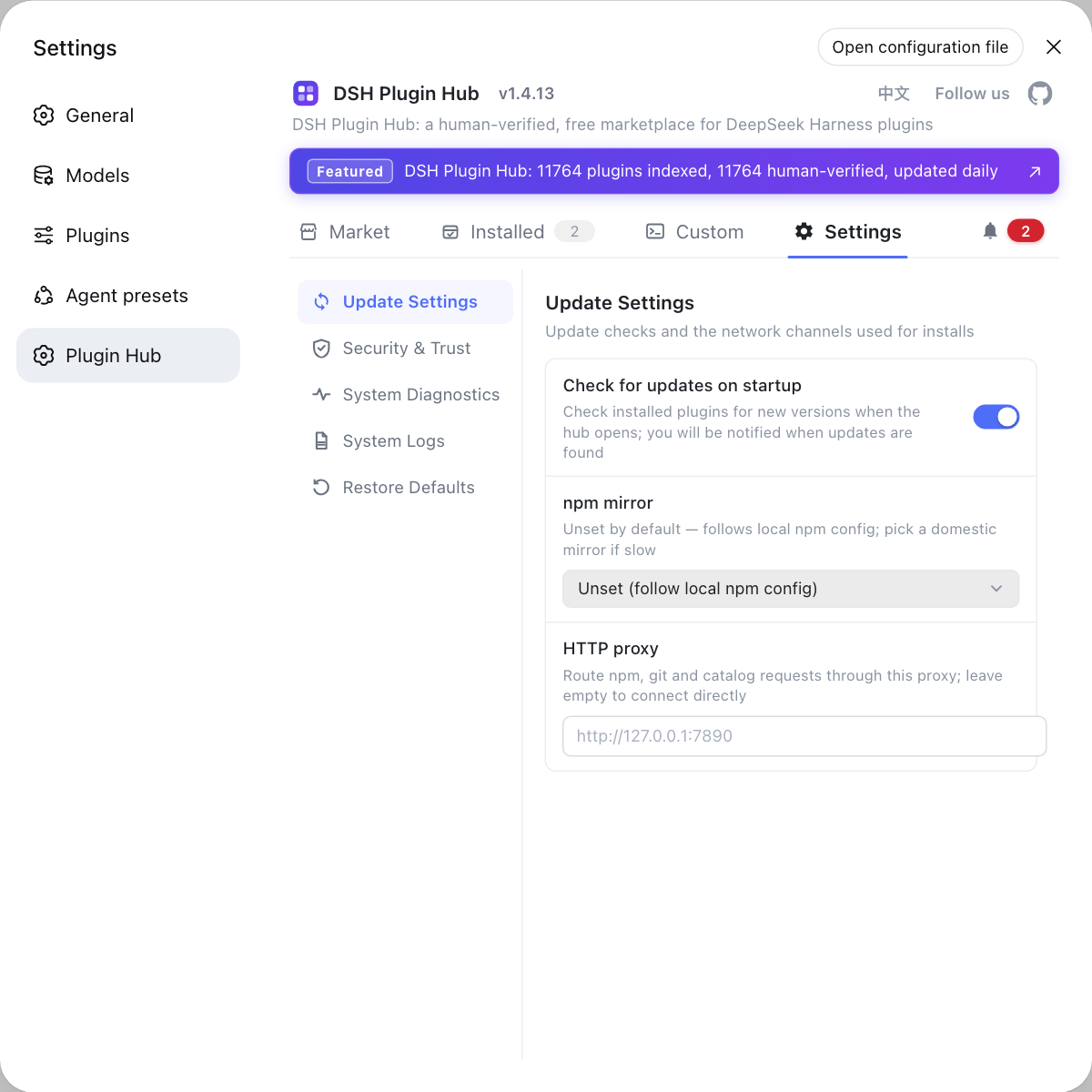
Check plugins installed by other profiles or clients one by one; the DSH Plugin Hub installed list is clearest on the desktop, while the CLI side is checked per profile, so looking at both separately keeps shared and private straight.
Sources: npm Docs: npm uninstall, pnpm Docs: pnpm remove, DeepSeek Harness CLI README (official repository)
FAQ
No. Uninstalling dsh uses the package manager's uninstall, which removes only the named package and leaves the package manager and runtime alone. npm uninstall -g @deepseek-ai/dsh removes that global package, while Node, npm and pnpm are the runtime and tools outside its delete scope and remain usable afterward.
No. Package manager uninstall is targeted: it deletes only the named package and its exclusive dependencies, not other global packages; unrelated packages are unaffected. Compare the global package list with npm ls -g --depth=0 before and after to confirm the right things were removed and the right things stayed.
No. The pnpm global store is content-addressed and shared across projects: multiple projects reference the same content, and remove only drops the current project's reference, never deleting content other projects still reference. Reclaiming unreferenced content takes a dedicated cleanup, which still clears only what nothing references.
No. DeepSeek Harness plugins install per profile in their own directories, the desktop owns profiles/desktop and the CLI has one set per profile; uninstalling in one environment does not delete another's plugins. Check each environment separately, using the installed list on the desktop and the configuration and dependency directories on the CLI side.
The real risk is manual deletion bypassing the package manager: deleting global directories directly, recursively force deleting the store, or wiping a shared directory mistaken for one package's private one. These bypass the package manager's reference accounting and can delete content other projects still use. A normal package manager uninstall does not cause such damage.
Related Terms
- npm uninstall -g
- npm uninstall -g is npm's global uninstall, removing the named global package and its exclusive dependencies by name without deleting the package manager or unrelated global packages.— npm Docs
- pnpm store
- The pnpm store is pnpm's content-addressed storage shared across projects; removing one project's dependency only drops its reference and does not delete content other projects still reference.— pnpm Docs
- content-addressed
- Content-addressed means storing by content hash so identical content is stored once; projects can therefore share the same package content, and removing one project's reference does not affect others.— pnpm Docs
- profile
- A profile is an independent runtime environment in DeepSeek Harness, each with its own package.json and node_modules; plugins install per profile, so uninstalling in one environment does not affect others.— DeepSeek Harness CLI README
Sources
- npm Docs: npm uninstall· npm
- pnpm Docs: pnpm remove· pnpm
- DeepSeek Harness CLI README· deepseek-ai