dsh web authentication required: how to fix the prompt
The message dsh web authentication required; reopen the url printed by dsh web. does not mean the service is broken—it means "open the tokenized address the terminal printed" (source). This guide targets that exact string across three directions: what it means, the correct fix, and why the auth works this way.
dsh web authentication required; reopen the url printed by dsh web.
Overview: read the DeepSeek Harness prompt in one line
The operative phrase is reopen the url printed by dsh web—it wants the printed address, not the 127.0.0.1:3080 you typed. The DeepSeek Harness Web UI uses startup token authentication: the process generates a random token on each start, prints a root URL with ?token= exactly once, and only visiting that URL exchanges the token for a browser cookie (source). So this prompt almost always means: you are visiting an address that carries no auth info.
| Symptom | Real cause | Action |
|---|---|---|
Typing 127.0.0.1:3080 shows the prompt | the address has no token, cannot get a cookie | open the tokenized URL printed in the terminal |
| It worked before, now it prompts again | the cookie expired or was cleared | restart and exchange the newly printed URL |
| It prompts after changing port / browser | the cookie is bound to hostname and port | re-authenticate in the new environment |
What the prompt means: why typing 127.0.0.1:3080 into DeepSeek Harness does not count
Because the listen address and the auth address are two different things: the former only says where the service is, the latter carries the token needed to exchange a session.
- dsh web prints one tokenized root URL at startup, shaped like
http://127.0.0.1:3080/?token=.... Expected: it prints once, and the token never hits disk. - Only visiting that URL exchanges the process token for a cookie, after which it redirects to a clean
/and later requests authenticate via the cookie. Expected: the address bar returns to/without the token, and access is normal. - Any request without a valid cookie gets the same minimal 401, which in the browser shows as this prompt. Expected: you see the auth notice page, not the normal UI.
Two common misreads worth clearing up: static assets stay public, so "images load" does not mean auth passed; and 403 is not 401—403 means the origin is untrusted (Host / Origin check failed) while 401 means no valid browser session. For the fuller mechanism and port troubleshooting, see dsh web authentication required and port 3080.
The fix: three steps to restore DeepSeek Harness access
Ordered from least to most invasive: exchange the printed URL for a cookie first, then reset at the session level, and only then change environment.
- Copy the full terminal URL — go back to the terminal running
dsh weband copy the whole?token=address into the browser. Expected: the page redirects to a clean/and auth passes. - Token expired or URL lost → restart for a new one — the token is not persisted, so restarting
dsh webprints a fresh tokenized URL to exchange. Expected: you get the new URL and get in. - Changed port / browser → re-authenticate there — the cookie is bound to hostname and port, so a new port invalidates the old cookie; authenticate once with the new URL in the new browser. Expected: normal access in the new environment.
If even the terminal output is gone, follow step 2—restart for a new URL. If it still prompts after restarts, move on to the broader troubleshooting of credential files and session revocation, which is a separate branch.
The security side: why DeepSeek Harness auth exists and why the URL is a secret
Auth exists so that only someone local who has seen that one-time address can get in.
- Why auth is needed:
dsh webbinds only127.0.0.1, yet any local process might try to reach it; the startup token narrows "can open the UI" to "can see the terminal output", a minimal line of defense. - Never share the tokenized URL: the address is equivalent to a credential, and whoever has it can exchange it for a valid session. Do not paste it into chat windows, issues, or group chats, and crop it out of screenshots.
- Remote access done right:
dsh webrefuses to bind0.0.0.0and does not imply network deployment or TLS support. For remote use, open it locally over an SSH port-forward rather than opening up the listen address.
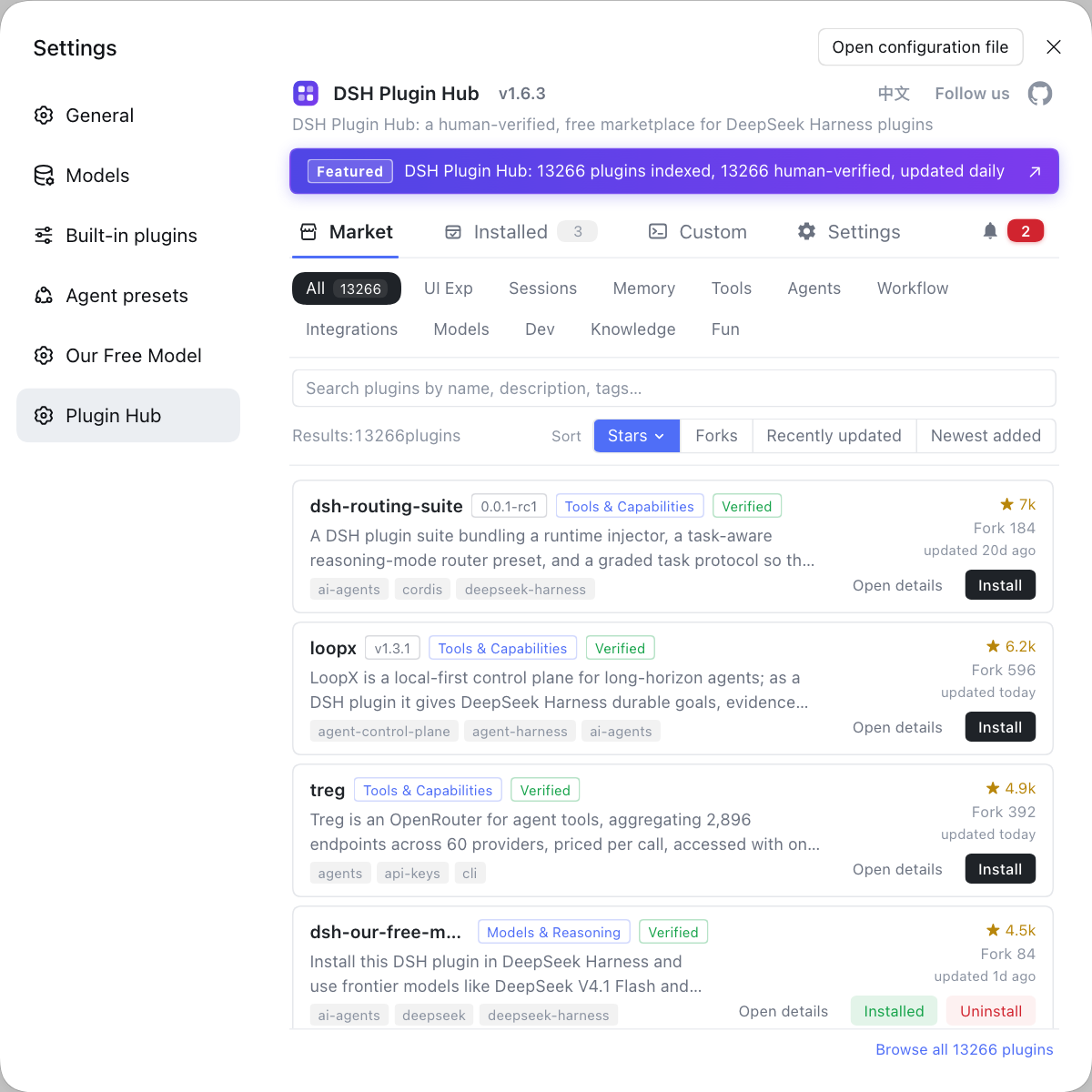
Once you are in, extending DeepSeek Harness happens in the same place as always: search and install plugins at DSH Plugin Hub.
Notes on the DeepSeek Harness authentication prompt
- Check the terminal first: the top suspect for this prompt is always "did not use the tokenized URL", so copy the address from the terminal instead of restarting or reinstalling.
- The token prints once: refreshing a page or opening a new tab is not "reopening the printed address"; if it is lost you must restart for a new one.
- Do not force
127.0.0.1:3080: it is the listen address with no auth info, so opening it always prompts for auth. - Separate 401 from 403: 401 is a missing session, 403 is an untrusted origin, and they are fixed differently.
- Treat the URL as a password: a tokenized URL is a process credential, and sharing it hands over the UI.
Sources: Agent Note: browser startup token authentication, dsh CLI README
FAQ
It is not a crash but an authentication notice: the DeepSeek Harness Web UI uses startup token authentication, and only the tokenized URL printed in the terminal can be exchanged for a browser session. The message literally means "reopen the address that dsh web printed"—you most likely typed 127.0.0.1:3080 instead of the full URL that carries the auth info.
Because 127.0.0.1:3080 is only the listen address with no auth info: dsh web prints a root URL with ?token= exactly once at startup, and only visiting it turns the process token into a browser cookie. Any request without a valid cookie gets the same minimal 401, which surfaces in the browser as this prompt.
Restart dsh web: it prints a fresh tokenized URL, because the token is never persisted and changes on every process start. Exchange the new URL for a cookie once and you are back in; if the cookie expired and the URL is gone, this is the path to repeat.
Yes—the browser cookie is bound to the hostname and port, so a new port or a different browser makes the old credential mismatch. Authenticate once more in the new environment with the newly printed tokenized URL; an unexpired cookie for the same host and port survives a process restart.
No. The tokenized URL is effectively a process credential—whoever has it can exchange it for a valid session. dsh web binds only 127.0.0.1 for local access by default, so do not expose it or paste it into a chat window or issue just for convenience.
Related Terms
- startup token
- The startup token is a random token the DeepSeek Harness host generates on each start; it is printed once with the app root URL and exchanged for a persistent session cookie, and it is never persisted, changing on every restart.— Agent Note: browser startup token authentication
- reopen the url printed by dsh web
- reopen the url printed by dsh web is the message returned when authentication is missing or stale; it means revisiting the tokenized URL printed at startup rather than typing the listen address 127.0.0.1:3080.— Agent Note: browser startup token authentication
- browser session cookie
- The browser session cookie is the signed credential issued after DeepSeek Harness authentication; it is bound to the hostname and port, marked host-only, HttpOnly, and SameSite=Strict, and its absolute lifetime is governed by cookieMaxAgeDays.— Agent Note: browser startup token authentication
- 127.0.0.1:3080
- 127.0.0.1:3080 is the default listen address of dsh web, where 127.0.0.1 means local-only and 3080 is the default port; it is only a listen address with no auth info, so opening it directly triggers the auth prompt.— dsh CLI README
Sources
- Agent Note: browser startup token authentication· deepseek-ai
- dsh CLI README· deepseek-ai