Fix "--host 0.0.0.0 not supported for safety": DSH plugin
The full text of this error is "error: --host 0.0.0.0 is intentionally not supported yet for safety: it would expose remote code execution to the network; use 127.0.0.1 instead" — error X → do W: stop trying to bind all interfaces, start the service on the default 127.0.0.1, and reach it from your own machine through an SSH tunnel (source). It is not a usage mistake but an official security decision: dsh web can execute commands with the Host user's privileges and read and write local files, so binding to 0.0.0.0 would hand remote code execution to the whole network. The full story on remote connections is in how to connect remotely with dsh ssh; this page targets only this safety-limit error.
What the "--host 0.0.0.0 is intentionally not supported yet for safety" error means
It means you passed --host 0.0.0.0 to dsh web, and the CLI deliberately does not support that bind because it would expose a command-executing web UI to the network, so it exits with an error (source). Three key points:
intentionally not supportedmeans "intentionally unsupported" — it is a deliberate design choice, not an unimplemented gap, so do not wait for it to "support it later."for safetynames the motive — the reason for the refusal is security: binding all interfaces exposes remote code execution.use 127.0.0.1 insteadalready gives the answer — the official guidance is to use the loopback address, which is also the default behaviour.
See the difference between the default and the illegal change first:
| Usage | Result | Notes |
|---|---|---|
dsh web (default) | listens on 127.0.0.1:3080 | only the local machine can reach it |
dsh web --port 8080 | works, changes the port | the port is changeable, the bind address is not |
dsh web --host 0.0.0.0 | reports this safety error | refused, a usage error |
dsh web --trusted-host <hostname> | works, restricts origin | trusts a specific host, not opening to the world |
One line: the port is yours to change, the bind address is not negotiable — 127.0.0.1 is the only supported bind.
What to do: switch to the default 127.0.0.1
When you see this error there is only one correct move: stop passing --host 0.0.0.0 and start DeepSeek Harness on the loopback address (the default behaviour of dsh web); to reach it from another machine, build an SSH tunnel instead of changing the bind. How to build the tunnel and why loopback is enough belong to the existing remote-access topic — the dsh ssh remote guide lays out starting the service on the server, ssh -L 3080:127.0.0.1:3080 <user>@<server>, opening the ?token= address locally, and restricting origin hosts with the repeatable --trusted-host; this page keeps only this safety-limit error itself.
Do not confuse it with a port conflict: this is a security refusal, a different thing from 3080 being occupied; the latter is in 127.0.0.1:3080 unreachable.
Why it is designed this way: remote code execution risk and the official trade-off
The core reason is a single one: dsh web is an interface that can run commands and read and write local files, so once it is anonymously reachable it hands over control of the machine — which is why the official project holds the line with a refusal to bind rather than retrofitting authentication (source). Layer by layer:
- Capability is risk — the interface carries local file and command-execution capability, so the more it can do, the worse exposure is.
- No TLS or proxy contract — the official project provides no TLS, forwarded-header interpretation or proxy config to support "expose the service directly to the network," so opening it rashly is walking around naked.
- Auth answers "who can use it on this machine" — the startup token is for people who can already reach the loopback; it does not equal "safe to open to the internet."
- Refuse rather than hint — instead of offering an easily misused switch, the official project refuses at the argument layer, so no one assumes "bind all interfaces" is a supported deployment.
The boundary must be stated plainly: this limit is an official decision, and any workaround (changing environment variables, replacing the launcher with a plugin, pushing it out with a reverse proxy) is outside the supported range. For real LAN or public access, use an encrypted channel such as an SSH tunnel first and decide after assessing the risk; the overall security premise for remote access is covered in the dsh ssh remote guide referenced above.
Before troubleshooting a DSH plugin remote-access error
Before installing any DSH plugin in a remote environment, confirm whether the connection method is even supported, and you avoid one doomed attempt. Three notes:
- The only supported connection is an SSH tunnel — do not fight
--host 0.0.0.0; put your effort into the tunnel and the token. - The token is single-use, do not share it — the address with
?token=stays in history, so exchange it for a session cookie at once and do not screenshot it out. - The service should stay on loopback — confirm
dsh webbinds127.0.0.1; once you are in remotely and need to add a plugin, pick from DSH Plugin Hub in the UI instead of typing commands on both ends of the tunnel.
Notes and limits when using DSH plugin
- The bind address is not changeable —
127.0.0.1and the refusal of--host 0.0.0.0are official decisions, and any workaround is outside the supported range. - The port changes, the address does not —
--portis free,--hostis supported only for loopback; do not conflate the two. - The token changes every start — remote access means fetching a fresh tokenised address from the server terminal each time, so it cannot be bookmarked in advance.
- Long-running hosting is on you — the official project offers no service-management solution, so for long runs host it yourself with a terminal multiplexer or a system service.
- The wording follows the official version — phrasing may shift slightly between versions, but "refusing to bind all interfaces" does not.
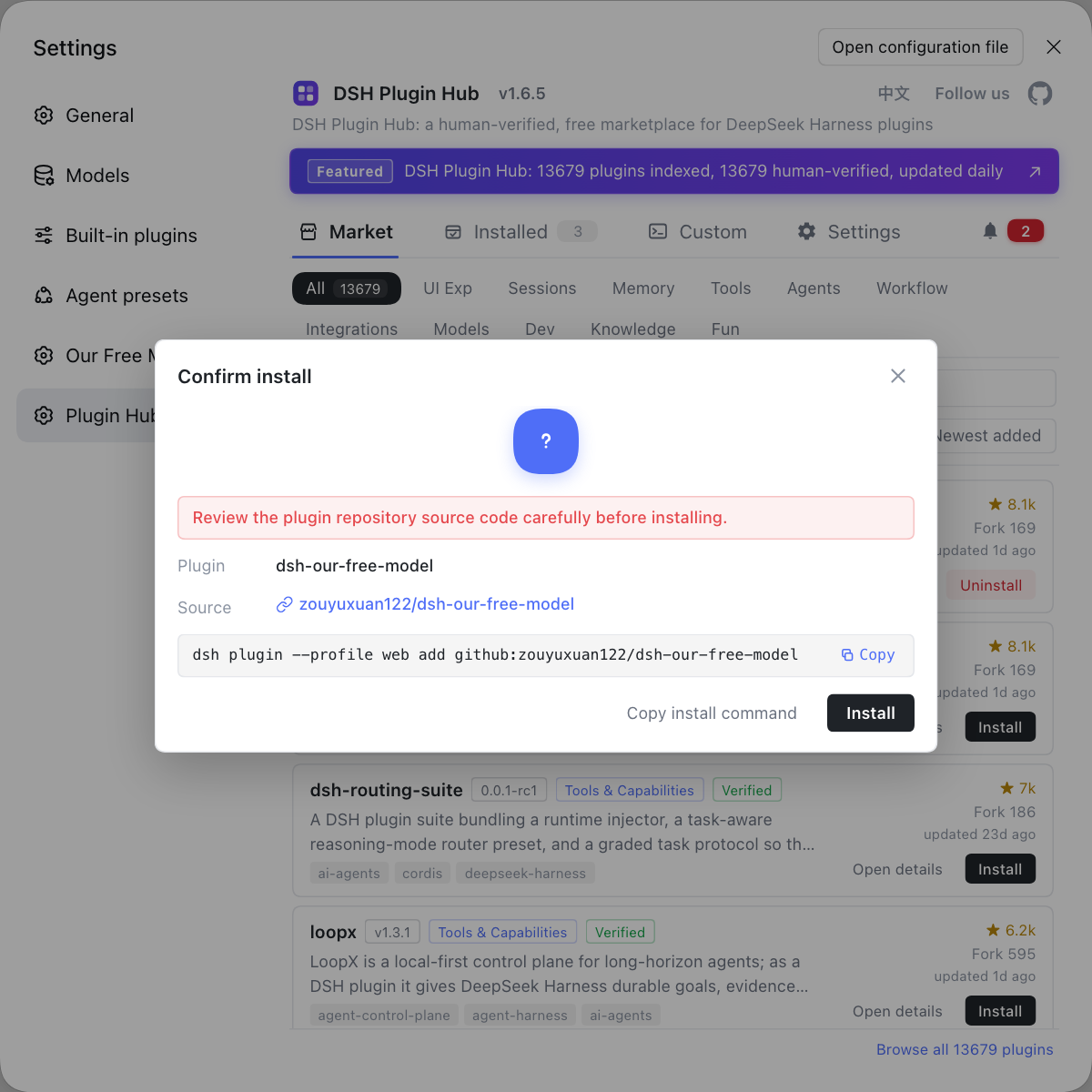
Rather than dodging the official bind restriction and pushing the service onto the network just for remote access, tidy up that remote environment inside the supported loopback with DSH Plugin Hub: every install goes through a confirmation dialog you can check, and which plugin came from which repo is written out plainly — far steadier than typing package names on both ends of a tunnel.
Sources: dsh CLI README, dsh CLI behavior reference.
FAQ
DeepSeek Harness's dsh web deliberately refuses to bind 0.0.0.0. Exposing this machine's file- and command-capable web UI to the entire network is equivalent to giving away remote code execution, a risk the official project explicitly avoids, so it blocks it at the argument layer.
The supported way to reach DeepSeek Harness remotely is SSH local port forwarding: run dsh web on the server (default bind 127.0.0.1:3080), then run ssh -L 3080:127.0.0.1:3080 <user>@<server> locally, and open the tokenised address the server terminal prints in your local browser. The key is the tunnel, not changing the bind.
For DeepSeek Harness this bind cannot be loosened and is not supported. The CLI intentionally does not support --host 0.0.0.0, and direct same-subnet connections are not in the supported range either; to restrict origin hosts, use the repeatable --trusted-host to add trusted hostnames rather than pushing the service to the whole network.
For DeepSeek Harness, putting 3080 out through a reverse proxy is likewise outside the supported range. The official project provides no TLS, forwarded-header interpretation or proxy config support for remote deployment; if you really must expose it inside a controlled network, assess the remote code execution risk first instead of assuming it is supported.
DeepSeek Harness reports this as a safety reason because it protects the bottom line of "who can run commands." dsh web can execute commands with the Host user's privileges and read and write local files, so once it is anonymously reachable it equals handing over machine control; the official project would rather hard-refuse than imply that network deployment is supported.
Related Terms
- --host 0.0.0.0
- --host 0.0.0.0 is a startup argument that makes a service bind to every network interface; in DeepSeek Harness it is explicitly refused, because it would expose the web UI together with remote code execution capability to the network.— dsh CLI README
- remote code execution (RCE)
- Remote code execution means an attacker can run arbitrary commands on the target machine; dsh web runs commands with the Host user's privileges, so anonymous reachability constitutes a remote code execution risk, which is exactly why the official project refuses to bind 0.0.0.0.— dsh CLI README
- SSH local port forwarding
- SSH local port forwarding is the practice of mapping a local port to a remote loopback address with ssh -L, so your local browser thinks it is connecting to a local port while the traffic actually reaches the server through an encrypted tunnel.— dsh CLI behavior reference
- --trusted-host
- --trusted-host is a repeatable argument of dsh web that adds trusted hostnames to the /api browser trust fence; it is used to restrict origin hosts, not to expose the service to the network.— dsh CLI behavior reference
Sources
- dsh CLI README· deepseek-ai
- dsh CLI behavior reference· deepseek-ai