zcode reverse proxy: a DSH plugin for DeepSeek Harness
A zcode reverse proxy is not system-wide network proxying: it uses a DSH plugin (dsh-zcode-cli-proxy) to hand DeepSeek Harness model requests to the agent built into your local ZCode client — it changes where the model comes from, not how the network flows.
DSH plugin reverse proxy overview
This guide answers three things about the zcode reverse proxy: what it actually solves, how to install and wire it up in DeepSeek Harness, and where it sits relative to a system network proxy and the built-in model providers. Conclusion first: it is a forwarding plugin at the model-request layer, not a proxy server, and it needs no API key in DeepSeek Harness. For general outbound network proxying (the HTTPS_PROXY family) go to How to configure a network proxy in DeepSeek Harness; this piece covers the zcode-specific reverse proxy only. The three directions at a glance:
| Direction | One-line conclusion | What it swaps |
|---|---|---|
| What the zcode reverse proxy solves | With local ZCode client quota, models work even without an API key in DeepSeek Harness | The model source |
| How to configure it | Install a GitHub-direct plugin, then pick a provider and model in settings | The config entry |
| Boundaries | It is a different thing from a network proxy and built-in model providers | The layer each acts on |
What the zcode reverse proxy solves: turning the local ZCode client into a DeepSeek Harness model source
The zcode reverse proxy targets this situation: you already have the ZCode client installed locally with Start Plan quota on the account, but there is no usable API key in DeepSeek Harness and you don't want to build your own gateway. dsh-zcode-cli-proxy hands DeepSeek Harness model requests to the agent built into the local ZCode client, spending your ZCode account's Start Plan / Coding Plan quota directly (source). Specifically, it does these things for you:
- Raises a resident app-server channel — it starts the ZCode app-server process the way the ZCode GUI does, and multi-turn sessions reuse it by DeepSeek Harness's
sessionId, so there's no handshake every turn. - Injects the account and returns authentication — it injects the Start Plan account and returns the shared credential's auth info to the agent before each request, letting the agent sign the request itself.
- Keeps true streaming and multimodality — text / reasoning deltas are forwarded directly, tool calls work as usual, and images are attached as local files for the agent to read.
- Self-heals unstable turns — hitting "a turn is already running" makes it re-send a stop, wait and retry; a reclaimed session means a new session that replays history; an app-server subprocess exit invalidates the session mapping.
In one line: it swaps where the model comes from — from an API key or a self-built gateway to the ZCode client already signed in on your machine. The fit is when you hold ZCode quota, have the client on the machine and just want that model to appear in DeepSeek Harness's model list; the misfit is when the client isn't installed or the account has no usable quota, in which case the reverse proxy has nothing to work with. One more thing: because the request is ultimately sent by the local client, whether the model endpoint is reachable depends on the client's network environment, not DeepSeek Harness's outbound settings.
How to configure it: install dsh-zcode-cli-proxy and pick a provider and model
Configuration has two halves: install this DSH plugin into a profile from the command line, then in DeepSeek Harness settings switch the provider to "ZCode Start Plan (client reverse proxy)" and choose a model (source). Go in order:
- Confirm the prerequisites — the local machine has the ZCode client installed, signed in to an account with Start Plan quota. Expected: the client opens normally and quota is available; the plugin auto-detects the client's bundled script path, and you can specify it manually later if it can't.
- Install the plugin — it has no npm package name and installs directly from GitHub, so run
dsh plugin --profile web add github:kyle123740/dsh-zcode-cli-proxy. Expected: pnpm prints anaddedline and the dependency is written to thewebprofile. If you'd rather not type commands, paste the GitHub address through "Custom install" in the DSH Plugin Hub market. - Restart the host — restart
dsh webso the plugin tree reloads. Expected: the provider shows up on the Models page, meaning the plugin has mounted. - Pick a provider and model — open the Models page in DeepSeek Harness settings, set the provider to "ZCode Start Plan (client reverse proxy)" and choose the matching model (for example
GLM-5.3-Flash (ZCode CLI)). Expected: from then on DeepSeek Harness model requests are executed by the resident ZCode app-server. - Send a task to verify — ask a simple question in a session. Expected: the answer streams token by token and consumes your ZCode account quota rather than any API key.
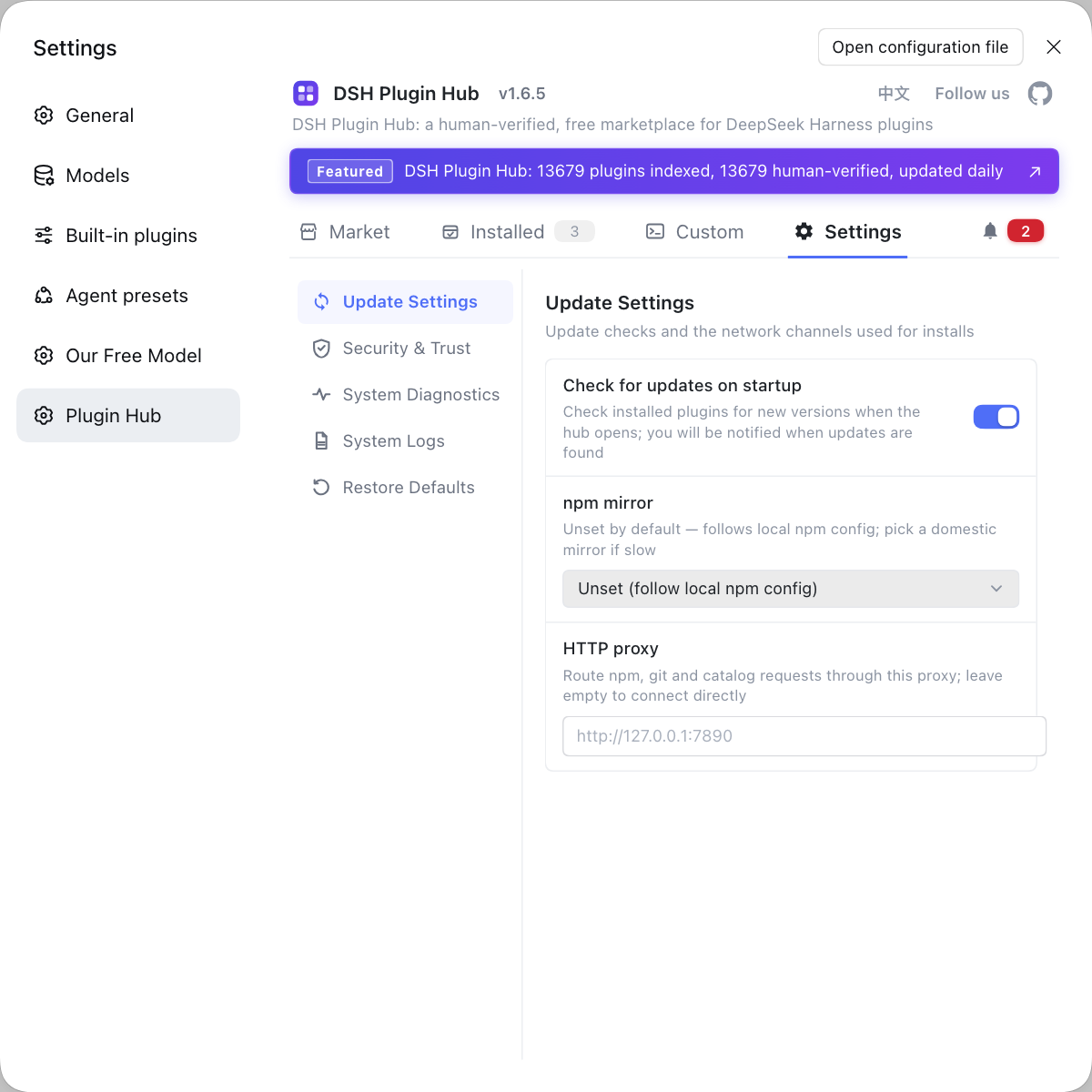
- Fine-tune fields if needed — go to Settings → Plugins and adjust the items below as required. Expected: behavior fits your machine environment and turn length.
# install the plugin (GitHub-direct, no npm package name)
dsh plugin --profile web add github:kyle123740/dsh-zcode-cli-proxy
# confirm the dependency really landed
dsh plugin --profile web why dsh-zcode-cli-proxy
# takes effect after restarting the host
dsh web
Adjustable fields (Settings → Plugins):
| Field | Purpose | Default / notes |
|---|---|---|
| CLI path + node executable | Point at the ZCode client script and the node that runs it | Auto-detected if left blank |
| Working directory | The directory the agent runs requests in | Fill as needed |
| Credential directory | Where shared credentials are read | Defaults to the user home if left blank |
| Model list | The models exposed to DeepSeek Harness | Chosen together with the provider |
appServerTimeoutMs | Per-request app-server timeout | Defaults to 120000 ms |
zcodeCliTimeoutMs | Per-turn timeout | Defaults to 900000 ms |
This DeepSeek plugin's master switch lives on the same page: to temporarily fall back to an ordinary model provider, just turn the master switch off — no uninstall required.
Boundaries: zcode reverse proxy vs network proxy vs built-in model providers
Three things are easily confused: the zcode reverse proxy is a source switch at the model-request layer, a network proxy is the network egress, and a built-in model provider is DeepSeek Harness's own model wiring — they can coexist but never replace one another. Compare them:
| Concept | What it governs | Typical config object | What it swaps |
|---|---|---|---|
| zcode reverse proxy (this article) | Handing model requests to the local ZCode agent | A DSH plugin installed with dsh plugin + a provider in settings | The model source |
| Network proxy | Which http(s) proxy DeepSeek Harness outbound requests go through | HTTPS_PROXY / HTTP_PROXY / NO_PROXY environment variables | The network egress |
| Built-in model provider | The model providers and credentials configured in DeepSeek Harness | API key / gateway in model settings | The model access method |
A few boundaries to remember:
- A dead reverse proxy ≠ dead network — requests are sent by the local ZCode agent and the network proxy is another layer; a misconfigured
HTTPS_PROXYcan look like the reverse proxy doing nothing at all, so confirm the egress first at How to configure a network proxy in DeepSeek Harness. - The reverse proxy isn't an API-key substitute — what it bypasses is the credential, not turning ZCode into a general gateway; to fill in an API key or build a gateway, go to How to configure DeepSeek Harness model providers.
- Get the quota accounting right — auxiliary calls like session titles are generated locally and burn no quota, while what really consumes quota is the model request itself; don't confuse the two or you'll misjudge "installed but not working".
Notes and limits for the zcode DSH plugin
- It depends heavily on the local environment — with no ZCode client, or a client not signed in to an account with quota, the reverse proxy has no executor to use.
- The usual GitHub-direct pitfall — if the repo is a git dependency with build scripts, pnpm 10 and later can block the first
addwithallowBuilds; copy the key into the profile'spnpm-workspace.yamland rerun. - Turn locks and timeouts leave errors — after a single turn is aborted or times out, a turn lock may remain and surface as
this run failed · PROVIDER; the channel layer re-sends a stop and retries, and for long turns you can raisezcodeCliTimeoutMs. - Session reclaim keeps history — on a session-not-found message the plugin discards the cache, creates a new session and replays the whole conversation under first-turn semantics, preserving history intact.
- If quota doesn't move, check two places — the revision identifier used for injection must match the config source character for character (a mismatch is silently skipped), and the auth token must come from shared credentials and not be expired.
- Community plugin, not official — maintained by the author kyle123740 under AGPL-3.0 and unaffiliated with DeepSeek AI; read the source repo before installing.
- Preview changes things — DeepSeek Harness is in developer preview, so treat the fields and commands as version-specific.
Rather than trial-and-error in the config and mixing the zcode reverse proxy with a general network proxy, install the proxy from the market of DSH Plugin Hub and set provider and model once in the settings page.
Source: kyle123740/dsh-zcode-cli-proxy, dsh-zcode-cli-proxy (DSH Plugin Hub entry), DeepSeek Harness docs - network proxy
FAQ
The zcode reverse proxy means using a DSH plugin to hand DeepSeek Harness model requests to the agent built into the local ZCode client, so you can use ZCode account quota when you have no API key and don't want to build a gateway. It runs over a resident app-server channel and returns OAuth authentication, a source switch at the model-request layer rather than a change to the system network egress.
dsh-zcode-cli-proxy installs directly from GitHub into the web profile with one command: dsh plugin --profile web add github:kyle123740/dsh-zcode-cli-proxy; after a restart, pick the provider "ZCode Start Plan (client reverse proxy)" and a model on the Models page in DeepSeek Harness settings. The prerequisite is a local ZCode client signed in to an account with Start Plan quota.
No. The zcode reverse proxy is a DSH plugin that hands requests to the local ZCode agent at the model-request layer, changing the model source; a network proxy is DeepSeek Harness reading HTTPS_PROXY, HTTP_PROXY and similar environment variables to control outbound networking, changing the network egress. The two can coexist but never substitute for each other, and a working reverse proxy doesn't prove the egress works.
A DSH plugin reporting "this run failed · PROVIDER" usually means the turn lock wasn't released after the previous turn was aborted or timed out, and the dsh-zcode-cli-proxy channel layer automatically re-sends a stop and retries once, so no manual action is normally needed. A session-not-found message means the session was reclaimed or the process restarted; the plugin discards the cached entry, creates a new session and replays the whole conversation under first-turn semantics, losing no history.
Hitting ZCode quota through the zcode reverse proxy depends on two things being correct: the account injection and the authentication return. The revision identifier used for injection must match the config source character for character, or it is silently skipped; the returned auth token must come from shared credentials and not be expired. If either link is wrong the upstream rejects it, and the symptom is simply that quota is never consumed.
Related Terms
- dsh-zcode-cli-proxy
- dsh-zcode-cli-proxy is a DSH plugin that hands DeepSeek Harness model requests to the agent built into the local ZCode client, consuming ZCode account quota over a resident app-server channel without an API key.— kyle123740/dsh-zcode-cli-proxy
- zcode reverse proxy
- A zcode reverse proxy is a forwarding layer between DSH and the ZCode client: model requests sent by DeepSeek Harness reach the plugin first, which hands them to the local ZCode client agent to execute and returns the result.— kyle123740/dsh-zcode-cli-proxy
- Start Plan quota
- Start Plan quota is usage allowance that comes with a ZCode account and is consumed by the client agent; dsh-zcode-cli-proxy brings it into DeepSeek Harness so model requests don't bill an API key.— dsh-zcode-cli-proxy (DSH Plugin Hub entry)
- app-server channel
- The app-server channel is the resident process channel dsh-zcode-cli-proxy launches the way the ZCode GUI does, reusing multi-turn sessions by DeepSeek Harness sessionId and returning authentication.— kyle123740/dsh-zcode-cli-proxy
Sources
- kyle123740/dsh-zcode-cli-proxy· GitHub
- dsh-zcode-cli-proxy (DSH Plugin Hub entry)· dsh-plugin.org
- DeepSeek Harness docs - network proxy· deepseek-ai