Set HTTPS_PROXY and TLS certificates in DeepSeek Harness
DeepSeek Harness uses standard proxy environment variables: HTTPS_PROXY, HTTP_PROXY and ALL_PROXY forward traffic, NO_PROXY bypasses hosts, and NODE_EXTRA_CA_CERTS adds a private CA; writing them into $DSH_HOME/.env makes them persist. This covers variable roles, persistence, and the boundaries plus verification.
How to set a DeepSeek Harness proxy: HTTPS_PROXY, HTTP_PROXY and ALL_PROXY
DeepSeek Harness reads the standard proxy variables: HTTPS_PROXY and HTTP_PROXY cover their protocols, ALL_PROXY is the fallback, and NO_PROXY lists hosts to reach directly (source). Walk through them:
- Set
HTTPS_PROXYfirst — model APIs and most plugin downloads use https, so this is the one you change most often. Expected: afterexport HTTPS_PROXY=http://127.0.0.1:7890, https traffic goes through that proxy. - Add
HTTP_PROXYas needed — only when there is real http traffic. Expected: without it, http requests are not routed by this variable. - Use
ALL_PROXYas a catch-all — for protocols you did not specify individually. Expected: it is a fallback and does not override an explicitHTTPS_PROXY. - Exclude hosts with
NO_PROXY— put intranet or local services there to avoid the proxy. Expected: matching hostnames connect directly, everything else still uses the proxy. - Turn telemetry off — set
DSH_TELEMETRY_MODE=DISABLEDwhen needed. Expected: telemetry requests stop. - Verify the current shell — run
env | grep -i proxy. Expected: the exported variables appear, confirming nothing else overwrote them.
Persisting DeepSeek Harness proxy settings: write $DSH_HOME/.env
Write the proxy variables into $DSH_HOME/.env, which DeepSeek Harness reads at startup, rather than exporting them in every terminal; a temporary export is enough for a trial (source). Two ways, chosen by scenario:
- Temporary trial —
export HTTPS_PROXY=http://127.0.0.1:7890in the current terminal, affecting only this session. Expected: it is gone once you close the terminal, which suits testing a new proxy. - Long-term use — write the same assignment into
$DSH_HOME/.env. Expected: every later launch of DeepSeek Harness picks it up automatically. - Verify a headless run — pass the variables and run a job such as
dsh --profile headless "...". Expected: the job reaches the network, showing the proxy also works in non-interactive contexts. - Recheck after moving — run
env | grep -i proxyagain on a new machine or network. Expected: you confirm the variables were not lost.
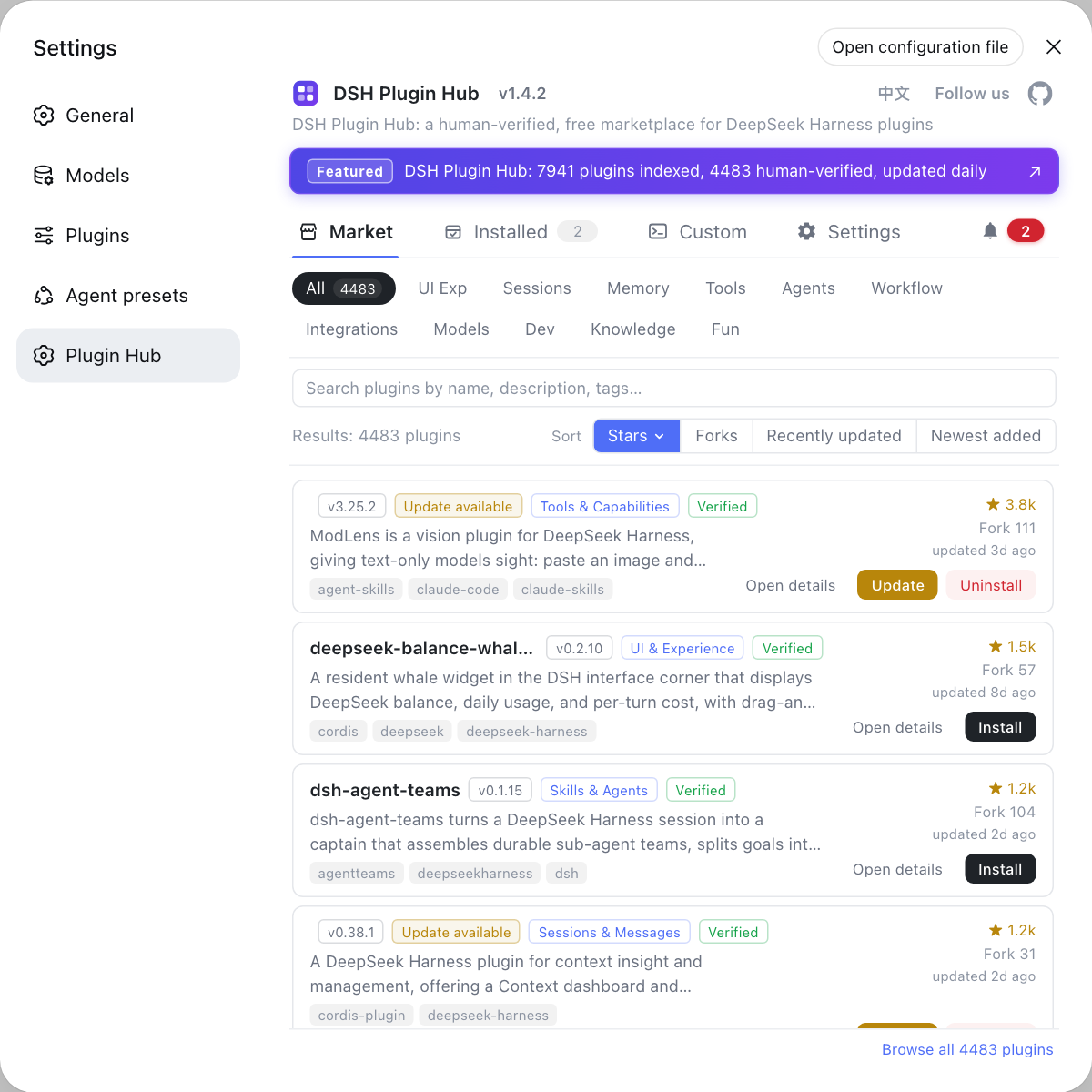
With the proxy in place, steps such as installing DSH plugins no longer stall; verify once in DSH Plugin Hub.
DeepSeek Harness proxy boundaries: certificates, NO_PROXY, no SOCKS or CIDR
DeepSeek Harness has two hard proxy boundaries: it does not support SOCKS proxies, and NO_PROXY does not support CIDR matching; certificate errors are handled with NODE_EXTRA_CA_CERTS (source). Handle them like this:
- Only http(s) proxies work — when only a SOCKS proxy is available, expose a local http proxy port instead. Expected: a SOCKS address is not recognized.
NO_PROXYtakes addresses, not ranges — list each domain or host you need to exclude; CIDR will not work. Expected: an entry like10.0.0.0/8has no effect.- Fix certificate errors with a CA — point
NODE_EXTRA_CA_CERTSat the enterprise or interception CA. Expected: certificate validation passes on the next request. - Confirm the proxy is not bypassed — check
env | grep -i proxyand make sureNO_PROXYdoes not wrongly exclude the target. Expected: the target indeed goes through the proxy.
DeepSeek Harness proxy cautions and limits
- Variables must be in the launching environment: exporting in one terminal while launching DeepSeek Harness from the GUI means they are not inherited, so persist them in
$DSH_HOME/.env. NO_PROXYcannot take ranges: CIDR does not apply, so list hostnames or domains one by one.- No SOCKS support: when only a SOCKS port exists, switch to a local http proxy port first.
- Do not just disable certificate checks: enterprise setups should add
NODE_EXTRA_CA_CERTSrather than bypassing validation, which adds risk. - Proxy and model config are separate: if the proxy works but the model still reports a credential error, see configuring model providers in DeepSeek Harness.
Sources: Network and proxy (official docs), dsh CLI README (official repository)
FAQ
DeepSeek Harness reads the standard proxy environment variables: HTTPS_PROXY and HTTP_PROXY cover their respective protocols, ALL_PROXY is the fallback, NO_PROXY lists hosts to reach directly, NODE_EXTRA_CA_CERTS adds a private CA, and DSH_TELEMETRY_MODE=DISABLED turns telemetry off.
Write the proxy variables into $DSH_HOME/.env, which DeepSeek Harness reads at startup, instead of exporting them in every terminal. A temporary export is enough for a quick trial; use the file for long-term use.
DeepSeek Harness usually fails after a proxy when the variables are not inherited or the CA is not trusted. Run env | grep -i proxy in the same shell that starts dsh to confirm visibility, then point NODE_EXTRA_CA_CERTS at your enterprise CA and retry.
DeepSeek Harness does not support SOCKS proxies or CIDR matching — both are documented boundaries. To reach hosts directly, list each hostname or domain in NO_PROXY; network ranges will not work.
Run env | grep -i proxy in the same terminal that starts DeepSeek Harness to see every exported proxy variable. For headless runs, pass the variables and run dsh --profile headless "..." to verify outbound access.
Related Terms
- HTTPS_PROXY
- HTTPS_PROXY is one of the standard proxy variables DeepSeek Harness reads; it names the proxy that forwards https outbound requests, for example http://127.0.0.1:7890.— DeepSeek Harness official docs - Network and proxy
- NO_PROXY
- NO_PROXY is the bypass variable DeepSeek Harness reads, listing hostnames or domains that connect directly instead of through the proxy. It does not accept CIDR ranges, so addresses must be listed one by one.— DeepSeek Harness official docs - Network and proxy
- NODE_EXTRA_CA_CERTS
- NODE_EXTRA_CA_CERTS is the Node.js variable pointing at an extra CA certificate; DeepSeek Harness uses it to trust an enterprise or interception root certificate and avoid TLS failures behind a proxy.— DeepSeek Harness official docs - Network and proxy
- $DSH_HOME/.env
- $DSH_HOME/.env is the user-level environment file of DeepSeek Harness, read at startup, used to persist proxy, telemetry and similar settings so they need not be exported in each terminal.— DeepSeek Harness official docs - Network and proxy
Sources
- DeepSeek Harness official docs - Network and proxy· deepseek-ai
- dsh CLI README· deepseek-ai