What is dsh-tui? A terminal UI plugin for DeepSeek Harness
dsh-tui (dshtui) is an Ink terminal UI DSH plugin for DeepSeek Harness: it takes over the whole terminal in opencode style, offering streaming chat, collapsible tool cards, and dialogs (source). This article examines that one plugin across three directions: what it provides, how to install and launch it, and when it suits you better than the Web UI.
Overview: the dsh-tui DSH plugin in one line
It adds a third interface form to DeepSeek Harness—a terminal UI with no browser. The web version and the desktop client already exist; dsh-tui moves interaction back to the command line, rendering entirely inside the terminal.
| Dimension | Description |
|---|---|
| Problem solved | Wanting a full interactive UI in a pure terminal or SSH environment |
| Core form | A TUI rendered with Ink that takes over the whole terminal |
| Interaction | Streaming chat, collapsible tool cards, dialogs |
| Launch | Install globally first, then start with the dshtui launcher |
What this DSH plugin provides: an Ink interface that takes over the terminal, and the trade-off with the Web UI
The defining trait is taking over the whole terminal—once launched, the entire terminal window is its interface. Four capabilities:
- An Ink terminal interface — Built on Ink with an opencode-inspired style. Expected: a structured interface appears in the terminal instead of lines of raw logs.
- Streaming chat with collapsible tool cards — Replies render as they are generated, and tool calls fold into collapsible cards. Expected: long output does not flood the screen, and you expand it when needed.
- Dialogs and interactive components — It provides interactive elements such as dialogs, so you are not limited to command flags. Expected: actions like settings and confirmations can be selected in the terminal.
- A UI contribution registration API — It exposes a registration interface that can override all visible interfaces. Expected: other plugins or custom code can extend its UI.
The trade-off with the Web UI is clear: the Web UI has a fuller capability surface and stronger visualization, at the cost of a local web service plus browser access and, remotely, auth and port handling; dsh-tui's advantage is that it is wherever your terminal is. For the full comparison of the three forms, see Web UI vs desktop: how to choose.
How to install and launch this DSH plugin: a global install plus the dshtui launcher
Because it takes over the whole terminal, installing it is not as light as a click in the marketplace; follow the README in two steps:
- Install globally:
npm install -g @xp266/dshtui
- Mount it into the profile and launch:
dsh plugin --profile add @xp266/dshtui
dshtui
Expected: the terminal is taken over by the TUI and a conversation interface appears.
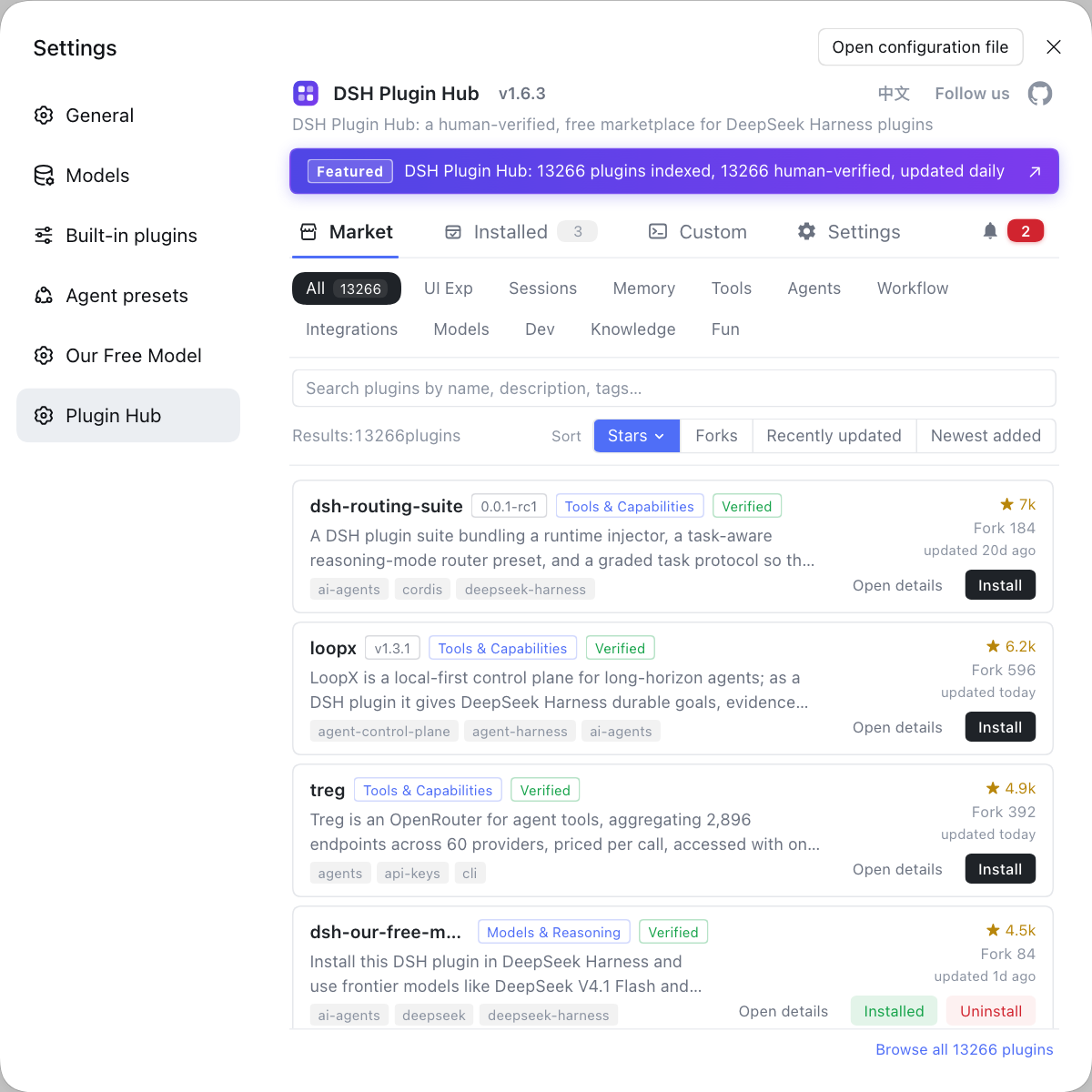
To install from source, use dsh plugin --profile web add github:xp266/dsh-tui. UI plugins are normally found by category in the plugin marketplace, with the entry point at DSH Plugin Hub, but because dsh-tui must be installed globally and then run through a launcher, the web side cannot run it for you in one click, so command-line installation is the main path.
Where the dsh-tui DSH plugin fits: pure terminal and SSH environments
The test is one sentence: do you live in the terminal?
- Pure terminal workflows — You prefer keyboard operation and do not want to open a browser for one conversation. Expected: the whole interaction happens in one window.
- Remote SSH — The remote server only offers a terminal. Expected: no port forwarding, no browser auth URL to handle—connect and go.
- Low environment dependency — You do not want to run an extra web service or occupy a port. Expected: just one terminal process.
- When to still choose the Web UI — When you need stronger visualization, multiple windows, or teammates collaborating in a browser. Expected: interface capability wins and the terminal form steps back.
Notes on using the dsh-tui DSH plugin
- Not an official built-in: dsh-tui is a third-party DSH plugin, so judge maturity and activity from the repository state.
- Unusual install path: install globally and run the launcher; do not assume a click in the marketplace is enough.
- Key bindings follow the README: TUI operations change between versions, so run a session after installing rather than copying older tutorials.
- Tied to a profile: it mounts into a profile as a bundle plugin, so when you switch profiles, confirm whether it is installed.
- Multiple forms can coexist: it does not conflict with the Web UI or the desktop client, and you can switch by scenario.
Sources: xp266/dsh-tui, dsh CLI README, dshplugin/dsh-plugin-hub
FAQ
dsh-tui (dshtui) is an Ink terminal UI DSH plugin for DeepSeek Harness: it takes over the whole terminal in opencode style, rendering the conversation, tool cards, and dialogs inside the command line. The Web UI runs in a browser, while dsh-tui does not depend on a browser at all, suiting pure-terminal and SSH environments.
As a TUI that takes over the whole terminal, it needs a global install and a launcher: run npm install -g @xp266/dshtui, start it with dshtui, and per the README mount it into the profile with dsh plugin --profile add @xp266/dshtui. Because it takes over the terminal, the web side cannot run it for you in one click, so command-line installation is the main path.
The core is streaming chat with collapsible tool cards, plus dialogs and interactive components; it also exposes a UI contribution registration API that allows overriding all visible interfaces. Exact key bindings follow the plugin README and shift between versions, so run a session in the terminal to get familiar after installing.
In a pure terminal, over SSH, or when you would rather not open a browser. dsh-tui renders entirely inside the terminal, so over SSH anything with a working terminal can use it; the Web UI needs a local web service and browser access, and remotely it also means handling the auth URL and port. Whether to switch depends on whether you live in the terminal.
No—it is a third-party community DSH plugin that you install yourself. DeepSeek Harness itself ships a command line and a Web UI; dsh-tui is a third-party terminal interface form, so judge its maturity and activity from the plugin page and repository state, and check the compatibility mark before installing.
Related Terms
- dsh-tui
- dsh-tui (dshtui, npm package @xp266/dshtui) is an Ink terminal UI plugin for DeepSeek Harness that takes over the whole terminal in opencode style, offering streaming chat, collapsible tool cards, and dialogs.— https://github.com/xp266/dsh-tui
- TUI (Terminal User Interface)
- A TUI is a text interface rendered in a terminal, where interaction happens through characters and key bindings without a browser; dsh-tui is the TUI form of DeepSeek Harness.— https://github.com/xp266/dsh-tui
- Ink
- Ink is a library for building command-line interfaces with React; dsh-tui builds its terminal interface on it, so dialogs, cards, and other elements can be organized like components.— https://github.com/xp266/dsh-tui
- bundle plugin
- A bundle plugin is a plugin form carrying a dsh.bundle declaration that is mounted into a profile when installed with dsh plugin add; dsh-tui mounts into a dsh profile in this form and takes effect as the harness starts.— https://github.com/deepseek-ai/deepseek-harness/blob/master/apps/cli/README.md
Sources
- xp266/dsh-tui GitHub repository· xp266
- dsh CLI README· deepseek-ai
- dshplugin/dsh-plugin-hub GitHub repository· dshplugin