dsh-univer-office: an office DSH plugin for DeepSeek Harness
dsh-univer-office is an office-document DSH plugin built on the Univer spreadsheet engine, folding spreadsheets, docs, slides, canvases, and relational tables into one runtime so DeepSeek Harness can handle Office-style documents directly (source). This guide covers what it can do, how to use it, and two watch points: version drift and the context cost of large documents.
What dsh-univer-office is: an office DSH plugin on Univer
dsh-univer-office unifies several office document types into one runtime, so a DeepSeek Harness session can read and write structured documents. It is not simply "read an xlsx once"; it is a full document workbench built on a mature spreadsheet engine. Its core abilities split into four kinds:
- Multi-format coverage — spreadsheets, docs, slides, canvases, relational tables. Expected: handle several document types in one session.
- Connected data — spreadsheets and docs share data. Expected: change one place and the related place updates.
- Validated, versioned changes — validate document structure and record changes. Expected: edits are traceable and revertible.
- Isolation for multi-agent collaboration — use isolated workspaces so multiple agents do not step on each other. Expected: parallel editing does not conflict.
In one sentence: it upgrades "spreadsheets and docs inside DeepSeek Harness" from "reading text" to "operating structured documents".
How to use the dsh-univer-office DSH plugin: install, formats, tool division
Installing dsh-univer-office uses the standard command, and it targets structured office documents while the built-in file tools target general text, so the division is clear. Getting started:
- Install the plugin — run in your terminal:
Expected: the terminal echoes that the plugin joined thebash
dsh plugin --profile web add dsh-univer-officewebprofile. - Restart to take effect — restart DeepSeek Harness as prompted. Expected: the plugin enters the current profile's config tree.
- Verify the capability — have it open a test spreadsheet and read one cell. Expected: it reads structured data rather than plain text.
- Divide work by format — use it for cells, sheets, and slide structure; use the built-in file tools for a plain-text edit. Expected: each does what it is good at, with fewer detours.
- Manage the dependency version — keep it above the minimum supported line and following the core package. Expected: avoid later version conflicts.
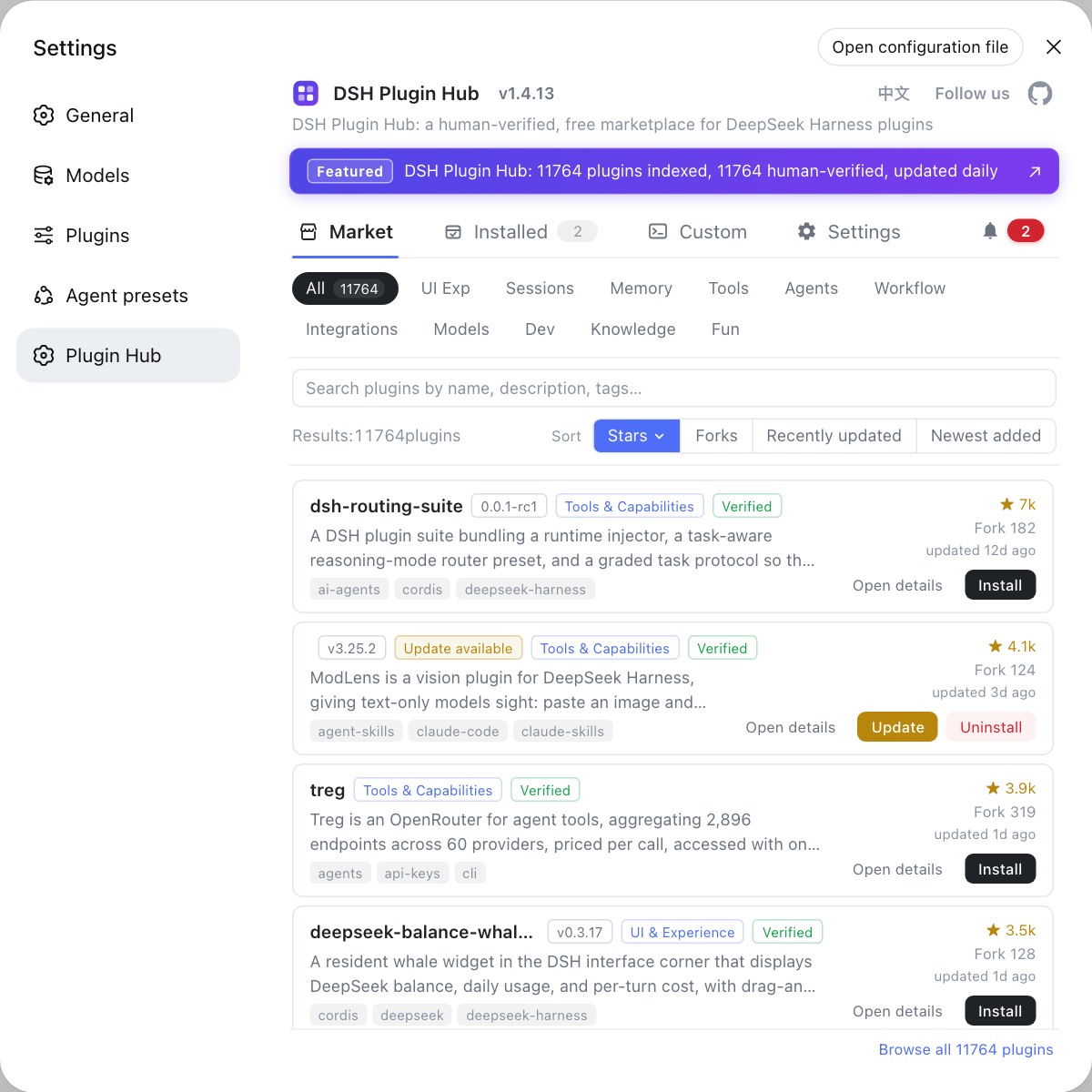
To find similar implementations, pick by format coverage and maintenance activity in the docs / office category on DSH Plugin Hub.
DSH plugin field notes: core package version drift and big-document context cost
dsh-univer-office has two easy traps: pinning an old core package, which causes version drift, and eating large amounts of context on big documents. In detail:
- Do not pin an old core package — it depends on the DeepSeek Harness core package, and locking it to an old version conflicts with versions other plugins require. Expected: follow the framework's upgrade rather than pinning long term; for the mechanism, see how to fix core package version drift.
- Handle large documents in sections — reading a whole spreadsheet into context at once burns capacity fast. Expected: read regions on demand, or pair with a compaction / long-context option.
- Isolate multiple agents — use isolated workspaces for parallel editing to avoid overwrites. Expected: parallel task results do not interfere.
DSH plugin usage notes
- Validate formats with test documents first: coverage differs by format, so do not go straight to production documents.
- Do not pin dependencies: keep the core package version following the framework; pinning an old one is the source of version drift.
- Read large documents in sections: loading a whole document at once is a common cause of context blow-up.
- Divide work with file tools: use the office plugin for structured content and the built-in file tools for plain text.
- Leave a trail of changes: rely on its versioned-change capability so reverting and triaging is easier.
Sources: dsh-univer-office (DSH Plugin Hub), packaging and installing plugins (DeepSeek Harness docs).
FAQ
dsh-univer-office is an office-document DSH plugin built on the Univer spreadsheet engine, folding spreadsheets, docs, slides, canvases, and relational tables into one runtime. It lets DeepSeek Harness read and write these Office-style documents directly instead of treating everything as plain text. In other words, it offers a programmable office-document workbench inside a DeepSeek Harness session.
Installing dsh-univer-office takes one standard command: dsh plugin --profile web add dsh-univer-office. It targets structured office documents, while the built-in file tools target general text, so the division is clean: use it to touch cells, sheets, and slide structure, and use the file tools for a plain-text edit. Restart after install so the plugin enters the current profile's config tree.
dsh-univer-office depends on the DeepSeek Harness core package, so pinning it to an old version causes core package version drift that can trigger plugin loading or build errors. The official core packages move with the DeepSeek Harness release, and if a plugin's declared dependency range is locked to an old version it conflicts with the newer versions other plugins require. The right approach is to let it follow the core package above the minimum supported line, rather than pinning it long term.
Context cost on large documents is real, and dsh-univer-office is subject to the session's capacity limit like anything else. Reading a whole spreadsheet or a long document into context at once burns capacity fast, and more so on long tasks. The safer pattern is to read in sections, pull only the regions you need, and pair with a long-context or compaction DSH plugin when necessary, rather than dumping the entire document in one go.
When picking an office-document DSH plugin, look at format coverage and the underlying engine first, then compare compatibility status by category in the marketplace. Three things matter: which formats it supports (spreadsheet, doc, slides), whether the engine is in-house or reuses a mature one such as Univer, and whether maintenance is active. In the docs / office category on DSH Plugin Hub, picking by stars and recent updates is more reliable than installing blindly.
Related Terms
- dsh-univer-office
- An office-document DSH plugin built on the Univer spreadsheet engine, folding spreadsheets, docs, slides, canvases, and relational tables into one runtime for DeepSeek Harness. It targets reading and writing structured office documents.— DSH Plugin Hub - dsh-univer-office
- Univer
- An open-source spreadsheet and document engine that dsh-univer-office builds on to provide office-document capability. It handles spreadsheet, doc, and slide document types within a single runtime.— DSH Plugin Hub - dsh-univer-office
- core package
- A base package released with DeepSeek Harness and depended on by plugins, whose version moves with the framework. If a plugin pins the core package to an old version, it conflicts with versions other plugins declare, producing version drift.— DeepSeek Harness docs - packaging and installing plugins
- version drift
- A state where a plugin's depended-on core package version and the framework's actual version each drift and no longer match, commonly appearing as plugin loading or build errors. It is usually caused by pinning old dependencies long term.— DeepSeek Harness docs - packaging and installing plugins
Sources
- dsh-univer-office (DSH Plugin Hub entry)· dsh-plugin.org
- DeepSeek Harness docs - packaging and installing plugins· deepseek-harness