dsh-skill-mcp-panel: DeepSeek Harness skill & MCP DSH plugin
dsh-skill-mcp-panel is a DSH plugin that brings skill and MCP server management into the DeepSeek Harness settings page as a visual panel, with a dsh-panel command line shipped in the package. It solves the pain that "skills and MCP config are scattered across disk and config files and can only be changed by hand". This piece makes three things clear: what the panel does, how to install and use it, and how it relates to the skill directory and MCP config with what boundaries. (source)
What dsh-skill-mcp-panel does: a visual panel for skills and MCP
dsh-skill-mcp-panel provides a Skills panel and an MCP panel on the DeepSeek Harness settings page at once, turning operations that once needed hand-editing files into visual clicks (source). What it manages:
- Skill panel: previews registered skills as a card list, expands to read content, and supports enable/disable, delete and search by name, refreshing automatically on entry.
- Adding and migrating skills: click plus and pick files, or drag files, archives and skill folders onto the page to add them, with automatic recognition of directory bundles, single files and archive structures; the migrate button copies or moves in bulk across several workspaces.
- Workspace and grouping: skills are stored globally or under the workspace they belong to, and the page offers a workspace selector and group management; grouping is written only to the plugin's own display config and never touches the skill directory.
- MCP panel: manages MCP servers in profile config, supports both Stdio and HTTP call styles, and can add, edit, enable, disable, delete and test connections, taking effect by hot reload after saving.
The two panels actually face two different underlying datasets, so their management actions differ too. The skill panel drives the skill directory on disk — skill entities are stored where they belong: global skills in ~/.dsh/skills, workspace skills in the workspace's .dsh/skills, and the panel merely adds a visual entry on top of those files. The MCP panel drives the config block in the profile — it writes the managed block of the target profile's cordis.patch.yml, changing config rather than the file tree. Put the difference in a table and you know where each action lands:
| Panel | What it manages | Where data lands | How it takes effect |
|---|---|---|---|
| Skills | skill CRUD, enable/disable, migrate, group | global ~/.dsh/skills or workspace .dsh/skills | immediate through file watching |
| MCP | MCP server CRUD, enable/disable, test | the managed block in the profile's cordis.patch.yml | hot reload after saving |
Besides the graphical interface, it also serves people who live in the terminal with the dsh-panel command. dsh-panel carries the skill and mcp subcommand families, moving the panel's actions to the command line verbatim: the skill family lists, adds, migrates, enables/disables and deletes skills, and the mcp family manages MCP servers. In other words, the same job can be done by clicking in the settings page or by typing a command in the terminal, and both roads land on the same data on disk.
A few details about adding and migrating skills are worth setting out first. Adding accepts three kinds of input: a .md single file, a .zip archive, and a skill folder; click "+" to pick a file or drag it onto the page, and the plugin recognises a directory bundle, a single file or an archive structure automatically, rejecting non-conforming content with a reason rather than leaving a half-finished result. Migrating means manually choosing the source workspace, target workspace(s) and skills in a dialog, with none ticked by default, migrated one by one, and a failure not affecting the rest; note that move mode allows only a single target, so to spread to several workspaces at once use copy rather than move.
In one line: this DSH plugin turns skills and MCP — two subsystems that "need file edits to change" — into a settings-page panel you can click, drag and test.
How to install and use it: from the market entry to the dsh-panel CLI
This DSH plugin installs by the book and works out of the box: one-click from the plugin market or via the command line, then restart the gateway and both panels appear on the settings page (source). Follow this order, every step with a definite expectation:
- Install: search dsh-skill-mcp-panel in DSH Plugin Hub and install in one click, or run
dsh plugin --profile web add github:fishquito7/dsh-skill-mcp-panel. Expected: after installing, the package enters the current profile's dependency manifest. - Enable and restart: enable the plugin as prompted, restart that profile's gateway process and refresh the browser. Expected: the "Skills" and "MCP" panel entries appear in the settings page.
- Use the skill panel: open the Skills panel on the settings page and click plus to pick files or drag skill files in to add; toggle enable/disable and use the migrate button to copy or move in bulk. Expected: the new skill appears as a card and its status label changes with enable/disable.
- Use the MCP panel: open the MCP panel, add a Stdio or HTTP server, fill in the command or URL and environment variables, and it hot-reloads after saving. Expected: after saving, the MCP server is loaded without a gateway restart.
- Verify: changes act directly on files on disk and DeepSeek Harness's file watching makes them take effect immediately with no restart. Expected: the new skill card showing in the skill panel and a successful test connection in the MCP panel mean it worked.
- Command-line equivalent (optional): if you prefer the terminal, use the shipped
dsh-panelto do the same management. Expected: the command-line result matches the panel state.
The command-line form of step 6 maps one-to-one onto the panel actions:
# Skills: list, add, enable/disable, delete
dsh-panel skill list
dsh-panel skill add <skill-file-or-directory>
dsh-panel skill disable <name> --workspace <workspace-path>
dsh-panel skill delete <name> --global

# MCP: add (--stdio or --http sets the type), test, enable/disable
dsh-panel mcp add --name <serverName> --stdio --command <cmd>
dsh-panel mcp test <name>
dsh-panel mcp enable <name> --profile web
The command families accept --profile to target a profile, defaulting to web; config is written to the managed block of the target profile's cordis.patch.yml, and the gateway hot-reloads it when online. Skill-related commands use --global / --project / --workspace to state explicitly which copy they act on, and error out when the named scope is not found rather than falling back into a wrong operation.
There are a few boundaries around installation to know in advance. First, the market entry and the GitHub source are two install roads: one-click from the market is easiest; when installing from GitHub source, if it prompts that a build is needed at install time, add the corresponding key to the allowed-build list per the official guidance — that grants the package install-time execution, so allow it only for trusted sources. Second, there is more than one same-named repo: several accounts have published a same-named dsh-skill-mcp-panel, so before installing confirm the source repo is the one the dsh-skill-mcp-panel plugin entry points to. Third, restart after installing: without restarting the process after a plugin change, the interface still shows the old set.
Its relationship and boundaries with the skill directory and MCP config
dsh-skill-mcp-panel is an "operation interface", not a "data bus": it still manages the skill directory on disk and the MCP config in the profile, only moving the entry onto a panel (source). The relationship and boundaries:
- Skill data is still owned by the skill directory: skill entities live in the global
~/.dsh/skillsor the workspace.dsh/skills, and the panel edits those files; directory discovery and priority rules are unchanged, still the set described in where DeepSeek Harness Skills are discovered. - MCP data is still owned by profile config: what the panel manages is the managed block of MCP servers in the profile, so it is still editing
cordis.patch.yml, and the call and merge rules still follow the subsystem logic in how to use DeepSeek Harness Skills. - Grouping is the plugin's private data: skill grouping is written only to the plugin's own display config, at
~/.dsh/skills/.system/skill-viewer/groups.json, and never lands in the skill directory; groups disappear when the plugin is uninstalled while the skill files are untouched. - Same-named skills are operated precisely by "name + scope": when a same-named skill exists both globally and in a workspace, delete, enable/disable and view all act by name plus scope, each row operated independently, with the command line using
--global/--project/--workspaceto state it explicitly, so no other copy is harmed. - Secrets are masked: keys in env and headers are masked in the page and in RPC, and editing keeps the old value when a key is left empty, avoiding wiping existing secrets on a single edit.
Line up "panel action" and "underlying landing point" row by row and one table suffices:
| Panel action | What it actually changes | Does it touch the skill files themselves |
|---|---|---|
| enable/disable a skill | the skill's scope state | yes, reflected in the effective state where the skill lives |
| delete a skill | the skill entity under its scope | yes, deletes files directly |
| migrate a skill | the skill files in the source and target workspaces | yes, copies or moves files |
| group skills | the plugin's private display config groups.json | no, only the plugin's own grouping |
| add an MCP server | the managed block in the profile's cordis.patch.yml | no, it changes config |
| test an MCP connection | nothing persisted, just one connection check | no |
In one line: the panel is "a visible entry point", and underneath it still drives the same directory and config — understand the latter to use the former correctly.
Common misconceptions about dsh-skill-mcp-panel
Visualising makes operations handier, but it also makes people forget what it is changing. Corrected one by one:
- "The panel has its own data" — not its own data, but an entry on top of the disk directory and profile config. Skills live in the disk directory, MCP in profile config; uninstalling the plugin does not take your skills or MCP away.
- "Changes can be undone in one click" — they cannot. Operations write straight to disk and config with no undo station and are not casually reversible, so know which layer you are changing before acting.
- "Grouping is written into the skill directory" — it is not. Grouping is written only to the plugin's own
groups.json, a display config. - "Just click any same-named skill" — not any one, but mind the scope. Same-named copies are told apart by name plus scope, and a command line that names no scope errors out.
- "Installing makes it work at once" — not at once, but after the gateway restarts. Plugin loading and hot reload are two different things, and without a restart you still see the old set.
Notes and limits
Visualising lowers the barrier but does not change the underlying rules. Point by point:
- It creates no new capability: the ability of skills and MCP is still decided by the skill content and the MCP server; the panel merely makes management more intuitive.
- Grouping is the plugin's private data: it is written to the plugin's own
groups.jsonand disappears when the plugin is uninstalled while the skill files are unaffected, so groups must be set again after reinstalling. - A GitHub-source install may trigger a build: if prompted to build at install time, add the corresponding key to the allowed-build list per the official guidance — that grants the package install-time execution, so allow it only for trusted sources.
- There are multiple same-named repos: several accounts have published a dsh-skill-mcp-panel of the same name, so confirm the source repo before installing, for details see the dsh-skill-mcp-panel plugin entry.
- It does not own the MCP connection itself: the panel only writes config into the profile's managed block, while the actual connection and tool registration are done by the official MCP client plugin, loaded through DeepSeek Harness's HMR.
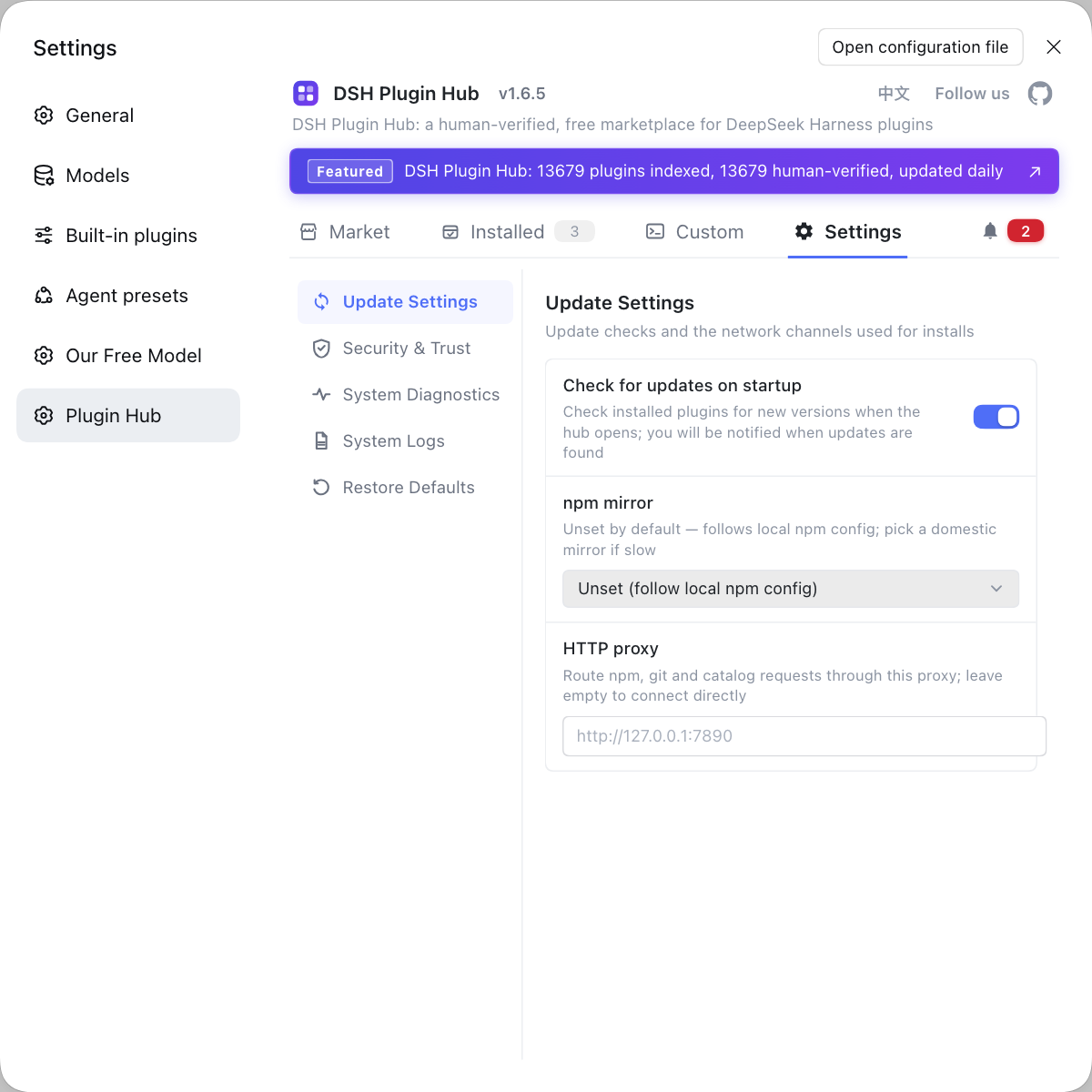
Rather than trawling the skills directory on disk and hand-editing MCP servers in the profile config, install the community-official DSH Plugin Hub (dsh-plugin.org) and add this panel alongside other management plugins so skills and MCP are both visual.
Sources: dsh-skill-mcp-panel(Fishquito7), dsh-skill-mcp-panel 插件条目, DeepSeek Harness 官方文档 - Skills 子系统.
FAQ
dsh-skill-mcp-panel is a DSH plugin that brings skill and MCP server management into the DeepSeek Harness settings page. It offers a skill panel and an MCP panel: the skill panel previews, adds, removes, enables, disables, searches, migrates and groups skills, while the MCP panel adds, edits, enables, disables, deletes and tests Stdio or HTTP servers. All operations act on files on disk and on profile config, and take effect immediately through DeepSeek Harness's file watching, with a dsh-panel command line shipped in the package.
The install command for dsh-skill-mcp-panel is dsh plugin --profile web add github:fishquito7/dsh-skill-mcp-panel, or you can search the same-named entry in the plugin market and install in one click; there are no extra dependencies. After installing, enable the plugin as prompted, restart that profile's gateway process and refresh the browser, and the skill and MCP panels appear on the settings page. If a GitHub-source install prompts that a build is needed, add the corresponding key to the allowed-build list per the official guidance.
dsh-skill-mcp-panel is an operation interface, not a data bus: it still manages the skill directory on disk and the MCP config in the profile, only moving the operation entry onto a panel. Skill entities live in the global ~/.dsh/skills or the workspace .dsh/skills, and the panel edits those files; the MCP part edits the managed block in the profile's cordis.patch.yml. Changes write straight to disk, and DeepSeek Harness's file watching makes them take effect immediately.
Managing skills and MCP with this panel is most convenient for being visual, but it does not change the underlying rules and has no undo station. Panel actions modify disk files and profile config directly, and accidents cannot be rolled back with one click, so know which layer you are editing before acting. Also, skill grouping is written only to the plugin's own display config and not into the skill directory, so groups disappear when the plugin is uninstalled while the skill files are unaffected.
Related Terms
- dsh-skill-mcp-panel
- dsh-skill-mcp-panel is a Web UI plugin for DeepSeek Harness that provides two management panels, skills and MCP, on the settings page and ships a dsh-panel command-line tool with the package.— dsh-skill-mcp-panel(Fishquito7)
- MCP (Model Context Protocol)
- MCP is the Model Context Protocol used to connect external tools and data sources to an agent; in DeepSeek Harness, MCP servers are managed per profile config and support both Stdio and HTTP call styles.— dsh-skill-mcp-panel(Fishquito7)
- skill
- A skill is an instruction unit in DeepSeek Harness that the model or the user can invoke on demand, placed as a directory or a single file in an agreed directory and discovered by local providers in priority order.— DeepSeek Harness 官方文档 - Skills 子系统
- dsh-panel
- dsh-panel is the unified terminal command that dsh-skill-mcp-panel ships with, containing the skill and mcp subcommand families for listing, adding, migrating, enabling, disabling and deleting skills and managing MCP servers from the command line.— dsh-skill-mcp-panel(Fishquito7)
Sources
- dsh-skill-mcp-panel(Fishquito7)· GitHub
- dsh-skill-mcp-panel 插件条目· DSH Plugin Hub
- DeepSeek Harness 官方文档 - Skills 子系统· deepseek-harness