Where DeepSeek Harness finds Skills: skill directory ranks
DeepSeek Harness discovers Skills across six ranked directories from 100 to 600, where a smaller rank wins: project .dsh/skills (100) → .agents/skills (200) → custom customSkillDirs (300) → user <dshHome>/skills (400) → user agent directory (500) → bundled (600). This guide covers where to put files, how to name them and which switches to set.
Where DeepSeek Harness finds Skills: six directories and their ranks
DeepSeek Harness discovers skills in ascending rank order: project-dsh (100), project-agents (200), custom (300), user-dsh (400), user-agents (500) and bundled (600), where the smaller rank wins (source). Here is each source:
project-dsh(100) —<projectRoot>/.dsh/skills. Expected: applies only to this project, with the highest priority.project-agents(200) —.agents/skillsat the project root. Expected: honors the agent convention directory, also scoped to this project.custom(300) — directories named byConfig.customSkillDirs. Expected: good for team-shared skills kept on a standalone path.user-dsh(400) —<dshHome>/skills, that is$DSH_HOME/skills. Expected: applies to every project on this machine.user-agents(500) — the user-level agent convention directory. Expected: lower priority thanuser-dsh.bundled(600) — skills shipped with the distribution, located viaDSH_BUNDLED_SKILL_DIRandBUNDLED_SKILL_RANK. Expected: lowest priority, acting as the fallback.
On name collisions the smaller rank wins: a project skill overrides a user skill with the same name.
How to name a DeepSeek Harness skill file: directory and single-file layouts
DeepSeek Harness uses kebab-case skill names and supports both the <name>/SKILL.md directory layout and the <name>.md single-file layout (source). Pick the layout you need:
- Directory layout
<name>/SKILL.md— the directory name is the skill name and the instructions live inSKILL.mdinside it. Expected: best when the skill ships scripts or templates. - Single-file layout
<name>.md— the file name itself is the skill name. Expected: best for a lightweight skill that is just prose. - Name consistently in kebab-case — for example
code-revieworrelease-notes. Expected: the name matches thenameused when invoking. - Place the file, then verify — restart or reload after adding it. Expected: the skill shows up in the skill list.
How to control skill invocation in DeepSeek Harness: frontmatter switches and the skill tool
A skill's frontmatter supports disable-model-invocation and user-invocable, which control whether the model may invoke it automatically and whether it is exposed to the user; the model side invokes by name through the skill({ name }) tool (source). Configure by combination:
- Fully open by default — with no switches set, the model can invoke automatically and the user can invoke manually. Expected: fine for general-purpose skills.
- Manual only:
disable-model-invocation— turn off automatic model invocation. Expected: it fires only when the user explicitly invokes it, which suits side-effecting operations. - Auto only: leave
user-invocableunset — use this when the user entry point must be limited. Expected: the model decides from context whether to invoke it. - How the model invokes — the model passes the skill name to
skill({ name }). Expected: a mismatched name cannot be reached. - Limit directory description length —
catalogDescriptionMaxLengthdefaults to 500 and caps how long a skill's description may be in the catalog. Expected: overly long descriptions are truncated.
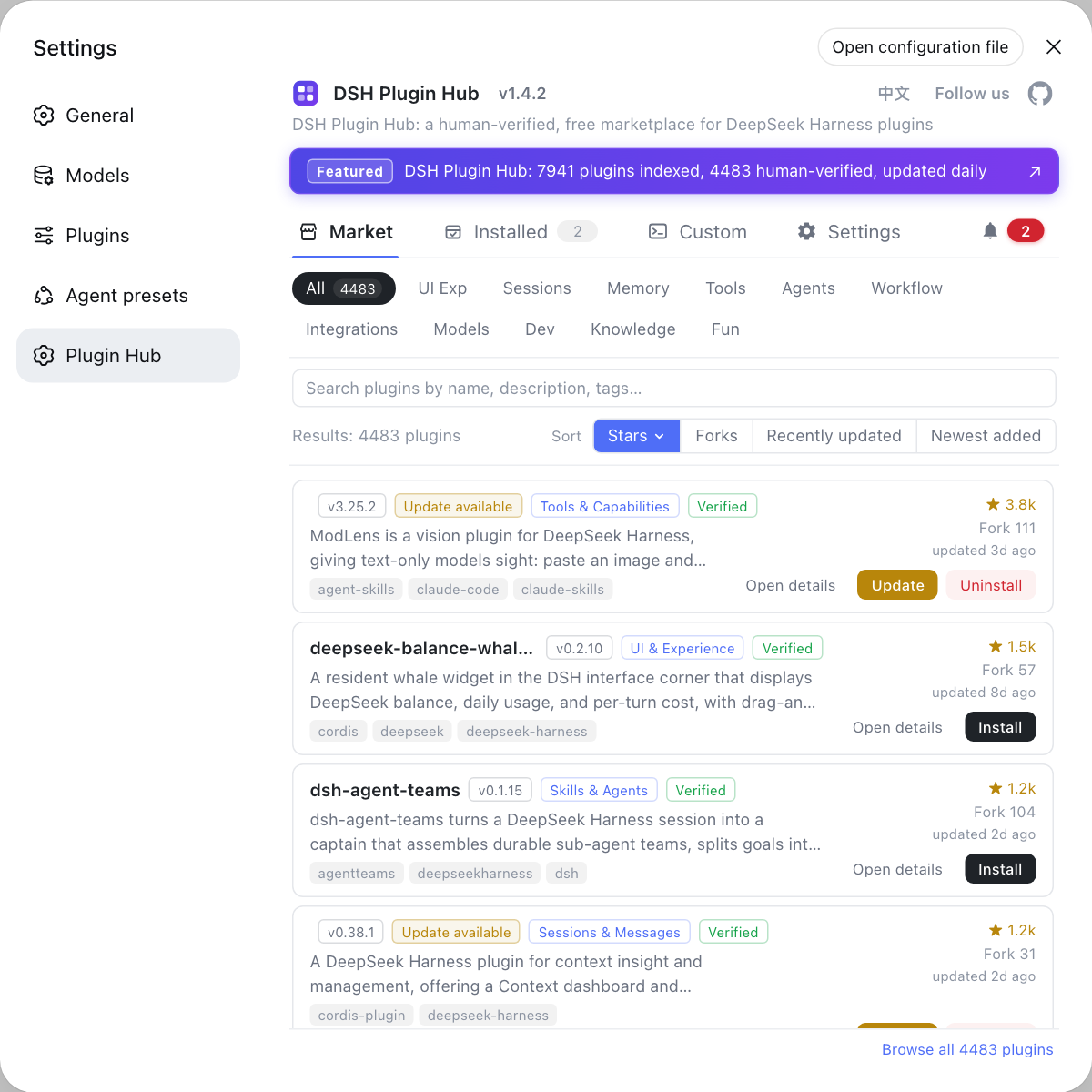
Skills are a common pattern for extending DSH plugins; to find ready-made skill plugins, filter by purpose in the DSH Plugin Hub.
Caveats and limits of DeepSeek Harness Skills configuration
- Priority is rank only: project beats user and user beats bundled, so on a name collision the lower rank never takes effect.
customSkillDirsis not top priority: it sits at 300, still below the two project-level sources.- Names must be kebab-case: mixed case or underscores can break discovery or leave the invocation name unmatched.
- Switches define the safety boundary: give side-effecting skills
disable-model-invocationso the model cannot fire them automatically. - Many directories shadow each other: when the same name appears at several ranks, only the highest-priority one takes effect, so check first whether a project-level copy is overriding it.
Sources: Skills (official docs), dsh CLI README (official repository)
FAQ
DeepSeek Harness discovers skills across six ranked sources: project-dsh (100), project-agents (200), custom (300), user-dsh (400), user-agents (500) and bundled (600), where a smaller rank wins. Project-level paths are <projectRoot>/.dsh/skills and .agents/skills, while the user-level path is <dshHome>/skills.
In DeepSeek Harness the smaller rank wins, so a project-level project-dsh skill (100) overrides a user-level user-dsh skill (400) with the same name. Put the override at project level, or move the shared version to user level to apply it everywhere.
DeepSeek Harness uses kebab-case skill names and supports two layouts: the directory form <name>/SKILL.md and the single-file form <name>.md. Use the directory form when the skill ships scripts or templates, and the single-file form for a lightweight skill that is just prose.
Use the skill frontmatter switch disable-model-invocation to turn off model invocation, and user-invocable to control whether the skill is exposed to users. Combining the two gives manual-only, auto-only or fully open behavior.
Yes. Add custom directories with Config.customSkillDirs, which are ranked 300. On the model side, skills are invoked by name through the skill({ name }) tool, so the name must match the directory or file naming.
Related Terms
- Skills
- Skills are capability units in DeepSeek Harness that the model or the user can invoke on demand, stored as directories or single files in agreed locations and discovered by local providers according to rank priority.— DeepSeek Harness official docs - Skills
- project-dsh
- project-dsh is the project-level skill discovery source in DeepSeek Harness, located at <projectRoot>/.dsh/skills with rank 100, the highest priority.— DeepSeek Harness official docs - Skills
- SKILL.md
- SKILL.md is one skill file layout in DeepSeek Harness, placed at <name>/SKILL.md, suited to skills that keep their instructions and supporting resources in one directory.— DeepSeek Harness official docs - Skills
- customSkillDirs
- customSkillDirs is a DeepSeek Harness config option that appends custom skill directories, which are ranked 300, sitting between project-level and user-level sources.— DeepSeek Harness official docs - Skills
Sources
- DeepSeek Harness official docs - Skills· deepseek-ai
- dsh CLI README· deepseek-ai