How to enable scheduled tasks in DeepSeek Harness
DeepSeek Harness scheduled tasks are an experimental feature: first enable automated tasks on the plugin management page (the experimental bundle @deepseek-ai/dsh-experimental-schedule-bundle), then use schedule_create, schedule_list, schedule_update and schedule_delete to manage them. The released web profile does not include Schedule by default.
How to enable DeepSeek Harness scheduled tasks: the experimental bundle
DeepSeek Harness scheduled tasks require enabling the experimental bundle @deepseek-ai/dsh-experimental-schedule-bundle, and the schedule tools appear only after automated tasks are switched on in the plugin management page (source). The enable steps:
- Confirm you are on a supported profile — the released web profile does not include Schedule by default. Expected: use a profile that contains the bundle, or add it from the plugin management page.
- Open the plugin management page — find the automated tasks item. Expected: it is experimental and usually off by default.
- Recheck the tool list after enabling — confirm tools such as
schedule_createappear. Expected: if they do not, the bundle did not really load. - Add config as needed — delivery history retention is controlled by
deliveryHistoryDaysanddeliveryHistoryRecords. Expected: without config, the defaults apply.
The DeepSeek Harness schedule tools: create, list, update, delete
Once enabled, DeepSeek Harness exposes four tools: schedule_create makes a task, schedule_list reads tasks, schedule_update changes one and schedule_delete removes one (source). Follow a typical flow:
- Call
schedule_listfirst — see which tasks already exist and avoid duplicates. Expected: you get each task's identity and time. - Then
schedule_create— add a task with its trigger time and the work to do. Expected: the task appears in the list. - Adjust with
schedule_update— change the time or the content. Expected: you target the specific task by its identity before editing. - Clean up with
schedule_delete— remove tasks you no longer need. Expected: a deleted task no longer triggers. - Operate from the conversation — these are model-callable tools, so describe your need in natural language. Expected: the model picks the tool by meaning, with no config file to hand-write.
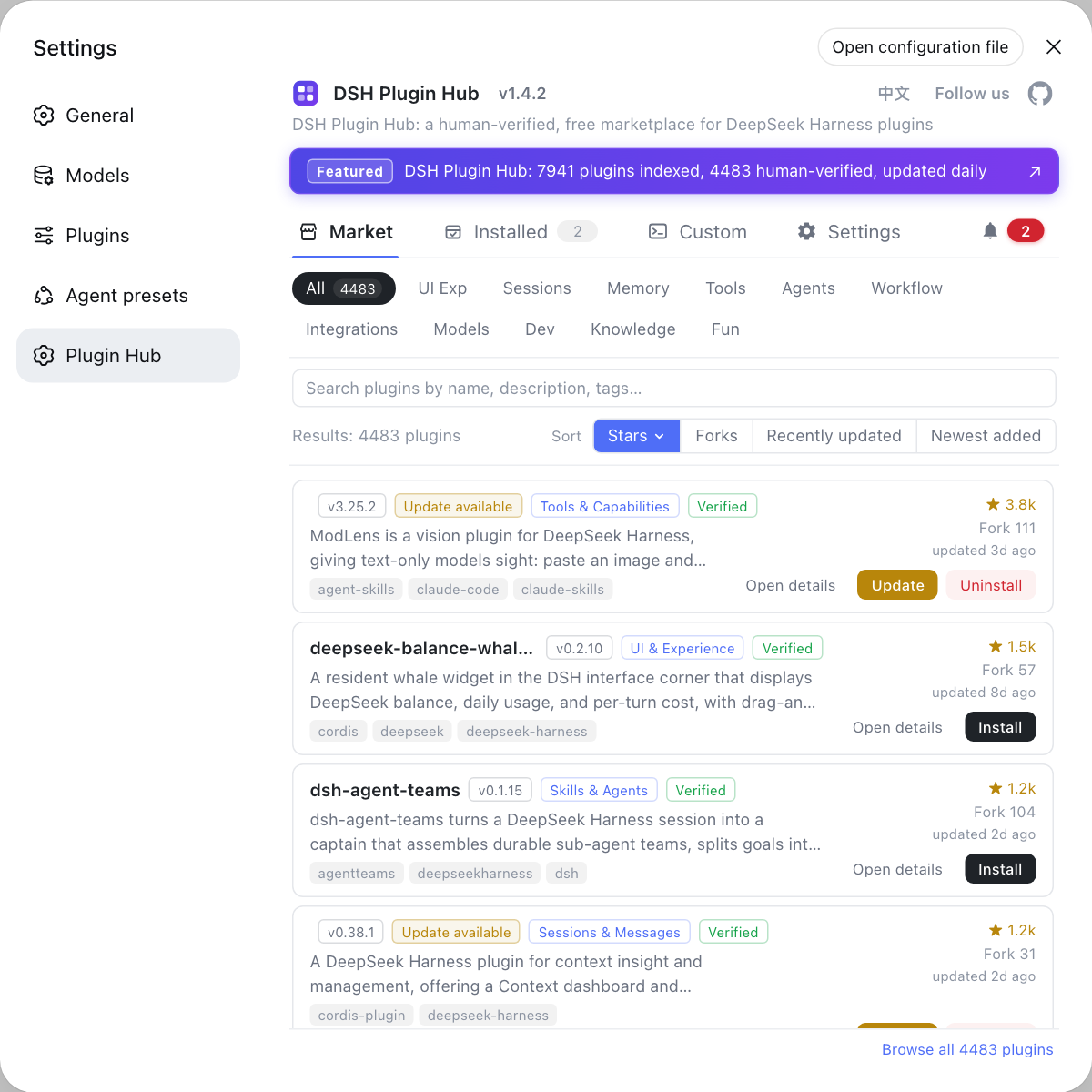
To have a scheduled task invoke DSH plugins when it fires, install the matching plugin from the DSH Plugin Hub first.
DeepSeek Harness delivery history and version boundaries
Delivery history for scheduled tasks is bounded by deliveryHistoryDays and deliveryHistoryRecords, the first by days and the second by count; the released web profile does not include Schedule (source). Understand it like this:
deliveryHistoryDays— keep the last N days of delivery records. Expected: the larger the number, the more space used.deliveryHistoryRecords— keep the last N records. Expected: combined with the day policy, whichever limit is reached first applies.- No Schedule in the release — the official web profile does not ship it by default. Expected: when the entry point is missing, check whether the profile contains the bundle.
- Experimental features change — it is marked experimental, so fields and behavior may shift between versions. Expected: recheck the tool list and fields after an upgrade.
Caveats and limits of DeepSeek Harness scheduled task configuration
- Off by default: without enabling automated tasks there are no schedule tools, the most common reason for a missing feature.
- Not in the release: the web profile has no Schedule by default, so do not assume a broken install.
- Experimental capability: fields and behavior may change between versions, so verify before production use.
- History takes space: tighten
deliveryHistoryDaysanddeliveryHistoryRecordsas needed. - Not the same as starting on boot: a task cannot fire while the process is down; for staying resident see How to start dsh on boot.
Sources: Scheduled tasks (official docs), dsh CLI README (official repository)
FAQ
DeepSeek Harness scheduled tasks come from the experimental bundle @deepseek-ai/dsh-experimental-schedule-bundle and only appear after you enable automated tasks on the plugin management page. It is an experimental feature, not something on by default.
These four tools are create, read, update and delete: schedule_create makes a task, schedule_list lists existing ones, schedule_update changes time or content, and schedule_delete removes one. The model calls them from your intent, so you never hand-write a cron file.
They are retention settings for scheduled task delivery history: deliveryHistoryDays keeps by days and deliveryHistoryRecords keeps by count, controlling how much space the history occupies.
The released web profile does not include Schedule by default because it needs an extra experimental bundle. When the entry point is missing, first confirm the current profile contains that bundle, then check whether automated tasks are enabled on the plugin management page.
No. Scheduled tasks are time-triggered automation inside a session, while starting on boot keeps the dsh process resident from system startup. The former is about what happens when, the latter about whether the process is running.
Related Terms
- @deepseek-ai/dsh-experimental-schedule-bundle
- This bundle is the experimental DeepSeek Harness bundle providing scheduled task capability, and the schedule tools only appear once it is enabled; the released web profile does not include it by default.— DeepSeek Harness official docs - Scheduled tasks
- schedule_create
- schedule_create is the DeepSeek Harness tool for creating scheduled tasks, used to add a time-triggered automation, and it requires the experimental schedule bundle to be enabled first.— DeepSeek Harness official docs - Scheduled tasks
- deliveryHistoryDays
- deliveryHistoryDays is a DeepSeek Harness setting for scheduled task delivery history retention in days, limiting how long history is kept.— DeepSeek Harness official docs - Scheduled tasks
- deliveryHistoryRecords
- deliveryHistoryRecords is a DeepSeek Harness setting for scheduled task delivery history retention by count, limiting how many history records are kept.— DeepSeek Harness official docs - Scheduled tasks
Sources
- DeepSeek Harness official docs - Scheduled tasks· deepseek-ai
- dsh CLI README· deepseek-ai