How to change DSH plugin config: config and patch layers
Every config: block of a DSH plugin in DeepSeek Harness can be set from a cordis.yml entry, and the official config catalog lists the options package by package; changes override through patch layers, with later layers winning. This guide covers how to write plugin entries, how the override order stacks and how to look up fields.
Where DeepSeek Harness plugin options come from: config blocks and the catalog
The DeepSeek Harness rule is that every config: block can be set from a cordis.yml entry, where a plugin entry names the plugin with name and passes parameters with config, and the configurable fields are listed package by package in the official config catalog (source). Work through it like this:
- Read the plugin entry shape — a plugin config is made of
name(the plugin) andconfig(the parameter dictionary), plus an optionalidandinsertto control placement. Expected: whennamedoes not match, the plugin never loads at all. - Consult the official catalog — look up the plugin by package name in the config catalog. Expected:
@deepseek-ai/dsh-agent-default-modelhasproviderandmodel, whiledsh-agent-instructionshasdshHome,maxBytesandinstructionFileCandidates. - Know the field types — numbers, booleans and string arrays each carry different meaning, such as the numeric
maxParallelToolCallsand the listagents[]indsh-agent-loop. Expected: a wrong type fails config validation. - Write the entry — put the keys you want to change into that plugin's
config. Expected: after saving, the lifecycle decides whether a restart is needed.
How to override DeepSeek Harness plugin defaults: patch layers and --patch
Plugin defaults stack in four layers: each bundle's own patch, then the profile cordis.patch.yml, then the home-level $DSH_HOME/cordis.patch.yml, then the startup --patch, where later layers sit further out and win (source). Choose the layer by goal:
- Change one profile's plugin — write
$DSH_HOME/profiles/<name>/cordis.patch.yml. Expected: only that profile is affected; others never read it. - Reach every profile on the machine — write
$DSH_HOME/cordis.patch.yml. Expected: it is stacked as the home-level layer by all profiles. - Temporary experiment — pass an override file with
--patchat startup. Expected: highest priority, no persistent file touched, gone on restart. - Confirm the lifecycle — check whether the profile's
patchReloadisliveorstartup. Expected: understartup, changes need a restart to apply. - Verify with a dump —
--dump-configprints the actual merged values,--dump-default-configprints the defaults. Expected: diffing the two shows which layer won.
How to inspect settable DSH plugin fields: --dump-config-schema
--dump-config-schema prints the structural definition of config options without starting a server, the authoritative answer to what can be configured, while --dump-config answers what is actually configured (source). Debug plugin config in this order:
- Dump the schema first — run
--dump-config-schemaand find the plugin by name. Expected: you confirm field names, types and required flags instead of guessing from memory. - Then dump actual values — run
--dump-config. Expected: what you see is the final result after all layers stack. - Compare against defaults — run
--dump-default-config. Expected: you can tell whether a value is the default or something you changed. - Locate the override source — if actual values differ from expectation, check the profile and home-level patches layer by layer. Expected: you find the outer line that overrode the inner one.
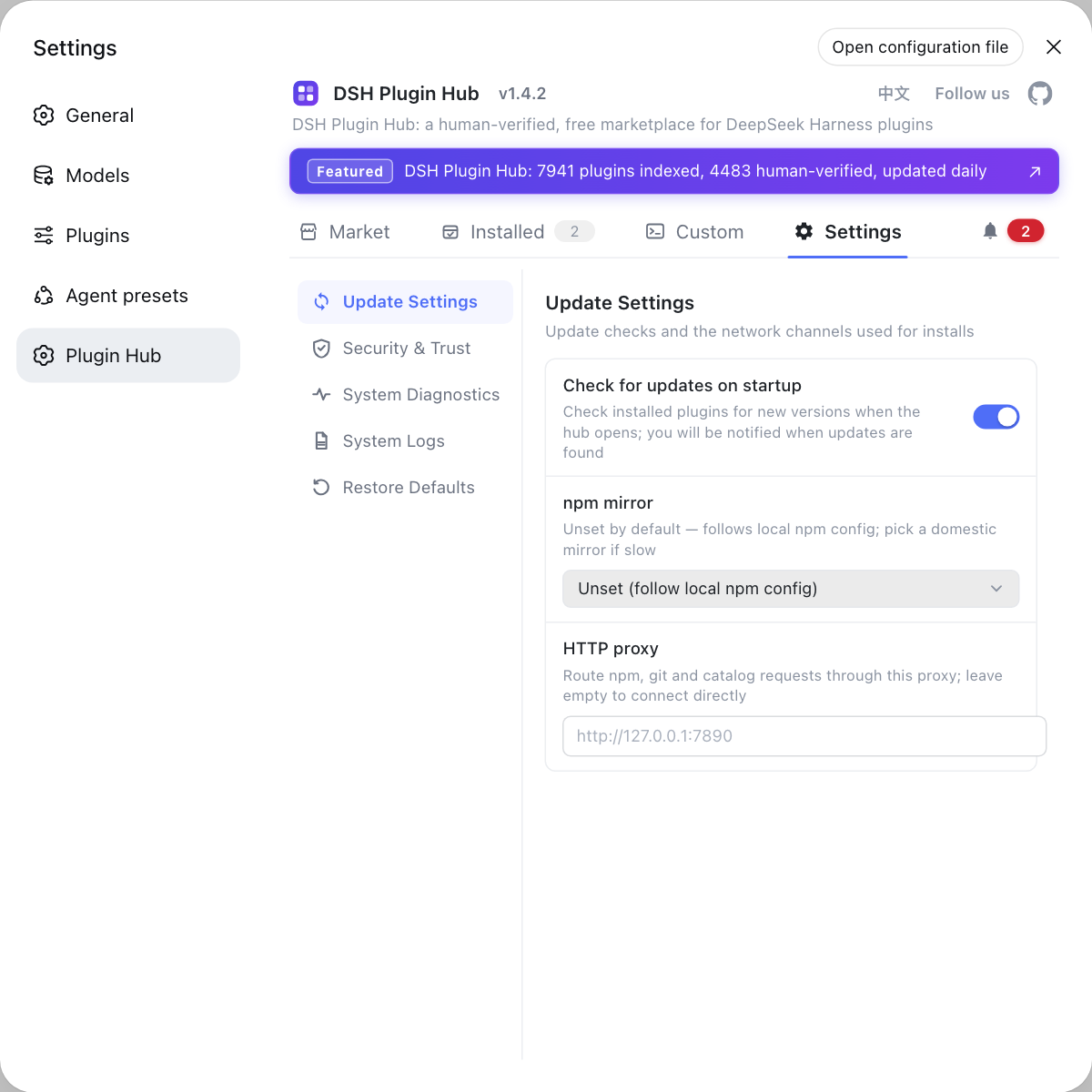
To change plugin config through a graphical panel instead of handwritten YAML, look for plugins with a settings page in the DSH Plugin Hub.
Caveats and limits of DeepSeek Harness plugin configuration
namemust be exact: a wrong plugin name throws no config error and the plugin simply does not load, so confirm the package name first.- Outer layers reach further: a home-level patch affects every profile, so to touch one, write at profile level.
--patchdoes not persist: it is good for verification, not as a permanent config.patchReload: startupneeds a restart: not every change applies live.- Settable is not the same as sensible: read the config catalog field notes first and avoid undefined keys.
For how config layers relate to file locations, see Where DeepSeek Harness config files live; for where plugins are installed per profile, see How to create an isolated profile in DeepSeek Harness.
Sources: Config catalog (official docs), dsh CLI README (official repository)
FAQ
DeepSeek Harness lists plugin options package by package in the official config catalog, built on the rule that every config: block can be set from a cordis.yml entry. For example dsh-agent-default-model has provider and model, while dsh-agent-loop has maxParallelToolCalls.
A DeepSeek Harness plugin entry names the plugin with name and passes parameters with config, plus an optional id for identity and insert to control placement. Remote or stdio plugins also carry transport and command fields.
Usually yes. DeepSeek Harness stacks layers in order: each bundle's own patch, then the profile cordis.patch.yml, then the home-level $DSH_HOME/cordis.patch.yml, then --patch, with later layers winning. A change written in a layer an outer one overrides looks like it had no effect.
It prints the structural definition of config options without starting a server, showing which fields a plugin accepts and their value types. Use it with --dump-config: the first answers what can be configured, the second answers what is actually configured.
Editing a profile cordis.patch.yml persists and affects only that profile; --patch is a one-off override layer supplied at startup with the highest priority, ideal for temporary experiments because it writes to no file.
Related Terms
- config-catalog
- config-catalog is the official DeepSeek Harness plugin configuration catalog, listing configurable options package by package, built on the rule that every config: block can be set from a cordis.yml entry.— DeepSeek Harness official docs - Config catalog
- config block
- A config block is the field carrying parameters in a DeepSeek Harness plugin entry, written under the plugin entry in cordis.yml or cordis.patch.yml, with contents that vary by plugin.— DeepSeek Harness official docs - Config catalog
- --dump-config-schema
- --dump-config-schema is a dsh command-line diagnostic flag that prints the structural definition of config options, helping confirm which fields and value types a plugin supports without starting a server.— dsh CLI README
- --patch
- --patch is a dsh startup argument that supplies an extra high-priority config override layer for this launch only, suited to temporary configuration experiments.— dsh CLI README
Sources
- DeepSeek Harness official docs - Config catalog· deepseek-ai
- dsh CLI README· deepseek-ai