Restart after updating DSH plugins in DeepSeek Harness
After updating DSH plugins, DeepSeek Harness needs a restart: plugins load when a profile process starts, and dsh plugin update only changes the profile's dependency files, not the running process. The desktop app makes this explicit by stopping the Host before it modifies the current profile and starting the Host again afterwards (source).
"Installed it, but it still runs the old version" almost always comes from treating an update as a hot reload. Why plugins stay in place after a desktop update, and when dependencies are reinstalled, is in what happens to DSH plugins after a desktop update. This article answers one thing: when a restart is required and when a refresh is enough.
Do you need to restart after updating DSH plugins: the desktop Host semantics
The desktop app treats a plugin change as a package transaction against the profile: stop the Host, modify the current profile directly, then start the Host — and that stop-change-start order is what shows plugin changes are not a hot update (source).
Five steps show when it takes effect:
- The Host stops when the update starts — before adding, updating or removing a plugin, the app stops the Host. Expect no process to be running while its files are modified.
- The current profile changes in place — bundled pnpm and desktop package-manager state modify the profile directly. Expect the changed files to be what the next startup loads.
- The Host starts again to load the new version — the app starts the Host once the change finishes. Expect the plugin to be the new version only now; without a restart it will not take effect.
- A transaction lock spans the whole change — the package transaction holds the
$DSH_HOME/profiles/desktop/locklock until pnpm exits. Expect a CLI attempt to touch that profile during the change to be blocked, so nobody reads a half-written state. - Verify the change with a read-only command — run
cat "$DSH_HOME/profiles/desktop/package.json"(usetypeon Windows). Expect the file layer to already be the new version, which is exactly what the restart loads.
Making a new version take effect from the CLI and web
The CLI and web follow the same rule: plugins load when a profile process starts, so restart the matching profile process after an update, and a page refresh alone is not enough (source).
Do it in five steps:
- Confirm the update reached the profile —
dsh plugin --profile web listto read the target plugin version. Expect the file layer to be the new version. - Restart the matching profile process — end the current process and run
dsh webagain (or however you start that profile). Expect the profile to re-initialise and load the new plugin. - Verify the new version actually loaded — trigger the plugin's behaviour in the interface, or check the version again. Expect the new feature or version number to be live, not the old behaviour.
- Use a read-only command to see the dependencies land — run
ls -l "$DSH_HOME/profiles/web/node_modules". Expect the target plugin directory to be the updated content rather than a link still pointing at the old version. - Tell which layer you are restarting — what restarts is the profile process that loads plugins. Expect the fresh
dsh webprocess to load the new plugin while the browser is only the client connecting to it.
The boundary between HMR and production updates
HMR covers development-time source only, not production updates: it is how plugin authors preview source changes, and it will not swap an installed plugin package to a new version, so production updates still restart (see DeepSeek Harness plugin HMR).
Five boundaries to hold:
- HMR for development — use HMR while writing plugin source and previewing changes. Expect no manual restart each time.
- Restart for production — when you update an installed plugin with
dsh plugin, restart the matching profile process. Expect the version to actually switch. - A page refresh is not a process restart — refreshing the browser reconnects the front end only and does not reload backend plugins. Expect old behaviour to persist if you only refresh after a plugin update.
- Check the deployment source with a read-only command — a production update reads the profile's node_modules while HMR serves the source directory. Expect the two paths to differ;
ls -l "$DSH_HOME/profiles/web/node_modules/<pkg>"shows production installed a package, not source. - Source edits still need an update pass — HMR lives only inside the dev session and disappears when it ends. Expect to rebuild or publish and run
dsh plugin updateagain, then restart, for the change to persist into the installed state.
Notes on making DSH plugin updates take effect
- Update first, then restart — reversing the order loads the old version and wastes a restart.
- Let the desktop app handle its own Host — it stops and starts the Host around profile changes, so you do not restart the Host by hand.
- Restart each profile separately — every profile has its own process, so restart the one you updated; see how to update DSH plugins per profile.
- Stuck on the old version? Check the process first — if the version is unchanged after a restart, confirm no stale profile process is still running.
- Do not read "restart" as "reinstall" — restarting the process reloads dependencies already on disk and will not fetch anything new from the registry. Expect a version change to still need
dsh plugin updatefirst. - Do not use the wrong mechanism per stage — HMR serves dev sessions that write plugins, restart serves installed plugins. Expect using the wrong one to be a classic "I changed it but nothing happened".
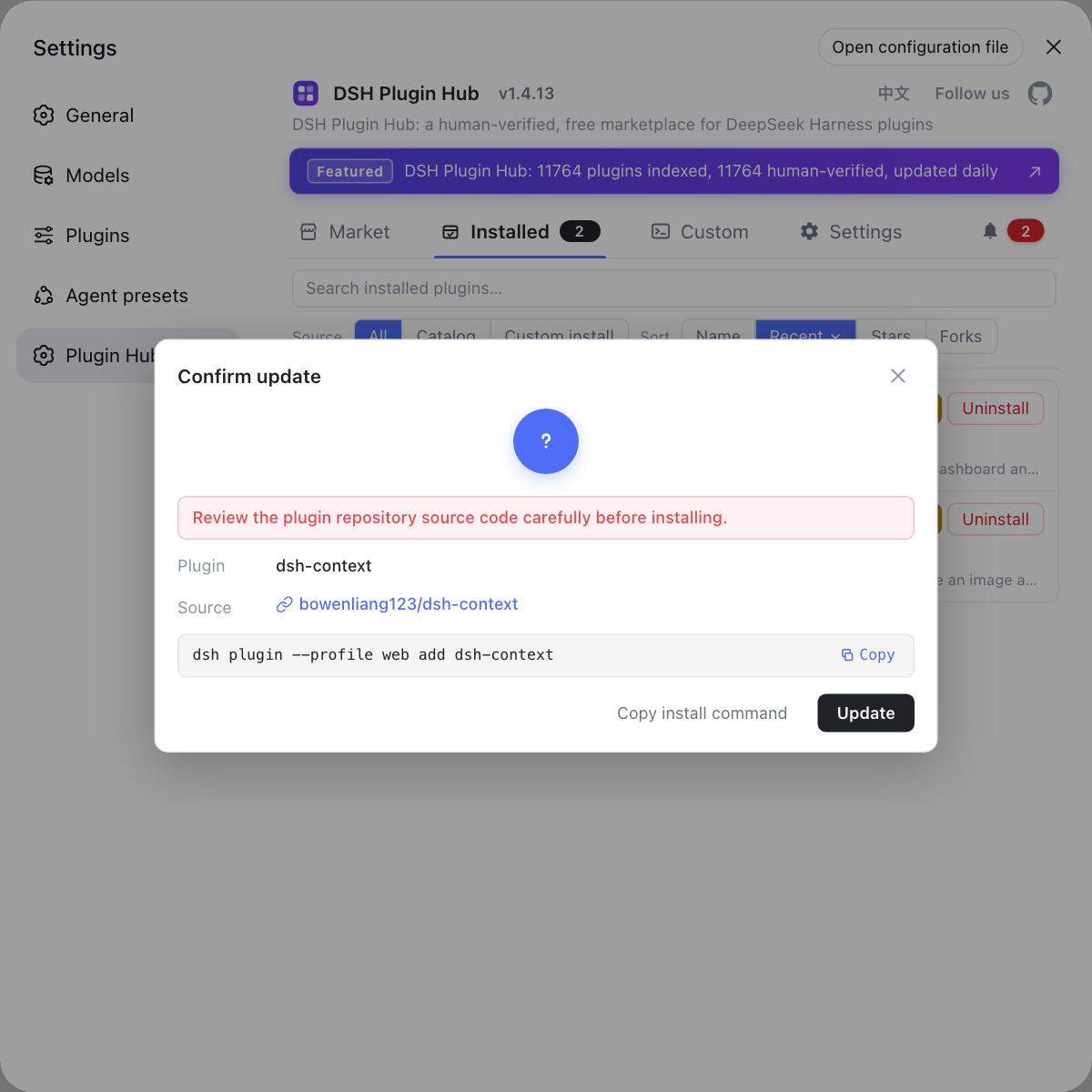
To avoid remembering which environment to restart, use the built-in DSH Plugin Hub: its installed list shows updatable DSH plugins in one place and, after you confirm an update, reminds you about the pending restart so the apply step is not missed.
Sources: DeepSeek Harness desktop README, DeepSeek Harness CLI README
FAQ
Yes. DeepSeek Harness loads plugins when a profile process starts, and dsh plugin update only changes the dependency files in the profile, not the running process, so you restart the profile to load the new version. The desktop app works the same way: it stops and restarts the Host around the change.
Because a plugin update is a package transaction against the current profile: the desktop app stops the Host, modifies the profile directly, then starts the Host again. Stopping first prevents a running process from reading files while they change, and the stop-change-start order shows plugin changes are not a hot update.
Restart the matching profile process, for example run dsh web again so the web profile reloads its plugins. Refreshing the browser is usually not enough, because a page refresh only reconnects the front end while the backend plugin process keeps running the old version.
Refreshing the page only rebuilds the front-end connection and does not restart the backend profile process that loads plugins, so the plugin version may stay old; restarting the dsh process re-initialises the profile and loads the new plugin. The test is simple: if the plugin itself changed, restart the process rather than only refreshing.
No. HMR is a development-time mechanism for plugin authors previewing source changes, and it is not on the production update path. After updating an installed plugin with dsh plugin you still restart the profile process, and HMR will not swap the installed package to a new version.
Related Terms
- Host
- The Host is the process in the DeepSeek Harness desktop app that carries the dsh runtime; for plugin changes the app stops the Host, modifies the current profile, then starts the Host so the right dependencies load.— DeepSeek Harness desktop README
- package transaction
- A package transaction is the set of operations DeepSeek Harness runs on a profile when adding, updating or removing a plugin; the desktop app stops the Host before the transaction and modifies the profile directly, keeping state for the next startup on failure.— DeepSeek Harness desktop README
- profile process
- A profile process is the running instance of one profile, such as the web profile started by dsh web; plugins load at process startup, so a plugin update needs a process restart to take effect.— DeepSeek Harness CLI README
Sources
- DeepSeek Harness desktop README· deepseek-ai
- DeepSeek Harness CLI README (Profile usage)· deepseek-ai