DeepSeek Harness 0.1.1: images, subagents, Web UI upgrades
DeepSeek Harness shipped four releases between August 17 and 21, 2026 — 0.1.0-rc.7, 0.1.0-rc.8, 0.1.1-rc.1, and 0.1.1-rc.2 — with the latest being 0.1.1-rc.2. Each release has its own focus: multimodal image input, Codex and Claude Code subagents, and Web UI plus storage improvements. Before upgrading, note that the SQLite storage format changed in rc.8 — back up your ~/.dsh data first.
Overview: four releases in August and how to read this article
This article walks through each release in turn, listing every change under New / Fixes / Improvements, and closes with upgrade notes. DeepSeek Harness (DSH) is DeepSeek AI's open-source agent framework built on an "everything is a plugin" philosophy (What is DSH). Between August 17 and 21, the team published four releases on npm. The timeline and one-line positioning of each (source):
| Version | Released | One-line positioning |
|---|---|---|
| 0.1.0-rc.7 | 2026-08-17 | Subagents in Job Panel, plugin settings cards, DeepSeek low reasoning effort |
| 0.1.0-rc.8 | 2026-08-19 | Multimodal image input, on-demand subagents, SQLite storage rebuild |
| 0.1.1-rc.1 | 2026-08-21 | DeepSeek-V4-Flash-Vision-Exp vision model, sandbox security fix |
| 0.1.1-rc.2 | 2026-08-21 | Files API image uploads and preprocessing improvements (latest) |
Below, each version is expanded in full.
0.1.0-rc.7 (2026-08-17): subagents in Job Panel, plugin settings cards, reasoning effort
rc.7 moved Codex and Claude Code subagent tasks into a unified Job Panel, opened settings cards to plugins, and added a low reasoning effort for DeepSeek models.
New
- Plugin settings cards: plugins can now register their own settings cards, so their configuration is managed right in the settings UI without jumping to external pages (source).
- Subagent tasks in Job Panel: execution status of Codex and Claude Code subagents shows up in the Job Panel, so all tasks are tracked in one place.
- Durable image attachments for MCP/ACP: image attachments passed through MCP/ACP tools can now persist.
- Nested image forwarding in PTC Mode: PTC mode (formerly Code mode) can forward nested images.
- DeepSeek
lowreasoning effort: a newlowtier for the reasoning effort parameter, withhighstill the default; uselowwhen you need faster responses. - Built-in preset renamed: the English
Code modepreset is renamedPTC mode— functionality is unchanged, but old docs and configs should use the new name.
Fixes
- Persistent Bash lag in the Minimal preset.
- Stack overflow when paginating large histories.
- Sessions that could not continue after
max-tokenstruncation. - Cursor misalignment in Safari.
- Issues around node-pty 1.2 beta.
Improvements
- Question cards are collapsible and keep your draft, so collapsing never loses input.
- Better interactions in the dynamic Cordis plugin panel.
0.1.0-rc.8 (2026-08-19): multimodal image input, on-demand subagents, SQLite rebuild
rc.8 is the biggest update of the batch: native multimodal image input, on-demand Codex and Claude Code subagents, and a rebuilt SQLite backend — faster and smaller, but with an incompatible storage format.
New
- Multimodal image input (source):
- DeepSeek model adapters can enable native image requests via configuration;
- commands such as
/goaland/planaccept image input directly; - the
@menu in the composer references files and sessions.
- On-demand subagents: Claude Code and Codex are both packaged as Profile Bundles and install on demand with no manual dependency setup.
- Codex non-interactive permission mode: Codex supports a non-interactive permission mode and multiple named instances.
- Windows PTY persistent PowerShell: a persistent PowerShell session on Windows, enabled by default in the Minimal preset.
- Python SDK covers the 4 built-in Agent presets.
Fixes
- Model requests failing due to oversized images or excessive accumulated image payloads.
- Leftover prefixes after cancelling streamed generation.
- Compatibility issues with the OpenAI-compatible gateway.
Improvements
- Layout: home directory abbreviated as
~, narrow-screen composer layout, feedback UI. - Interactions: sidebar search focus response, workflow panels, model picker, retrying failed local file opens.
- Search:
web_searchsupports concurrent queries. - Subagents:
reportDeliveryreports back promptly and wakes the parent task. - Startup: local
dsh webopens the browser automatically; dependency download size is reduced. - Performance: forking large-history sessions is faster; the SQLite backend reads, writes, and forks faster and uses less storage, but the data format is incompatible.
- Branding: the official brand usage guidelines were published; "DeepSeek Harness" is a registered trademark.
0.1.1-rc.1 (2026-08-21): vision model, multiline input, sandbox security fix
rc.1 completed the model side of the multimodal story — a new DeepSeek-V4-Flash-Vision-Exp vision model — and fixed a sandbox security vulnerability.
New
- Multimodal vision model: the DeepSeek adapter adds the vision model
DeepSeek-V4-Flash-Vision-Exp(source).
Fixes
@reference layout issue.- Bubblewrap sandbox vulnerability: confined processes inside the sandbox could escape via
/proc/<pid>/root; this is now patched.
Improvements
- Markdown tables adapt responsively.
- Cache hit rate displays full precision at 99.x%.
- Subagent session titles can be switched.
ask_user_questionsupports multiline answers: auto-wrapping, withShift+Enterfor manual newlines.
0.1.1-rc.2 (2026-08-21, latest): image upload and preprocessing improvements
rc.2 is the current latest release, polishing the last mile of the multimodal experience: image uploads now prefer the Files API with file reuse, and images are auto-resized and converted before sending. It shipped on the same day as rc.1 and is a small experience-focused release.
Improvements (experience)
- Files API uploads and reuse: the DeepSeek adapter prioritizes uploading images via the Files API and reuses already-uploaded files, so the same image is not uploaded twice (source).
- Image preprocessing: images are auto-resized and converted to the format the model requires before they are sent.
Upgrading to the latest release: four steps, back up first
Upgrading takes four steps: check versions → back up → upgrade by install method → verify and check plugins. The SQLite storage format changed incompatibly in 0.1.0-rc.8, so step two is not optional.
Step 1: check your current version and the latest version
# 1. Your current running version
dsh --version

# 2. The latest release on npm (0.1.1-rc.2 as of this writing)
npm view @deepseek-ai/dsh version
Step 2: back up your session data
cp -r ~/.dsh/sessions ~/.dsh-sessions-backup
Step 3: upgrade by install method
# npx: nothing is installed locally — re-run to get the latest
npx @deepseek-ai/dsh web

# npm global install: one command updates to the latest
npm update -g @deepseek-ai/dsh

# Built from source: pull and rebuild
git pull && pnpm install && pnpm run build
Step 4: verify the version and check plugins
# 1. Confirm the version is in place
dsh --version

# 2. List plugins in the current profile to spot any load failures
dsh plugin --profile web list
Run your main workflows after upgrading and confirm plugin compatibility. Two reminders:
- rc is still a preview: an
rcsuffix means release candidate and interfaces can change; if a plugin becomes incompatible after the upgrade, check its compatible version and reinstall it from the DSH Plugin Hub. - Branding: the team clarified that "DeepSeek Harness" is a registered trademark, and third parties should follow the official brand usage guidelines (rc.8).
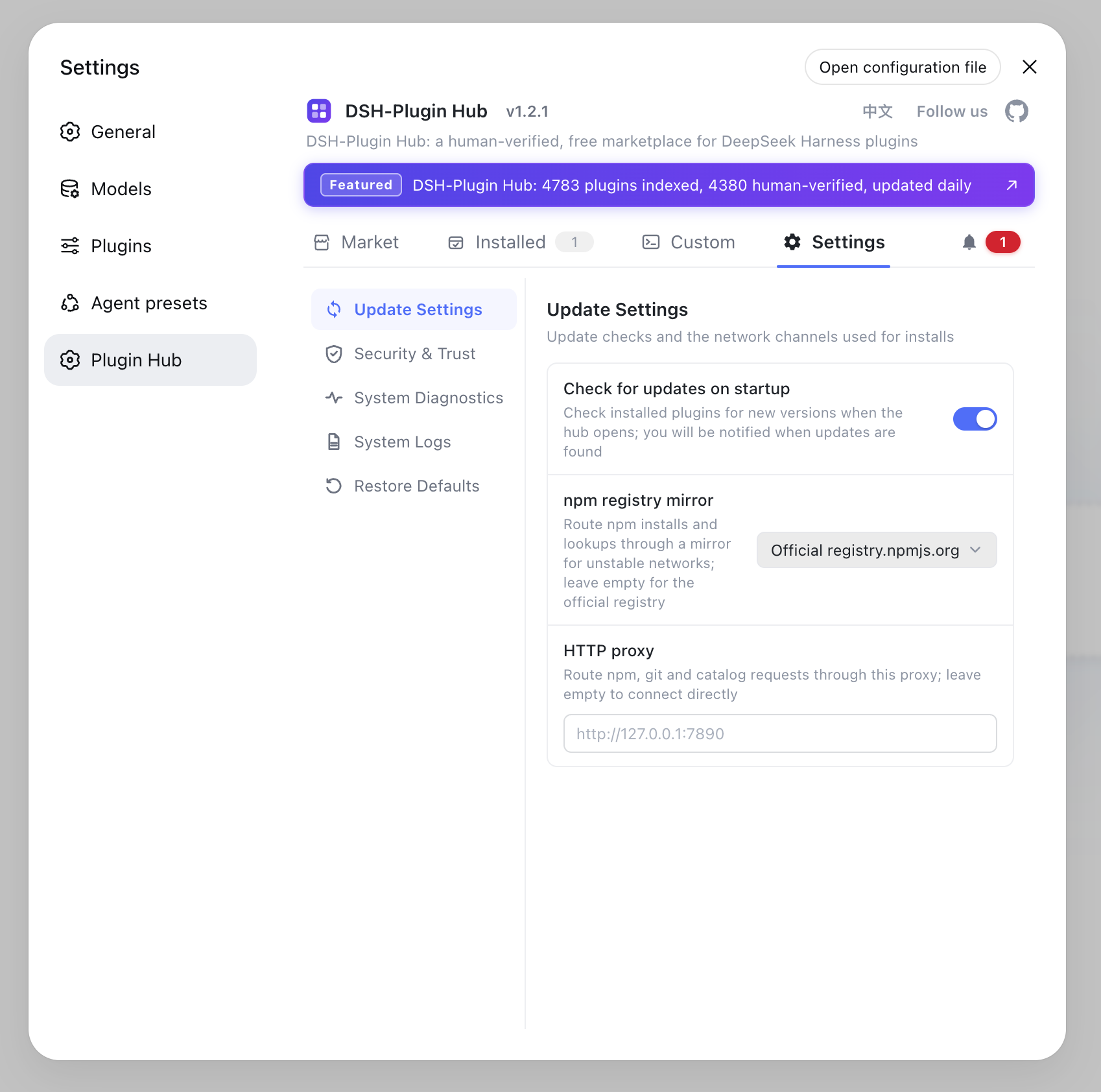
See How to update to the latest DeepSeek Harness for version checks and more upgrade commands.
Sources: v0.1.0-rc.7 Release, v0.1.0-rc.8 Release, v0.1.1-rc.1 Release, v0.1.1-rc.2 Release
FAQ
Use @ in the composer to reference files or images; /goal and /plan accept image input too. DeepSeek adapters support native image requests and prioritize the Files API for uploads, auto-resizing and converting images as the model requires. A new vision model, DeepSeek-V4-Flash-Vision-Exp, is also included.
Since 0.1.0-rc.8 both can be installed on demand as Profile Bundles without manual dependency setup; Codex supports a non-interactive permission mode and multiple named instances. Subagent tasks appear in the Job Panel after installation.
Local dsh web runs now open the browser automatically; plugins can register their own settings cards; question cards collapse while keeping drafts; the Code mode preset is renamed PTC mode; sidebar search, workflow panels, the model picker, and Markdown tables are all improved.
0.1.0-rc.8 rebuilt the SQLite backend with an incompatible storage format, so back up your ~/.dsh data first. rc releases are previews and interfaces can change. npx re-runs fetch the latest automatically; verify with dsh --version.