Pick a DSH version: version numbers, rc builds, pin install
Pick a DSH version in three steps: read the version number, decide whether to follow rc builds, then pin the install. Use dsh --version for the current version and npm view @deepseek-ai/dsh version for the latest; follow the latest tag for stability and rc only for new features; pin with npm install -g @deepseek-ai/dsh@version or git checkout tags so updates never silently replace your environment.
Overview: why version choice matters
DeepSeek Harness is in developer preview and iterates rapidly — the README warns that compatibility-breaking changes will happen. Because everything is a plugin, a DSH upgrade can break your installed plugins. Choosing which version to run before you install beats struggling with rollbacks afterwards. This guide covers three things: reading version numbers, choosing between rc and stable builds, and pinning a specific version so nothing updates behind your back (source).
How to read the version: dsh --version and npm view
dsh --version shows the current version, npm view @deepseek-ai/dsh version shows the latest, and comparing the two tells you how far behind you are. Run these:
# 1. Current installed version
dsh --version

# 2. Latest version on npm
npm view @deepseek-ai/dsh version

# 3. Every published version
npm view @deepseek-ai/dsh versions

# 4. Dist-tags (latest is the stable pick, next is usually a preview)
npm view @deepseek-ai/dsh dist-tags
If you see dsh: command not found, you are running DSH via npx @deepseek-ai/dsh web, which never installs a global binary — check the version with npx @deepseek-ai/dsh --version instead (source). Version strings follow semantic versioning: major.minor.patch, plus -rc.N for release candidates such as 0.1.1-rc.1. For per-release changelogs, open the Releases page of deepseek-ai/deepseek-harness.
rc builds vs stable: should you follow rc?
Follow the latest tag for stability; install rc builds only when you want new features early — and back up first, because interfaces can change between candidates. DSH is in developer preview, so candidates ship before stable releases for community testing (source). Choose by scenario:
- Daily use with plugins installed: follow
latest. rc interfaces can change, which drags plugin compatibility along — running rc means being the community's test bed. - Trying features early, developing plugins: rc is fine, but back up
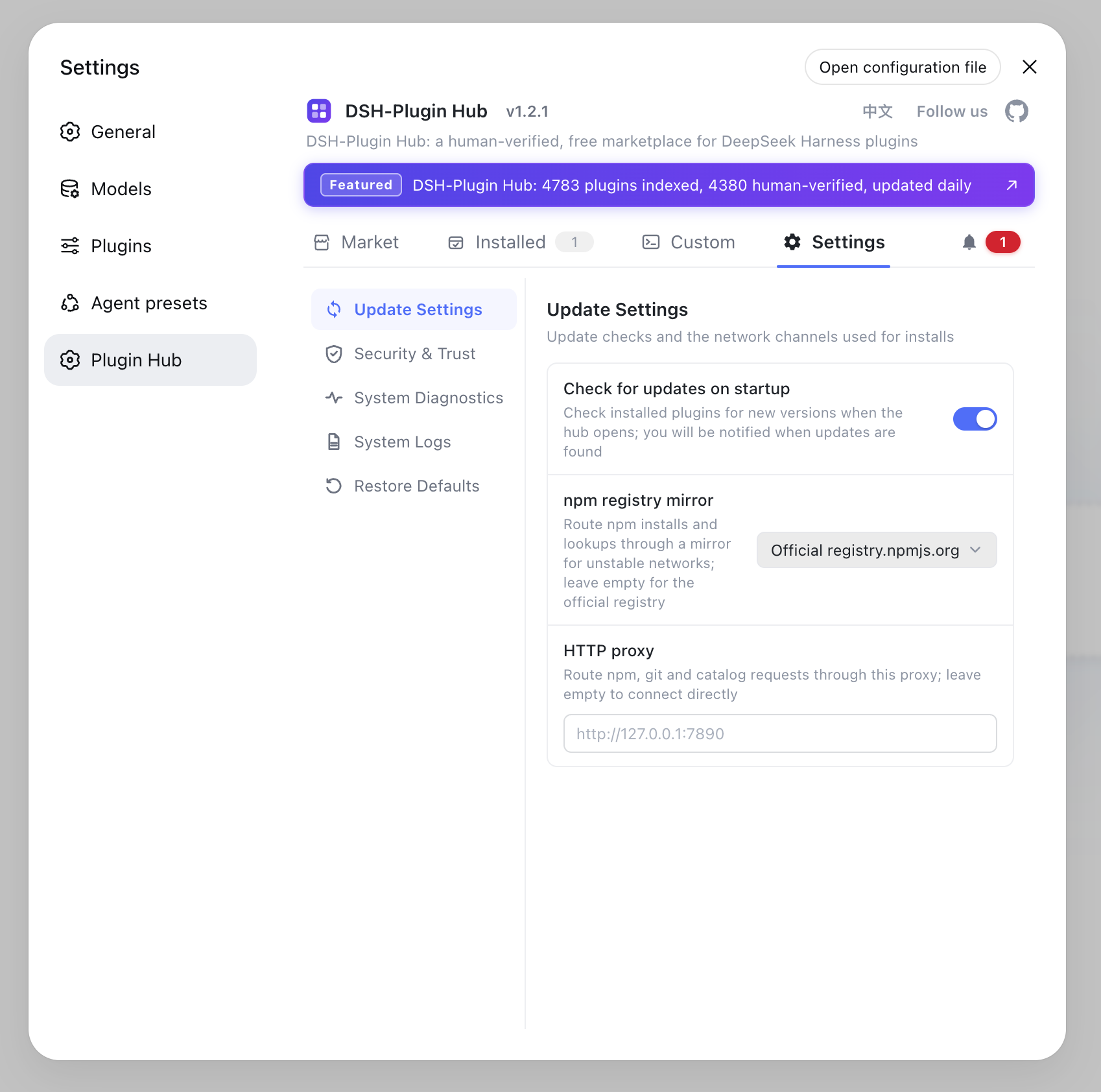
~/.dsh/sessionsbefore upgrading and run your main flow afterwards. - Before upgrading plugins: check the DSH version each plugin targets. With DSH Plugin Hub installed, plugin pages mark a compatible target version (verified / unconfirmed) — verify before moving the core, so an upgrade does not break every plugin at once.
How to pin a specific version
Pin by installation method: npm install -g @deepseek-ai/dsh@version for a global install, git checkout for source builds, and an @version suffix with npx for one-off runs. Commands:
# Option 1: global install of a specific version (overwrites the current one)
npm install -g @deepseek-ai/dsh@0.1.1-rc.1

# Option 2: run a specific version with npx (no global state)
npx @deepseek-ai/dsh@0.1.1-rc.1 web

# Option 3: pin from source
cd deepseek-harness
git tag                    # list version tags
git checkout v0.1.1-rc.1   # check out the target tag
pnpm install
pnpm run build
pnpm dsh web
Rolling back works the same way: overwrite with npm install -g @deepseek-ai/dsh@old-version, or check out an old tag from source and rebuild. Note that pinning only affects the dsh program itself — data under ~/.dsh (credentials, profiles, sessions) is untouched when you switch versions (source). npx is the most flexible: npx @deepseek-ai/dsh@version web runs whatever version you want without touching the global environment.
Version selection notes
Stability first, verify compatibility early, and pin only when you know why. Three reminders:
- Do not hoard versions: DSH iterates fast; keep up with
latestinstead of jumping several releases at once. - Back up before rc: rc builds can be breaking; copy
~/.dsh/sessionsfirst and verify your main flows after upgrading. - Pin with intent: pinning an old version means giving up fixes and features — do it only when a plugin needs a specific DSH range, and check that range in DSH Plugin Hub first.
Sources: deepseek-ai/deepseek-harness, dsh CLI README, DeepSeek Harness Quickstart
FAQ
Run dsh --version for the installed version; with npx there is no global install, so use npx @deepseek-ai/dsh --version. For the latest, run npm view @deepseek-ai/dsh version, and npm view @deepseek-ai/dsh versions for the full list.
rc means release candidate: 0.1.1-rc.1 is the first candidate before 0.1.1, and its interface can change. Follow the latest dist-tag for stability, or try rc builds for new features — back up your data first.
For a global install run npm install -g @deepseek-ai/dsh@version. From source, list tags with git tag, then git checkout <tag> and rebuild with pnpm install && pnpm run build. You can only pin versions published on npm.
For a global install, npm install -g @deepseek-ai/dsh@old-version overwrites it. From source, git checkout an old tag and rebuild. With npx, just run npx @deepseek-ai/dsh@old-version web — no global state is touched.
It is semantic versioning: 0.1.1 is major.minor.patch and rc.1 is the first release candidate. DSH is in developer preview, so candidates ship before stable releases and their interfaces can change.
Sources
- deepseek-ai/deepseek-harness· GitHub
- dsh CLI README· deepseek-ai
- DeepSeek Harness Quickstart· deepseek-harness