DSH plugin installed but not active: missing dsh.bundle and inject errors
A DSH plugin that installs but never activates comes from two missing declarations: no dsh.bundle manifest (so dsh plugin add installs it as a plain dependency that never loads) or source code lacking an inject declaration (so it throws cannot get property ... without inject). The first needs the author to add the manifest, the second is a plugin bug; on the user side the fastest move is switching to a published build on DSH Plugin Hub.
DSH plugin installed but not active: the two errors and the symptom
The symptom is "installs, does not activate": dsh plugin add exits normally and the package is in the dependency list, but the plugin capability never appears — or loading throws without inject. The two messages (source):
- Installed but inactive: the terminal says the package is being installed "as a plain dependency, not a profile layer" (
declares no dsh.bundle); no capability shows up — the package never declareddsh.bundle, so the host does not treat it as a plugin; cannot get property "systemPrompt" without inject: the code readssystemPromptor another service before declaring the dependency, and the Cordis reflection layer throws immediately (source);- Judgment: the first is a package format problem (missing manifest), the second is a code bug (missing declaration) — both make the plugin "installed but useless".
Why DSH plugin does not activate: missing dsh.bundle and inject declarations
Two root causes: the package lacks the dsh.bundle manifest (a plugin must declare its config layer to be mounted into the host), and the source reads a service without declaring inject (so the host injection never arrives). In detail:
- No manifest, no layer: the official publishing docs define that a bundle must declare
dsh.bundlein package.json and shipcordis.patch.yml; a package without the declaration can be installed, but only as a plain dependency, activating no layer (source); - No inject, no service: Cordis requires declare-then-use — code calling
ctx.systemPromptwithoutinject: ["systemPrompt"]makes the reflection layer throwwithout inject(source); - Neither is user-fixable: the first needs the author to change the package declaration and republish, the second needs an author code fix.
Fix for authors: add the dsh.bundle manifest, add inject declarations, verify
If you are the plugin author, follow add-manifest → add-declaration → reinstall; if you are a user, skip to the next section and switch to a published build. Author-side steps:
- Add the dsh.bundle manifest — create
cordis.patch.ymlin the package defining the plugin config rows to insert or override, then declare the reference inpackage.json:Rebuild and publish; only whenjson{ "dsh": { "bundle": { "patch": "cordis.patch.yml" } } }dsh plugin addsees thedsh.bundledeclaration does it append the package to the profile's bundles layer (source); - Add inject declarations — find the code that reads
ctx.systemPrompt(or other services) and declare the dependency in the plugin config:or the equivalentyamlinject: ["systemPrompt"]ctx.inject()form, declaring before use (source); - Reinstall and verify — run
dsh plugin --profile web remove <package>, re-add, restart the host, and confirm the layer activates andwithout injectno longer appears.
User side: switch DSH plugin to a published build on DSH Plugin Hub
Users cannot add the manifest for the author — first go back to the DSH Plugin Hub store and switch to an official or published build, while reporting the error to the author. Steps:
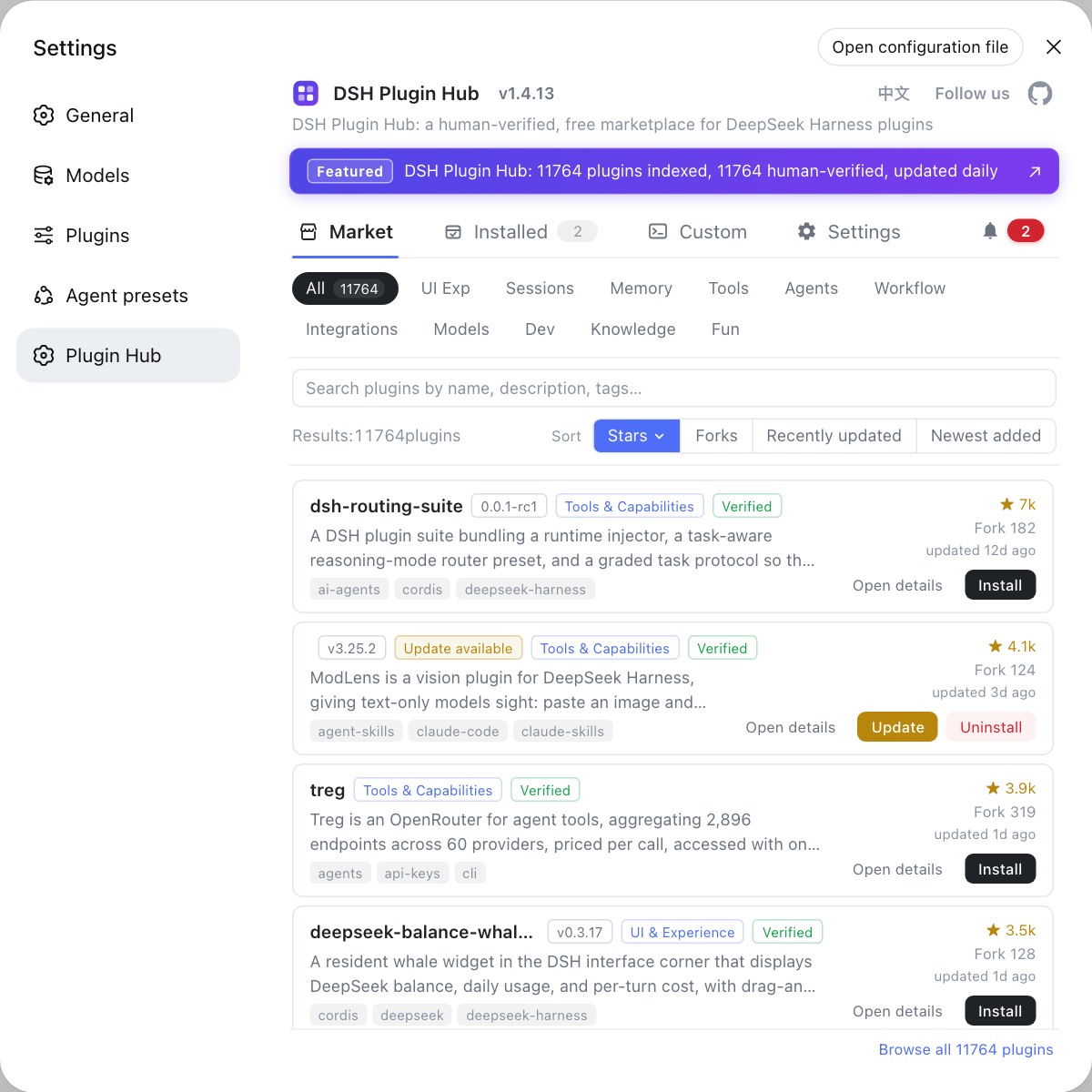
- Open Settings → Plugin Market (DSH Plugin Hub) and search the same plugin name for a published/verified build;
- If one exists, uninstall the current git-sourced install and install the published build from the hub — hub entries are curated, so missing-declaration problems are rarer;
- Report the exact
declares no dsh.bundleorcannot get property ... without injectmessage to the author, along with your dsh version and the install command; - If the plugin never activates and no alternative exists on the hub, disable it first so it does not affect other features, and wait for the author's fix.
How to verify a DSH plugin activation fix: bundle layer, inject declaration, and capability
Three checks confirm the fix: the plugin is really in the bundle layer, without inject no longer appears, and the plugin capability works in the UI — only when all three pass is it activated. In order:
-
Check the plugin is in the installed list:
bashdsh plugin --profile web listThe package name appearing means it is installed into the current profile; if it is absent, the install did not finish — reinstall per the fix section.
-
Check the bundle declaration (author-side self-check) — confirm the plugin's
package.jsonpoints at the patch file:bashgrep -A3 '"dsh"' <plugin-directory>/package.jsonOutput containing
bundle.patchpointing atcordis.patch.ymlmeans the manifest is complete; without that block the package still lacksdsh.bundle. -
Restart the host and watch for layer activation:
bashdsh webThe startup log shows the plugin's bundle layer loading and no
cannot get property ... without inject— the declaration problem is gone. -
Verify the capability in the UI — the commands/panels/config entries the plugin provides appear and work in the Web UI, meaning it is really active.
-
Observe over time — using the plugin for a while with no
without inject-style errors closes the loop.
Notes: DSH plugin — check for the no dsh.bundle hint first
- "Installed but inactive" — first check the terminal for the
no dsh.bundlehint; if present it is a missing manifest, so do not keep reinstalling. without injectis a plugin bug — do not try to bypass it with host config; sending the error to the author is the fastest route.- Packages installed straight from
git+https://...sources are the most likely to lack declarations; prefer npm-distributed published builds. - The DSH Plugin Hub plugin page shows source and version — check whether an entry is a verified published build before installing.
- See install error troubleshooting for other DeepSeek Harness install issues.
Sources: dshbase troubleshooting, DeepSeek Harness plugin publishing docs, cordis/reflect.ts
FAQ
A DSH plugin that never activates usually misses its dsh.bundle manifest: dsh plugin add then installs the package as a plain dependency that never loads — a plugin must ship cordis.patch.yml and declare dsh.bundle.patch in package.json to activate as a configuration layer (source: dshbase troubleshooting).
The without inject error in a DSH plugin is a bug: the code reads a service such as systemPrompt before declaring the dependency (inject), so at runtime it never receives the host injection. The error is thrown by the Cordis reflection layer (source), and the right move is to send this exact error to the plugin author.
An author adds the dsh.bundle manifest like this: add a cordis.patch.yml inside the package (defining the plugin config rows to insert or override) and point dsh.bundle.patch at it in package.json, then rebuild and publish; only when dsh plugin add sees the dsh.bundle declaration does it append the package to the profile's bundles layer (source: DeepSeek Harness publishing docs).
For a DSH plugin that never activates, users cannot add the manifest for the author — first go back to DSH Plugin Hub and switch to an official or published build (the hub catalog is curated), and report the error to the author; packages installed from git sources are the most likely to be missing the declaration.
Related Terms
- dsh.bundle
- dsh.bundle is the package.json field that declares a configuration layer pointing to a cordis.patch.yml patch file; only with this declaration does dsh plugin add activate the package as a profile layer, otherwise it installs as a plain dependency.— DeepSeek Harness plugin publishing docs
- inject
- inject is Cordis's mechanism for declaring the services a plugin depends on; code accessing ctx.systemPrompt or similar properties must declare inject: ["systemPrompt"] first, or it throws cannot get property ... without inject.— DeepSeek Harness cordis source
- cordis.patch.yml
- cordis.patch.yml is the patch file inside a plugin package that defines the content of a configuration layer; it is referenced by dsh.bundle.patch in package.json to insert or override plugin config rows.— DeepSeek Harness plugin publishing docs
- bundle layer
- A bundle layer is how a DeepSeek Harness bundle contributes to a profile: a package declares dsh.bundle, ships a patch file, and once installed it becomes an activatable layer of the profile.— DeepSeek Harness plugin publishing docs