Fix a model that does not support image in DeepSeek Harness
When DSH reports "the current model do not support image", a hand-entered model is treated as text-only by default — the image is refused before it is sent, naming the model. Fix it by adding input: [text, image] to that model in settings.yaml. Separately, older builds (before rc.8) also failed outright on oversized images or a high cumulative image load; the official v0.1.0-rc.8 release fixed this, so updating resolves it.
What the error means: why a model "does not support image"
Nothing can ask an endpoint which modalities it accepts, so manually entered models default to text-only — images are refused before they are sent. The official docs put it plainly: a model you enter by hand is treated as text-only until declared, and attaching an image to such a model is refused before sending, naming the model (source).
Three points:
- The refusal happens before sending — dsh intercepts it, the endpoint never sees the image.
- The error names the model, telling you exactly which one lacks image capability.
- "By hand" means models whose id you typed in; catalog models carry their modality from the installed catalog (source).
Enabling image input, step by step
Declaring image modality is one line: add input: [text, image] in settings.yaml. Configure it in 4 steps:
- Open the config file:
$DSH_HOME/settings.yaml(create it if missing; it is dsh's global settings file). - Declare image support for one model: add
inputto that model under the provider'smodels:yamlllm-pi-ai: providers: my-gateway: apiKeyEnv: GATEWAY_API_KEY api: openai-completions baseURL: https://gateway.example/v1 models: - id: vision-preview input: [text, image] # declare this model supports images - When every model on a route takes images, set the route fallback once: write
defaultInputat the route:yamldefaultInput: [text, image] # route-level fallback, default is [text]defaultInputis a fallback, not an override: catalog models keep their own modalities, and the fallback only answers for models the catalog does not describe (source). - Override catalog models with modelOverrides: catalog providers have no
modelslist to write into; usemodelOverrideskeyed by model id:Changes take effect on the next request — no restart needed (source).yamlllm-pi-ai: providers: anthropic: modelOverrides: claude-sonnet-4-5: input: [text] # override the modality by model id
The version story: old builds failed on images, updating fixes it
If you already declared input: [text, image] and images still fail, check the version — a known old-build bug is exactly this. The official v0.1.0-rc.8 release notes list two relevant fixes: oversized images or a high cumulative load of historical images causing model request failures, and some custom OpenAI-compatible gateways failing because of request-shape differences (source).
This explains two common symptoms:
- Small images work, large images fail: old builds had a payload ceiling that large images blew past — fixed in rc.8, just update.
- Requests fail after images were attached in earlier turns: the cumulative load of historical images in the same session crossed the ceiling — also within rc.8's fix scope.
Update steps:
- Check the current and latest versions:
npm view @deepseek-ai/dsh version. - Update to the latest (one-off
npx @deepseek-ai/dsh webpulls the latest; globally installed users runnpm update -g @deepseek-ai/dsh). - After updating, restart the Web UI, start a new session, and send an image again.
Notes
- Hand-entered models are text-only by default; "does not support image" means
inputwas not declared, not that the model is broken. - Declare modalities with
input, but never declare a modality the endpoint does not actually provide — the provider rejects the request (source). defaultInputis a fallback, not an override; catalog models follow their own records.- On old builds, image failures are a version bug — update first (fixed in rc.8) before editing config.
- Rejected images stay in the session log; start a new session after changing config.
- DeepSeek's official chat-completions route is text-only — image capability needs a vision-serving endpoint; model-management plugins can be found in the model category of DSH Plugin Hub.
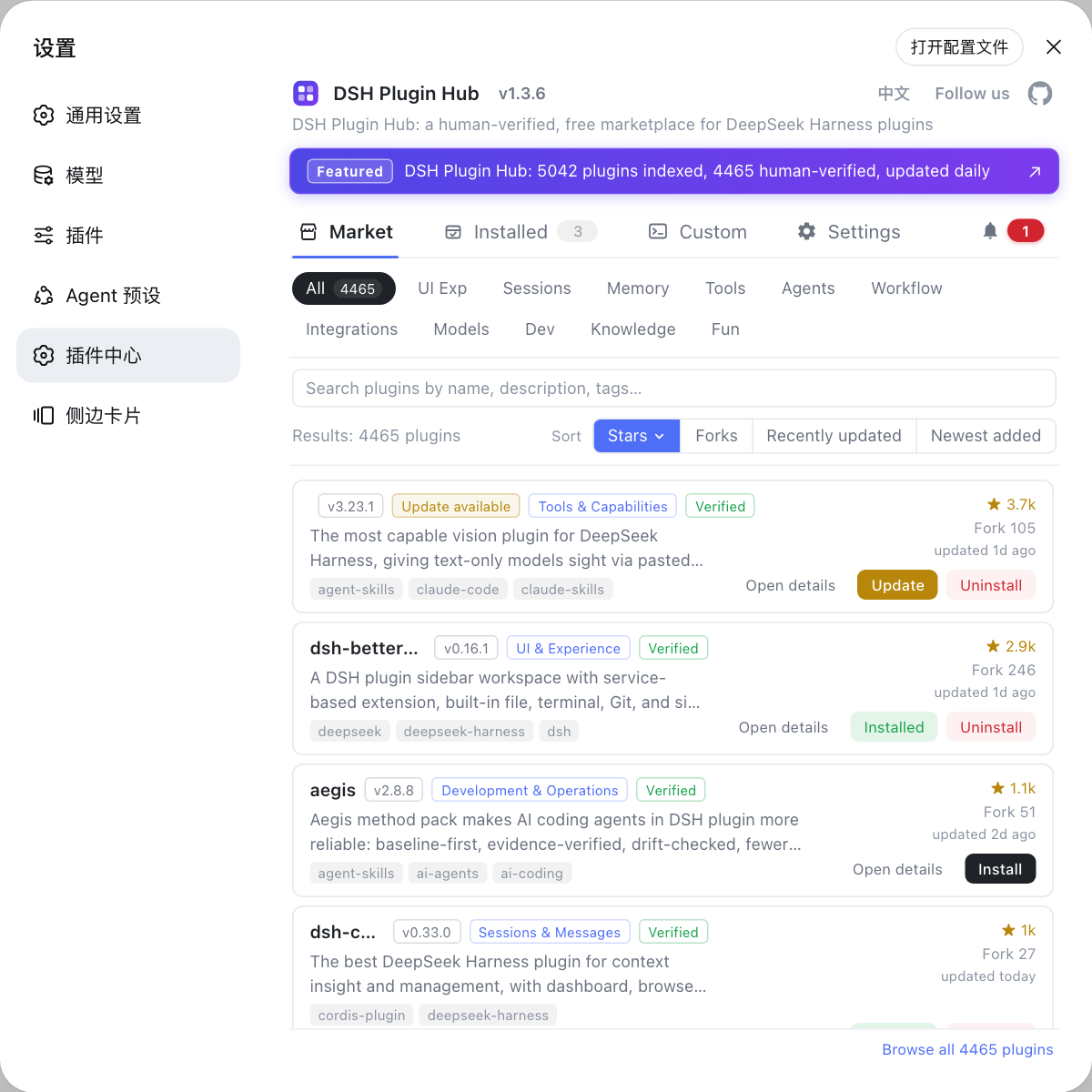
Source: Configure models (official docs), v0.1.0-rc.8 Release Notes
FAQ
A model you enter by hand is treated as text-only by default — nothing can ask an endpoint which modalities it accepts, so attaching an image is refused before it is sent, naming the model (official wording). Declare input: [text, image] for that model.
Open $DSH_HOME/settings.yaml and add input: [text, image] to that model. If every hand-entered model on a route takes images, set defaultInput: [text, image] once on the route as a fallback (the default is [text]). Catalog providers have no models list, so write under modelOverrides keyed by model id.
It depends. Before v0.1.0-rc.8, oversized images or a high cumulative load of historical images made model requests fail outright — a known bug listed in the official fix records, solved by updating. On a new version, check the input declaration and whether the endpoint really serves images.
You declared an image capability the endpoint does not actually provide: remove image from wherever granted it — the model's input or the route's defaultInput — then start a new session (attached images stay in the session log, so an old session repeats the same request). v0.1.0-rc.8 also fixed some OpenAI-compatible gateways failing due to request-shape differences — update first.
DeepSeek's official chat-completions route is text-only; declaring input does not make it accept images — the provider rejects the request (official wording). For image capability, connect a model endpoint that really serves vision.