Fix ERESOLVE: DeepSeek Harness npm "latest" stuck on rc
A DeepSeek Harness plugin install that fails with ERESOLVE unable to resolve dependency tree or ERR_PNPM_FETCH_404 almost always traces back to the official npm dist-tags: most @deepseek-ai/dsh-* packages still point latest at the first public release 0.0.1-rc.1, and that stale line's peer metadata references pre-rename packages that return 404 on npm. Any resolver that walks that line ends up mixing two version lines or hitting a missing package. Pin the whole family to one current line, and use pnpm.overrides for profiles you already created.
What the DeepSeek Harness install failure looks like
One root cause surfaces as three different errors depending on the entry point; recognizing the shape first saves most of the trial and error. From community reproductions (#2763, #984):
- ERESOLVE tree conflict: a bare install of
@deepseek-ai/dsh-agent-spine-demoand friends in a fresh project reportsnpm error ERESOLVE unable to resolve dependency tree, with a detail line readingpeer @deepseek-ai/dsh-bash-env@"^0.0.1-rc.1" from @deepseek-ai/dsh-tool-bash@0.0.1-rc.1— the peer declaration from the old line.@deepseek-ai/dsh-bash-envdoes not exist on npm at all (npm viewreturns 404). - pnpm hard 404:
ERR_PNPM_FETCH_404 GET https://registry.npmjs.org/@deepseek-ai%2Fdsh-type-meta: Not Found. The missing package is pulled in transitively through the peer chain ofdsh-tools/dsh-session;@deepseek-ai/dsh-tasksand@deepseek-ai/dsh-tool-subagent@0.0.1-rc.1fail the same way. - Old version installed, package "missing":
dsh plugin --profile <name> add @deepseek-ai/dsh-baseinstalls whatlatestresolves to —0.0.1-rc.1— and then reports the package as unpublished or nonexistent. The package exists; the tag points elsewhere.
One telltale signal: npm install succeeds while pnpm always fails. npm resolves loosely, while pnpm validates peer ranges strictly and re-resolves the entire tree, so the same repository gives opposite verdicts depending on the package manager.
Why npm latest is frozen on the rc line in a DSH plugin install: dist-tags and the publish chain
latest does not mean "newest version"; it is a tag that can sit still for months, and the official release script never advances it for prereleases — those go to alpha / next only, so latest stays on the early rc line. Two layers explain it:
- Tag layer: which version
latest,next, oralphapoints at changes only when someone runs an explicit operation such asnpm dist-tag add(npm docs). In the 13-package sample,dsh-agent-spine-demo,dsh-tool-bash,dsh-llm, anddsh-sessionall hadlatest = 0.0.1-rc.1while onlydsh-agentanddsh-app-bootwere on the current line;nextpointed at the current line across the board — an inconsistent family, so bare installs mix lines. - Metadata layer: the
0.0.1-rc.1line declares peers using pre-rename names (dsh-bash→dsh-shell,dsh-tasks→dsh-jobs,dsh-bash-env→dsh-shell-env). Those old names were never published, so the 404 is unavoidable. By contrast, the current line's metadata is correct — the only question is wherelatestpoints. - pnpm version differences amplify it:
initProfilewritesautoInstallPeers: falseintopnpm-workspace.yaml, a key only pnpm ≥10 reads. On pnpm 9.x (still common via corepack and CI images) it is silently ignored, pnpm falls back to auto-installing peers, and the whole peer tree — 404 names included — gets resolved (#984 mechanism note). - Release pacing adds the mirror-image gap:
npm publishruns before the release branch merges and tags, producing windows where npm has a package that nodsh-v*tag shows. Whilelatestis frozen,npm i -g @deepseek-ai/dshalso lands several lines behind the repository (#5417).
How to align a DSH plugin install with npm tags: one line, @alpha, and pnpm.overrides
The core move is one sentence: read the tags, then pin the entire package family to a single current line instead of trusting default resolution. Steps verified by the community:
- Read the tags:
npm view @deepseek-ai/dsh-tools dist-tagsshows wherelatest,next, andalphaeach point.npm view <package> versionreports only thelatestline and is easy to misread. - Pin the whole family: declare every
@deepseek-ai/*package you use at the same current line in yourpackage.json(a fresh project pinned to^0.1.0-rc.6resolved 81 packages and ran a full tool-calling turn end to end). Pinning a few packages and letting the rest resolve by default still mixes lines. - Pick a line on purpose: track the development line with
@alpha(in the measured window@deepseek-ai/dsh@alphawas0.1.2-alpha.5), or stay on thelatestrc line for stability. To match repository code exactly, use the GitHubdsh-v*tags as the reference —alphacan lead them by half a day. - Existing profiles do not need rebuilding: set an available version for the stuck package in the profile's
pnpm.overrides. Measured case:dsh-crew@0.4.3declares@deepseek-ai/dsh-tool-subagent": "*","*"resolved to0.0.1-rc.1, which pulled the 404dsh-tasks; overriding it to0.1.0-rc.6(the first version without that peer) restored installs. - Installing from a local checkout also sidesteps it: with
dsh plugin --profile <name> add .,@deepseek-ai/*resolves through the harness installation's fallbacknode_modules, so the missing peer never has to be fetched (#984); other install-time dependency failures are covered in plugin dependency install failures. - The durable fix belongs upstream: realigning every family member's
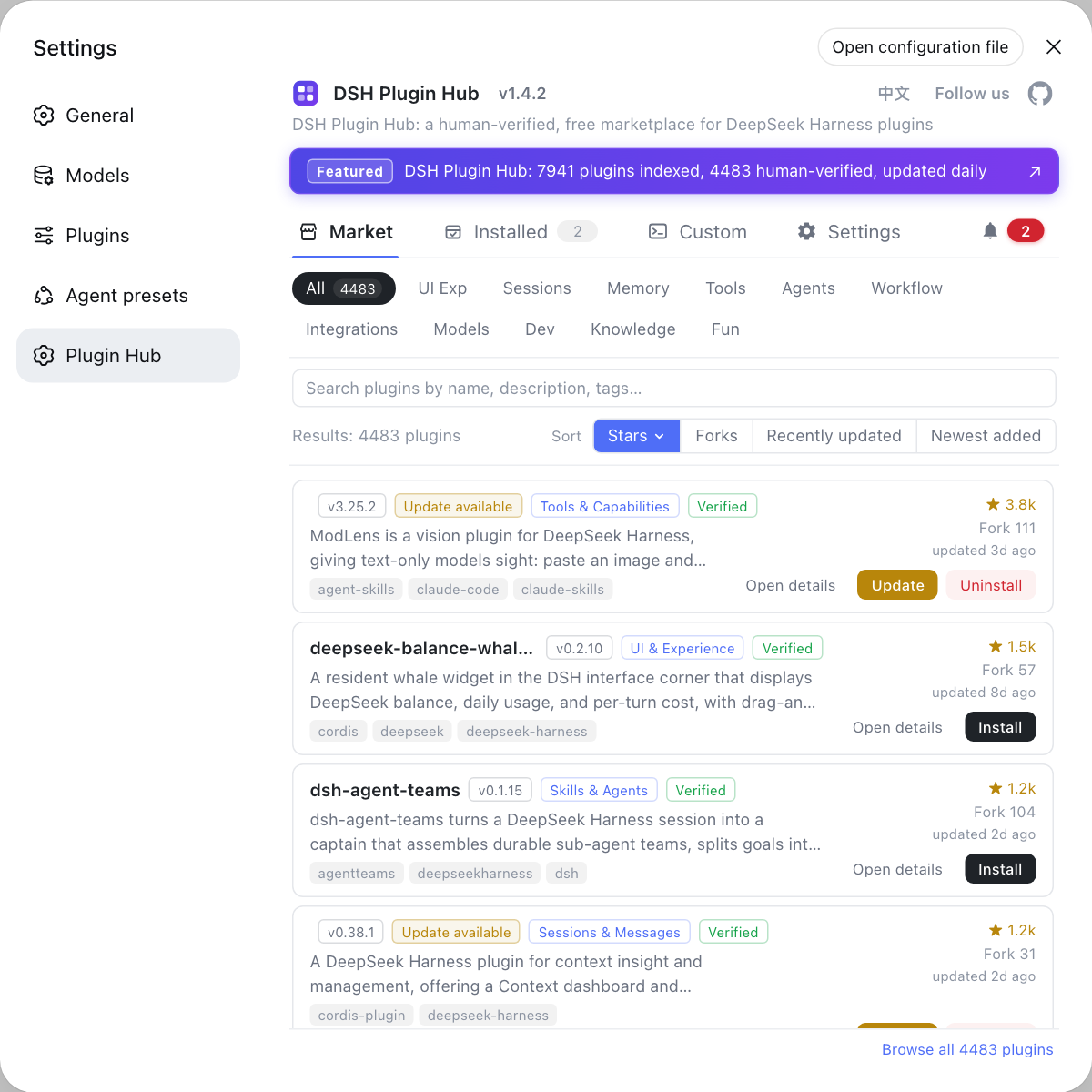
latestto the current line (or at least tonext) removes the majority of default-install failures; the community's quantified baseline was 160 of 325 npm-installable plugins affected, with 100 recoverable from a single family-wide tag move. For end users, installing through DSH Plugin Hub (Settings → Plugin Marketplace) is safer: a failed install rolls the manifest back, so the profile is never left polluted — only blocked.
Version drift produces a different symptom family (an old core package installed into the profile makes tool calls crash with reading 'prepare'); related mechanism, separate diagnosis: core package version drift.
DSH plugin troubleshooting notes
Never read latest as "the current version", and never pin only part of the family — mixing lines is worse than lagging behind. Five points:
- Do not treat
npm install @deepseek-ai/dsh-*@latestas "the current version."latestcan lag two lines behind;npm view <package> dist-tagsis the complete picture. - Mixing lines is worse than lagging. Pinning only some packages resolves two incompatible peer ranges at once, so the conflict is deterministic rather than intermittent.
- Do not force-install the 404 names.
dsh-type-meta,dsh-tasks, anddsh-bash-envare pre-rename history with no registry counterpart; either wait for the publish chain or move to the current names. pnpm.overridesis a stopgap. It unblocks the current profile but does not repair upstream metadata; remove it once the official tags are realigned so you are not pinned to an old version indefinitely.- After a failed install, confirm the profile is intact. pnpm aborts the whole tree on failure and the marketplace rolls the manifest back, but if you edited the profile by hand, open a fresh session afterwards and verify tool calls still work.
Sources: Discussion #2763, Discussion #984, Discussion #5417, npm dist-tag docs.
FAQ
In DeepSeek Harness the npm latest dist-tag is inconsistent across the official package family, so a bare install is guaranteed to fail with ERESOLVE. Most @deepseek-ai/dsh-* packages still point latest at the first public release 0.0.1-rc.1 while a few (dsh-agent, dsh-app-boot) already point at the current line; a bare install, or pinning ^ to the version npm view reports, resolves both lines at once, and their peer ranges are incompatible (source: Discussion #2763).
In DeepSeek Harness those names are pre-rename history (dsh-bash → dsh-shell, dsh-tasks → dsh-jobs, dsh-bash-env → dsh-shell-env) and never existed on npm, so the registry returns 404. They are pulled in indirectly through the peer chain of packages on the stale latest line, so any resolver that walks that line hits the 404; until the publish chain is audited, install from a local checkout (dsh plugin --profile <name> add .) or pin the family to the current line (source: Discussion #984).
In a DSH plugin install pnpm resolves peer ranges strictly and re-resolves the whole tree on every add, so a range pointing at a 404 name aborts the install. Meanwhile initProfile writes autoInstallPeers: false into pnpm-workspace.yaml, a key that only pnpm ≥10 honors; pnpm 9.x reads it only from .npmrc, silently ignores it, and falls back to auto-installing peers (source: Discussion #984).
To align a DeepSeek Harness plugin install with npm tags, run npm view <package> dist-tags to see exactly what latest, next, and alpha point at, then pin the whole family to a single current line (^0.1.0-rc.6 resolved 81 packages cleanly in a fresh project). Use @alpha to track the development line and accept latest for stability. For an existing profile, set an available version for the stuck package in pnpm.overrides instead of rebuilding it (source: Discussion #5417).
Related Terms
- dist-tag
- A readable alias on npm that points at one concrete version (latest, next, alpha, and so on). An install without a version resolves through latest, so where latest points decides what a bare install gets.— https://docs.npmjs.com/cli/v10/commands/npm-dist-tag
- prerelease version
- A version such as 0.0.1-rc.1 or 0.1.2-alpha.5 that sorts below the matching stable version in semver. Release scripts commonly tag prereleases as alpha/next and never advance latest.— https://docs.npmjs.com/cli/v10/commands/npm-dist-tag
- peer dependency
- A dependency a package expects the installer to provide rather than bundling itself. pnpm validates peer ranges, so a range pointing at a name that does not exist on npm fails the install with a 404.— https://github.com/deepseek-ai/deepseek-harness/discussions/2763
Sources
- deepseek-harness Discussion #2763: inconsistent npm latest dist-tag across the package family makes a fresh install fail with ERESOLVE· deepseek-ai (GitHub Discussions)
- deepseek-harness Discussion #984: dsh-type-meta is missing from npm, blocking pnpm installs for community plugin development· deepseek-ai (GitHub Discussions)
- deepseek-harness Discussion #5417: npm releases and repository code drift apart· deepseek-ai (GitHub Discussions)
- npm Docs: npm-dist-tag (reading and writing dist-tags)· npm Docs