Fix "Output token limit reached" in DeepSeek Harness
When long DeepSeek Harness runs repeatedly throw Output token limit reached, cut the reply off, and reproduce the same error the moment you send continue, it is almost never context overflow; it is an output-side cap or a mismatch between the declared window and the real runtime window. The effective output budget is the minimum of three things: the declared request cap, the provider/model capability, and context window − prompt − reserve. The fix is to align contextWindow and start a new session so the new value takes effect.
DeepSeek Harness: two kinds of truncation, output cap versus context overflow
One error string covers two different events, and getting the direction wrong means tuning the wrong parameter forever. The reproducible evidence in the community splits cleanly:
- Output-side capping: declaring a model entry's
maxTokensas a deliberately tiny 24, a transparent recording proxy captured the request body carryingmax_tokens: 24— the declared value really does reach the wire. When the model hits it, the session log closes the turn withreason: {kind: "max-tokens"}, the partial text is kept, and the CLI exits nonzero: no crash, no silent loss. That places the upstream of this error family in the declaration, not the window (#1166). - Remaining-window capping: a real llama.cpp log reads
prompt eval time ... / 65216 tokens, theneval ... / 320 tokens, thentotal time ... / 65536 tokens, immediately followed bystop processing: n_tokens = 65535, truncated = 1. Here 65,536 is the runtime window and 320 is all that can still be generated — a declared request of 8,192 cannot fit into 320 tokens of headroom, so the window's remaining room decides the truncation (#1166). - Declared-versus-runtime mismatch: with Ollama's
num_ctxset to 64K while the catalog says 256K, the error fires at roughly 25% every time; in an LM Studio case, declaring 65535 restored new sessions while old sessions still could neither compact nor continue (#1166). - Clearly distinct from context overflow: the prompt in the session can be nowhere near the window ceiling (the prompt volume in the case above is not large) and the error still appears — that is the direct discriminator between an output cap and an input overflow.
- Subagents amplify the odds: when many subagents run long-output work such as translating a whole paper, the same model call is repeated many times, multiplying the chances of hitting an output or window boundary. The community pattern where "it never happens on the official DeepSeek route but sticks constantly behind a third-party gateway" points at that route's streaming output and declared values, not at the subagent mechanism itself (#1116).
DeepSeek Harness mechanism: how stop reason length becomes max-tokens
Understanding this mapping chain is what explains why compaction cannot help and continue cannot rescue you. The mechanism:
lengthbecomesmax-tokens: the provider's stop reasonlengthis mapped to the durablemax-tokensturn reason, and the truncated step keeps the partial assistant message while dispatching no tool calls from that step. In other words, a truncated turn is "complete but clipped", not a failed retry.- No automatic compaction:
dsh-agent-looptreats amax-tokensfinish as a completed model request, while automatic compaction is triggered mainly by token pressure before a step or by a provider-confirmed context-window overflow. So hitting the output cap does not necessarily trigger compaction/recovery, which is precisely whycontinuereproduces the error in place. - The built-in adapter's default: the built-in DeepSeek adapter's default conversation
maxTokensis 256,000, and it can be overridden by adapter config, a model-specific cap, or an explicit agent/request value. The adapter intentionally does not clamp that value against the context window, so a mismatch like "declared 256K window, actually 64K" is not caught automatically. - Catalog discovery is a separate chain, wired only to a button: discovery of a model's maximum context is attached only to the "fetch available models" button on the Models page, and nothing calls it at request time;
resolveModel()(adapter.ts:256) uses only the catalog config, the installed catalog, or the default. So even perfectly correct list-reading code merely pre-fills a form field you must save by hand — restart a local server with a different--ctx-sizemid-run and the harness never notices (#1166). - Which field local runtimes should read: the llama.cpp family exposes the runtime window as
n_ctxinGET /v1/models; note thatn_ctx_trainis a training-time parameter with a possibly different value and is not the one you want (a sibling project tripped over readingn_ctx_train). Also,meta.n_ctxonly appears once that model is actually loaded — unloaded models expose none and/propsreturnsn_ctx: 0, which is why re-resolution is needed after a model switch. - Bounded continuation instead of brute force: the safest recovery is to preserve the partial artifact and start a bounded continuation (only the missing sections), recording prompt/output usage and the final stop reason before raising any cap (Handbook).
DSH plugin remediation: align contextWindow, start a new session, continue in bounds
The order is: align the declaration first, then switch to a new session, and only then fall back to a bounded continuation. Reversing the order wastes the effort. Work through the checklist:
- Set
contextWindowto the real runtime value: for Ollama that is the model'snum_ctx, for LM Studio its context slider, for llama.cpp then_ctxfromGET /v1/models. The official DeepSeek API's V4 models support up to 1M, so use the real capability there. A custom provider that omitsmaxTokensfalls back to the generic route's default, which will truncate early whenever it disagrees with your gateway's real limit, so declare both:
llm-pi-ai:
  providers:
    your-gateway:
      models:
        - id: glm-5.2
          contextWindow: <real runtime context window>
          maxTokens: <real maximum output for that model>
- Always start a new session after the change: old sessions keep the stale window record and the change is not back-filled; measured behavior is "new sessions fine, old sessions can neither compact nor continue". Note too that restarting the harness can overwrite your change back to the default, so confirm the persisted value before opening the new session.
- Check the output side as well: besides
contextWindow, look atmaxTokens/ the provider'smax_tokens(a declared 8,192 appears in one reproduction). The effective output budget is the minimum of the three, so any one of them being too small becomes the bottleneck. - Use a control experiment to place the blame: run the same task with the same prompt once more on the official DeepSeek route. If it does not stick, the problem belongs to that third-party gateway's streaming or serialization and should go to the gateway vendor; if it sticks anyway, come back to the declaration alignment and compaction strategy above (#1116).
- Compact before continuing on long runs: do not brute-force with repeated
continue; compact first, or split long-output work into bounded subtasks. To see which limit each request is actually hitting, a usage plugin such asdsh plugin --profile web add dsh-budgetrecords per-session token usage, latency, and cost (a community plugin whose author maintains it). - To verify what actually goes out on the wire, use a recording verification tool (such as pi2dsh's
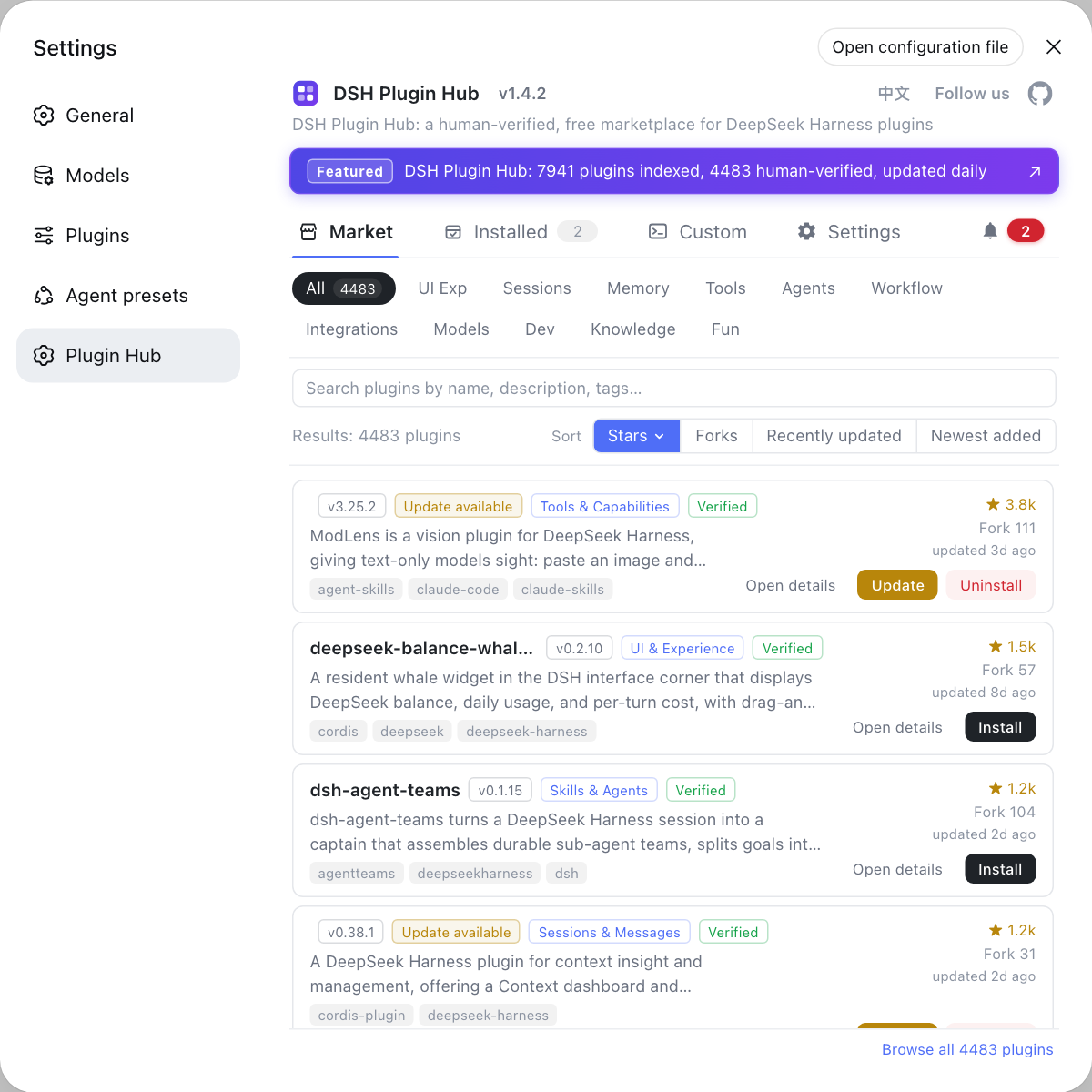
verify-provider-threads-e2e.mjs) to check whethermax_tokensreally reaches the request body. For installing and version-checking plugins themselves, go through DSH Plugin Hub under Settings, Plugin Market, since a failure rolls the manifest back. Window and connection issues with local models are covered separately in local model connection troubleshooting and local model configuration.
DSH plugin troubleshooting notes
Tell "output cap" apart from "context overflow" first — this error is usually not a full input, and getting the direction wrong means tuning the wrong parameter forever. Six points to keep in mind when a DeepSeek Harness plugin run hits Output token limit reached:
- Do not treat this error as context overflow: on the error, first check how far the prompt is from the window and whether the session log's turn reason is
max-tokens. continueis not a recovery mechanism: it retries under the same budget, and an unchanged budget cannot change the outcome.- Declaration and reality must agree: a local server's window is decided by its startup flags, and the harness will not notice when those change.
- Do not confuse
n_ctxwithn_ctx_train: the former is the runtime window, the latter the training length. - Do not expect old sessions to be repaired: preserving artifacts, opening a new session, and continuing in bounds is faster.
- Subagents hitting it often is amplification: concurrent long-output subagents hit boundaries more readily; align the declarations rather than swapping the subagent runtime.
Sources: Discussion #1166, Discussion #1116, pi2dsh provider-threads-e2e, DeepSeek Harness Handbook · Output token limit.
FAQ
In DeepSeek Harness, "Output token limit reached" is usually not a context-window overflow but an output-side cap, or a mismatch between the declared window and the runtime window. DeepSeek Harness maps the provider's stop reason length to the durable max-tokens turn reason; the truncated step keeps the partial assistant message and dispatches no tool calls. The giveaway is that the prompt can be nowhere near the window ceiling and still trigger it, for example a llama.cpp log reading 65,216 prompt + 320 generated = 65,536 total with truncated = 1 (source: Discussion #1166).
In DeepSeek Harness, hitting the output cap is not treated as something that needs automatic compaction, so continue reproduces the error in place. dsh-agent-loop treats a max-tokens finish as a completed model request, while automatic compaction is primarily triggered by token pressure before a step or by a provider-confirmed context-window overflow, so an output ceiling does not automatically enter the compaction/recovery path. When only a few hundred tokens of window remain (320 tokens of headroom against a declared 8,192, for instance), a continuation still has no usable budget, so continue reproduces the error immediately (source: Discussion #1166).
Local DeepSeek Harness deployments hit this so often because the declared value and the runtime value are two chains that were never aligned: the catalog states the model's published limit (256K, say) while the local server actually runs a much smaller window (64K or 65535), so the error fires at that real percentage mark. The effective output budget is the minimum of three things: the declared request cap, the provider/model capability, and context window - prompt - reserve. The fix is to set contextWindow (Ollama's num_ctx, LM Studio's context slider) to the real runtime value and start a new session so the new value applies (source: Discussion #1166).
DeepSeek Harness's recommended answer is no: old sessions keep the stale window record and a config change is not back-filled into them, and users measured that new sessions recovered while old sessions still could neither compact nor continue. The safer route is to preserve the partial artifacts from the old session, start a new session, and do a bounded continuation (only the missing sections), recording prompt/output usage and the final stop reason before raising any cap (source: Discussion #1166).
Related Terms
- output cap (the max-tokens turn reason)
- The durable turn reason DeepSeek Harness derives from the provider's stop reason `length`. It means the generation was cut by an output budget, not that the input filled the context window.— https://github.com/deepseek-ai/deepseek-harness/discussions/1166
- contextWindow / n_ctx
- The declared context window size. The llama.cpp family exposes the real value as `n_ctx` in `GET /v1/models` (`n_ctx_train` is a training-time parameter, not the runtime window); Ollama uses `num_ctx` and LM Studio its context-length setting.— https://github.com/deepseek-ai/deepseek-harness/discussions/1166
- compaction
- The mechanism DeepSeek Harness uses to condense history and free space under context pressure. It is triggered by token pressure before a step or by a provider-confirmed window overflow, so it does not cover the "output was truncated" class of turn endings.— https://github.com/deepseek-ai/deepseek-harness/discussions/1166
Sources
- deepseek-harness Discussion #1166: Does anybody also encounter "Output token limit reached" error while using dsh?· deepseek-ai (GitHub Discussions)
- deepseek-harness Discussion #1116: many subagents get stuck with the reply cut off at the output token limit· deepseek-ai (GitHub Discussions)
- pi2dsh provider-threads-e2e: a reproducible audit of declared maxTokens reaching the wire (including the token-limit case)· GitHub (weijiafu14/pi2dsh)
- DeepSeek Harness Handbook: Output token limit, a source-linked diagnostic and bounded recovery checklist· sandbaseai.github.io