Install DSH skills: SKILL.md folders vs DSH plugins
A DeepSeek Harness skill and a plugin are not the same thing: a skill is a loadable Markdown instruction set for the model, a plugin is a package that extends DSH in code, and dsh plugin add cannot install a skill — local providers find skills by scanning directories. This covers telling them apart, placing a skill in the right root, and writing the file correctly.
DeepSeek Harness skill vs plugin: instruction sets and code packages
A skill is a loadable instruction set for the model in Markdown, while a plugin is a code extension package; the former is discovered by a local provider and loaded on demand through the session catalog and the skill tool, the latter is mounted into the profile's plugin tree by the loader (source). Three ways to tell them apart:
- Look at what it is — a
SKILL.mdor Markdown note is a skill; an npm / GitHub package withapply(ctx)is a plugin. Expected: you now know whether to place a file or run an install command. - A skill never uses the install command — drop the file into one of the six roots below. Expected:
dsh plugin addhas no effect on a skill, and a plugin dropped into a skill directory is not loaded either. - See what the model receives — the session catalog carries only the sorted
nameanddescription; body, path, source and provider stay out. Expected: the model reads the description first and gets the body only when it loads the skill, while you can still invoke it directly with/name.
Skills teach the model how to do something; plugins add the toolbox (commands, memory, interface). To add that kind of capability, follow the plugin path — see what a DSH plugin is and the plugin market of DSH Plugin Hub.
Where DeepSeek Harness skills live: six roots and the rank order
Local providers scan six roots by rank, and a lower rank wins: project .dsh/skills (100) → project .agents/skills (200) → Config.customSkillDirs (300) → <dshHome>/skills (400) → <agentsHome>/skills (500) → the bundled directory (600) (source).
| Rank | Source | Root |
|---|---|---|
| 100 | project-dsh | <projectRoot>/.dsh/skills |
| 200 | project-agents | <projectRoot>/.agents/skills |
| 300 | custom | Config.customSkillDirs |
| 400 | user-dsh | <dshHome>/skills |
| 500 | user-agents | <agentsHome>/skills |
| 600 | bundled | the directory configured as Config.bundledSkillDir |
Pick a root in this order:
- One project only — put it in
<projectRoot>/.dsh/skills, the lowest rank and highest precedence. Expected: it appears only in sessions opened inside that project. - Shared across agent tools in the project — use
<projectRoot>/.agents/skills. Expected: still project-scoped, but ranked after.dsh/skills. - Work out the project root — the nearest ancestor directory containing
.git, falling back to the current cwd. Expected: a skill placed in a repository subdirectory is not discovered, because it is not directly at that root. - Open a directory of your own — add it to
Config.customSkillDirs(rank 300). Expected: one extra layer between project roots and user roots, handy for skills a team shares. - Make it global for yourself —
<dshHome>/skillsor<agentsHome>/skills(rank 400 / 500);dshHomedefaults to$DSH_HOMEor~/.dsh,agentsHometo$DSH_AGENTS_HOMEor~/.agents. Expected: these skills are visible in every project. - Decide duplicates — inside one layer rank comes first, then provider order and local order; across layers the nearer layer wins outright. Expected: two same-named skills are never merged, only one of them wins.
Writing a DeepSeek Harness skill: SKILL.md and the invocation switches
A skill is either a directory bundle <name>/SKILL.md or a flat <name>.md file, the name must be kebab-case, and description is the only routing information the model sees; the two invocation switches user-invocable and disable-model-invocation both default to true when omitted (source). Four steps:
- Create the file — either a directory bundle
<name>/SKILL.mdor a flat<name>.md. Expected: recursive**/SKILL.mddiscovery is not supported, so the file must sit directly in a root. - Pick a valid name — it must match
^[a-z0-9]+(?:-[a-z0-9]+)*$, for examplerelease-notes-writer. Expected: a name outside that shape is not collected. - Write the frontmatter —
nameis required,descriptionis the only routing information the model sees, and the optionalwhenToUseadds guidance:Expected: the description ceiling comes from the consumer'smarkdown--- name: release-notes-writer description: Use when turning a range of changes into release notes; the input is a commit range and the output is a fixed release structure. --- Write the body with steps, commands and acceptance criteria — it is read only when the model loads this skill.catalogDescriptionMaxLength, which defaults to 500. - Decide who may invoke it — both switches default to true, so the model can load it and you can call it with
/name. Expected: withdisable-model-invocation: trueit leaves the model catalog and stays available to you; setting both to false leaves it reachable only by trustedctx.skills.get()callers.
Editing the body needs no restart: the registry never caches full definitions, so every load re-reads the current text and a body-only edit raises no catalog change.
DeepSeek Harness skill caveats
- Discovery only looks directly inside existing roots: recursive
**/SKILL.mdis unsupported, and the user DSH root skips its own.systemsubdirectory. - There are no built-in system skills: the local provider synthesizes none, so bundled skills arrive through a configured bundled root or a dedicated provider, and the shipped badge skill stays disabled until you opt in.
descriptiondecides everything: it is the only routing information the model sees, so a vague description means the skill is never loaded however detailed the body is.- Invocation policy is checked twice: the
skilltool applies model invocation policy before and after loading, so a skill with both switches false never appears in the model catalog. - Duplicate names are not merged: one winner survives per layer (rank → provider order → local order), and a nearer layer wins outright across layers.
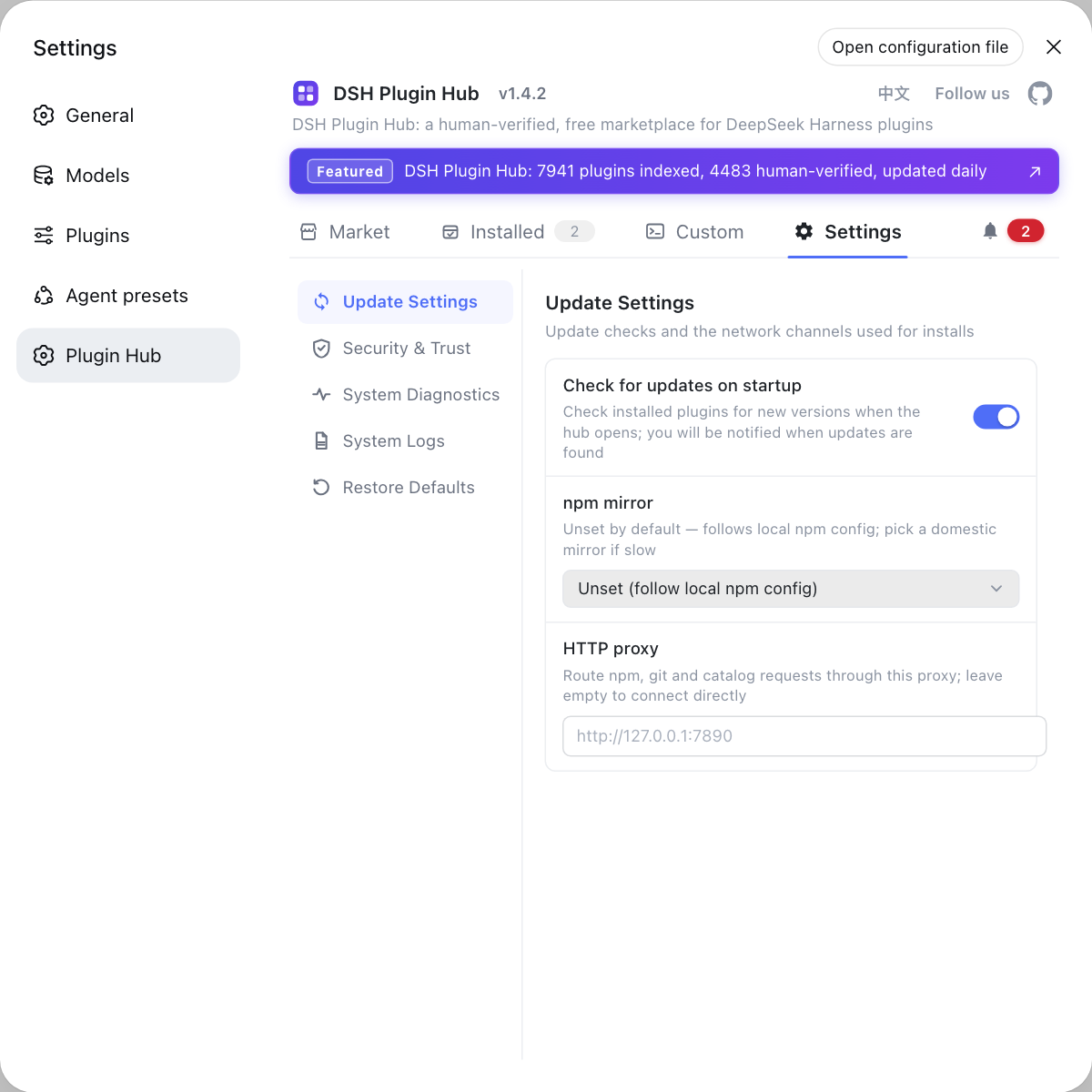
Skills teach the model how to work; plugins fill in the toolbox. Plugin toggles, the log path and the npm mirror all live in the Settings page of DSH Plugin Hub (dsh-plugin.org), and installing plugins goes through its market rather than hand-edited config.
Sources: Skills subsystem reference (official docs), skill package group README (official repo), dshplugin/dsh-plugin-hub
FAQ
A DeepSeek Harness skill is a loadable Markdown instruction set for the model, while a plugin is a code extension package mounted through apply(ctx), and the two discovery mechanisms are entirely different. dsh plugin add installs plugins and never skills — skills are found by a local provider scanning directories, then loaded on demand through the session catalog and the skill tool.
DeepSeek Harness scans six local roots by rank: <projectRoot>/.dsh/skills (100) → <projectRoot>/.agents/skills (200) → Config.customSkillDirs (300) → <dshHome>/skills (400) → <agentsHome>/skills (500) → the configured bundled directory (600). A lower rank wins, and inside one layer duplicates are decided by rank first, then provider order.
DeepSeek Harness treats the nearest ancestor directory containing .git as the project root and falls back to the current cwd, so project skills belong in .dsh/skills or .agents/skills at that root. Recursive **/SKILL.md discovery is not supported — a skill sits directly in a root, or ships as a flat <name>.md file.
A DeepSeek Harness SKILL.md carries name and description in YAML frontmatter: name must be kebab-case, and description is the only routing information the model sees in the session catalog, because neither the body nor absolute file paths reach that catalog. Write when to use it into the description, or the model has no reason to load it.
DeepSeek Harness exposes two frontmatter switches: user-invocable governs the human surface and disable-model-invocation governs the model surface, both defaulting to true when omitted. Set disable-model-invocation to true and the skill leaves the model catalog while /name still reaches it; setting both to false leaves it reachable only by trusted ctx.skills.get() callers.
Related Terms
- skill
- A skill is a loadable Markdown instruction set for the model in DeepSeek Harness, discovered by providers and loaded on demand through the session catalog and the skill tool. It is a separate mechanism from a plugin, which extends DSH with code and travels through the install and load pipeline.— DeepSeek Harness official docs - Skills subsystem reference
- SKILL.md
- SKILL.md is the definition file of a skill; local providers accept both a directory bundle (<name>/SKILL.md) and a flat file (<name>.md). The name must be kebab-case, and recursive nested discovery is not supported.— DeepSeek Harness official docs - Skills subsystem reference
- local discovery rank
- Local discovery rank is how DeepSeek Harness decides skill precedence and duplicate names: the six roots each carry a rank from 100 to 600, and a lower rank wins. Inside one layer rank comes first, then provider order and local order; across layers the nearer layer wins outright.— DeepSeek Harness official docs - Skills subsystem reference
- SkillInvocationPolicy
- SkillInvocationPolicy is the normalized invocation contract DeepSeek Harness builds from the two frontmatter switches: modelInvocable decides whether model catalogs and loaders include the skill, and userInvocable decides whether human-facing command catalogs include it.— DeepSeek Harness official docs - Skills subsystem reference