DSH plugin tree: how DeepSeek Harness architecture works
A running DeepSeek Harness is a plugin tree: the dsh launcher reads a profile and stacks DSH plugin layers, with dsh-base as the shared first layer for web, headless, sdk and acp (source). Nothing is hard-wired into a core — every capability is a replaceable, composable layer on that tree. Understanding the tree is the prerequisite for understanding "what installing a plugin actually does" and "why switching profile feels like switching to different software". This piece covers only how the tree is built, stacked and read; what DSH itself is, see What is DeepSeek Harness, and the four parts inside a single plugin, see What's inside a DSH plugin.
Why DeepSeek Harness is a plugin tree
The DeepSeek Harness plugin tree means a running dsh is built from stacked layers of DSH plugins — even the model adapter, tools, sessions and agent loop are plugins themselves (source). Put a monolith and a plugin tree side by side and the difference is immediate:
- A monolith gets heavier with every change: if model access, tool dispatch and session management are all written into one core, swapping a model provider or a tool set means editing the core — one change touches everything, branches multiply and versions never converge.
- A plugin tree pushes change to the edge: once it is a tree, each capability is cut into one or more DSH plugins, so swapping a capability means replacing or stacking a layer while the core stays stable.
- The launcher only assembles:
dshimplements no capability by itself — it reads config, mounts the layers named by the profile in order, then forwards commands; the real work lives in the layers. - The tree is a runtime, mutable thing: the same core stacks into different trees under different profiles, which is why one dsh can behave like a graphical app and like a command-line tool.
In one sentence: "everything is a plugin" is not a slogan in DeepSeek Harness, it is the actual structure of the tree — every feature you see in the UI maps back to some layer of DSH plugins. For the big picture first, see five concepts to know before installing plugins.
How the layers stack: dsh-base and four run modes
The shared foundation of the tree is dsh-base — it is reused by web, headless, sdk and acp, and all four run modes start from it before stacking their own layers (source). Four points capture the stacking:
- There is only one foundation: whether you use the graphical UI (
web), headless scripting (headless), or embed it in a program (sdk/acp), the common capabilities come from the samedsh-base. Change it once and every run mode is affected together. - The differences sit on top: run modes differ not at the bottom but in which extra layers they stack above
dsh-base. Layers tied to the Web GUI, for example, only appear in thewebtree and are never loaded by a headless run. - A layer can be a group of plugins: do not read "a layer" as a single package — sometimes a layer is several cooperating DSH plugins that together provide one complete capability.
- Higher means closer to the scenario: the bottom is generic foundation, and the higher you go the closer to a concrete run mode and user scenario — which is why plugins you install later usually sit high in the tree.
That yields a practical debugging rule: when a problem affects only one run mode, it is most likely in a layer above dsh-base, not in the shared foundation.
Who decides which layers load: profile and bundle
Profile decides "which layers", and a bundle decides "how a layer is configured and mounted": a profile is one named assembly (stored in the Harness home and containing cordis.patch.yml), while a bundle is the distribution format of "Cordis config entries + mount code" declared through dsh.bundle in package.json (source). The stacking can be seen as three steps:
- The profile sets the list: startup first fixes which profile to use, and it lists the entries to mount plus per-entry overrides; switching profile means switching a list, hence switching a tree.
cordis.patch.ymlhandles overrides: it does not redefine plugins, only patches and tunes the declared entries — so changing the behaviour of a profile usually means editing this file, not the source of any DSH plugin.- Bundles supply reusable layers: a package declaring
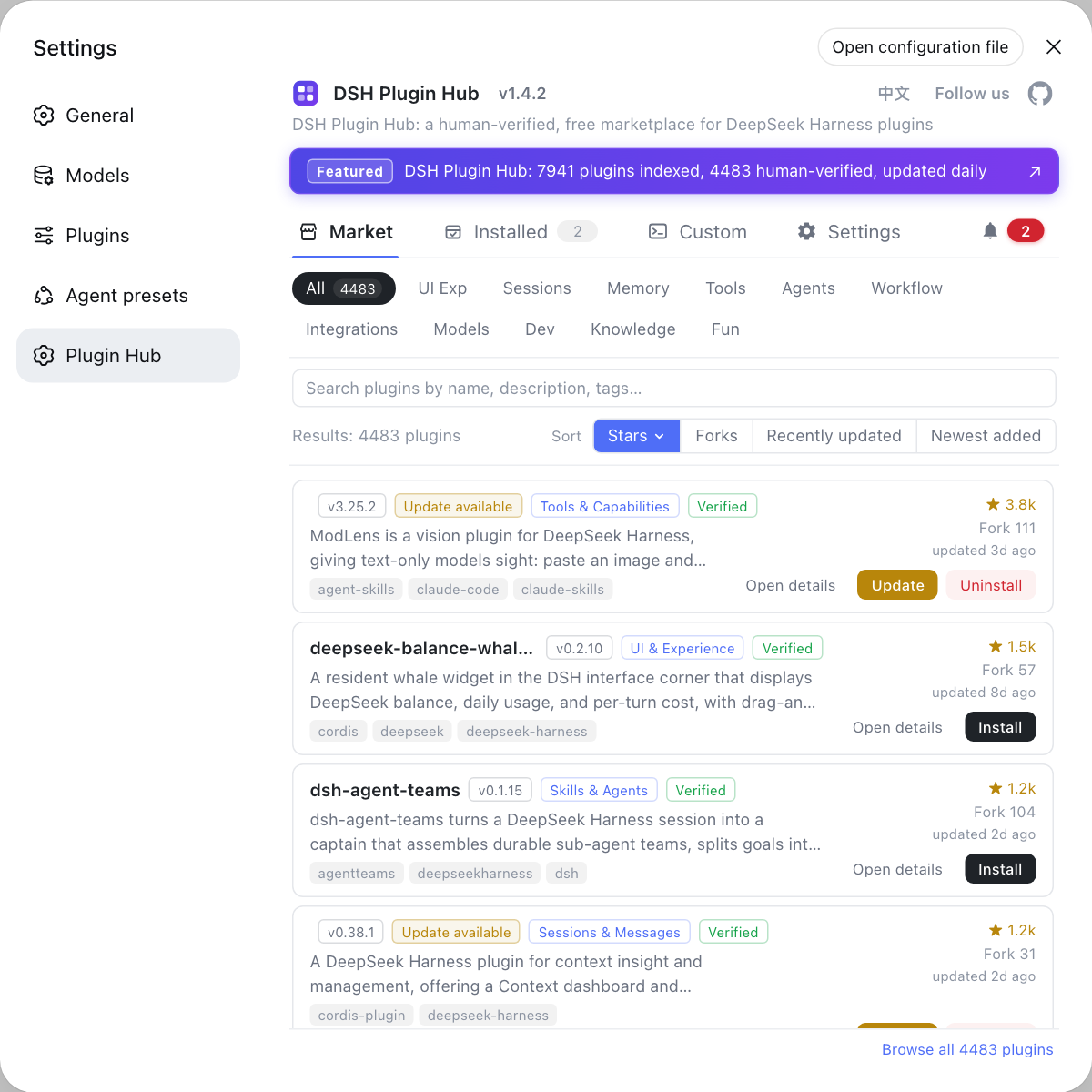
dsh.bundleis appended to the profile's bundle list when installed and joins startup as a whole layer; capabilities come from plugins, layer organisation comes from bundles, and the two jobs differ. - "Installing a plugin" is adding a layer: installing a community plugin into a profile adds one layer to the tree. Browse those addable layers under Settings → Plugin Market, which is DSH Plugin Hub, and before installing decide where it lands and whether it competes for the same core package.
For what profile and bundle each are on their own, see DSH profiles and bundles explained.
How to read a running plugin tree
The tree is not just a diagram — it can be observed at runtime, and knowing how to look lets you trace "where a feature comes from" and "whom a change affects" down to a specific layer. A few actionable moves:
- Remember the current profile name first: whether you are on
weborheadlessdecides what the top of this tree looks like; rule this out first for any problem that is run-mode specific. - Dump per-layer config:
dsh --profile web --dump-configlists the layers in order, and a section such as# == <package>means that layer really took effect — the most direct way to confirm "the plugin is mounted". - Map features back to layers: a button, a tool or a piece of the prompt can all be traced to the layer that provides it, so you can judge whether changing or uninstalling it will affect anything else.
- Map problems back to layers: if only one run mode fails, look above; if every run mode fails, look at the shared
dsh-baselayer. - Map additions back to layers: before installing a plugin, check whether it adds a capability layer or an assembly layer, and anticipate its effect on the prompt, the tool list and startup time.
Notes on reading the plugin tree
The plugin tree is the overall coordinate system for understanding DeepSeek Harness, not a diagram to memorise.
- The tree is layered: the bottom is the shared
dsh-base, and higher layers get closer to a concrete run mode and scenario. - A layer can be a group of plugins: do not read "a layer" as a single package — sometimes several DSH plugins cooperate to form one.
- Swapping layers is safer than editing the core: to change model access or tool dispatch, swap the layer rather than touching the core.
- Installing a plugin = adding a layer: before installing, think about where it lands and whether it competes for the same core package.
- Debug by locating the layer first: when only one run mode breaks, it is usually in a layer above
dsh-base, not the shared foundation. - Confirm attachment with
--dump-config: only when the matching section appears is the config layer active — do not trust a successful install command alone. - How the concepts relate: for the big picture first, see five concepts to know before installing plugins.
Source: DeepSeek Harness docs - architecture overview, docs - core subsystems.
FAQ
**The DeepSeek Harness plugin tree means a running dsh is built from stacked layers of DSH plugins.** The launcher only mounts the layers named by the profile, while capabilities such as the model adapter, tools, sessions and the agent loop are themselves plugins — so any layer can be swapped without touching the rest.
**dsh-base is the first DSH plugin layer shared by web, headless, sdk and acp in DeepSeek Harness.** Every run mode starts from this layer and stacks its own layers on top, so dsh-base carries the common ground that all run modes depend on.
**Profile decides which layers are installed, while a bundle decides how a layer is configured and mounted.** DeepSeek Harness uses a profile to record one named assembly, and bundles ship a layer's distribution content as Cordis config entries plus mount code; together they decide the final shape of the tree.
**DeepSeek Harness uses a plugin tree to gain replaceability and composability: each layer is an independent DSH plugin that can be swapped or stacked.** That lets one core power a web UI, a headless runtime and an embeddable sdk, while users add or remove layers per scenario without forking a version.
**Understanding the DeepSeek Harness plugin tree tells you which layer you are touching when installing plugins, building profiles or debugging.** You can tell whether a problem comes from the shared dsh-base layer or from a later DSH plugin layer, and predict whether a new plugin will fight an existing layer.
Related Terms
- plugin tree
- The plugin tree is how DeepSeek Harness is organised at runtime: the dsh launcher mounts stacked DSH plugin layers named by a profile, forming a tree you can extend, remove from or replace.— DeepSeek Harness docs - architecture overview
- dsh-base
- dsh-base is the first layer in DeepSeek Harness shared by web, headless, sdk and acp, carrying the common capabilities every run mode needs.— DeepSeek Harness docs - architecture overview
- profile
- A profile is one named assembly in DeepSeek Harness that decides which layers load at startup; it lives in the Harness home and contains cordis.patch.yml.— DeepSeek Harness docs - architecture overview
- bundle
- A bundle is DeepSeek Harness's distribution format of Cordis config entries plus mount code, declared through dsh.bundle in package.json, deciding how a layer joins startup.— DeepSeek Harness docs - architecture overview
Sources
- DeepSeek Harness docs - architecture overview· deepseek-harness
- DeepSeek Harness docs - core subsystems· deepseek-harness