Archive vs delete a session in DeepSeek Harness
Archive and delete are two different things in DeepSeek Harness: archiving only writes a session into a registry-level global archive set and hides it from lists and search while the log stays as-is under $DSH_HOME/sessions, whereas deleting removes the session file from disk and cannot be undone (source). This article only draws the distinction between the two and explains where an archived session lives; it does not repeat the deletion steps.
Overview: in DeepSeek Harness, one touches the view and the other the data
One line is enough: archiving changes whether you can still see it, deleting changes whether it exists at all.
| Dimension | Archive a session | Delete a session |
|---|---|---|
| What it acts on | The registry-level archive set (the view) | The session log file on disk |
| Is data kept | Kept; log and bookkeeping slot untouched | Removed; irreversible |
| Entry point | Session row menu → Archive | No interface entry; handle out-of-band |
| Confirmation | Not needed (non-destructive) | Your own caution is required |
This also explains a common confusion: why the menu offers rename, fork, and archive but no delete. It is because the host side never exposes deletion at all.
The essential difference for DeepSeek Harness sessions: a non-destructive hide vs an irreversible removal
Archiving adds a record, deleting takes away a file—the two point in opposite directions.
- Archive = add a mark — The interface writes the session id into a registry-level global archive set, and the row instantly disappears from workspace groups, Ungrouped, content search, and the flat list. Expected: the list gets cleaner, but not one file leaves the disk.
- Archiving is deliberately non-destructive — Precisely because it does not touch data, committing an archive shows no confirmation dialog. Expected: a misclick does not cost you data.
- Delete = remove the file — The host side has no session deletion: the persistence seam states there is no delete-or-retain interface, and the JSONL backend states it does not delete session files. Expected: real deletion means stopping dsh and working in the session directory by hand, which is out-of-band maintenance.
One boundary must be stated clearly: at the data level archiving is reversible (the log is untouched), but the current version of the interface has no entry to view or unarchive. So "archiving is recoverable" holds for the disk, not for the UI—this is exactly where the two get confused most.
Where an archived DeepSeek Harness session lives and how to recover it
Archiving does not change the disk location: an archived session still sits where it was.
- Storage location — The session log remains under
$DSH_HOME/sessions, in its per-workspace directory; archiving only affects visibility in the registry. Expected: the file is there, just not shown in the UI. - Invisible in the interface — Grouped views, content search, and the flat list all fail to find it, because the archive set filters it out at read time. Expected: not finding it does not mean it is gone.
- How to recover it — Go to the disk: take the log file from the matching directory under
$DSH_HOME/sessionsfor a backup or as-needed handling. Expected: you get the complete record, because archiving never touched it.
For the full deletion flow when you really want to clean up, see How to delete a session in DeepSeek Harness; this article does not repeat those steps.
Which to use for a DeepSeek Harness session: archive first, delete with care
The decision is simple: archive to tidy the list, delete only to free disk space.
- The list is long and merely in the way → archive. Fast, non-destructive, no confirmation. Expected: a clean list with the data intact.
- You truly need to free disk and clear old records → delete. Expected: the file is removed and no longer appears in the UI.
- You are unsure → archive first. Archiving loses no data and you can still pull the log from disk later; deletion has no way back.
- You want to restore UI visibility → the current version has no unarchive entry, so do not expect to click it back; handle it at the file level.
Session-related plugins (such as session maps and memory plugins) are found by category in the plugin marketplace, with the entry point at DSH Plugin Hub; they display or persist sessions but do not change this archive-and-delete semantics.
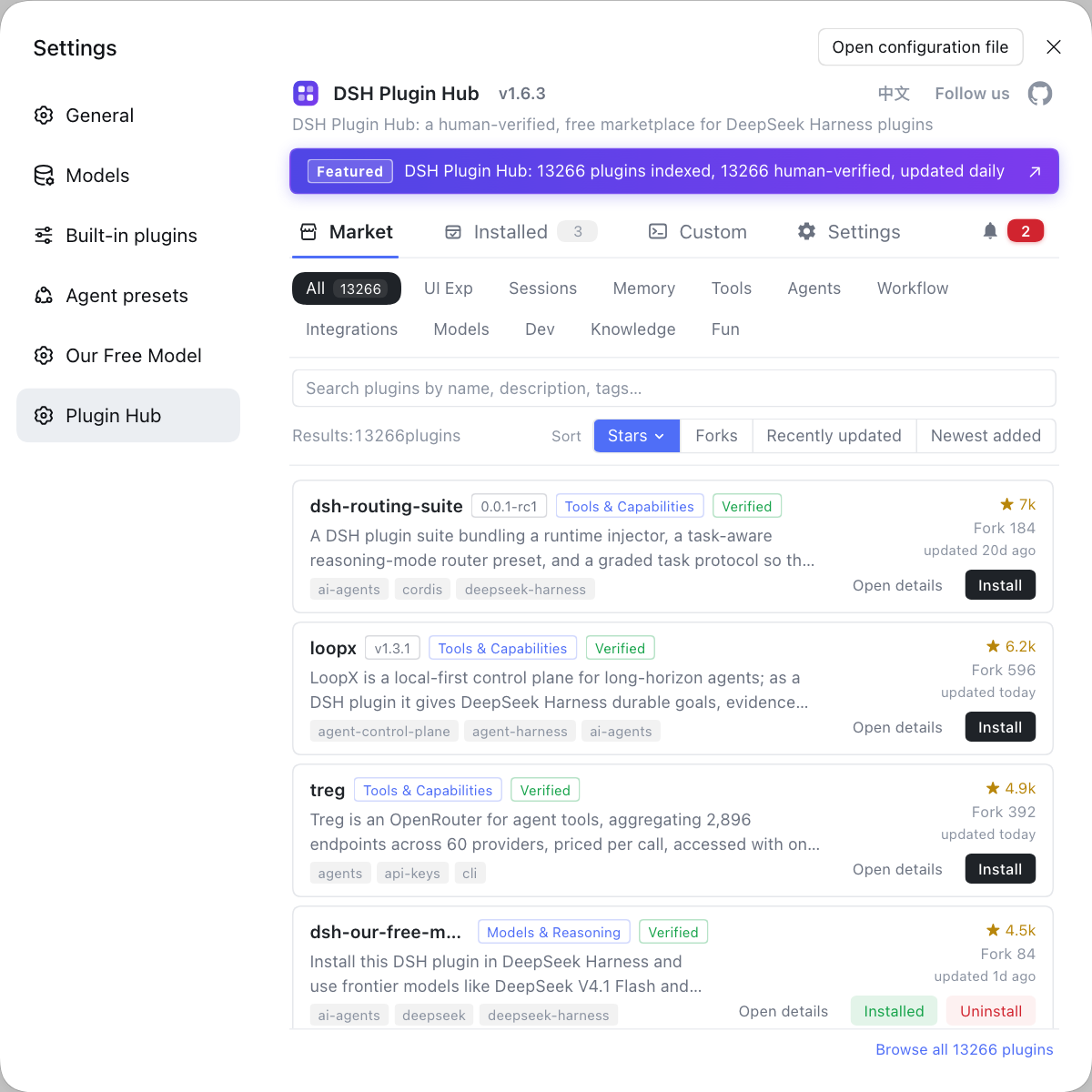
Notes on archiving and deleting DeepSeek Harness sessions
- Archive is not delete: the data is fully kept on disk; the interface just stops showing it.
- After archiving the UI cannot reach it: this version has no unarchive entry, and "recoverable" refers only to the disk file.
- Deletion is irreversible: stop dsh before you act, and confirm you are deleting the session file under the intended workspace directory.
- Plugins are not in scope: sessions belong to the host and plugins belong to a profile, so cleaning up sessions will not touch installed plugins.
- Archive before deleting: when you cannot tell whether you still need something, use archiving as a buffer instead of deleting outright.
Sources: DeepSeek Harness Docs - Session subsystem, deepseek-ai/deepseek-harness, dshplugin/dsh-plugin-hub
FAQ
The core difference is whether you touch the view or the data: archiving only hides a session from the interface while the log data stays exactly as it is, while deleting removes the session files from disk and is irreversible. Archiving writes to a registry-level global archive set and is non-destructive (which is why it commits with no confirmation dialog at all); deleting means going into the session directory yourself.
Archiving does not touch the disk: the session log file and its bookkeeping slot stay in place under $DSH_HOME/sessions, but being written into the archive set removes it from workspace groups, Ungrouped, content search, and the flat list. In other words the data is still there; the interface simply stops showing it.
At the data level yes, at the interface level currently no: archiving is non-destructive and the log is untouched, but the current UI has no entry to view or unarchive. To recover it, go to the disk—the session file is still under the matching project directory in $DSH_HOME/sessions, where you can take a backup or handle it as needed.
Because the host side does not expose session deletion: the session persistence seam states there is no delete-or-retain interface, and the JSONL backend says plainly that it does not delete session files, so logs accumulate until something external removes them. All the interface can do is archive a session out of sight, while real deletion is out-of-band maintenance.
If you only want a cleaner list, archive—fast, non-destructive, and reversible; delete only when you truly need to free disk space and clear old records, knowing it cannot be undone. When unsure, archive first and do not rush to delete; come back to the disk for the log when you need the evidence.
Related Terms
- Archive
- Archive is the session action in the DeepSeek Harness interface that writes a session id into a registry-level global archive set, removing it from grouped views, content search, and the flat list while leaving the session log file and bookkeeping slot completely untouched; it is non-destructive.— https://deepseek-harness.github.io/deepseek-harness/reference/subsystems/session
- session log
- A session log is the session record file DeepSeek Harness keeps under $DSH_HOME/sessions, written by the JSONL backend; archiving does not delete it, and the JSONL backend itself offers no ability to delete session files.— https://github.com/deepseek-ai/deepseek-harness
- $DSH_HOME/sessions
- $DSH_HOME/sessions is the root directory where DeepSeek Harness stores session logs, organized into per-workspace directories; archiving does not change anything here, and truly deleting a session means removing the matching file here.— https://github.com/deepseek-ai/deepseek-harness
- out-of-band
- Out-of-band maintenance means cleanup performed by external means rather than through the application interface; deleting sessions in DeepSeek Harness falls into this category, requiring manual work on disk files after stopping dsh.— https://deepseek-harness.github.io/deepseek-harness/reference/subsystems/session
Sources
- DeepSeek Harness Docs - Session subsystem· deepseek-harness
- deepseek-ai/deepseek-harness (CLI README and session persistence notes)· deepseek-ai
- dshplugin/dsh-plugin-hub GitHub repository· dshplugin