DSH plugin config: define Config, validate with Schema, load it
The standard way to give a DSH plugin user-facing config: export a Config type plus a Schemastery schema with defaults written in (e.g. Schema.string().default(...)), and apply(ctx, config) receives "the user value or the default"; the schema validates at plugin load time, so invalid config fails the load with a clear message (source). Users fill the config field on your plugin's line, and editing it triggers hot replacement - no restart needed.
Overview: plugin config in three steps
Plugin config = "define the schema, let the loader validate, let the user fill config" - the framework handles validation, defaults, and hot reload, so you only expose parameters as config fields. Three steps:
- Define Config: export a
Configtype plus a Schemastery schema, defaults inside the schema; - Trust the validation: invalid config fails the load with a clear message - "configuration errors should be loud";
- User side: users fill the
configfield incordis.yml, and changes trigger HMR hot replacement.
Each step is broken down below with copy-paste code.
Step 1: define the Config type and the Schemastery schema
To accept config, export a Config type and a schema of the same name, with defaults written directly in the schema (source). Minimal example:
import type { Context } from '@deepseek-ai/cordis'
import Schema from '@deepseek-ai/schemastery'

export const name = 'my-plugin'

export interface Config {
  greeting: string
  maxRetries: number
  verbose?: boolean
}

export const Config: Schema<Config> = Schema.object({
  greeting: Schema.string().default('Hello'),
  maxRetries: Schema.number().default(3),
  verbose: Schema.boolean().default(false),
})

export function apply(ctx: Context, config: Config) {
  console.log(config.greeting) // user value or schema default
}
Three key points:
- Export the type and schema under the same name:
Configserves as both the type and the runtime validator; Cordis validates with it and fills defaults on load; - Never export a plain object: a plain object does not satisfy the Standard Schema interface Cordis requires - wrap it with
Schema.object(...); - Defaults live in the schema: fields the user omits take their defaults, so
applyalways gets a complete config.
Step 2: Schema validation - configuration errors should be loud
The schema validates at plugin load time; invalid config fails the load with a clear error message - the official principle is "configuration errors should be loud" (source). For strict validation:
export const Config = Schema.object({
  apiKey: Schema.string().required(),                        // required
  timeout: Schema.number().default(30000),                   // default
  mode: Schema.union(['fast', 'accurate']).default('fast'),  // enum
})
Two design principles to check against while writing:
- No hardcoded tunable parameters: any value that may differ per deployment must be a config field - the test: can you change it in
cordis.ymlwithout touching code? - Configuration errors should be loud: express complete constraints in the schema so invalid config fails at load time instead of exploding mid-run. References to services or registered resources need dependency injection (see the services tutorial).
Step 3: user-side config and HMR hot replacement
Users fill the config field on your plugin's line, and editing it triggers hot replacement - the framework unloads the old instance, loads a new one, and cleans up old registrations (source). User-side syntax:
# in the profile's cordis.yml, on your plugin's line
- id: hello
  name: './src/my-plugin.ts'
  config:
    greeting: 'Hi there'
    maxRetries: 5
The three loading layers (see Bundling and installing plugins):
- Profile level:
cordis.yml/cordis.patch.ymlin the profile directory - this is where the plugin'sconfigis filled in; - Home level:
$DSH_HOME/cordis.patch.yml- machine-local preferences shared across profiles; - Hot replacement: after editing a plugin's
config, the framework unloads the old instance and loads a new one without restarting dsh; since registrations are effects that clean up automatically, nothing lingers.
Verify config locally during development:
# 1. Load the plugin from source (--patch overlay points at the code)
dsh --profile web --patch ./src/my-plugin.ts

# 2. Inspect the merged, effective config (your plugin shows up as a layer)
dsh --profile web --dump-config

# 3. Edit config in cordis.yml and watch the hot replacement
Packaging and publishing: build, install, submit to DSH Plugin Hub
Once config is done, the plugin is ready to ship: npm pack into a tarball, dsh plugin install into a profile to verify, then submit to DSH Plugin Hub for listing. Command flow:
# 1. Pack into a tarball
npm pack

# 2. Install into a profile to verify
dsh plugin --profile web add ./my-plugin-0.1.0.tgz

# 3. Verify the effective config
dsh --profile web --dump-config
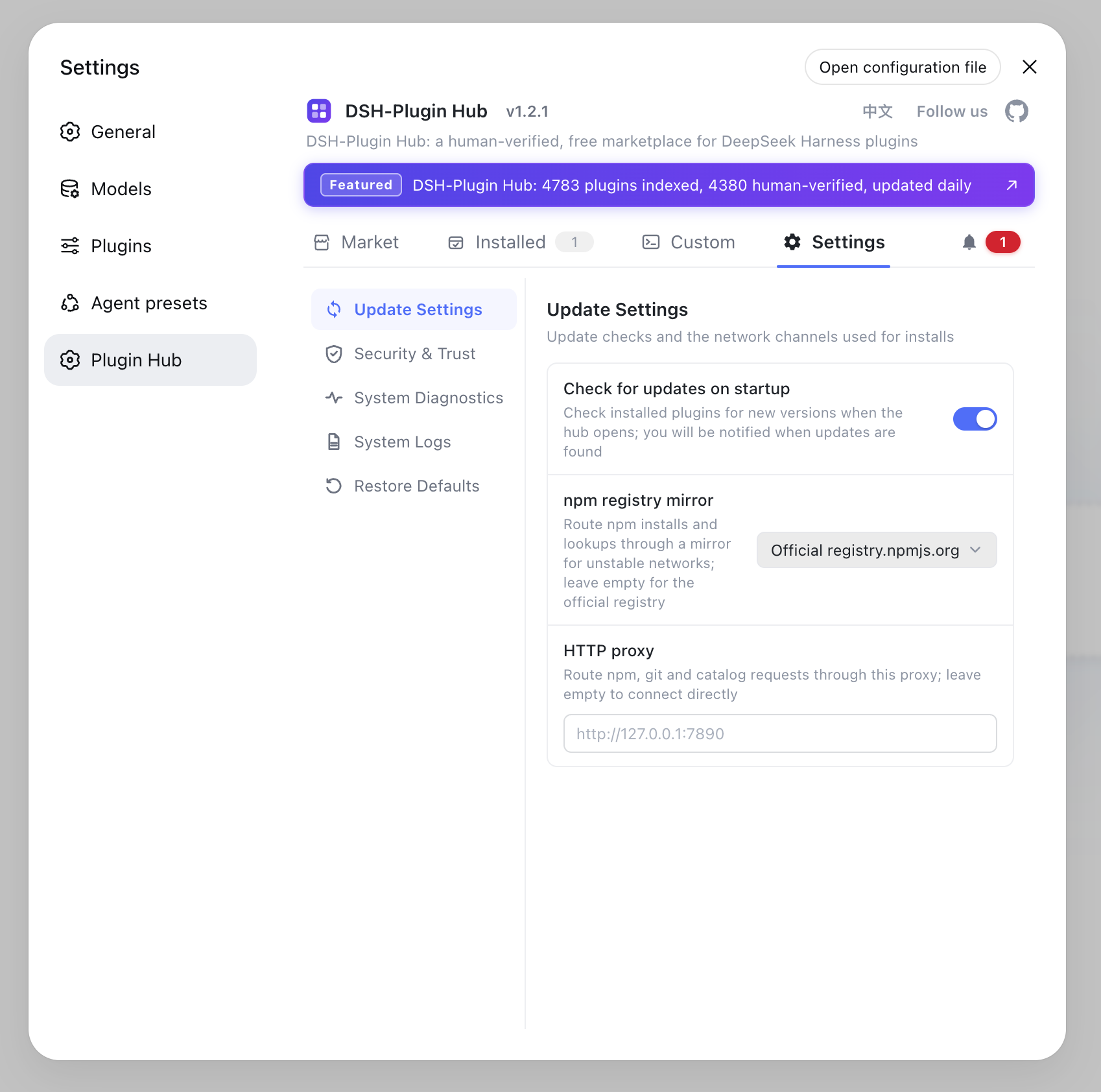
See Publishing a plugin to DSH Plugin Hub for the full flow: after packaging, submit the plugin to DSH Plugin Hub so users can one-click install it and edit your config items directly in the UI - the more complete your schema, the clearer the config items users see in the Hub.
Notes
One sentence: config is the face of your plugin - the more complete the schema, the fewer pitfalls for users. Three reminders:
- Defaults are documentation: put sensible defaults in the schema so the plugin runs untouched and stays tunable;
- Use required() for must-haves: parameters that crash when missing should be
Schema.string().required(), not deferred errors; - Verify locally before publishing: run the
--patch+--dump-configflow to check the whole loading chain, then pack and submit to the Hub.
Sources: DeepSeek Harness docs - Plugin Configuration, Bundling and installing plugins, dsh CLI README
FAQ
In three steps: export a Config type plus a Schemastery schema (defaults live in the schema), read it in apply(ctx, config), and let the loader validate on startup. Users fill the config field on your plugin's line - no code changes needed.
In the schema: Schema.string().default('Hello'), Schema.number().default(3), Schema.boolean().default(false). Fields the user leaves out automatically take the default, so apply always receives a complete config.
The schema validates at plugin load time; invalid config makes the plugin fail to load with a clear error message - the official design principle is 'configuration errors should be loud'. Use Schema.string().required() for required fields and Schema.union([...]) for enums.
Add a config field to your plugin's line, e.g. config: { greeting: 'Hi there' }. No restart: editing a plugin's config in cordis.yml triggers hot replacement - the framework unloads the old instance, loads a new one, and cleans up old registrations.
Load the source directly with a --patch overlay: dsh --profile web --patch ./src/my-plugin.ts, then inspect the merged config with dsh --profile web --dump-config. Before publishing, run npm pack and install the tarball with dsh plugin --profile web add ./package.tgz.
Sources
- DeepSeek Harness docs - Plugin Configuration· deepseek-harness
- DeepSeek Harness docs - Bundling and installing plugins· deepseek-harness
- dsh CLI README· deepseek-ai