What's New in DSH Plugin Hub v1.1.1? Stable Plugin Management
Community OfficialDSH Plugin Hub v1.1.1 is out. Rather than redesigning the interface, this release focuses on the three core actions of plugin management — one-click install, one-click uninstall, and one-click update — hardening their stability and fixing the rough edges users hit before.
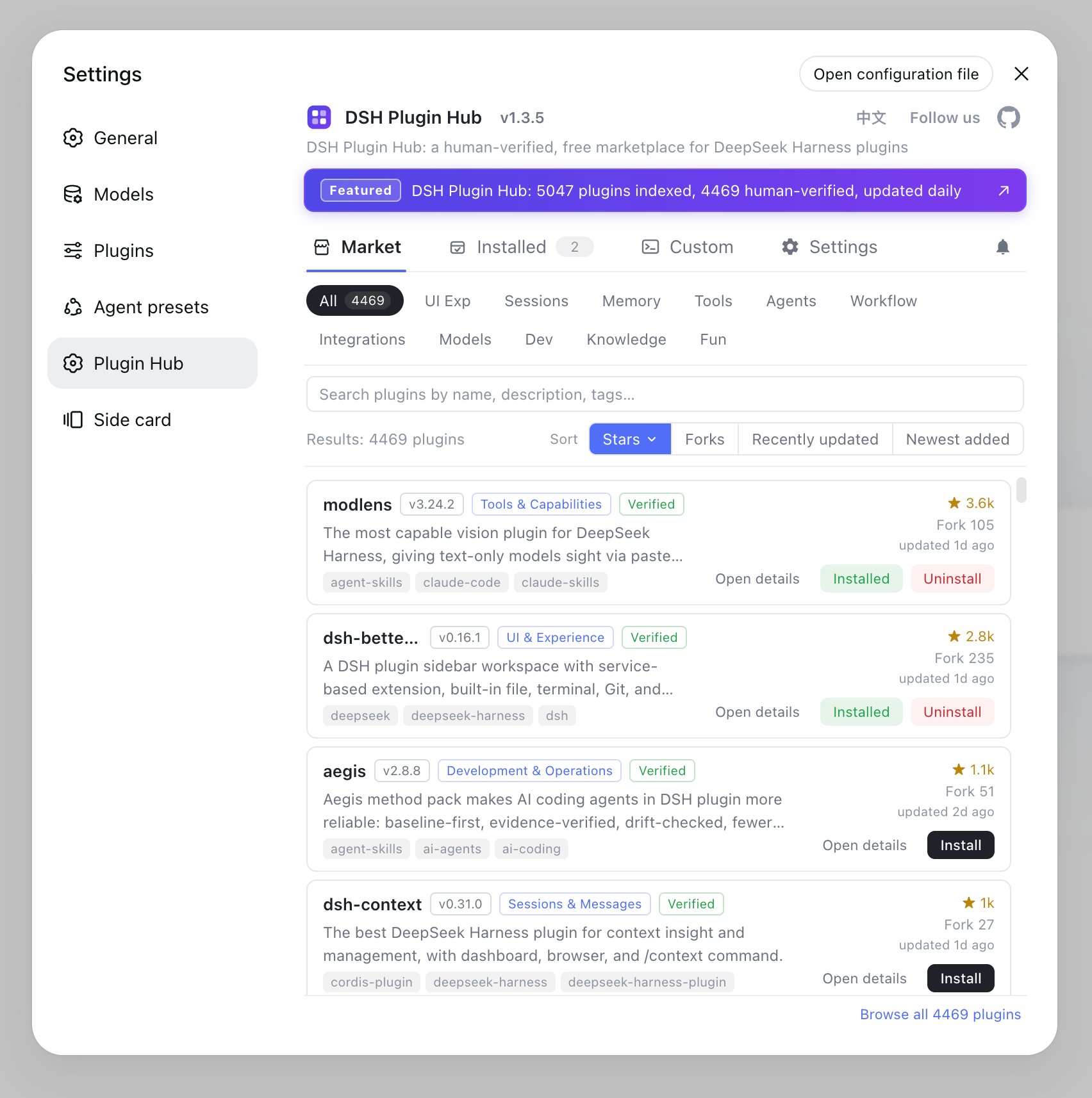
A more forgiving one-click install: when it fails, you get the command
v1.1.1 changes how install failures are handled: instead of ending in an error, it gives you a runnable next step. Previously, some plugins could fail a GUI one-click install due to missing dependencies or build artifacts, leaving users stuck. Now, even plugins that may need command-line help can be attempted with a single click; if the attempt fails, the dialog surfaces the exact command you need to run — copy it into your terminal and the install completes. Installations still run serially in a background queue with live progress, and a refresh takes effect once done.
A cleaner one-click uninstall: UI plugins vanish immediately
Plugins with a sidebar panel no longer leave residue behind after removal. In earlier versions, the panel could remain on screen until a restart. v1.1.1 detects when a plugin carries a UI and prompts a restart after the uninstall, so the panel disappears from the screen right away. Plain plugins without a UI are unaffected and uninstall immediately as before.
A more convenient one-click update: update checks built into the plugin market
You no longer need to watch the repository releases — the plugin market finds new versions for you. v1.1.1 ships a built-in update check that looks for available updates when the marketplace loads and prompts a one-click update when one exists. For updates that need a restart, the reminder stays in the notification center — choosing "Later" won't lose it, and it only clears once the restart truly happens.
More reliable details: a purer catalog, a clearer entrance
The marketplace no longer lists itself in its own catalog, keeping the list focused on community plugins. A new "About Us" panel explains where the marketplace comes from and how to reach the community behind it. Together, these changes push the DSH Plugin install-uninstall-update loop closer to "install once, trust it daily."
How to upgrade to v1.1.1
If you haven't installed it, one command gets you the latest version. The recommended way is via npm:
dsh plugin --profile web add dsh-plugin
Or from the official GitHub repository:
dsh plugin --profile web add github:dshplugin/dsh-plugin-hub
Already installed? Just click update in the plugin market. To learn more about the marketplace, read the DSH Plugin Hub guide, or browse more DSH plugins in the plugin market.
FAQ
It hardens the one-click install, uninstall, and update loop with stability fixes: failed installs now surface the exact command to run, uninstalling a UI plugin takes effect immediately, and an update check is built right into the plugin market.
v1.1.1 lets you attempt plugins that may need command-line help with a single click; if the attempt fails, the dialog shows the exact command to run in your terminal, so you don't have to retry blindly.
A plugin with a sidebar panel would otherwise linger on screen after removal. v1.1.1 detects UI plugins and prompts a restart after uninstalling, so the panel disappears right away and the cleanup is clean.
The reminder stays in the notification center until the restart actually happens, so you won't miss it by closing the dialog.
The plugin market ships with a built-in update check. When a new version is available, it notifies you in the plugin market — no need to track the repository releases yourself.