Fix ERR_REQUIRE_ESM and duplicate dsh-tools instance in DSH plugin
ERR_REQUIRE_ESM in a DSH plugin means it was compiled to CommonJS yet depends on an ESM-only package; reading 'prepare' of undefined means @deepseek-ai/dsh-tools was installed twice and symbol lookups conflict. Fix the first with an ESM build, the second by deduplicating dependencies; when it keeps failing, switch to a published build on DSH Plugin Hub.
DSH plugin build errors: an ESM loading conflict and prepare on undefined
ERR_REQUIRE_ESM is a module format conflict (CJS requiring an ESM-only package); reading 'prepare' of undefined is a duplicate-instance conflict (the tool package installed twice). The two messages (source):
ERR_REQUIRE_ESM— Node throws while loading the plugin: CommonJS code requires a package that only offers ESM exports; it triggers when the plugin build output is CJS yet depends on an ESM-only package (typically@deepseek-ai/dsh-tools);reading 'prepare' of undefined— at runtime the plugin readsprepareonundefined; it triggers when two copies of@deepseek-ai/dsh-toolsexist, internal symbol-key lookups fail and tool dispatch crashes;- Judgment: the first is a build-format problem, the second a dependency-instance problem — both are plugin-side defects; users cannot fix the source but can switch to a published build.
Why DSH plugin builds break: wrong module format, dsh-tools duplicated
Two roots: the plugin build output has the wrong module format (CJS against an ESM-only dependency blows up), and dsh-tools is loaded by multiple instances (the peer dependency was not singularized). In detail:
- Module format mismatch: a plugin must be built as ESM (
"type": "module") — dshbase states this rule explicitly (source); Node's ESM rules say ESM-only packages can only be loaded by ESM code (source), so a CJS build throwsERR_REQUIRE_ESM; - Duplicate instances: the plugin's peer dependency pulls a second
@deepseek-ai/dsh-toolsinto the tree; the two instances use their own symbol keys for internal lookups and tool dispatch cannot find each other (source); - The fix belongs to the author: build config and peer ranges live inside the plugin package; on the user side the only levers are reinstalling to trigger dependency hoisting, or switching to a published build.
Fix DSH plugin build errors: switch to ESM, deduplicate, reinstall and verify
The author side changes the build and dependency declarations; the user side reinstalls to trigger dedupe, or directly switches to a hub-published build. Steps:
- Switch to an ESM build (author side) — declare the module type in the plugin's
package.json:Emit ESM output (json{ "type": "module" }import/exportinstead ofmodule.exports); with tsup/rollup set the format to'esm', rebuild and publish (source); - Deduplicate dependencies (user side) — first check that dsh-tools appears exactly once in the profile:
An output greater than 1 means two copies — uninstall the related plugins and reinstall so pnpm hoists the peer dependency to a single instance;bash
dsh plugin --profile web list grep -c '"@deepseek-ai/dsh-tools"' ~/.dsh/profiles/web/package.json - Reinstall and verify —
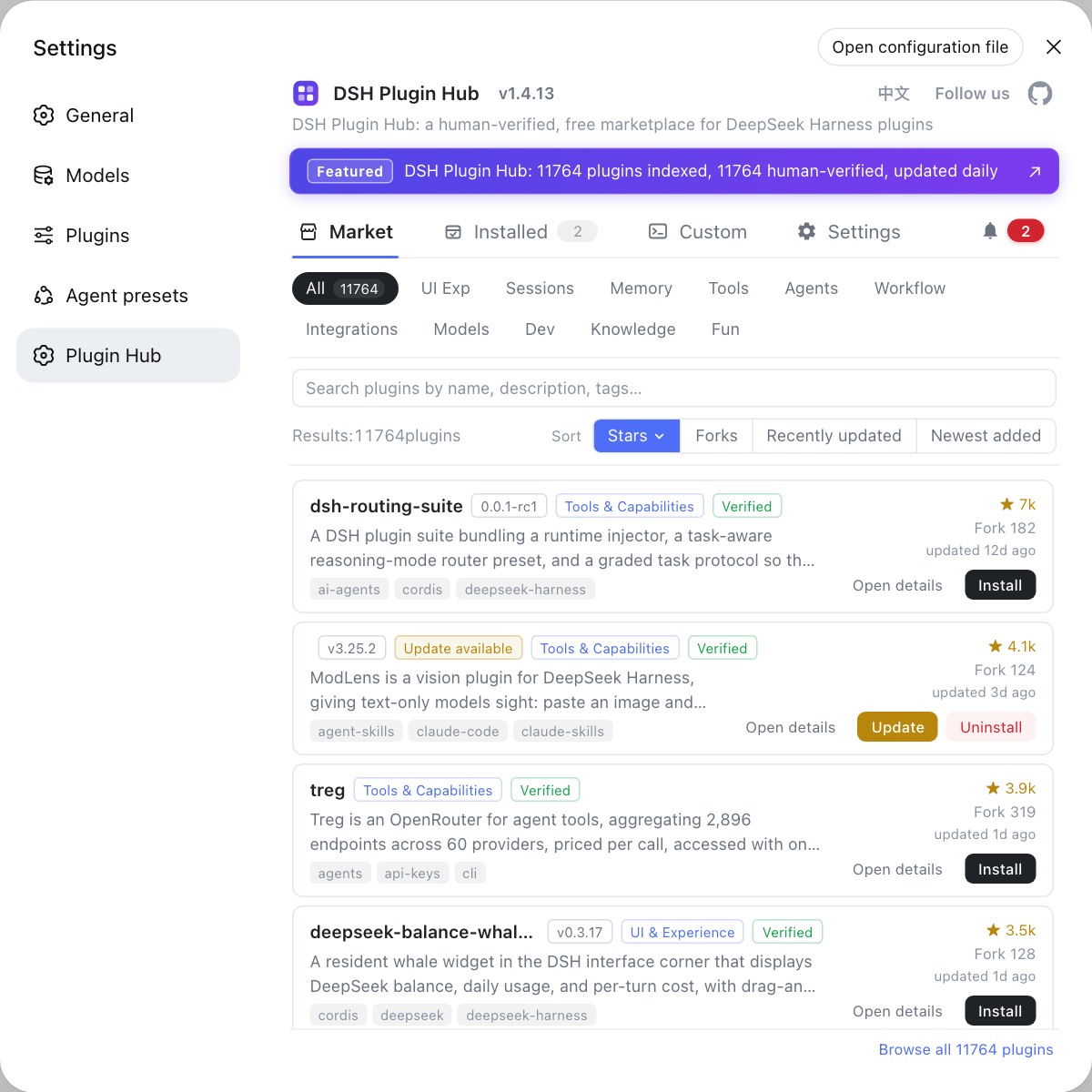
dsh plugin --profile web remove <package>, thenaddagain, restart the host, and confirmERR_REQUIRE_ESMorreading 'prepare' of undefinedno longer appears; - Switch to a published build (fallback) — if it repeatedly fails to activate, go to Settings → Plugin Market (DSH Plugin Hub) and install a verification-passed published build — build problems are the classic git-distribution pitfall, and hub builds have already passed checks.
How to verify a DSH plugin build fix: single-copy dependency check and host load test
Do not just trust the install exit code — use pnpm why to confirm dsh-tools exists exactly once in the tree, then use the startup log to confirm both errors are gone and the plugin capability really works. In order:
-
Inspect the dependency tree to confirm dsh-tools is a single copy — run in the plugin workspace:
bashpnpm why @deepseek-ai/dsh-toolsOne dependency chain in the output (e.g.
dependencies: <plugin> > @deepseek-ai/dsh-tools) means dedupe worked; two or more chains mean it is still duplicated — back to step 2 of the fix section and reinstall. -
Recheck that the profile declares it once:
bashgrep -c '"@deepseek-ai/dsh-tools"' ~/.dsh/profiles/web/package.jsonOutput
1means a single copy; more than1means the duplicate-instance problem is still there. -
Check the plugin build format (author-side self-check) — confirm the plugin's
package.jsondeclares ESM:bashgrep '"type"' <plugin-directory>/package.jsonOutput
"type": "module"means the format is correct; no such line means it is still CommonJS — back to step 1 of the fix section. -
Restart the host and watch the startup log:
bashdsh webNo
ERR_REQUIRE_ESMorreading 'prepare' of undefinedduring startup, and the log reaches the Web server listening line, means both errors are gone. -
Trigger the plugin capability once — call a tool/command the plugin provides in the Web UI; a normal response means the plugin is really loaded into the host. If a new error appears (e.g.
without inject), map it back to the corresponding section.
Notes: DSH plugin — switch to an ESM build
ERR_REQUIRE_ESMis a format problem; upgrading Node only helps some cases, the real fix is an ESM build by the plugin author.- For
reading 'prepare' of undefined, check whether dsh-tools exists more than once in the tree first, then reinstall to trigger dedupe. - Both are plugin defects — do not try to bypass them by changing host config.
- For git-distributed plugins with missing or wrongly-formatted build output, prefer the hub's published build.
- See install error troubleshooting for other DeepSeek Harness install errors.
Sources: dshbase troubleshooting, Node.js ESM official docs, DeepSeek Harness plugin publishing docs
FAQ
ERR_REQUIRE_ESM in a DSH plugin means CommonJS code requires a package that only offers ESM exports — the plugin was compiled to CommonJS yet depends on an ESM-only package such as @deepseek-ai/dsh-tools. The plugin must be built as ESM: add "type": "module" in package.json and emit ESM output (source: dshbase troubleshooting).
For a DSH plugin, "reading 'prepare' of undefined" means dsh-tools was installed twice: the plugin's peer dependency pulled a second @deepseek-ai/dsh-tools into the tree, and the two instances use their own symbol keys for internal lookups, so tool dispatch crashes. Make @deepseek-ai/dsh-tools a single shared dependency (peer or bundled only once), or ask the author to tighten the peer range (source: dshbase troubleshooting).
To switch a DSH plugin to an ESM build: add "type": "module" to package.json and make sure the build output is ESM (import/export rather than module.exports); when bundling with tsup/rollup, set format to 'esm', rebuild, publish, then reinstall the plugin (source: Node.js ESM docs).
To deduplicate dsh-tools in a DSH plugin: check that @deepseek-ai/dsh-tools appears exactly once in the profile's dependency tree: uninstall the related plugins and reinstall so pnpm hoists the peer dependency to a single instance; if it persists, ask the author to tighten the peer range. When a plugin will not activate, switching to a hub-verified published build on DSH Plugin Hub is faster.
Related Terms
- ERR_REQUIRE_ESM
- ERR_REQUIRE_ESM is the error Node.js throws when CommonJS code loads a module that only offers ESM exports, meaning the module formats do not match.— Node.js official docs
- ESM (ECMAScript Modules)
- ESM is the official JavaScript module system (import/export), declared via "type": "module" in package.json; Node requires ESM-only packages to be loaded by ESM code.— Node.js official docs
- CommonJS
- CommonJS is Node's classic module system (require/module.exports), not interchangeable with ESM; a plugin compiled to CommonJS cannot load ESM-only dependencies.— Node.js official docs
- peer dependency
- A peer dependency declares that a plugin expects the host to provide a shared package (such as @deepseek-ai/dsh-tools) as a single instance; an overly wide peer range pulls in a second copy and breaks symbol lookups.— dshbase troubleshooting