DeepSeek Harness workspace: auto git hooks, stuck Clear
DeepSeek Harness (DSH) has two easily overlooked behavioral defects, and both belong to "the capability actually exists, but the product path was never wired up": workspace change tracking automatically runs git operations at the start of a turn, and it only scrubs config injected through environment variables without blocking the hooks-path setting in the repository config file — so the repo's configured local hooks run without your knowledge, with your user privileges (this is a security surface and worth handling first); and the background job list's Clear button in fact only hides entries locally, while the backend has long had the capability to remove finished jobs with no caller at all, so finished job entries linger for the entire session (#9382, #9602).
DeepSeek Harness opening a project auto-runs its git hooks
The conclusion: workspace change tracking automatically runs a staging operation at the start of a turn, and it only scrubs git config injected through environment variables without adding a "point the hooks path at nothing" command-line override — so a custom hooks path in the repository's own config file still takes effect and the repo's local hooks are executed directly. You had not requested any git operation at the time (#9382).
Why the DeepSeek Harness env-var scrub is not enough
This is the core point of this item: the environment-variable scrub only affects "config injected through the environment", whereas the repo's .git/config is file config — two different sources. So to block hooks you must explicitly override on the command line, for example point the hooks path at nothing and also turn off the file-watch config (#9382).
DeepSeek Harness three-step confirmation
- Confirm the repo has a custom hooks path configured:
git -C <your repo> config --get core.hooksPath
#   expected: output — the repo points its hooks directory at a custom location
(#9382)
- Add a log line to the hook (recording time, arguments, and parent process), then open a DSH session and send only one ordinary message. If the hook is called while you did no git operation, this is the item (#9382).
- Note the trigger surface is wider than you think: the thread gives a trigger matrix in which several git subcommands call hooks, so "I didn't run git" is not a counter-argument (#9382).
DeepSeek Harness handling and fix
- Temporary workaround: temporarily remove or rename the repo's hooks-path config (restore it after troubleshooting); or don't connect such a repo as a workspace yet (#9382).
- Fix (one-line shape): add two command-line overrides to this automated git call — point the hooks path at nothing and turn off the file-watch config. Note that other automation paths in the repo already use this pattern, showing it is an existing convention that this product path simply missed (#9382).
- Keep the scope clear: the override should only apply to automated git calls and must not affect a commit you run yourself — so do not write it as global config (#9382).
- Verify: in the same repo, reopen a session and send a message; expect the hook no longer to be called. Also run a manual
git commit; expect the hook to run as usual (#9382). - A plugin you can fall back on first: the thread mentions a community plugin that can choose whether to intercept based on the "environment variables were emptied" marker; it is a fail-open temporary protection (#9382).
DeepSeek Harness Clear will not clear jobs: the button only hides them locally
The conclusion: Clear is only a client-side local hide (it sends no remote request), while the backend has long implemented "remove a finished job" with correct semantics (terminal state only) but has no production caller; the controller only exposes list, follow, and kill, and kill returns "already finished" for a terminal job without removing it. The symptom is that finished background job entries stay in the list for the whole session (#9602).
First tell which DeepSeek Harness layer you hit
This step matters because the two layers differ in nature (#9602):
| Layer | Symptom | Nature |
|---|---|---|
| Presentation layer | Cleaning granularity and collapsing are not ideal | An experience issue, mitigable by adjusting the display (#9602) |
| Capability layer | There is no "remove a single entry" path at all, so entries cannot truly disappear | A usability issue that requires adding an API (#9602) |
DeepSeek Harness three-step confirmation and handling
- Confirm the criterion: after clicking
Clearthe entry reappears after a refresh (or is still there), meaning it was only hidden locally; also confirm the job is already in a terminal state (#9602). - Temporary response: restart the session or open a new one to re-initialize the list (at the cost of changing session context too) (#9602).
- Fix (given in the thread, small in scope): add a dismiss entry point to the job controller and change the frontend's local hide into a real call (about ten lines) (#9602).
- Keep the semantics clear: removal should only apply to terminal jobs; for jobs still running, keep the "kill" semantics and don't conflate the two (#9602).
- Verify: after the fix, run a short job, click clean-up after it finishes, and expect the entry not to reappear after a refresh (#9602).
DSH plugin troubleshooting notes
The shared troubleshooting approach for these two is: first decide whether "the capability exists", then whether "the path is wired up" — because neither root cause is a missing capability, but a single missed wire. Six points:
- "I didn't run git" is not a counter-argument: several git subcommands call hooks (#9382).
- An env-var scrub cannot fix file config: the core of the hooks item (#9382).
- When fixing the hooks item, mind the scope: only block automated calls, don't touch your own commits (#9382).
- The repo already has a precedent for this pattern: when you can't find the insertion point, look at how the project's other automation paths do it (#9382).
- For the job list, first separate "presentation" from "capability", or you'll keep tuning the display layer (#9602).
- Fix status honestly: neither is fixed in the versions the discussions target (around
0.2.0-rc.2); the hooks item has a one-line fix and a community fallback plugin (neither merged), and the jobs item's API addition is still a proposal.
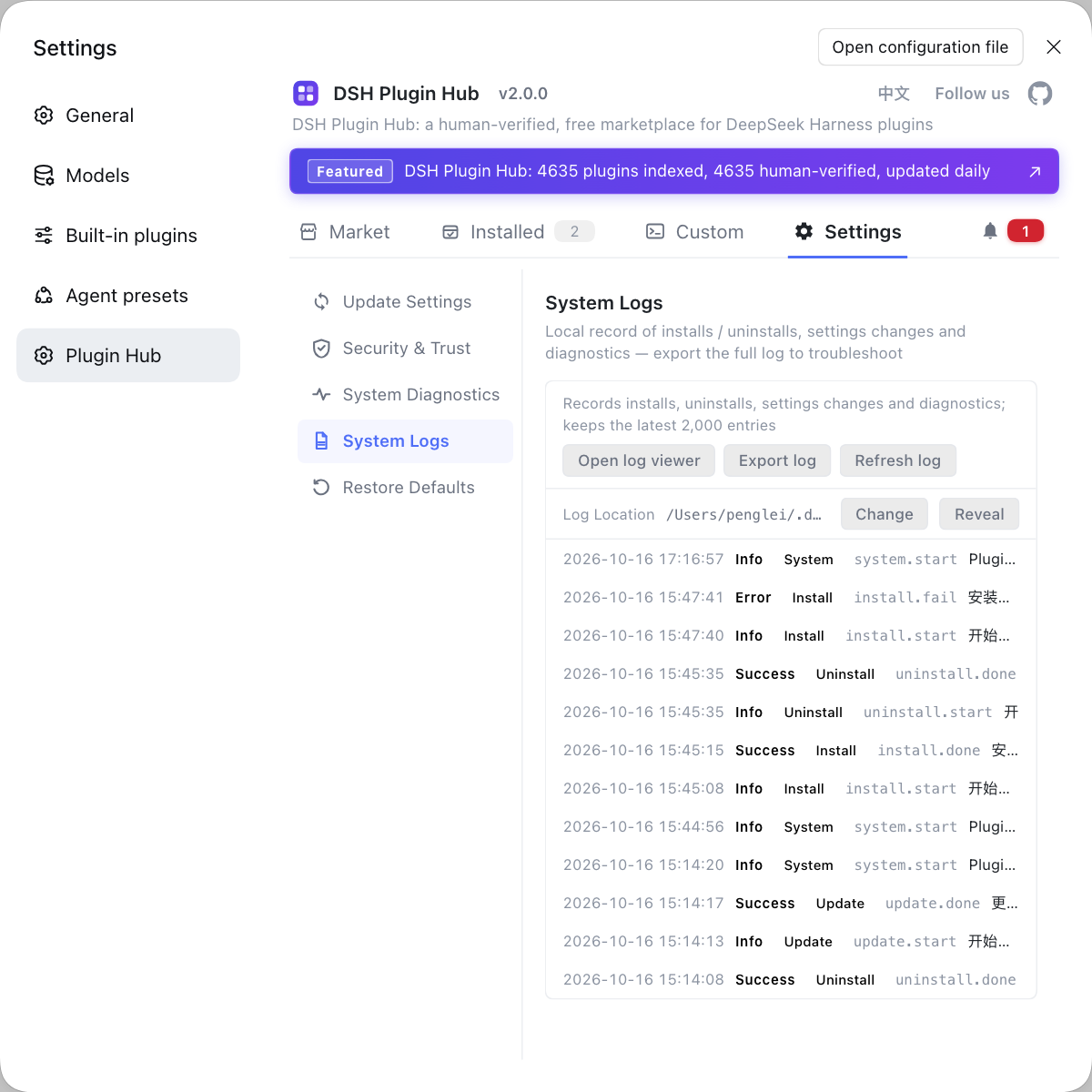
When troubleshooting workspace-type behavioral problems, it is easy to suspect that "some plugin changed git's behavior". If you want to rule out the plugin layer first, instead of hand-typing commands everywhere use a visual plugin marketplace like DSH Plugin Hub: the installed list, install/uninstall history, and system logs sit in one panel.
Source: Discussion #9382, Discussion #9602.
FAQ
In DeepSeek Harness the repo's git hook runs without you asking, because workspace change tracking automatically runs a staging operation at the start of a turn and it only scrubs config injected through environment variables without blocking the hooks-path setting in the repository's own config file, so the repo's configured local hooks are invoked — running with your user privileges. A workable workaround is to temporarily remove or rename that hooks-path config; the fix is to explicitly disable hooks on this automated path while keeping the behavior unchanged when you run a git commit yourself.
To tell whether DeepSeek Harness triggered the hook rather than you or another tool, watch the timing: whether the hook is called at the start of a turn, when you have not requested any git operation yet. And watch the caller: add a log line to the hook recording the current process and arguments, then compare against DSH session times. The trigger matrix given in the discussion shows several git subcommands call it, so I didn't run git is not a counter-argument.
The DeepSeek Harness job list's Clear button is not broken; it only hides the entry locally. The backend already has the capability to remove a finished job, with correct semantics, but it has no caller at all, and the controller only exposes list, follow, and kill, where kill returns already finished for a terminal job without removing it, so entries persist. The fix direction is to add a removal entry point to the controller and change the local hide into a real call.
DeepSeek Harness job-list cleanup deserves separate attention because it has two layers of problems: one is presentation — the cleaning granularity and collapsing are not ideal; the other is a missing capability — there is no path to remove a single entry, so finished jobs cannot truly disappear within a session. The former affects experience, the latter affects usability, so when troubleshooting first decide which layer you hit.
These two DeepSeek Harness problems share one point: both are the capability exists but the product path was never wired up. The hook-blocking pattern is already used elsewhere in the repo and was simply missed on this automation path; the job-removal capability is already implemented in the backend and just has no caller. So both fixes are small — the challenge is first finding which spot was missed.
Related Terms
- core.hooksPath
- core.hooksPath is a git config key that points the hooks directory at a custom location. It can be overridden temporarily via a command-line argument or written into the repository config file; scrubbing only environment-injected config cannot block this setting in the repository file.— https://github.com/deepseek-ai/deepseek-harness/discussions/9382
- workspace-changes
- workspace-changes is the DeepSeek Harness capability that tracks and shows workspace file changes; it automatically runs git operations, such as at the start of a turn, to obtain the current change set. These automated operations read the repository's own config, so repos with custom hooks need extra blocking.— https://github.com/deepseek-ai/deepseek-harness/discussions/9382
- job-controller
- job-controller is the DeepSeek Harness controller that manages background jobs, currently exposing list, follow, and kill. It has no entry point to remove a finished job, so the frontend can only hide entries locally.— https://github.com/deepseek-ai/deepseek-harness/discussions/9602
- dismiss
- dismiss means truly removing a background job that is already in a terminal state from the job list, as opposed to killing a running job. In the current implementation the backend has this capability but does not expose it, so the UI's clean-up button can only hide entries locally.— https://github.com/deepseek-ai/deepseek-harness/discussions/9602
Sources
- #9382 — Security: workspace-changes runs repository-local Git hooks· deepseek-ai (GitHub Discussions)
- #9602 — The background job list's Clear cannot remove finished jobs; entries linger for the whole session· deepseek-ai (GitHub Discussions)