Fix 'cannot read properties of undefined': DSH plugin
If every tool call starts failing with TypeError: Cannot read properties of undefined (reading 'prepare') after you install a third-party DSH plugin, and the UI shows a failed run, do not rush to reinstall the whole environment. The error does not mean "a plugin feature broke"; it means the tool dispatch layer received a registry object that was never assembled correctly: code reads its prepare method and gets undefined. The trigger is usually in assembly — some plugin resolved a second copy of the core tool package (Source: Discussion #1486). This guide covers three things: what the error precisely means and its typical symptoms, a three-step triage that narrows the cause to a specific plugin, and how to handle the three common root causes. To understand plugin-to-plugin dependency relationships, see how to fix a duplicate core package.
What the DSH plugin error reading 'prepare' means: read it precisely first
This error is a JavaScript runtime error saying code read a property from an undefined value; appearing early in tool dispatch places the problem in the dispatch layer rather than in a specific tool (source). Unpack the raw error:
TypeError: Cannot read properties of undefined (reading 'prepare')
    at ToolDispatcher.dispatch (.../tool-dispatch.js:...)
    at async SessionRunner.runTurn (.../session-runner.js:...)
Three pieces of information decide the triage direction:
| Signal | Meaning | Points at |
|---|---|---|
Cannot read properties of undefined | some object is undefined | missing assembly, not broken tool logic |
reading 'prepare' | the property read is a prepare method | the object being read is the tool registry or dispatcher |
| the stack top is dispatch / runTurn | the error happens on the path every call takes | global failure, not one tool's problem |
The symptoms in the community report match exactly: after installing a third-party plugin that depends on @deepseek-ai/dsh-tools, any conversation fails in the tool-call stage and the UI shows a failed run, while the headless profile works fine (Source: Discussion #1486). "Every call fails" plus "a different profile fixes it" are the key features that separate this from "one tool is unusable" or "the model cannot connect".
Locate this error in DeepSeek Harness: a three-step triage
The triage order is confirm scope first, then inspect dependencies, then bisect plugins — each step producing a falsifiable conclusion, so you avoid simply reinstalling. Concretely:
- Confirm the failure scope. Open a new session and have it call one basic file-reading tool; then switch to the headless profile and run the same prompt. Record two facts: whether every call fails, and whether headless works. If headless works, the suspect narrows to the extra plugins the web profile loads (Source: Discussion #1486).
- Expected: a definite conclusion of "global failure, web only" or "localized failure", rather than just "it errors".
- Check how many copies of the core tool package the dependency tree holds. Run a dependency-tree query in your plugin directory and see how many times
@deepseek-ai/dsh-toolsappears and whether the versions match.bashnpm ls @deepseek-ai/dsh-tools --all- Expected: if the output shows two different resolution paths (say one from the framework itself and one from a plugin's
node_modules), you have basically hit the root cause — duplicate resolution (Source: Discussion #1337).
- Expected: if the output shows two different resolution paths (say one from the framework itself and one from a plugin's
- Bisect down to a single plugin. Disable half of the recently added third-party plugins in your configuration, restart
dsh web, and retest; if the error disappears, bisect that half, otherwise check the other half.bashdsh plugin --profile web list dsh plugin --profile web remove <suspicious-plugin>- Expected: eventually a single plugin name is pinned down that reproduces reliably — install it and the error appears, remove it and it is gone.
After these three steps you hold a reproducible conclusion, for example "after installing plugin X, every tool call under the web profile reports the prepare error, and removing it restores everything". Fixing with that conclusion avoids spinning in reinstall loops.
Three common root causes and how to fix each DSH plugin case
Almost all errors of this kind fall into three classes: duplicate core-package resolution, a plugin-to-core version mismatch, and missing plugin initialization; each class needs a different action. Work through the table:
| Root cause | How to tell | How to fix |
|---|---|---|
| Duplicate core package | npm ls shows two paths for the same package | Consolidate to the framework's own copy; switch the conflicting plugin to a version that does not inline the core package, or use an alternative |
| Plugin-to-core version mismatch | the plugin's declared peer version disagrees with the current framework version | Move the plugin up or down to match the core, or upgrade the framework before installing the plugin |
| Missing plugin initialization | the plugin did not complete its registration under the web profile | Follow the plugin docs to finish configuration and initialization, and confirm its state in dsh plugin list is normal |
The first class is by far the most common. Its mechanism: the plugin installs another copy of @deepseek-ai/dsh-tools in its own dependencies, so the plugin registers into copy A's registry while the dispatch layer reads copy B — the two are not the same object, and prepare is naturally not found (Source: Discussion #1337). The principle is "keep exactly one copy of the core package", rather than suppressing the error. The second and third classes map to version and initialization respectively, and upgrading the plugin or completing configuration usually resolves them.
Notes when fixing this DSH plugin error
- Collect evidence before acting. Until you know which plugin, under which profile, and whether it reproduces reliably, reinstalling only puts the same conflict back.
- Use headless as a control. If the same prompt works under headless, the core chain is fine, and the problem is in the web-side plugin assembly.
- Do not mask the error with deletion or try/catch. A missing object in the dispatch layer is an assembly problem, and suppressing the error only makes later behaviour more unpredictable.
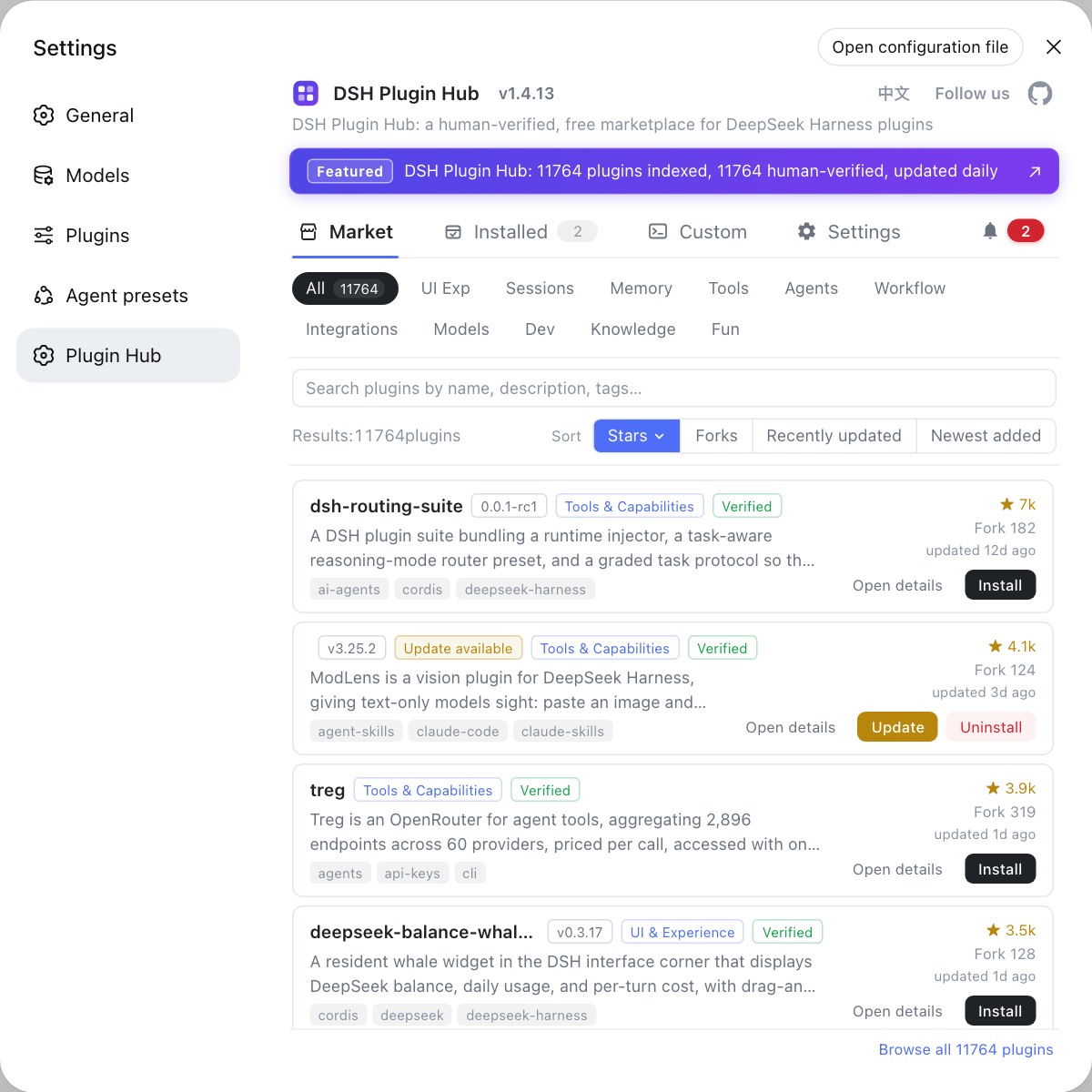
- Rolling back beats forcing a fix. If a plugin conflicts with the current core version and no matching version exists, uninstall it and switch to an overlapping alternative; for options, see DSH Plugin Hub.
- Run a regression after fixing. At minimum run one full multi-step tool sequence (read a file → edit a file → run a command) to confirm the dispatch layer also works across consecutive calls.
Sources: Discussion #1486, Discussion #1337, tools subsystem (DeepSeek Harness docs).
FAQ
An error reading 'prepare' in a DSH plugin usually means the tool dispatch layer received a tool registry object that is not its own, rather than that the plugin is broken. This is a JavaScript runtime error: code reads a prepare method from some object, but the object is undefined. It appears early in tool dispatch rather than inside a specific tool, which places the problem in "who dispatches tools", not "how a tool does its work".
Every tool call in DeepSeek Harness fails because all calls pass through the same tool dispatch layer first, and that layer is broken, so nothing can run. In the community report, after installing a third-party plugin that depends on @deepseek-ai/dsh-tools, any conversation errors out during the turn and the UI shows a failed run, while the headless profile works fine. That shape — global failure, fixed by switching profiles — is a strong signal that the problem is in assembly rather than in the tools themselves (Source: Discussion #1486).
Headless working while web errors means the conflict comes from the extra plugin assembly in the web profile, not from the core tool chain itself. The two profiles load different plugin sets: web additionally loads plugins that provide interface and interaction capabilities, and if one of them resolves a second copy of the core tool package, the conflict shows up only on the web side. This also hands you a ready-made control experiment — run the same plugin under headless and you narrow the suspects to the extra dependencies added only on the web side.
The first step is evidence collection, not reinstalling: confirm the failure scope, then check whether the dependency tree holds a second copy of the core tool package. First record two facts — whether every tool call fails and whether headless works — because they decide whether the problem is global or local. Then check how many copies of @deepseek-ai/dsh-tools the plugin dependency tree resolves; the community report's root cause was exactly an extra duplicate. Without this step, reinstalling usually just puts the same conflict back.
The fastest route is bisection: disable the most recently added plugins one by one until the error appears on a specific one. Disable the recently added third-party plugins in your configuration, restart dsh web, and see whether the error disappears; if it does, the suspect is in that batch, so split it in half and keep narrowing. Once you identify the plugin, first try upgrading it to a version matching the current core, or remove it and switch to an overlapping alternative.
Related Terms
- TypeError: Cannot read properties of undefined
- A JavaScript runtime error meaning code tried to read a property or call a method on an undefined value. In this context, the value being read is the prepare method of a tool registry object, which means that object was never assembled correctly.— https://github.com/deepseek-ai/deepseek-harness/discussions/1486
- tool dispatch layer
- The layer in DeepSeek Harness that receives tool calls emitted by the model and routes and gates them before actual execution. It runs early in every tool call, so when it breaks, the symptom is every call failing rather than one tool failing.— DeepSeek Harness docs - tools subsystem
- duplicate core package
- A state where the same core package (such as @deepseek-ai/dsh-tools) is resolved into multiple copies in the dependency tree. Instances and registries of different copies do not interoperate, so when a plugin holds copy A and the dispatch layer uses copy B, reading the method yields undefined.— https://github.com/deepseek-ai/deepseek-harness/discussions/1337
- profile
- A plugin-loading set in DeepSeek Harness, commonly web and headless. Different profiles load different plugins, so the same code can error under web while working under headless — which also makes it the most useful control variable when triaging.— https://github.com/deepseek-ai/deepseek-harness/discussions/1486
Sources
- deepseek-harness Discussion #1486: the tool layer throws Cannot read properties of undefined (reading 'prepare') after installing third-party plugins· deepseek-ai (GitHub Discussions)
- deepseek-harness Discussion #1337 (related report on duplicate core-package resolution)· deepseek-ai (GitHub Discussions)
- DeepSeek Harness docs - tools subsystem· deepseek-harness