Read DSH Plugin Hub rankings: what popularity means
DeepSeek Harness plugin marketplace rankings answer how many people use something, not whether it fits you — so start from a category, filter entries that stopped tracking core capabilities, then narrow by popularity. Picking from the top of the overall list has a low hit rate. Two misconceptions are worth correcting early: not updated lately does not mean unusable, and high install counts do not mean stable.
What DeepSeek Harness plugin market orderings and markers mean
Bottom line: orderings describe usage and maintenance; markers describe who maintains it. None of them measure fit.
| Ordering or marker | Meaning | How to use it |
|---|---|---|
| Popularity or install count | Usage scale | Narrow the field; never the final decision |
| Recently updated | Maintenance activity | Filter out entries that stopped tracking |
| Category | Scenario grouping | Start here, before any popularity view |
| Official or community marker | Maintainer | Prefer official for core capabilities |
| Listing completeness | Whether description, dependencies and install steps are present | A side signal of publisher care |
Three traps in DeepSeek Harness plugin rankings
Bottom line: popularity is not fit, an old update is not broken, and official is not exhaustive. Each trap sends you the wrong way.
- Popularity is not fit: top entries target the largest common denominator — broad but possibly solving nothing you need. Ask what your scenario is before looking at any ranking.
- Old is not broken: the test is whether the depended-on capabilities changed. Simple plugins on stable features work for years; complex ones on fast-moving interfaces can break even if updated last week.
- Official is not exhaustive: official coverage focuses on core and general scenarios. Vertical needs often live only in community plugins, so judge those on listing completeness and dependency clarity.
- One more: a well-written listing is not high-quality code. Completeness is necessary, not sufficient; verify by running it.
Option A: use rankings to shortlist (three steps)
Bottom line: category first, recency second, popularity last. This turns "choose from hundreds" into "choose from two or three."
- Enter through categories, not the overall list. Open DSH Plugin Hub and locate your scenario category, which cuts candidates by an order of magnitude.
- Filter by recency of updates, deprioritizing entries that stopped tracking core capabilities (deprioritize, not delete — see trap two).
- Narrow by popularity and listing completeness to two or three candidates.
- Write a short shortlist with what each solves and what it depends on, then move to verification.
Option B: converge with trust signals for DSH plugin
Bottom line: trust signals answer "is this reliable." From strongest to weakest: clear dependencies and permissions, visible maintenance cadence, and references or replacements in the same scenario.
- Signal one: dependencies and permissions are stated. A listing that says what it needs — native modules, external commands, directory access — shows the publisher takes users seriously, and clearer permissions mean lower trial risk.
- Signal two: maintenance cadence is visible. Version history and change notes beat a single release and silence.
- Signal three: peers reference or replace it. Multiple implementations in the same scenario suggest a mature need and lower risk.
- Use them as gates, not scores: any clearly failing signal — unclear permissions, missing dependencies — means set it aside for now.
Option C: search from your scenario, not the ranking
Bottom line: write what you want to do as one sentence and search with it. This avoids most wrong picks.
- Write the scenario sentence, for example "let DeepSeek Harness search past sessions by keyword."
- Search with its keywords in the market to get directly relevant candidates.
- Apply the trust signals to narrow to two or three.
- Check whether the capability already exists in DeepSeek Harness itself before adding a dependency.
- Check boundaries: will it contend with plugins you already installed? See DSH plugin conflicts.
DeepSeek Harness verification checklist from ranking to install
Bottom line: four pre-install checks and two post-install checks. All six, or you have not really chosen.
- Dependencies satisfied, especially native modules.
- Version compatible with your DeepSeek Harness CLI.
- Permissions acceptable for the directory and command access it requests.
- A viable uninstall path exists — this determines how cheap experimentation is.
- Verify function after installing, not just that it appears in the list.
- Record it in your plugin manifest, including the version, so rollback and alignment have a basis.
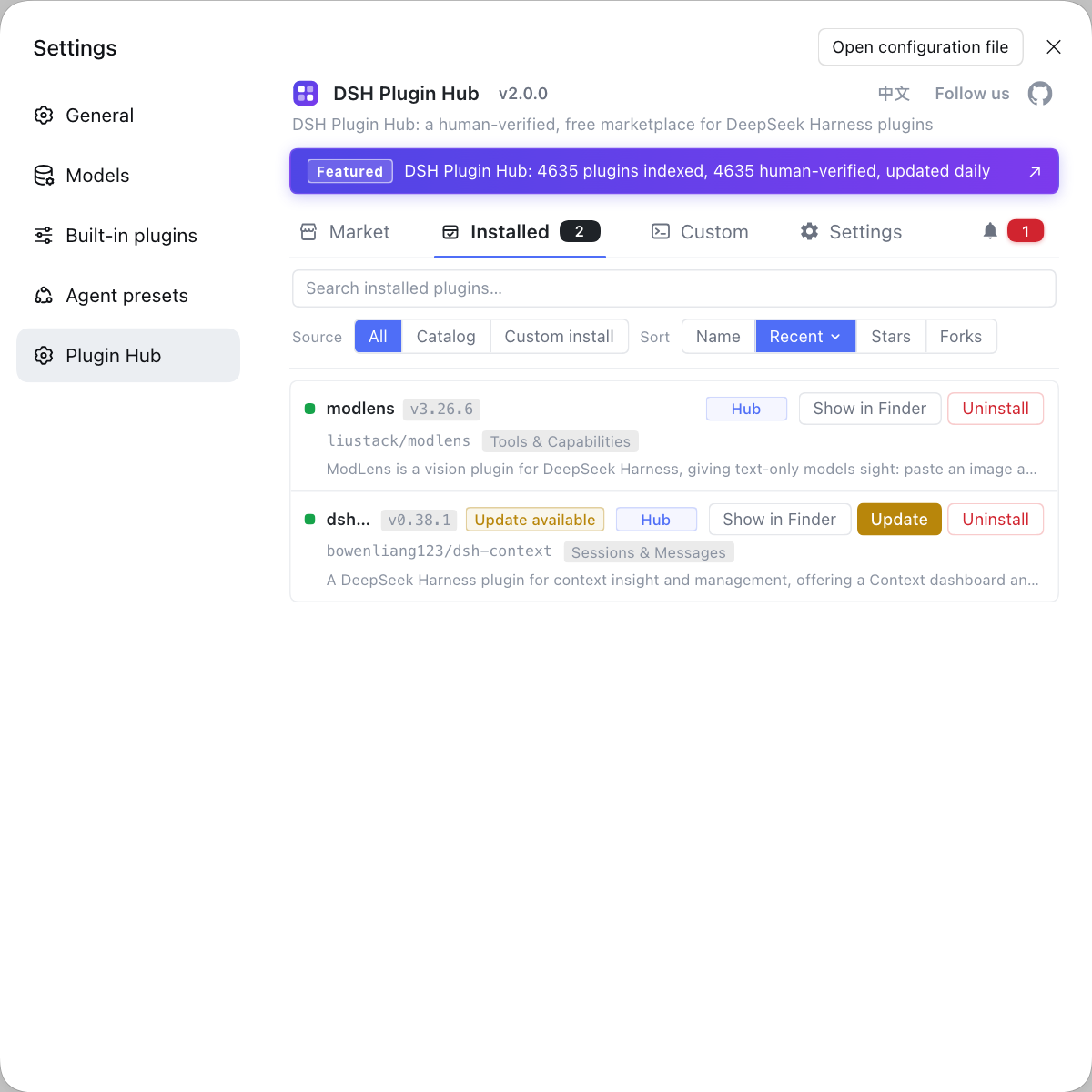
DSH plugin troubleshooting when choosing from rankings
Bottom line: a ranking is an entry point, not an answer. Popularity narrows the field; requirement fit and post-install verification make the decision.
- Scenario before popularity; never treat the overall ranking as a recommendation list.
- Distinguish "unmaintained" from "unusable" by looking at dependencies, not dates.
- Prefer plugins with clear permissions and dependencies.
- Know how to uninstall before installing, so experimentation stays cheap.
- Install one candidate at a time when trying alternatives, or conflicts blur responsibility (see the conflicts guide).
- Repair status, stated honestly: the ordering and marker descriptions here are generalizations about how marketplaces work (install counts, recency, categories, maintainer markers), not a field-by-field description of a specific DSH Plugin Hub release. Check the page you actually see for available sort options and filters.
Sources: DSH Plugin Hub listing, docs/user/develop/basic/publish.md, npm Docs · npm view.
FAQ
In DeepSeek Harness, marketplace ordering usually reflects popularity (install counts), recency of updates and category, which describe how many people use it and whether it is maintained — not whether it fits you. Popular plugins target the broadest use cases, so a niche need may match none of the top entries. Use rankings to narrow the field, then decide by requirement fit.
Not necessarily: DeepSeek Harness plugin availability depends on whether the capabilities it uses changed. A simple plugin calling stable DeepSeek Harness features can work fine for a year without updates. The real risk is a plugin that depends on changed interfaces with nobody maintaining it, which fails loudly at install or runtime rather than quietly expiring.
An official listing usually means maintained or curated by DeepSeek Harness, with more dependable compatibility and support. Community listings come from third-party developers, often covering more vertical scenarios with less predictable maintenance. Prefer official for core capabilities and evaluate community listings for niche needs, checking whether their latest release matches your CLI version.
In DeepSeek Harness, three steps: start from the category matching your scenario rather than the overall ranking, filter out entries that no longer track core capabilities, and use install counts plus listing completeness to narrow to two or three. The principle is scenario first, popularity second; reversing it gives a low hit rate.
In DeepSeek Harness, four checks: whether its stated dependencies are available on your machine (native modules especially), whether the latest version is compatible with your CLI version, whether the permissions it needs are acceptable, and whether there is a reliable way to uninstall it. Passing all four makes trial and error much cheaper.
Related Terms
- popularity signal
- A popularity signal is a metric marketplaces use for ordering, typically install counts or recent activity. It measures usage scale, not fit for a specific need, so it is only appropriate for narrowing candidates.— https://docs.npmjs.com/cli/v10/commands/npm-view
- recency of updates
- Recency of updates is when a plugin package last published a version. It reflects maintenance activity; judging whether it still works requires combining that with whether the capabilities it depends on changed.— https://docs.npmjs.com/cli/v10/commands/npm-view
- DSH Plugin Hub
- DSH Plugin Hub is the plugin marketplace at dsh-plugin.org, offering category browsing, search, listing details and one-click install, update and uninstall. It is the central place DeepSeek Harness users find and manage DSH plugin packages.— https://dsh-plugin.org/en/plugins/dshplugin/dsh-plugin-hub
- plugin listing
- A plugin listing is the marketplace display unit for a plugin, including name, description, category, version and installation method. Publishers submit listings by convention, so listing completeness also affects how well you can judge a plugin.— https://github.com/deepseek-ai/deepseek-harness/blob/master/docs/user/develop/basic/publish.md