Fix maximum context length exceeded in DeepSeek Harness
maximum context length is 1048576 tokens in DeepSeek Harness means the context window is full: the conversation plus your requested completion exceeds the model's window cap (1048576 tokens is 1M). It triggers on long sessions, oversized system prompts, and heavy memory/attachment usage. Fix it in four steps: start a new session, clear memory and attachments, split long tasks, lower max_tokens.
DeepSeek Harness context overflow error text and when it triggers
The message is maximum context length is 1048576 tokens — the model is telling you the window caps at 1048576 tokens and this request went over. Triggers and how to read them (source):
- Sending a message in a long session where history + system prompt + attachments + requested completion add up past the limit;
- Opening an old session with many attachments and sending — attachments count by token and can fill the window instantly;
- With many memory plugins installed, long-term memory is injected into the system prompt, raising the fixed cost of every request;
- Key judgment: the number is always 1048576 and is the model window spec (official DeepSeek spec), not a broken config — reduce usage and it resolves.
Why DeepSeek Harness overflows the context window: sessions, memory and attachments
Window usage comes from four parts: conversation history, the system prompt, attachment content and the requested completion — long sessions and memory/attachment plugins are the two big offenders. In detail (source):
- Accumulated history: every turn in a long session resends all history, so usage grows linearly;
- Oversized system prompt: framework presets plus plugin-injected content make up the fixed cost; the longer the prompt, the tighter the window;
- Attachment usage: images and files count by token — one large image can eat thousands of tokens;
- Completions count too: the
max_tokenscompletion you request also uses the window, so lowering it frees input space; - When the four total more than 1048576 tokens (the 1M window cap per the official DeepSeek spec), the error fires.
Fix DeepSeek Harness context overflow: new session, clear memory, split tasks, lower max_tokens
Tackle usage from largest to smallest: zero the accumulation with a new session, clear memory and attachments, run long tasks in chunks, then lower max_tokens for headroom. Step by step:
- Start a new session — for a long conversation, have the model summarize the key points first, then paste the summary into a new session; the new session starts from zero and leaves the limit immediately (source):
- Click "New session" in the session list;
- In the old session, run a "summarize current progress" instruction and copy the digest;
- Start the new session by pasting the digest and continue.
- Clear memory and attachments — temporarily disable memory plugins that consume a lot (turn them off in Settings → Plugin Market), delete attachment messages you no longer need, or start a new session without the old attachments and resend.
- Split long tasks — break a big task into several short sessions executed step by step: each step carries only the context it needs, and finishing one step before starting the next is more stable than one long conversation.
- Lower max_tokens — reduce max_tokens in the model settings (e.g. from 8192 to 4096) to leave more window for the input:
- Open Settings → Models;
- Find the max_tokens setting for the current model;
- Lower it and resend — the error should disappear.
How to verify a DeepSeek Harness fix for context overflow: resend and review usage
After the fix, do not just keep working — resend the message to confirm the error is gone, then review the window-usage structure once so it does not fill up again. In order:
-
Resend the original message — go back to the failing session and resend it as-is; no more
maximum context lengthmeans usage is down. -
Verify in a new session — paste the summary into the new session and send a test message; a normal reply means the new session accumulates from zero and the chain works.
-
Review the plugin footprint — list installed plugins and confirm which memory plugins are still enabled:
bashdsh plugin --profile web listMemory plugins you disabled in Settings → Plugin Market should no longer appear as active.
-
Alternative: switch models — if the same task genuinely needs a larger context, switch to a model with a bigger window in Settings → Models (window specs per DeepSeek model are in the official docs); a bigger window holds more history per request.
Notes: DeepSeek Harness — start a new session first
- The number 1048576 is the model spec, not a fault — do not go hunting for a "window size" option in config files.
- Summarize long sessions and start fresh; do not keep pushing against the window — it only grows.
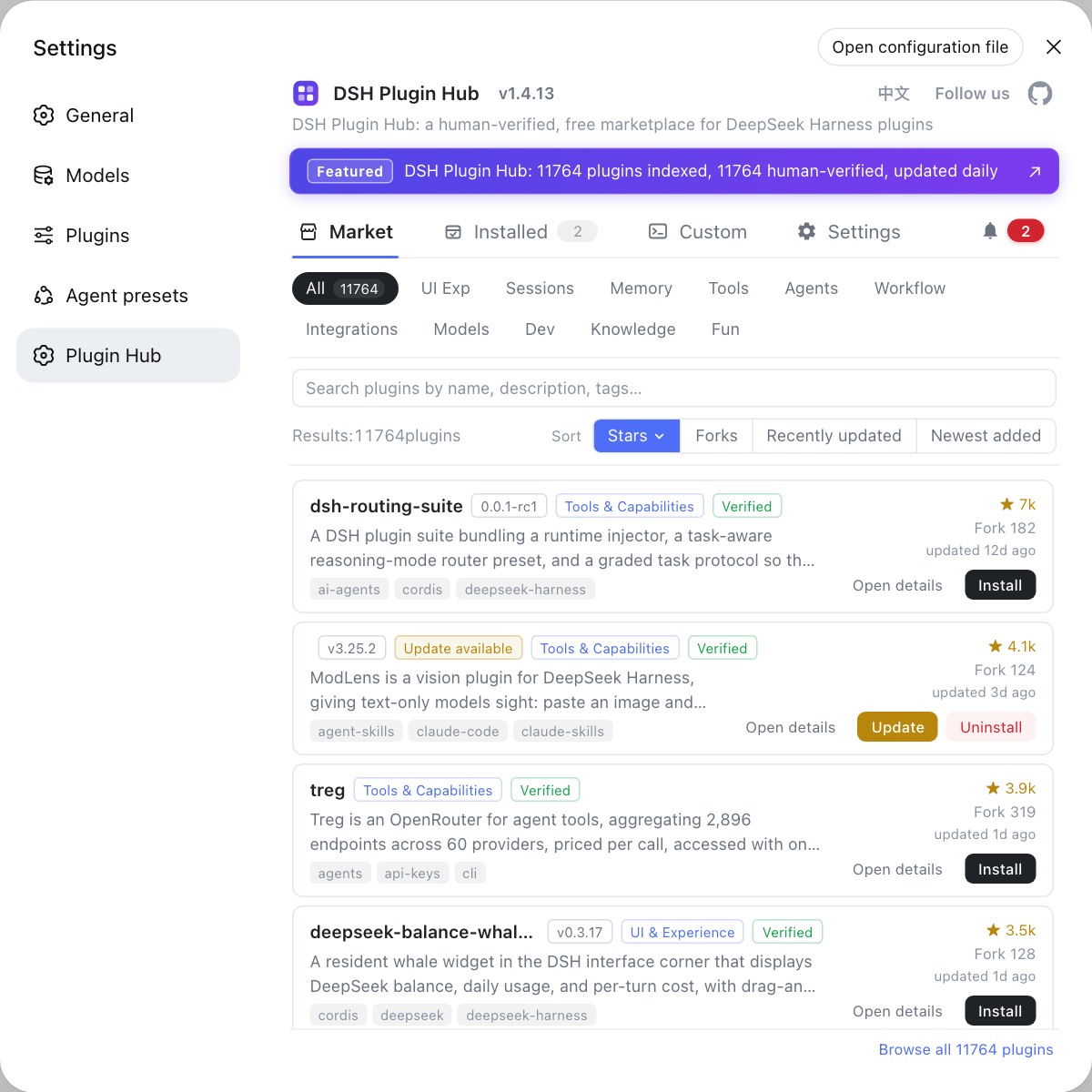
- Memory plugins occupy the window long-term; be selective about how many you install — when picking memory plugins on the DSH Plugin Hub store, prefer ones whose descriptions are clear about their context overhead.
- See install error troubleshooting for other DeepSeek Harness install issues.
Sources: dshbase troubleshooting, DeepSeek API official docs, llm-deepseek adapter.ts
FAQ
A context overflow in DeepSeek Harness means the window is full: the conversation plus your requested completion exceeds the model's window limit (1048576 tokens is the 1M-token cap). It triggers when a long session has accumulated, the system prompt is too long, or attachments/images consume a lot of tokens when you send a message (source: dshbase troubleshooting).
Start a new session first to fix a long conversation: manually move the important conclusions over, and the new session starts accumulating context from zero, leaving the limit immediately. For long sessions, have the model summarize the key points first, then start a new session — do not keep pushing against the window.
Yes. In DeepSeek Harness, memory plugins inject long-term memory into the system prompt, and attachments (images, files) consume tokens by size. To clear them: temporarily disable memory plugins, delete attachment messages you no longer need, or start a new session without the old attachments and resend.
Lower max_tokens in DeepSeek Harness model settings to leave more headroom for input (the completion also counts toward the window); split a long task into several short sessions executed step by step, each keeping only the context it needs — more stable than one giant conversation (source: dshbase troubleshooting).
Related Terms
- context window
- The context window is the maximum number of tokens a model can process in a single request, including history, system prompts, attachments and the requested completion; the DeepSeek model window caps at 1048576 tokens (1M).— DeepSeek API official docs
- max_tokens
- max_tokens is the maximum number of tokens a single request may generate; it counts toward window usage together with the input context, and lowering it frees space for the input.— DeepSeek API official docs
- token
- A token is the basic unit models process text in; Chinese roughly maps to 1-2 tokens per character, and longer conversations or more attachments mean higher window usage.— DeepSeek API official docs
- system prompt
- The system prompt is fixed instruction injected at the start of every request, including framework and plugin content (such as memory); when too long it significantly eats into the context window.— dshbase troubleshooting