DSH plugin web fails after editing profile package.json: BOM
If you just hand-edited the profile's package.json (say, adjusting dependencies after installing a plugin) and dsh web now dies at boot with SyntaxError: Unexpected token ... is not valid JSON and readProfileManifest in the stack, it is almost certainly saved as UTF-8 with a BOM. The content is valid JSON — the only extra thing is the leading three bytes EF BB BF. readFileSync(path, 'utf8') preserves that BOM, the U+FEFF reaches JSON.parse, and parsing necessarily fails. The fix is to save as UTF-8 without BOM or apply the recommended one-line strip, and dsh-plugin-doctor's manifest-bom check can catch it before boot.
DSH plugin symptom: dsh web crashes, and every edit brings it back
Three traits together pin it down: it dies at boot, the error hides its own cause, and it recurs. Concretely:
- Immediate failure at startup, with the stack pointing at
readProfileManifest: on Windows, runningpnpm dsh webfrom a source checkout (ornpx @deepseek-ai/dsh web) fails instantly:
SyntaxError: Unexpected token ...
is not valid JSON
at JSON.parse (<anonymous>)
at readProfileManifest (packages/boot/app-boot/src/profile.ts:272:23)
at loadProfile (packages/boot/app-boot/src/profile.ts:385:55)
...
Node.js v24.19.0
- The trigger is utterly ordinary: edit the profile's
~/.dsh/profiles/<profile>/package.json(for example hand-tuning dependencies after installing a plugin), save it as UTF-8 with BOM — some Windows editors do this by default — then startdsh weband it immediately reportsis not valid JSON(#1842). - The error itself offers no clue: the character after
Unexpected tokenmay render as a question mark or mojibake in a terminal, becauseU+FEFFis invisible. The stack only saysJSON.parsedied; it never says "your file begins with three extra bytes". - It is a recurring failure: one user documented the pattern precisely — after removing the BOM,
dsh webstarts fine; but as soon as the file is edited again (changing plugin dependencies, adjusting profile config), if the save tool writes a UTF-8 BOM again, startup immediately reports the sameis not valid JSON. So cleaning the file once is not the finish line; the save habit has to change too (#1842). - Typical BOM sources: Windows PowerShell 5.1's
Set-Content/Out-File -Encoding utf8(both write a BOM); PowerShell's>redirection; Notepad's "Save as → UTF-8 with BOM"; and the "save as UTF-8" option in some editors. VS Code is BOM-free by default, so its "Save with Encoding → UTF-8" is usually safe (#1842).
DeepSeek Harness mechanism: a UTF-8 BOM in package.json reaching JSON.parse
The chain is only two steps long, but neither step does anything wrong — which is exactly why the failure point stays hidden. Layer by layer:
- The BOM is bytes, not content: a UTF-8 BOM is simply the three bytes
EF BB BFat the start of the file, decoding toU+FEFF. The JSON spec forbids it before{. So a BOM-bearing file is invalid at the byte level and perfectly normal at the editor-visible level — which is precisely what makes it hard to diagnose (#1842). readFileSyncpreserves the BOM:readProfileManifestinpackages/boot/app-boot/src/profile.tsrunsreadFileSync(path, 'utf8')at line 267. That call only decodes as UTF-8; it does not strip a BOM — the BOM stays in the string as an ordinary leading character (#1842).JSON.parserejectsU+FEFF: line 272 then callsJSON.parse(raw)directly and throwsSyntaxError. A minimal reproduction makes the boundary obvious:
const raw = Buffer.from([0xEF, 0xBB, 0xBF]).toString() + '{"dependencies":{}}'
JSON.parse(raw) // SyntaxError: Unexpected token '?', "?{"dependencies":{}}" is not valid JSON
JSON.parse(raw.replace(/^\uFEFF/, '')) // works
- It is the same defect at more than one site: the same file has several other
JSON.parse(readFileSync(..., 'utf8'))sites (lines 227, 247, 390) of the same class. That is why a sharedreadJsonFilehelper that strips a leading BOM before parsing covers every read point at once, rather than patching each one (#1842). - Why "users should just be careful" is not enough: what writes the BOM is the save tool, not user intent — different tools, versions, and default encodings on one machine all affect the outcome, and the file gets rewritten repeatedly. Putting the compatibility in the parse layer (strip
\uFEFFbefore parsing) is what makes the pit stop recurring (#1842).
DSH plugin fix: one-line strip and the manifest-bom preflight
Three tiers of response: strip before parsing in the host, add a self-check you can run, then pin down the save habit. Specifically:
- The upstream fix: drop the leading BOM before parsing (one line):
- raw = readFileSync(path, 'utf8')
+ raw = readFileSync(path, 'utf8').replace(/^\uFEFF/, '')
Or the more explicit form:
const text = await fs.readFile(path, 'utf8');
const json = text.charCodeAt(0) === 0xFEFF ? text.slice(1) : text;
return JSON.parse(json);
Cover the other manifest read sites in the same file (lines 227, 247, 390) too, or extract a shared readJsonFile. A cherry-pick-ready branch is zoahdev/deepseek-harness @ fix/profile-manifest-bom-strip, built directly on upstream master (47f9438): readProfileManifest strips a leading \uFEFF before JSON.parse, with the same fix applied to sibling manifest reads (#1842).
2. Self-rescue: resave the file as UTF-8 without BOM: in an editor, VS Code is "bottom-right encoding → Save with Encoding → choose UTF-8"; from the command line, this Node snippet drops the first three bytes:
node -e "const fs=require('fs');const p=process.argv[1];const b=fs.readFileSync(p);if(b[0]===0xEF&&b[1]===0xBB&&b[2]===0xBF)fs.writeFileSync(p,b.subarray(3))" "$HOME/.dsh/profiles/web/package.json"
Nothing else needs restarting — just start dsh web again. On Windows the profile path is typically %USERPROFILE%\.dsh\profiles\<profile>\package.json.
3. Avoid save methods that write a BOM: Windows PowerShell 5.1's Set-Content / Out-File -Encoding utf8 write one; use Node or PowerShell 7's utf8NoBOM encoding when writing config files (#1842).
4. Check the three bytes yourself: to see whether a file carries a BOM, look at its first bytes. On macOS / Linux, inspect the hex prefix:
od -An -tx1 -N3 ~/.dsh/profiles/web/package.json
# with a BOM this prints: ef bb bf
- Preflight before boot:
manifest-bomfromdsh-plugin-doctor: since v1.6.0,dsh-plugin-doctoradds amanifest-bomcheck under--profile, turning a post-boot crash into a pre-boot diagnosis:
npx dsh-plugin-doctor --profile ~/.dsh/profiles/web --json
Verified end-to-end on Windows: a profile package.json starting with EF BB BF yields manifest-bom: FAIL, exit code 2, and a message naming Discussion #1842; a clean manifest yields PASS, exit code 0. That release's tests pass 15/15, with a new fixture covering BOM / clean / missing. Note that the upstream one-line strip in readProfileManifest is still the permanent fix; this check merely makes the precondition diagnosable (source).
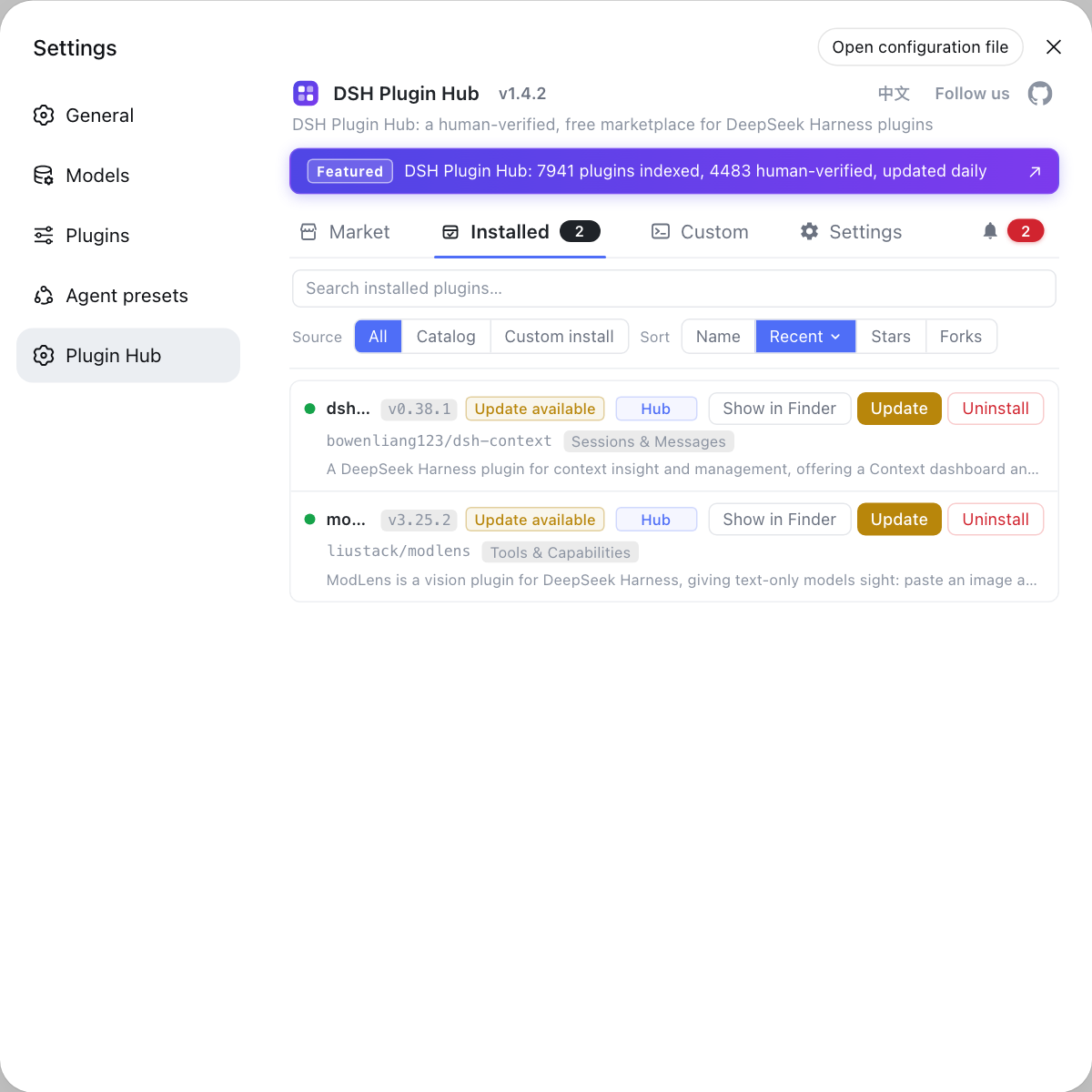
6. Managing plugins through the front door reduces hand-editing of manifests: the most common trigger for this trap is "hand-edit the profile's package.json dependencies after installing a plugin". Doing plugin install, uninstall, and update in DSH Plugin Hub lets tooling maintain dependencies for you, so you only touch that file when a manual adjustment is genuinely needed — and right after touching it, run the manifest-bom preflight above (source).
7. One lesson for plugin authors: any implementation that reads a JSON config file should strip a leading U+FEFF before parsing, especially in projects where Windows is a primary environment. Treat a BOM as a legal input to be tolerated, rather than leaving users to guess why valid JSON fails to parse (source).
DSH plugin troubleshooting notes
Remember first that the content is fine and you should not go hunting for JSON syntax errors — the only extra thing is the leading three bytes, and because save tools keep writing a BOM this failure recurs, so fixing the file and fixing the save habit have to happen together. Eight points to keep in mind when a DeepSeek Harness plugin install ends in a failed boot:
- The content is valid — do not go hunting for JSON syntax errors: the only extra thing is the leading three bytes.
- The whole plugin tree is affected: both DSH plugin and DeepSeek Harness plugin dependencies live in this manifest, and the host dies before it ever reads the dependency list, so every plugin fails to load together.
- The error never names the BOM: the stack stops at
JSON.parse/readProfileManifest, andU+FEFFis invisible. The timeline (you just edited the manifest) is the fastest clue. - It recurs: every resave can reintroduce a BOM; fixing the file once is not enough.
- Treat both halves: save as UTF-8 without BOM, and strip in the host before parsing.
- PowerShell 5.1 is a common culprit: both
Set-ContentandOut-File -Encoding utf8write a BOM. - The same defect lives at several sites: other manifest reads in that file lack the strip too; one shared helper beats patching each.
- A preflight is cheaper than a post-mortem: run the
manifest-bomcheck after changing a profile manifest.
Sources: Discussion #1842, fix/profile-manifest-bom-strip, dsh-plugin-doctor v1.6.0.
FAQ
This DSH plugin crash surfaces as SyntaxError: Unexpected token ... is not valid JSON from inside JSON.parse, and the BOM is an invisible character — that line may even render as a question mark or mojibake in your terminal. The stack only tells you it died in readProfileManifest (packages/boot/app-boot/src/profile.ts:272), never that the file starts with three extra bytes EF BB BF. The timeline — "I just edited the profile's package.json, and now it will not start" — is the fastest clue you get (Source: Discussion #1842).
DeepSeek Harness still crashes because the file is valid JSON — the only extra thing is the leading three bytes (EF BB BF). The JSON spec forbids U+FEFF before {, and readFileSync(path, 'utf8') preserves the BOM (it decodes as UTF-8 without stripping one), so the character is handed straight to JSON.parse. What your editor shows you is correct; the problem lives at the byte level (Source: Discussion #1842).
This DSH plugin failure is recurring: the profile's package.json can pick up a BOM again every time an editor or script rewrites it. Typical sources are Windows PowerShell 5.1's Set-Content / Out-File -Encoding utf8 (both write a BOM) and Notepad's "UTF-8 with BOM" save option. So the durable fix has two halves: explicitly save as UTF-8 without BOM, and have the host strip \uFEFF before parsing in readProfileManifest (Source: Discussion #1842).
Yes — a DeepSeek Harness profile can be checked before boot with dsh-plugin-doctor: since v1.6.0 it provides a manifest-bom check under --profile, and when the profile's package.json starts with EF BB BF it reports manifest-bom: FAIL, exits with code 2, and names Discussion #1842 in the message; a clean manifest reports PASS with exit code 0. Run npx dsh-plugin-doctor --profile ~/.dsh/profiles/web --json — far faster than crashing at boot and reading a stack (Source: dsh-plugin-doctor v1.6.0).
Related Terms
- UTF-8 BOM
- A UTF-8 BOM is the three-byte marker `EF BB BF` at the start of a file (decoding to `U+FEFF`). The JSON spec forbids it before `{`, so any code that feeds the whole file to `JSON.parse` fails. It is typically written by Windows editors or by PowerShell 5.1's `utf8` encoding option.— https://github.com/deepseek-ai/deepseek-harness/discussions/1842
- readProfileManifest
- `readProfileManifest` is the DeepSeek Harness function in `packages/boot/app-boot/src/profile.ts` that reads a profile manifest. It reads the file with `readFileSync(path, 'utf8')` at :267 and calls `JSON.parse` directly at :272, with no BOM stripping in between — so a `package.json` carrying a BOM makes startup fail immediately.— https://github.com/deepseek-ai/deepseek-harness/discussions/1842
- manifest-bom preflight
- The manifest-bom preflight is a check added in `dsh-plugin-doctor` v1.6.0: under `--profile` it tests whether the profile's `package.json` begins with `EF BB BF`. It turns a post-boot crash into a pre-boot diagnosable precondition, complementing the upstream one-line fix.— https://github.com/zoahdev/dsh-plugin-doctor/releases/tag/v1.6.0
Sources
- deepseek-harness Discussion #1842: profile package.json with UTF-8 BOM crashes dsh web (Unexpected token ... is not valid JSON)· deepseek-ai (GitHub Discussions)
- Fix branch zoahdev/deepseek-harness @ fix/profile-manifest-bom-strip (based on upstream master 47f9438)· GitHub (zoahdev)
- dsh-plugin-doctor v1.6.0: new manifest-bom preflight (tests 15/15)· GitHub (zoahdev)