DeepSeek Harness model setup: deterministic 400, key clash
After connecting DeepSeek Harness (DSH) to third-party models or relays, the most common trip-ups are usually not model quality but three kinds of "config and metadata do not line up": a deterministic over-window 400, auto-compaction failing silently, and reasoning repetition that looks like the model got dumber. Specifically: pi-ai uses a heuristic estimate to fill the output cap to the window, keeping only a fixed 4096 safety margin, so underestimated content like tool output makes "input + output" deterministically exceed the window; the contextWindow declared for a third-party route in the profile never reaches the model-info resolution chain, so the auto-compaction that depends on it aborts while the UI misreports the over-window as "quota exhausted"; and an unconditional overflow judgment in stop-reason mapping misjudges an already successfully completed Codex answer as a context over-limit. Besides these there are three pure config issues: a manually added DeepSeek provider shares the same key as the built-in model (the reference name is derived from the provider name), a relay model does not support images by default (the capability must be declared explicitly), and under Chinese thinking the reasoning channel self-replicates and drags the session down (the existing repetition guards are blind to the reasoning channel) (#9712, #9230, #9022, #9759, #9133, #9524).
DeepSeek Harness deterministic 400: the window declaration and the output cap do not line up
In one sentence: this is not "occasionally going a bit over" but going over every time — because the output cap is pushed against the window cap by an estimate, leaving only a 4096 safety margin. The symptom is deterministically receiving a 400 CONTEXT_WINDOW_EXCEEDED on a pi-ai route, with input plus output exactly equal to window+1 (#9712).
DeepSeek Harness mechanism 1: a fixed 4096 margin + understated tool output
According to the community's line-by-line check of the release artifact: clampMaxTokensToContext estimates used tokens with a local heuristic to push "input + output" as close to the window cap as possible, leaving only a fixed safety margin; the estimate function (something like ceil(chars / 3.5)) preferentially reuses the usage of the most recent assistant response and rough-estimates the rest by character count, and tool output lands exactly in the understated range. The thread computed the understatement in this case: the actual is 1.59%–2.42% more than the estimate (#9712).
DeepSeek Harness mechanism 2: declaring maxTokens as 90% of the window amplifies it
If the profile declares maxTokens as ninety percent of the window, the compaction threshold is squeezed to a very small value (the magnitude given in the thread is about 39K), so "compaction too late + output reserve too large" stack up and overflow is more likely (#9712).
DeepSeek Harness four-step handling
- First confirm it is "pressed against the window" and not "the history is too long": try the same history on a model with a larger window; if it is immediately normal, it is the "input+output pressed against the cap" class (#9712).
- Narrow the output cap: explicitly squeeze
maxTokensfor that route/model so it does not press against the window (#9712):
providers:
  <provider>:
    modelOverrides:
      <model>:
        maxTokens: 32768
- Do not declare
maxTokensas ninety percent of the window: leave a margin that matches the compaction threshold (#9712). - Compact earlier: lower
headroomTokens, makethresholdRatiomore conservative, to avoid compacting only after you hit overflow (#9712). - Verify: replay the same conversation turn and expect no more 400; if it still reports, check whether the declared window itself is larger than the upstream's real limit (see the next point).
DeepSeek Harness mechanism 3: the declared contextWindow never reaches the resolution chain → compaction fails + false quota report
In one sentence: you wrote contextWindow, but it does not reach the model-info resolution chain; when compaction resolves it, it gets an undefined value and throws a config error, compaction aborts, the request goes out as-is and is rejected by the gateway as over-window, yet the UI shows it as "quota exhausted". The symptom is "I clearly filled in the window, but auto-compaction does not work at all" (#9022).
According to the reporter's tests and the community's line-by-line check of the call sites: the compaction pressure path calls model-info resolution and gets info.context === undefined, then throws TargetPressureConfigError and compaction aborts; hence "must fill in by hand" and "filling in by hand has no effect" coexist (#9022).
Handling steps:
- Confirm the criterion: the error string contains
TargetPressureConfigError, and the UI wording is "quota exhausted" while the gateway returns over-window (the two pieces of information are inconsistent) (#9022). - Stopgap: run
/compactmanually (the manual path is unaffected by this) (#9022). - Mitigation: add window information that the resolution chain can get for that route (for example go through a route config with complete declarations), or use a compaction-target-guard kind of plugin that reroutes to a larger-window route after compaction is rejected.
- Read the wording to triage: on seeing "quota exhausted", first tell whether it is the over-window error text, to avoid troubleshooting in the "top up" direction (#9022).
DeepSeek Harness mechanism 4: a completed Codex answer is misjudged as over-limit
In one sentence: the "is this context overflow" judgment in stop-reason mapping is unconditional, so it treats a response that "stopped normally but whose cumulative input exceeded the catalog-declared window" as overflow, overriding the server's successful terminal state. The symptom is "the answer clearly completed, yet it reports a context over-limit" (#9230).
Handling steps:
- Criterion: you get a deterministically successful response (with complete content and a normal stop reason) but it is marked
CONTEXT_WINDOW_EXCEEDED(#9230). - Mitigation: set the catalog's window declaration to a larger value matching the upstream actual, reducing the probability of a misjudgment hit.
- Fix direction: judge overflow only on an "explicit overflow" or a "zero-output length truncation", and otherwise respect the server's successful terminal state (#9230).
- Note the interaction: using the catalog window for compaction scheduling is reasonable, but it should not be used to retroactively veto an already successful answer (#9230).
DeepSeek Harness config class: shared key and undeclared image capability
In one sentence: neither of these is a bug, but "the default derivation rules of the config" are unintuitive — the key is resolved by a reference name derived from the provider name, and the image capability must be declared explicitly. (#9759, #9133)
DeepSeek Harness manual provider shares the key with the built-in
According to the community's line-by-line check: the reference-name derivation rule is deriveKeyRef(provider), i.e. the provider name uppercased plus _API_KEY; a manual route named deepseek generates DEEPSEEK_API_KEY, byte-for-byte the same as the built-in (whose reference name is also DEEPSEEK_API_KEY), and credentials are resolved by reference name (#9759).
- Confirm: after changing the manual provider's key, the built-in DeepSeek model's key changes too — that is this point's fingerprint (#9759).
- Fix 1 (recommended): rename the manual route to something like
deepseek-alt, so the derived reference names naturally separate. - Fix 2: explicitly change that provider's key reference to
DEEPSEEK_MANUAL_API_KEY, then fill in the two keys separately. - Know that this is legitimate use: multiple routes on the same endpoint sharing a key is legal in DSH, so this is not a defect, just insufficient naming guidance (#9759).
DeepSeek Harness relay model does not support images
- Confirm: sending an image to that model is directly restricted by the system, while the model does support image input (#9133).
- Fix: add the input-modality declaration on that model's config line:
- patch:
    id: <the model line's id>
    config:
      input: [text, image]
- Verify: after reopening the session, send an image and expect it no longer blocked (#9133).
- Remember it is declarative: even if the upstream supports it, without the declaration it is blocked — so "the model docs say it supports images" is not a basis for troubleshooting.
DeepSeek Harness thinking repetition: model-side degradation + guards blind to reasoning
In one sentence: under Chinese thinking the reasoning channel degrades into self-replication of "the shortest independent sentence" (好。/ Go.), and in severe cases a whole block is about 99% the same character and the session is disabled; the two existing streaming repetition guards are both blind to the reasoning channel, so they cannot stop it. Switching to the pro tier of thinking makes it disappear (#9524).
According to the criteria the thread accepted after checking the current state: the tendency is on the model/tier side (the flash family collapses and locks easily, while the pro tier "uses without collapsing"); and the two repetition guards on llm/stream, one ignores the reasoning channel by design and the other needs several consecutive stalls to react, so neither covers "pure thinking idle-spinning" (#9524).
DeepSeek Harness four-step handling
- Confirm with quantifiable criteria, not by feel: measure the single-character share at the tail of the reasoning block and the length of the longest repeated segment; the magnitude given in the thread is that a single-character rate ≥30% and a repeated segment ≥3 (excluding punctuation) is enough to judge it (#9524).
- Install a guard plugin aimed at the reasoning channel:
@argszero/cordis-plugin-thinking-loop-guard(from 0.2.0 it added the ability to "interrupt during thinking", and period-1 content repetition also triggers) (#9524):
npm i @argszero/cordis-plugin-thinking-loop-guard
- Change the tier or lock the language: switch to the pro tier of thinking, or lock the thinking language to English; both significantly reduce the repetition probability (#9524).
- Verify: reproduce the original long Chinese-thinking task and expect no more "a whole block of the same character"; also watch whether the guard gives an interrupt record (#9524).
DSH plugin troubleshooting notes
This family looks miscellaneous, but can be triaged in one sentence: if the error is "over-window/quota", check the window and the output cap; if the error is "the model does not support it", check the capability declaration; if there is no error but it just got dumber, check the thinking channel. Nine points:
- For a deterministic 400, suspect the output cap first, not a too-long history (#9712).
- Do not declare
maxTokensas ninety percent of the window: it squeezes the compaction threshold down too (#9712). - "Filling in
contextWindowby hand but it has no effect" is a known gap: the resolution chain never takes it in, so it is not that you wrote it wrong (#9022). - "Quota exhausted" may actually be over-window: the wording does not match the real cause, so do not troubleshoot in the top-up direction (#9022).
- A successful answer should not be judged over-limit: on seeing this contradiction, pin it directly to a stop-reason-mapping misjudgment (#9230).
- The key reference name is derived from the provider name: a same name as the built-in shares it, and renaming is the least trouble (#9759).
- The image capability is declarative: upstream support does not mean DSH lets it through (#9133).
- For thinking repetition, quantify first, then handle: the single-character rate and repeated-segment length are measurable, so no subjective judgment is needed (#9524).
- State the fix status honestly: the window declaration not reaching the resolution chain and the stop-reason misjudgment are both core-side and unfixed in the versions the discussions refer to; the shared key and the image declaration are config problems (rename or add the declaration); thinking repetition leans model-side, and the user side mitigates with a guard plugin and a tier change.
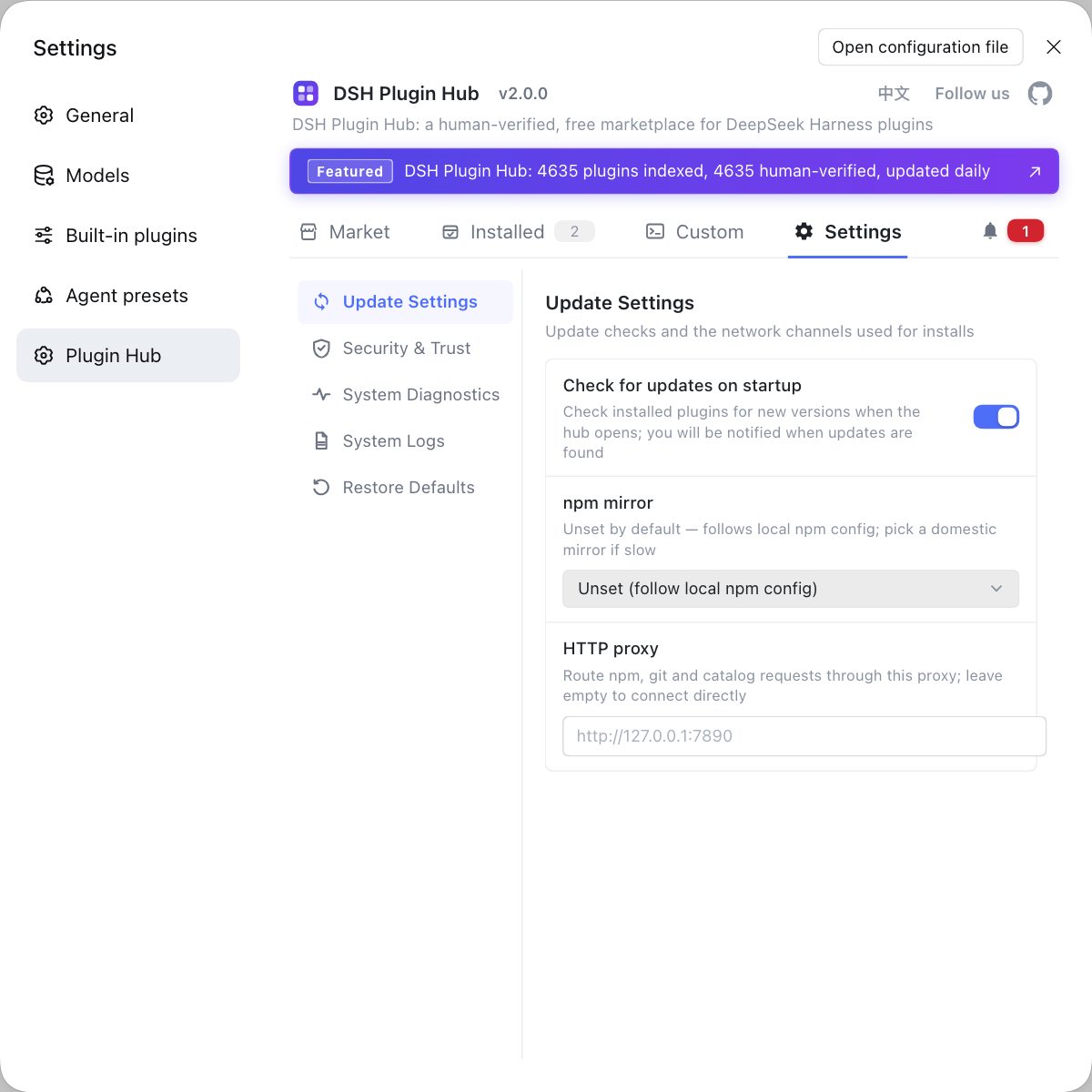
Troubleshooting while connecting third-party models is costly because "plugin + config + model metadata" stack up in three layers. If you want to see the plugin layer first, rather than typing commands in various places, use a visual plugin marketplace such as DSH Plugin Hub: the installed list, install/uninstall history, and system logs are collected in one place, so first confirm "what exactly is loaded in the environment".
Source: Discussion #9712, Discussion #9230, Discussion #9022, Discussion #9759, Discussion #9133, Discussion #9524.
FAQ
In DeepSeek Harness the every-request 400 happens because the output cap is filled to the window by a heuristic estimate that leaves only a fixed 4096 safety margin. When pi-ai clamps max_tokens to the context window it estimates used tokens with a local heuristic and pushes "input + output" against the window cap, and content like tool output is understated, so it deterministically overflows. Also, if the profile declares maxTokens as ninety percent of the window, the auto-compaction threshold is squeezed very low, amplifying the problem.
In DeepSeek Harness a manual contextWindow with no effect happens because the contextWindow declared on this route never reaches the model-info resolution chain. The compaction pressure path resolves model info and gets an undefined value, so it throws a config error and compaction aborts, and the request goes out as-is and is rejected by the gateway as over-window; the UI wording shows this as quota exhausted, which does not match the real cause. Manual /compact is unaffected, so you can use it as a stopgap first.
In DeepSeek Harness a completed Codex answer reported as over-limit is a misjudgment during stop-reason mapping. The adapter unconditionally does a "is this context overflow" heuristic when mapping the stop reason, and that judgment also treats "a normal stop but cumulative input over the catalog-declared window" response as overflow, overriding the server's successful terminal state. The fix direction is to judge overflow only on an explicit overflow or a zero-output length truncation.
In DeepSeek Harness a manual provider shares the built-in key because the key reference name is derived from the provider name: the DERIVE rule is the provider uppercased plus _API_KEY, so naming your manual route deepseek generates DEEPSEEK_API_KEY, byte-for-byte the same as the built-in one, and credentials are resolved by reference name. Rename the manual route to deepseek-alt, or explicitly change its key reference to DEEPSEEK_MANUAL_API_KEY, and the two are separated.
In DeepSeek Harness an image is blocked because that model has no image-input capability declared in the profile patch. Add input: [text, image] on that model's config line; this is a config-layer declaration, not the result of a model capability probe, so even if the upstream really supports images, without the declaration DSH will block it.
Related Terms
- clampMaxTokensToContext
- clampMaxTokensToContext is the function in pi-ai that clamps the output cap to the context window; it estimates used tokens with a local heuristic and pushes the sum of input and output as close to the window cap as possible, keeping only a fixed-size safety margin. Understating content such as tool output directly causes a deterministic overflow.— https://github.com/deepseek-ai/deepseek-harness/discussions/9712
- resolveModelInfo
- resolveModelInfo is the function DeepSeek Harness uses to resolve the model metadata a route maps to (for example the context window and output cap), on which compaction and pressure decisions depend. If a third-party route's declared contextWindow never reaches here, the auto-compaction that depends on it gets no value and aborts.— https://github.com/deepseek-ai/deepseek-harness/discussions/9022
- deriveKeyRef
- deriveKeyRef is the rule in DeepSeek Harness that derives a credential reference name from the provider name, in the form of the provider name uppercased plus _API_KEY. Because credentials are resolved by reference name rather than segmented by provider, a manual route with the same name as a built-in provider shares the same key.— https://github.com/deepseek-ai/deepseek-harness/discussions/9759
- input: [text, image]
- input is the field in model config that declares which input modalities the model accepts, with values combining text and image. It is declarative config rather than a runtime probe: without image declared, even if the upstream supports image input, the Harness blocks requests that contain images.— https://github.com/deepseek-ai/deepseek-harness/discussions/9133
Sources
- #9712 — pi-ai fills max_tokens to the window with an estimate (a fixed 4096 margin), causing a deterministic over-window 400· deepseek-ai (GitHub Discussions)
- #9230 — Completed Codex responses are misclassified as context overflow above the catalog window· deepseek-ai (GitHub Discussions)
- #9022 — The contextWindow declared on a pi-ai route never reaches resolveModelInfo, so auto-compaction fails silently and over-limit is misreported as quota exhausted· deepseek-ai (GitHub Discussions)
- #9759 — Manually added DeepSeek provider shares the same API key as the built-in DeepSeek model· deepseek-ai (GitHub Discussions)
- #9133 — A reproducible bug found while using the chatgpt relay: images are not supported· deepseek-ai (GitHub Discussions)
- #9524 — The reasoning channel degrades: under Chinese thinking the shortest independent sentence self-replicates, most likely on the flash family· deepseek-ai (GitHub Discussions)