DeepSeek Harness env: git config, PAT, proxy, creds.yaml
There is a class of failures in DeepSeek Harness (DSH) whose common feature is "environment and file shape assumptions that no longer match": the child-process env scrub deletes the git config group incompletely, breaking every git call; credential variable name matching is incomplete, so sensitive values in .env are passed to child processes verbatim; setting a proxy variable to a blank value (instead of unsetting it) makes every child process connect directly; and the desktop and CLI write credentials files in different shapes, so an older CLI fails to boot. All four share the same approach: first print the actual environment variables and file contents, then compare against the shape the tool expects — look at the facts first, then change config (#9293, #9285, #9373, #9845).
DeepSeek Harness env scrub breaks the git config group: every git call fails
The conclusion: the scrub deletes the git config group's key-name variables by name but keeps the count and value variables — split apart, git sees "a positive count but no matching key" and refuses to parse the command-line config, so every git call fails in the child process. The error shape is missing config key GIT_CONFIG_KEY_0 or "cannot parse command-line config" (#9293).
DeepSeek Harness git-config three-step confirmation and handling
- Confirm the criterion: the error names the git config group's environment variables, and those variables do exist in the environment where you launched DSH (#9293).
- Print and check:
env | grep -E '^GIT_CONFIG_(COUNT|KEY_|VALUE_)'
#   expected: count and value present but key names missing — the split group
(#9293)
- Workaround: remove the whole group before launching DSH (not just part of it), so git falls back to the normal path of reading config files (#9293).
- Fix direction: the scrub should treat the group atomically — keep it whole or delete it whole, never match item by item by name (#9293).
- A security reminder: the thread notes that value variables are still forwarded, meaning values can still appear in the child-process environment even when the keys were removed — if you ever passed credential-bearing git config through environment variables, be aware (#9293).
DeepSeek Harness credential variable name matching misses PAT / CRED / PASSPHRASE
The conclusion: sensitive-variable matching only covers names containing a few common keywords, so variables that end in PAT or are named with CRED or PASSPHRASE but lack those keywords are not scrubbed and are passed verbatim to every spawned process. (#9285)
DeepSeek Harness credential-name three-step confirmation and handling
- Confirm the criterion: list your own credential variable names in the environment and check whether they contain those common keywords; if yes they are scrubbed, if not they are forwarded (#9285).
- Immediate mitigation: rename the credential variable to a form that contains a common keyword (for example with
TOKEN) so the scrub covers it (#9285). - More robust approach: don't rely on "scrub by name" to protect credentials — use a launch mode that injects only the necessary variables (a whitelist-style launch) to reduce the leak surface at the source (#9285).
- Fix direction: extend matching to boundary forms like
(^|_)(PAT|CRED|PASSPHRASE)(_|$), and further useCRED[A-Z]*to cover suffixed forms (the suggestion given in the thread) (#9285).
DeepSeek Harness blank proxy variables make child processes connect directly
The conclusion: proxy variables are only tested for "defined or not", so a blank string is passed to child processes as a valid user value and thereby triggers cleanup logic reserved for a certain proxy type — as a result child processes do not read the proxy variables at all, showing up as a silent direct connection with no diagnostics. The symptom is that the host uses the proxy, but all Node child processes (including stdio MCP and sub-agents) connect directly (#9373).
DeepSeek Harness proxy-variable three-step confirmation and handling
- Confirm the criterion: the environment has set-but-empty proxy variables (for example one empty and another with a value); the host can reach the network but child processes cannot (#9373).
env | grep -iE '^(http_proxy|https_proxy|all_proxy|no_proxy)='
#   expected: some variable is empty after the equals sign
- Workaround (recommended): before launching, unset the empty proxy variable, or fill it explicitly with the same usable address (#9373).
- Fix direction: treat a "blank string" as unset (the thread notes the lower layer already has a mechanism supporting delete semantics that can be reused directly) (#9373).
- Watch platform differences: Windows folds case, so reproduce with a single blank name; the cross-platform shape is "single name, blank" (#9373).
- Verify: after the change, reach an external address from a child process; expect it to go through the proxy successfully (#9373).
DeepSeek Harness credentials file format gap: the CLI fails to boot
The conclusion: the desktop writes a structured document (with a version and reference records), while an older CLI treats every top-level key as a "reference-name-to-string" mapping, so the structured document is rejected; conversely current upstream requires the structured document and rejects the flat format — the two are exactly opposite. The error shape is that some field in the credentials file "must be a string", after which the whole plugin tree fails to load (#9845).
DeepSeek Harness credentials-file three-step confirmation and handling
- Confirm the criterion: the desktop works but the CLI fails to boot; the error names a field type in the credentials file (#9845).
- Look at the file shape: open the credentials file under the data directory and confirm whether it is a flat mapping or a structured document (#9845).
- Handling (recommended): upgrade the CLI to the version line that starts reading structured documents — after upgrading it can read structured documents and upgrades the old flat file in place on boot (#9845).
- Temporary coexistence option: point the credentials plugins on both sides at different files (distinguished by profile) to avoid overwriting each other's format (#9845).
- Two easy-to-miss details: the thread points out that the version-number field has a type difference between the two forms, and that a foreign top-level key should only warn, not block boot — both belong on your troubleshooting checklist (#9845).
- Verify: after upgrading, restart the CLI; expect it to boot normally with a structured shape visible in the file (#9845).
DSH plugin troubleshooting notes
For all four, the first troubleshooting step is the same: print the "facts" — environment variables, proxy variables, and the credentials file shape. Eight points:
- "Scrubbing variables by name" is inherently unsafe: deleting half is more dangerous than deleting none (#9293).
- Grouped config variables must be handled as a group (#9293).
- Don't rely on keyword scrubbing to protect credentials; a whitelist-style launch is more reliable (#9285).
- A blank string is not unset: this recurs on both proxy and directory-type variables (#9373).
- "Host works, child process doesn't" points at the proxy variables first (#9373).
- Look before you change the credentials file format: do not mix the flat and structured forms (#9845).
- Upgrading is the least-effort answer here: the new CLI reads structured documents and upgrades old files in place (#9845).
- Fix status honestly: all four are unfixed in the versions the discussions target; every remedy here is a user-side workaround (remove the whole group, rename, unset blank variables, upgrade the CLI), and no fix has been announced upstream.
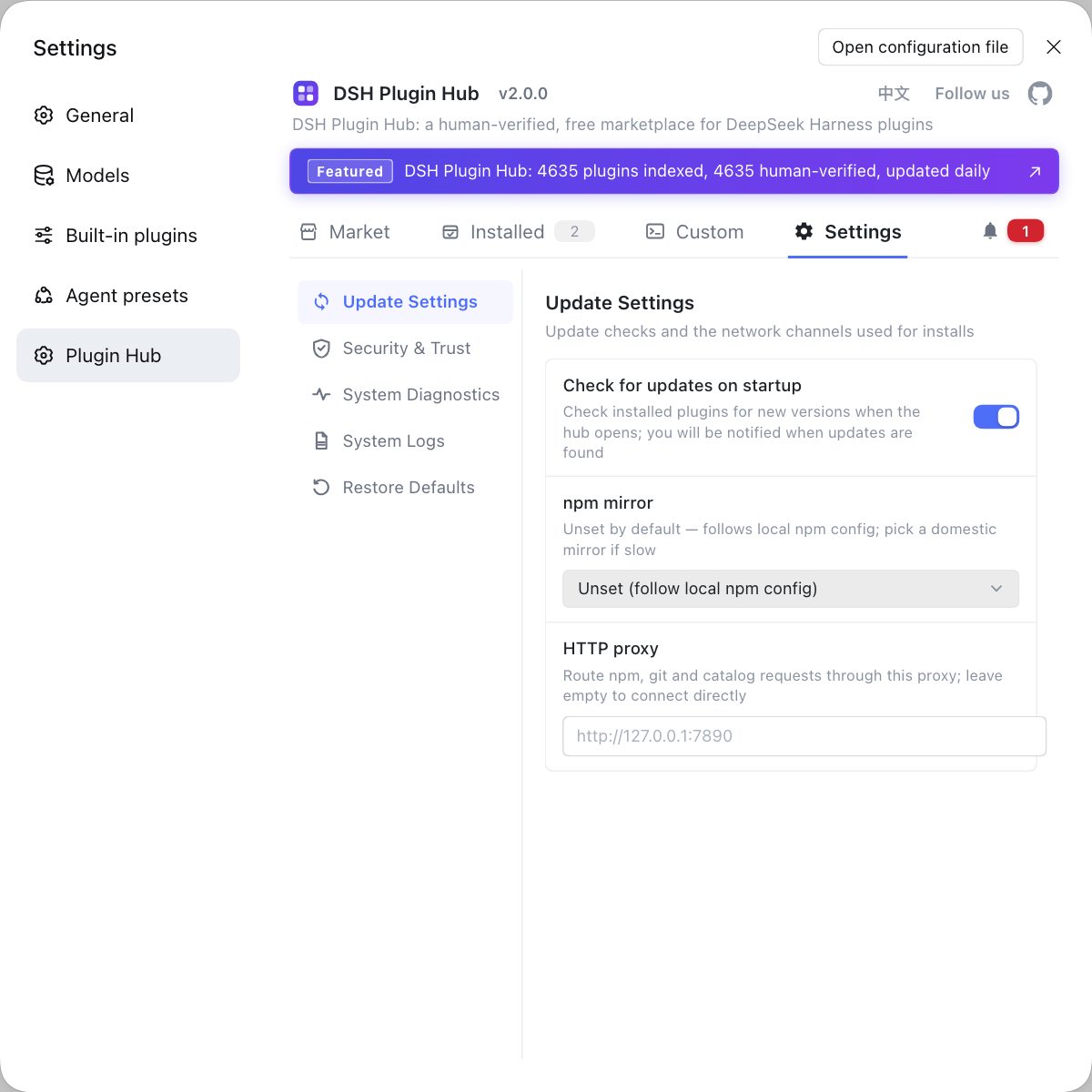
Env-variable troubleshooting is expensive because "things you cannot see" are the easiest to get wrong. If you want to first make the "what is installed in the environment" layer visible, instead of hand-typing commands everywhere use a visual plugin marketplace like DSH Plugin Hub: the installed list, install/uninstall history, and system logs sit in one panel.
Source: Discussion #9293, Discussion #9285, Discussion #9373, Discussion #9845.
FAQ
In DeepSeek Harness every git call fails because the child-process env scrub deletes the git config group's key-name variables by name while keeping the count and value variables, so the group is split apart and git sees a positive count with no matching key, refusing to parse. To work around it, remove the whole group of git config environment variables before launching DeepSeek Harness, rather than deleting only part of it.
In DeepSeek Harness the host uses the proxy while all child processes connect directly because the check only distinguishes defined from not defined, so the blank string is passed to child processes as a valid user value and triggers cleanup logic reserved for a certain proxy type, leaving child processes not reading the proxy variables at all. To work around it, fully unset the blank proxy variable before launching, or fill it explicitly with the same address.
Yes — in DeepSeek Harness variables like GITHUB_PAT are not scrubbed and are passed to spawned processes verbatim, because the current sensitive-name matching only covers names containing common keywords, so variables ending in PAT or named with CRED or PASSPHRASE without those keywords are missed. A workable mitigation is to rename your credential variables to include a common keyword, or use a launch mode that injects only the necessary variables; the fix direction is to extend matching to those prefix and suffix shapes.
The DeepSeek Harness CLI fails to boot because of a generation gap in the credentials file format: the desktop writes a structured document (with a version and reference records), while the older CLI treats every top-level key as a reference-name-to-string mapping and so rejects the structured document, even though current upstream requires the structured document and rejects the flat format. The answer is to upgrade the CLI to the version line that starts reading structured documents; if you need temporary coexistence, point the two sides' credentials plugins at different files.
These DeepSeek Harness env and credential problems share one troubleshooting approach: they all belong to environment and file shape assumptions that no longer match. When troubleshooting, first print the actual environment variables and file contents, then compare against the shape the tool expects — for example whether the git config group is complete, whether the proxy variable is a blank string, and whether the credentials file is a structured document. Looking at the facts before changing config saves a lot of trial and error.
Related Terms
- GIT_CONFIG_COUNT / GIT_CONFIG_KEY_n / GIT_CONFIG_VALUE_n
- These (a family) are the mechanism git supports for passing config through environment variables: the count variable declares the number of entries, and the key and value variables appear in numbered pairs. They must stay consistent as a whole; removing or keeping any one of them alone makes git refuse to parse the command-line config.— https://github.com/deepseek-ai/deepseek-harness/discussions/9293
- env scrub (scrubbedParentEnv)
- The env scrub is the processing DeepSeek Harness applies to the inherited environment before starting a child process, to remove sensitive variables that could leak. It deletes by variable-name pattern, so incomplete pattern coverage or the wrong deletion granularity both cause problems.— https://github.com/deepseek-ai/deepseek-harness/discussions/9285
- NODE_USE_ENV_PROXY
- NODE_USE_ENV_PROXY is a switch used to make a runtime read proxy environment variables, and in some implementations it is reserved for a particular proxy type. Removing or setting it by mistake makes child processes not read the proxy variables at all, showing up as a silent direct connection.— https://github.com/deepseek-ai/deepseek-harness/discussions/9373
- .credentials.yaml
- .credentials.yaml is the file where DeepSeek Harness stores credentials, located under the data directory. It has two forms: a flat reference-name-to-value mapping, and a structured document with a version and a record list; different program versions support these two forms inconsistently.— https://github.com/deepseek-ai/deepseek-harness/discussions/9845
Sources
- #9293 — scrubbedParentEnv deletes GIT_CONFIG_KEY_n but keeps COUNT/VALUE, breaking every git call· deepseek-ai (GitHub Discussions)
- #9285 — Child-process env scrub misses PAT/CRED/PASSPHRASE token names· deepseek-ai (GitHub Discussions)
- #9373 — [Bug][http-proxy] A blank proxy variable makes every Node child connect directly· deepseek-ai (GitHub Discussions)
- #9845 — CLI rc.6 fails to boot when ~/.dsh/.credentials.yaml is in DSH Desktop format· deepseek-ai (GitHub Discussions)