DeepSeek Harness 0.2.1-alpha.2: webRuntime and cwd gone
When DeepSeek Harness (DSH) upgrades from 0.2.1-alpha.1 to 0.2.1-alpha.2 there are two breaking changes, and both show up as "silent failure / per-turn failure" rather than "upgrade error", so they are easily mistaken for a broken plugin or a botched upgrade: the public service webRuntime is deleted and its capabilities merged into webStartup, so third-party plugins that still declare a dependency under the old name wait for that service forever; and the cwd prompt variable is intentionally removed, so any config that interpolates it in a preset or role suffix makes every turn fail at the system-prompt assembly stage. Both can be solved by changing config, but only once you recognize them as version changes rather than faults (#9598, #9428).
One background fact worth remembering: this version's upgrade guide was written under the adjacent version directory (
v0.2.1-alpha.1), with zero hits in the release notes — so searching under "the current version directory" will not find it, which is also why these two are easy to miss (#9598).
DeepSeek Harness change 1: the public service webRuntime is deleted and renamed
The conclusion: this service is deleted in 0.2.1-alpha.2 and its capabilities merged into a new service; a plugin that still declares a dependency on the old service name has its entry stuck forever in the waiting for service state, and its HTTP routes return an empty-body unavailable code (looking like a mistyped route). The symptom is "a batch of plugins all look installed at once but their UI capabilities are entirely gone" (#9598).
DeepSeek Harness criteria: both are visible at a glance
- Look at the entry state: the relevant entry in the plugin list shows it waiting for a service, and the service name is exactly the deleted one (#9598).
- Look at the HTTP response shape: an empty-body unavailable code → tends toward "the host did not mount this plugin"; a response with a message → tends toward "the plugin's route is mistyped". This criterion saves you from reading through the plugin's code (#9598).
DeepSeek Harness five-step migration
- First confirm the before/after boundary: it appears only after upgrading to this version; rolling back to the previous version restores it. This confirms it is a version change, not a plugin problem (#9598).
- Change the service reference to the new name in the plugin: change the dependency and the lookup of the old network service to the new service (#9598).
- Sync the related config fields: the new service merged the previously scattered fields, so config items written on the old service must move over too (#9598).
- Sync in the profile patch: if the config file also references the old service name, rewrite it as well (#9598).
- Verify: after a restart, confirm the plugin entry is no longer waiting and its UI capabilities are back (#9598).
A side note: in the same session there is another change from the same batch (changing wildcard bindings like
host: '0.0.0.0'to rejecting by resolved address at the service boundary); it is a fix rather than a break and needs no migration (#9598).
DeepSeek Harness change 2: the cwd prompt variable is removed
The conclusion: this is an intentional removal — the rationale is that "mutable directory information should not enter a reusable prompt prefix", and it is now provided by the working-directory service as user context; but because many presets and role suffixes hard-code an interpolation of this variable, every turn fails at the prompt assembly stage before the model is even called. The error text explicitly lists the currently registered variable names (only provider and model remain) (#9428).
DeepSeek Harness three-step criteria
- Confirm the error happens at the assembly stage: the error mentions an "unknown prompt variable" and lists the registered variables; the model receives no request (#9428).
- Confirm the boundary: it appears only after alpha.1 → alpha.2; this is not a regression defect but a by-design removal, with official docs, the decision record, and regression tests already in place (#9428).
- Confirm the blast radius: because the built-in presets themselves also contain this line, it is not only custom config that gets hit — any preset interpolating the variable fails 100% (#9428).
DeepSeek Harness four-step migration
- Find every place that interpolates the variable: search for the variable name in presets, role suffixes, and your own profile patches (#9428).
- Just delete that interpolation line (no replacement is needed this round):
# Remove a line like the following from personaSuffix / preset suffix
# Your working directory is {{cwd}}.
(#9428)
- Switch to the official replacement path: directory information is now injected by the working-directory capability as user context; to switch directories dynamically, use the corresponding directory tool rather than interpolating into the prompt prefix (#9428).
- Verify: send a message; expect no more "unknown prompt variable" and the model receives the request normally (#9428).
- Remember the trade-off in this pattern: taking mutable content out of a reusable prompt prefix is to make the prefix cacheable and reusable — so "I want it back" is unlikely to be accepted in direction (#9428).
DeepSeek Harness upgrade checklist
Treat the following two as mandatory upgrade actions to avoid the two pitfalls above (#9598, #9428):
- Search service names: search plugin code, profile patches, and config files for references to network-service service names, and confirm none still uses the deleted old name.
- Search prompt variables: search for prompt-variable interpolations and confirm none references the removed one.
- Check the upgrade guide by version directory: note the guide may sit under an adjacent version directory; don't search only by the current version number (#9598).
- Verify both chains right after upgrading: one is "can plugins mount" (check entry states), the other is "can a turn assemble" (send a message).
- Keep a rollback path: record the version number before upgrading, so you can roll back and compare when a hard-to-judge failure appears (#9598).
DSH plugin troubleshooting notes
Both changes in this version belong to the "doesn't look like an upgrade problem" type, so the first rule is: after upgrading, compare against the upgrade guide proactively, rather than waiting for problems to appear. Seven points:
- For "a plugin silently stops working", suspect a service rename before the plugin itself (#9598).
- Empty-body unavailable code = not mounted; a message = route error — this criterion saves a lot of time (#9598).
- The upgrade guide may be under an adjacent version directory, so don't search only by the current version number (#9598).
- "Unknown prompt variable" is not a regression, it is a by-design removal (#9428).
- Built-in presets are hit too: don't assume only custom config needs changing (#9428).
- The error happens before the model call, which is the quick criterion to tell "assembly-stage failure" from "model/network failure" (#9428).
- Fix status honestly: neither needs a "fix" — they are intentional breaking changes in this version; what you need is to migrate config (change the service name / delete the variable interpolation), not to wait for an official rollback.
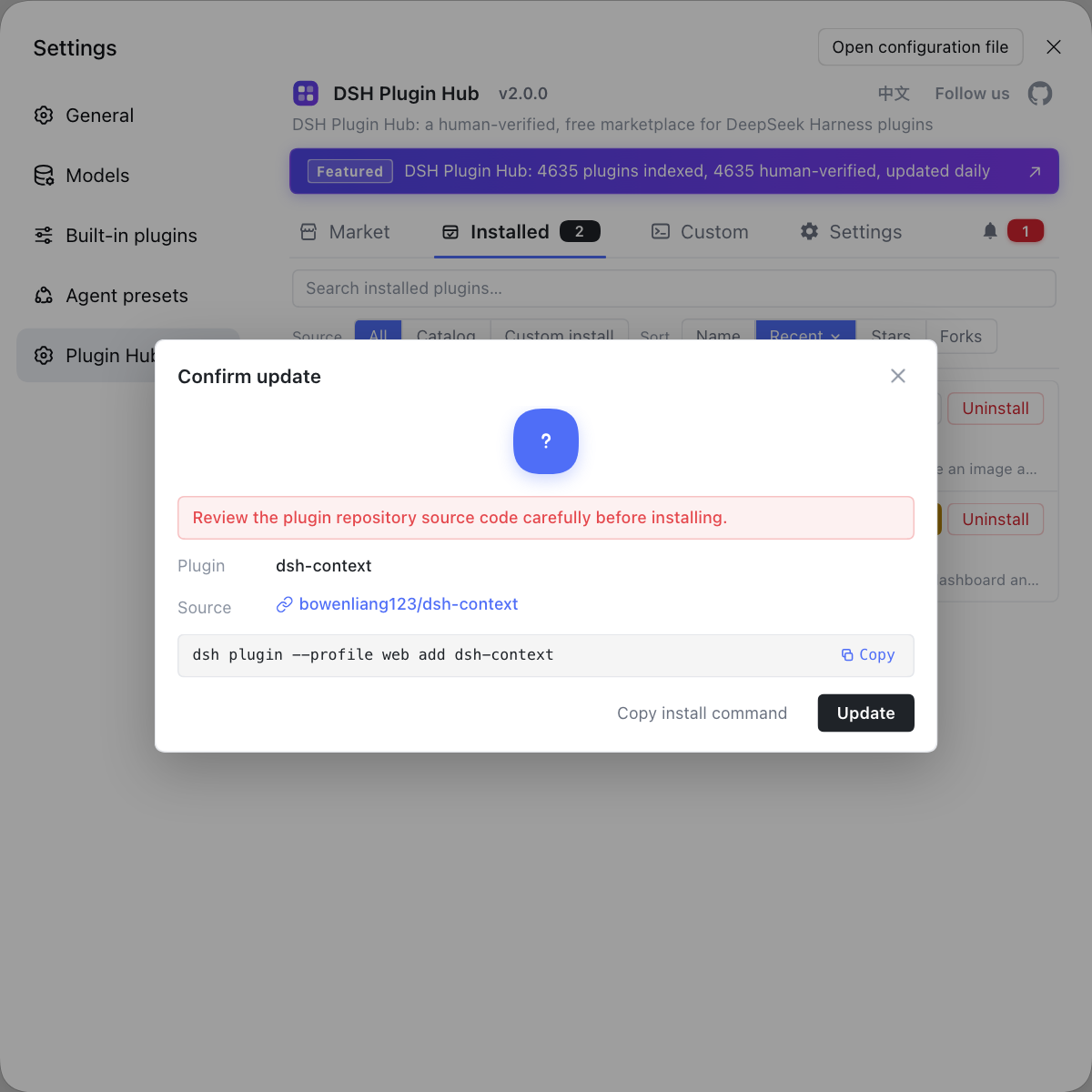
Upgrade problems are the easiest to misjudge as faults. If you want to pin down "which plugins are actually installed and at what versions" before and after an upgrade, instead of hand-typing commands everywhere use a visual plugin marketplace like DSH Plugin Hub: the installed list carries sources and versions, and install/uninstall history and system logs sit in one panel.
Source: Discussion #9598, Discussion #9428.
FAQ
After a DeepSeek Harness upgrade a batch of third-party plugins loses its UI capabilities because the upgrade deleted a public service and merged its capabilities into another, while the plugins still declare a dependency under the old name, so entries wait for that service forever. Meanwhile their HTTP routes return an empty-body unavailable code that looks like a mistyped route. In the profile patch, change the plugin's reference to the old service to the new service name (and sync the related fields) and it recovers.
To tell whether DeepSeek Harness failed to mount the plugin or the plugin's route is mistyped, look at the shape of the response body: on a mount failure the response is usually an empty-body unavailable code with no route-specific error message, while a mistyped route generally returns a response with a message or a clear error page. The discussion uses empty-body failure as the criterion for the former, which saves you from reading through the plugin code.
In DeepSeek Harness every turn fails at the assembly stage because the cwd prompt variable was intentionally removed, so any config that interpolates it in a preset or role suffix fails directly. The fix is to delete that working-directory-is-some-variable sentence from the preset and let the built-in directory context and working-directory service provide it; this change is recorded in the official docs and regression tests, so there's no need to suspect the upgrade went wrong.
These two DeepSeek Harness changes are hard to notice during an upgrade because neither shows up as a boot error — both are a silent failure or a per-turn runtime failure: the plugin one leaves entries waiting with the UI still there, easy to blame on the plugin itself; the variable one is a config-layer problem whose error text points at a variable name rather than a version. So after upgrading you should proactively check the upgrade guide rather than wait for problems.
When upgrading DeepSeek Harness to this version, check two configs: first, references to public service names in all plugins and profile patches (especially those related to network services), and second, interpolations of the prompt variable in all presets and role suffixes. The former affects whether plugins mount, the latter affects whether every turn can assemble. Also check the upgrade guide by version directory, since it may sit under an adjacent version directory.
Related Terms
- webRuntime / webStartup
- webRuntime is the public network service name that early DeepSeek Harness versions exposed to plugins; in 0.2.1-alpha.2 it is deleted and its capabilities merged into webStartup. If a plugin still declares a dependency on the old service name, its entry stays forever in the state of waiting for that service.— https://github.com/deepseek-ai/deepseek-harness/discussions/9598
- prompt variable
- A prompt variable is a placeholder that DeepSeek Harness makes available for presets to interpolate when assembling the system prompt (such as model name and provider). After a variable is removed, any preset still interpolating it fails at the assembly stage, and the error occurs before the model is called.— https://github.com/deepseek-ai/deepseek-harness/discussions/9428
- breaking change
- A breaking change is a change that requires users to update their config or code after upgrading. It is usually recorded in the upgrade guide, but if the guide's version-directory location is off, users easily miss it.— https://github.com/deepseek-ai/deepseek-harness/discussions/9598
- waiting for service
- waiting for service is one of the DeepSeek Harness plugin entry states, meaning the service dependency the entry declares is not yet available, so the plugin does not finish mounting. When a removed service name is declared, this state persists permanently.— https://github.com/deepseek-ai/deepseek-harness/discussions/9598
Sources
- #9598 — 0.2.1-alpha.2 removes the public webRuntime service, but the migration guide sits under the v0.2.1-alpha.1 directory· deepseek-ai (GitHub Discussions)
- #9428 — 0.2.1-alpha.2 regression: the agent loop no longer registers the cwd prompt variable· deepseek-ai (GitHub Discussions)