How often to update DeepSeek Harness: stable vs rc
There is no single answer to how often you should update dsh, but you can derive an actionable cadence from the release lines and the project stage: DeepSeek Harness is still in developer preview and the project states that breaking changes will arrive (source); as of 2026-10-04, npm shows latest and next both pointing at 0.2.0-rc.2, with alpha at 0.2.1-alpha.1 (source).
This article is about update frequency and the stable-versus-early trade-off, a strategy topic. For the commands and how to pin a version, see how to choose a DeepSeek Harness version; to check versions and read changelogs, see check the dsh version and changelog.
Know your release line first: latest, next and alpha
DeepSeek Harness ships several release lines through npm dist-tags, so confirm which line you are on before choosing a cadence. As of 2026-10-04, npm view @deepseek-ai/dsh dist-tags returns latest: 0.2.0-rc.2, next: 0.2.0-rc.2 and alpha: 0.2.1-alpha.1 (source). Their roles:
| Line | Current target | Role |
|---|---|---|
latest | 0.2.0-rc.2 | Official recommended line; npx @deepseek-ai/dsh web and npm update -g follow it by default |
next | 0.2.0-rc.2 | Preview line, usually exposing the next version earlier |
alpha | 0.2.1-alpha.1 | The earliest-access line, least stable |
Two facts matter here. First, latest currently points at a candidate build itself — proof that the project is still in developer preview, where latest means "officially recommended", not "fully stable GA". Second, the official README states the project is iterating quickly and that breaking changes will arrive (source). So cadence is not just about "is it new" but about "what did this release change".
An actionable cadence: three triggers
Split updates into three triggers — on demand, on a schedule, or breaking-and-security only — and pick one instead of updating whenever something new appears.
- On demand (safest) — update only when you need a specific new feature or fix. With many DSH plugins installed, or when DeepSeek Harness runs production or critical flows, this carries the least risk.
- On a schedule (balanced) — follow
latestat a fixed interval, such as every two weeks or monthly, but do not let versions pile up: jumping from a very old release to the newest makes chained incompatibilities and long debugging more likely. - Breaking-and-security only — follow the official Releases and update only when a release note mentions a security fix or a breaking change, skipping routine point releases. This suits setups that must stay highly stable.
- Set the cadence per profile — a profile on a critical flow can go on demand while a trial profile tracks more closely. Expect risk to be layered per environment instead of one cadence for all.
- Confirm which line you are on with a read-only command — run
npm view @deepseek-ai/dsh dist-tags(read-only, installs nothing). Expect to know which version a default install would pull instead of guessing.
Whatever line you pick, do two things before updating: back up the ~/.dsh/sessions data (the verdict on whether an update loses data is in does a dsh update lose data); and check in DSH Plugin Hub whether the DSH plugins you rely on support the target version.
When not to update: three moments to hold off
Hold off in three situations: right before critical work, when plugins have not caught up, and during a breaking-change window.
- Right before critical work — do not casually update ahead of a demo, a delivery or an important job. An update adds variables you cannot control, and the cost of a failure outweighs getting the new version a few days earlier.
- When plugins have not caught up — check the installed list in DSH Plugin Hub for compatibility with the target version; updating while plugins are not ready can make all of them fail to load.
- During a breaking-change window — the project has warned that breaking changes will keep landing. For an obviously large release, such as one that rebuilds the storage backend, back up and assess before you decide to upgrade.
- When switching between release lines — moving from
alphaornextback tolatestneeds a check of plugin and data-format gaps first. Expect to avoid assuming "back on the stable line" means automatically compatible. - When you have no backup or working baseline — if no backup exists and no current working version is recorded, fix those two first. Expect a way back when something breaks instead of having to tough it out.
Notes for putting the cadence into practice
- Pick the line, then the frequency — following
latest, trackingnextand tryingalphaare three different commitments; the frequency follows the line. - Back up every time — a backup is the only action that absorbs surprises, so do not skip it just because a release is a point version.
- Do not skip too many versions — steady increments are safer than saving up for one big jump.
- Verify right after updating — run the main features and confirm plugins load correctly before relying on the new version.
- Write down which line each environment follows — make the line explicit for every environment you maintain. Expect the cadence to stay clear for your future self or someone else taking over.
- Read the release note before a big jump — for an obviously large release, see what it changed before following. Expect not to upgrade into a storage-structure change just because it is the newest.
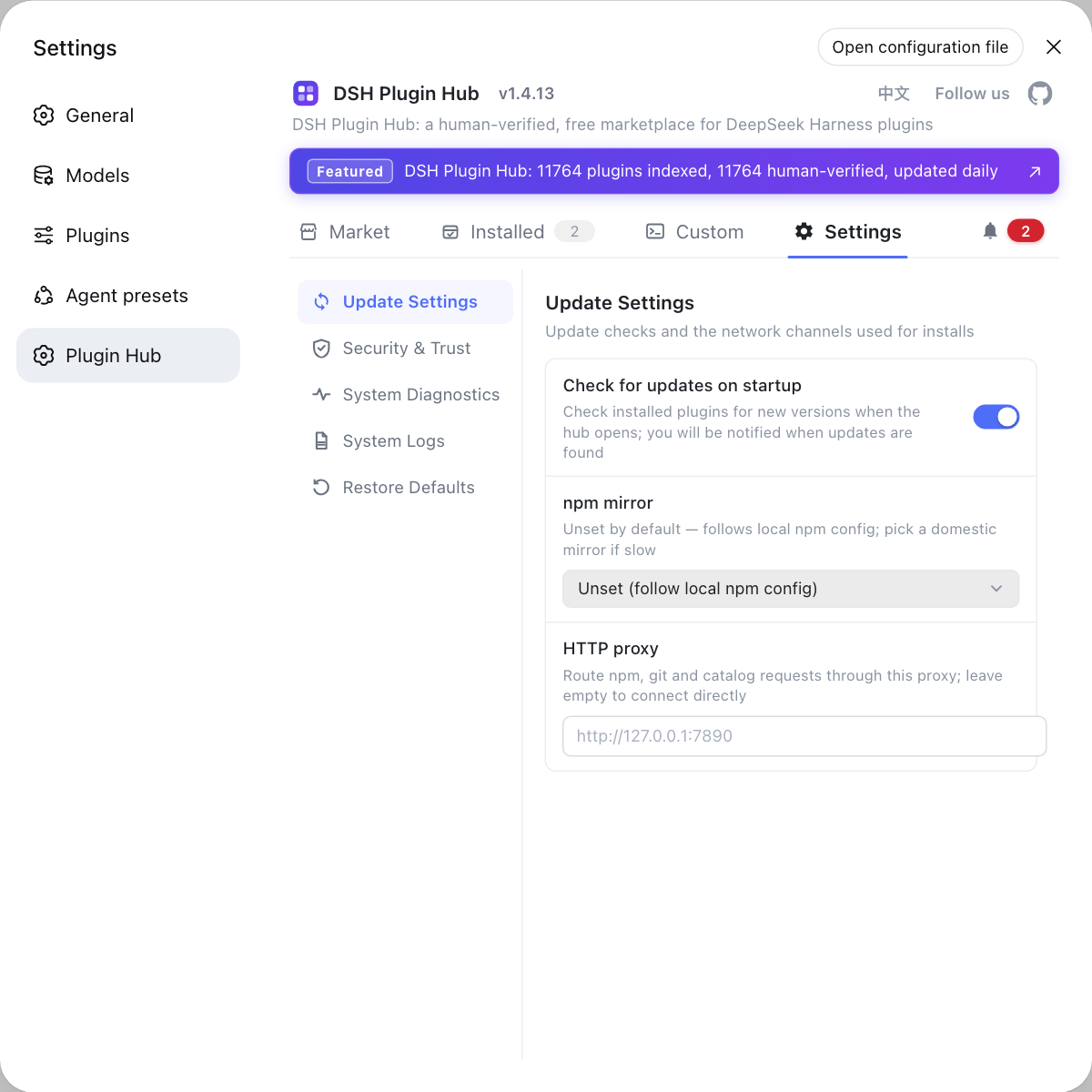
Plugins are the most easily overlooked part of the cadence: before updating DeepSeek Harness, use the settings page in DSH Plugin Hub to review update settings (check-on-start, npm mirror, proxy) so plugins keep pace with the new version in a controlled way.
Sources: DeepSeek Harness README, dsh CLI README, npm registry - @deepseek-ai/dsh
FAQ
How often you update DeepSeek Harness depends on which release line you follow. Following latest, you can update on demand or on a fixed schedule, but do not let versions pile up; with many DSH plugins installed or in production, update on demand, only when you need a specific feature or fix.
The latest tag for DeepSeek Harness is not necessarily a fully stable release. The project is still in developer preview, and as of 2026-10-04 both latest and next point at the 0.2.0-rc.2 candidate, so latest is the official recommended line, not a stable GA release.
Follow latest for stability and install rc or alpha only to try new features early. The DeepSeek Harness rc and alpha lines may change their interfaces, and alpha is further ahead; day-to-day use and many installed plugins suit latest, while plugin development or early access suits a candidate line.
You should not update dsh right before critical work, when DSH plugins have not caught up, or during a breaking-change window. The project has warned that breaking changes will keep landing, so back up session data and check plugin compatibility first so an update does not turn a working setup into a broken one.
A high DeepSeek Harness release rate does not cause problems by itself, but jumping many versions at once makes chained incompatibilities more likely. Back up before each update, verify the main features after it, and prioritize releases that carry security fixes or breaking changes.
Related Terms
- dist-tag
- A dist-tag is an alias npm attaches to a published version; DeepSeek Harness uses latest, next and alpha to expose several release lines, and npx runs plus npm update -g follow the latest tag by default.— npm registry - @deepseek-ai/dsh
- release candidate (rc)
- A release candidate is a pre-release version published before a final release, with a version like 0.2.0-rc.2. DeepSeek Harness ships several rc builds during its developer preview, and interfaces may change between one rc and the next.— dsh CLI README (entry modes and Profile)
- alpha
- The alpha line is DeepSeek Harness's earliest-access release line, ahead of rc, and maps to the npm alpha tag; as of 2026-10-04 the alpha tag points at 0.2.1-alpha.1.— npm registry - @deepseek-ai/dsh
- developer preview
- Developer preview is the stage DeepSeek Harness is currently in; the project states that it will keep iterating quickly and that breaking changes will arrive, so the update cadence has to fit that stage.— DeepSeek Harness README (developer preview notice)